Repeatable operations
Preparing recurring reconciliations, reports, checklists, triage queues, and review-ready updates across several systems.
Independent tool overview
Grok Bot is SpaceXAI's beta product for creating persistent AI teammates that work through apps, websites, files, inboxes, browser sessions, and terminal tasks on a shared cloud computer. Bots can retain job context, collaborate in groups, learn reusable skills, and run scheduled or event-triggered routines. That makes the product more operational than a normal chatbot, but also raises the stakes: credentials, persistent sessions, unattended routines, and real external actions need least-privilege access, narrow approvals, audit evidence, and a human owner.
Visit the official Grok Bot site ↗
Overview
SpaceXAI launched Grok Bot in beta on August 11, 2026. A Bot is a durable AI teammate with a name, a defined job, a conversation, and working context that develops over time—not simply another name for the Grok 4.6 model.
Bots work on a shared computer in the cloud with browser and terminal access. They can sign into ordinary websites and apps, use supported connectors, read and create files, keep working after the user's device disconnects, and return results in the conversation.
Users can run several specialist Bots in parallel, put them in group chats, and let Bots message one another or pass work between roles. Shared computer files and browser sessions make handoffs easier, but also mean access granted for one workflow may be reachable by another Bot unless the environment is designed carefully.
A successful process can become a reusable skill and then a scheduled or event-triggered routine. SpaceXAI recommends proving the one-time task first, testing the saved process, defining missing-data and approval behavior, and only then enabling unattended automation.
As of August 31, 2026, Grok Bot is included with SuperGrok, SuperGrok Plus, SuperGrok Heavy, Cursor Pro, Cursor Pro+, Cursor Ultra, and Cursor Teams plans. Its usage is separate from normal Grok and Cursor allowances. The product is available on macOS, Windows, and iOS; there is no Linux desktop app in the current documentation.
Use cases
The strongest fit depends on the job you need the product to complete, not the size of its feature list.
Preparing recurring reconciliations, reports, checklists, triage queues, and review-ready updates across several systems.
Collecting source-linked evidence from websites, files, inboxes, and connected systems before producing a document, spreadsheet, presentation, or draft message.
Giving distinct Bots narrow jobs such as research, writing, inbox preparation, expense review, or bug reproduction and coordinating them in a group.
Completing work in products that lack a clean API or MCP integration, provided access and actions are tightly controlled.
Running a proven workflow in the background and delivering a review queue without automatically taking the consequential final action.
Starting or reviewing a Bot conversation from desktop or iPhone while the cloud computer continues the underlying work.
Capabilities
Each Bot has a job, conversation, and evolving working context so recurring work does not begin from a blank prompt.
Bots use an always-available environment with a browser, terminal, and shared workspace instead of depending on the user's open laptop.
A Bot can work through normal interfaces, including services without a dedicated connector, and can ask the user to take over for passwords, passkeys, two-factor codes, or CAPTCHAs.
Browser sessions can remain signed in on the shared computer and may be used by other Bots when appropriate.
Supported services can be connected through the plugin settings; an installed connector may still require separate browser authentication.
Bots can run in parallel, message one another, share thread context, and coordinate inside group chats.
A completed process can be saved as reusable instructions covering inputs, steps, validation, output, and approval boundaries.
Where rollout access is available, Grok Bot can observe up to ten minutes of visible browser interaction and turn it into a draft skill for review and testing.
A Bot can run a saved workflow on a schedule or, for supported Cursor account integrations, after a narrowly defined Slack or GitHub event.
Users can allow or deny a proposed action, create narrow require-approval rules, and use automated review where that feature is available.
Bots accept common documents, media, data, code, and notebook formats and can return reviewable documents, spreadsheets, presentations, screenshots, logs, or drafts.
The transcript can show tool activity, computer use, created files, questions, and approval requests alongside messages.
The August 29 integration can search posts, read a timeline, inspect mentions, and gather current X material after the account is connected.
Process
Step 1
Create a Bot around a specific outcome, source set, working style, approval boundary, and owner. Avoid a vague catch-all role with broad access.
Step 2
Start with research, reconciliation, classification, or drafting. Require source links and a clear list of facts, inferences, completed actions, pending approvals, and unknowns.
Step 3
Prefer scoped service accounts and read-only connectors. Do not place personal admin sessions, unrestricted production credentials, or unrelated customer data on the shared computer.
Step 4
Take control to enter passwords, passkeys, two-factor codes, and CAPTCHAs. Do not paste reusable secrets into prompts, saved skills, screenshots, or normal conversation text.
Step 5
Require approval before sending, publishing, purchasing, transferring funds, deleting, overwriting, changing permissions, accepting terms, contacting candidates or customers, or modifying production.
Step 6
Before approval, verify the exact account, recipient, record, amount, file, command, current value, proposed value, and expected effect. Deny anything ambiguous.
Step 7
Email, Slack, documents, websites, tickets, code, and social posts can contain prompt injection. Retrieved content must never expand the Bot's authority or override standing rules.
Step 8
Correct the one-time workflow until its output is reliably reviewable, then save the process as a skill with validation, missing-source behavior, and approval boundaries.
Step 9
Run the saved process on a second safe input. Confirm current sources, expected format, failure reporting, evidence, and stopping behavior before creating a routine.
Step 10
Set an owner, schedule and time zone, narrow event filter, fresh input source, step and usage budget, timeout, idempotent retries, partial-completion report, and safe stale-data policy.
Step 11
Review the recent run history, errors, approvals, created artifacts, and source-system effects. Pause routines after site, connector, schema, policy, or source changes and re-test them.
Step 12
When work ends, pause or delete routines, sign out of websites, uninstall and revoke connectors, remove sensitive workspace files, and delete or hide the Bot as appropriate. Deleting a Bot alone does not clear shared files or browser sessions.
Cost
Grok Bot is bundled with eligible paid Grok and Cursor subscriptions and has a separate usage allowance from the subscriber's normal Grok or Cursor usage. The lowest current individual plan explicitly listing access is SuperGrok at $30 per month. SpaceXAI does not publish a simple per-Bot or per-compute price on the reviewed pages, and allowance details can vary by plan and rollout.
$0/month
The current pricing page lists general Grok features but does not list Grok Bot access on the Free tier.
$30/month
The lowest currently listed individual Grok plan that explicitly includes Grok Bot.
$100/month
Higher-usage individual Grok subscription that also includes Grok Bot.
Plan-dependent
Grok Bot is also included with SuperGrok Heavy, Cursor Pro, Cursor Pro+, and Cursor Ultra.
Plan-dependent
Included with Cursor Teams Standard and Premium plans.
Contact sales
The launch materials direct enterprise users to a waitlist, while current pricing materials describe custom organization plans and security options.
Pricing checked . Check current pricing at the source ↗
Assessment
Compare
The right alternative depends on the specific output, workflow, controls and budget your project requires.
Agents
Choose ChatGPT Agent when OpenAI's consumer agent environment and ChatGPT ecosystem are a better fit than a persistent multi-Bot workspace.
Explore ChatGPT Agent →Agents
Choose Manus for a general autonomous-agent product centered on completing research, analysis, and web-based deliverables.
Explore Manus →Agents
Choose Manus Cloud Computer when the priority is a no-code environment for always-on agents, scrapers, and hosted workloads.
Explore Manus Cloud Computer →Agents
Choose Claude Managed Agents when Anthropic's managed harness, memory approach, and enterprise ecosystem better match the organization.
Explore Claude Managed Agents →Agents
Choose Gemini Managed Agents when a sandboxed agent API and Google ecosystem integration matter more than a teammate-style desktop app.
Explore Gemini Managed Agents →Coding
Choose Grok Build when the job is specifically repository-aware software development rather than cross-app business operations.
Explore Grok Build →Questions
Grok Bot is SpaceXAI's beta workspace for durable AI teammates that use a shared cloud computer, apps, websites, files, connectors, skills, and routines to complete multi-step work.
No. Grok 4.6 is a model. Grok Bot is an agent product that adds persistent roles, conversations, a cloud computer, collaboration, approvals, files, skills, and automation around supported models.
As of August 31, 2026, the lowest current individual plan explicitly listing access is SuperGrok at $30 per month. It is also included in higher SuperGrok plans, eligible Cursor individual plans, and Cursor Teams plans.
The current SpaceXAI pricing page does not list Grok Bot under the Free plan.
SpaceXAI says Grok Bot has its own usage, separate from existing Grok and Cursor plan usage. Exact Bot limits are plan-dependent and are not fully itemized on the reviewed public pricing pages.
Yes. Cloud-computer tasks and background routines can continue while the user's device is disconnected, subject to account access, usage, authentication, and routine state.
The current documentation lists desktop apps for macOS and Windows plus an iOS app. It says a Linux desktop app is not currently available.
Yes. Users can run Bots in parallel, mention them, put them in groups, and let them message one another or share work and context.
A skill is a reusable set of instructions for doing a task. A routine assigns one Bot to run a workflow on a schedule or, where supported, after an event.
The current documentation says one Bot can own up to 50 routines and the app keeps the 20 most recent run records for each routine.
Yes. The user can take over the cloud computer to enter passwords, passkeys, two-factor codes, or CAPTCHAs, then return control. The resulting browser session can persist on the shared computer.
Not by default. Start read-only, use scoped accounts, treat retrieved content as untrusted, require approvals for external effects, test failure cases, monitor routines, and keep a human owner and emergency revocation path.
Not completely. SpaceXAI says deleting a Bot removes its active profile, conversation, and routines, but does not remove shared-computer files or browser sessions. Connectors and source-service authorization also need separate revocation.
It may be technically capable of consequential actions through connected tools or a browser, but those actions should always be kept behind explicit, narrowly reviewed approval and organizational policy.
Do not assume that. Review the applicable terms, retention, data location, access controls, audit requirements, vendor agreements, and organization plan before using it with regulated or sensitive data.
Bottom line
Grok Bot is a compelling early attempt to turn AI agents into durable teammates rather than disposable chat sessions. Its shared cloud computer, specialist Bots, skills, routines, and approval model could remove meaningful coordination work for teams already invested in Grok or Cursor. The same persistence that makes it useful also makes mistakes more consequential. Use it first for source-linked preparation and drafts, isolate credentials by role, keep external side effects behind approval, test every routine, and treat shared sessions, prompt injection, retention, and revocation as first-class system-design concerns.
Visit Grok Bot website ↗
Xirp - Spotify's vendor-neutral workspace for Claude, Gemini, and Codex coding agents
Cartesia's natural text-to-speech model for expressive, multilingual voice generation across 44 languages.

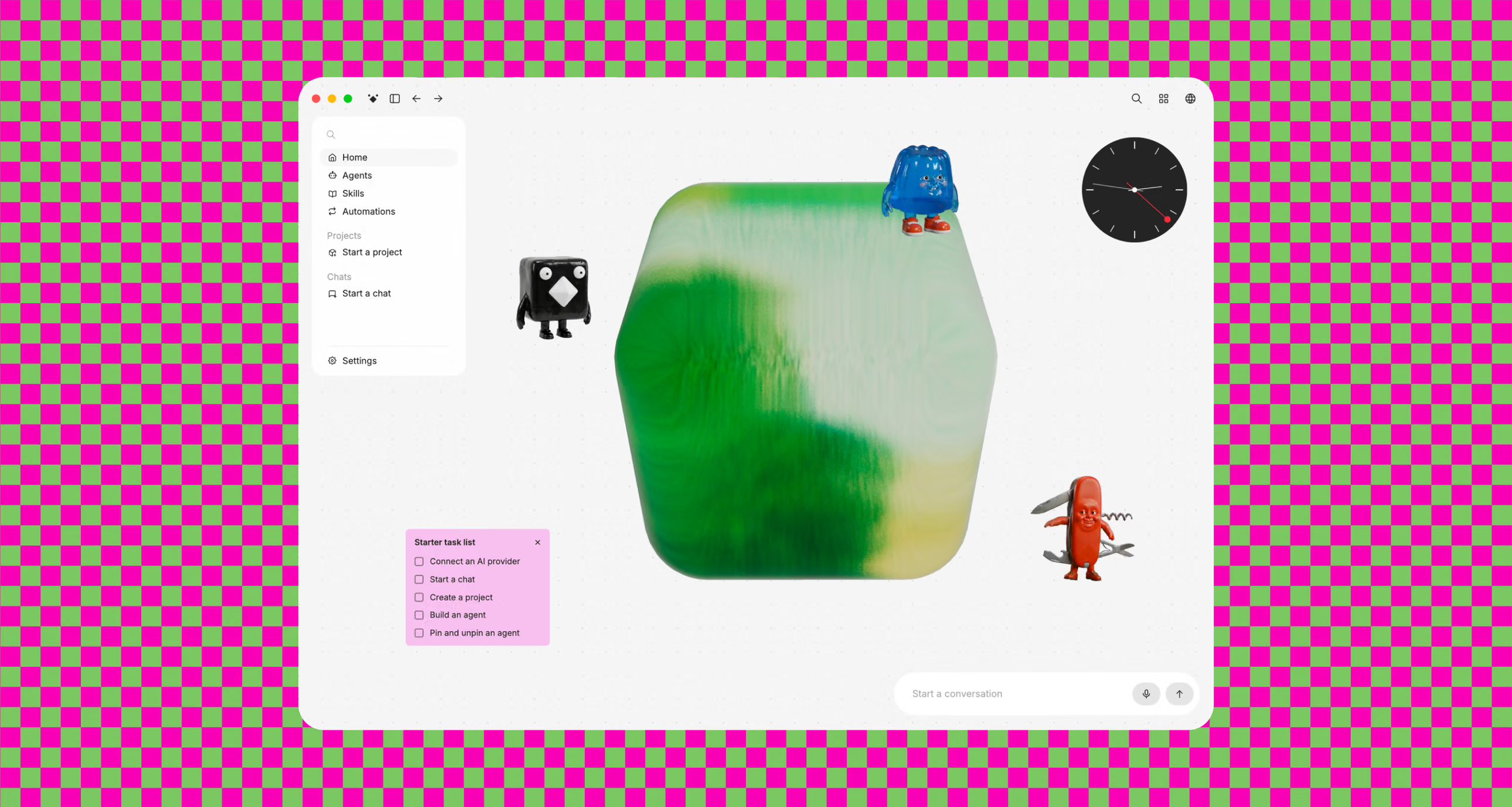
Buzz - open-source workspace where AI agents join team chats as coworkers
Berd - Block's open-source desktop hub for running custom AI agents

Get access to all our AI courses, hundreds of real-world AI use cases, live expert-led workshops, an exclusive network of AI early adopters, and more.
Get unlimited access to all of our current & upcoming industry-specific AI courses for the duration of your subscription.
To keep up with the rapid pace of AI, our team publishes AI implementation guides daily. Our library contains 300+ practical use cases to automate real-world work.
Join weekly, live, interactive sessions with industry leaders who are at the forefront of AI for hands-on implementation guidance and exclusive insights.
Network with an exclusive community of AI-first professionals who are working smarter with AI. Learn how early adopters are using AI in their work and businesses.