Always-on bots
Running lightweight Discord, Telegram, Slack or customer-service bots that need a persistent process and monitored restart behavior.
Independent tool overview
Manus Cloud Computer is an active, persistent Ubuntu 24.04 LTS virtual machine that Manus can configure and operate from plain-English instructions. It is built for always-on bots, scheduled scripts, APIs, websites and databases rather than one-off tasks. Current monthly plans cost $10, $30 or $50 and include a dedicated public IP, with 1 GB, 4 GB or 8 GB of RAM. The convenient agent interface does not remove normal server-operations work: anything exposed to the internet still needs authentication, firewall rules, secret management, dependency patching, monitoring and tested backups. Working files are deleted if the Cloud Computer subscription ends, so it should never be the only copy of important code or data.
Visit the official Manus Cloud Computer site ↗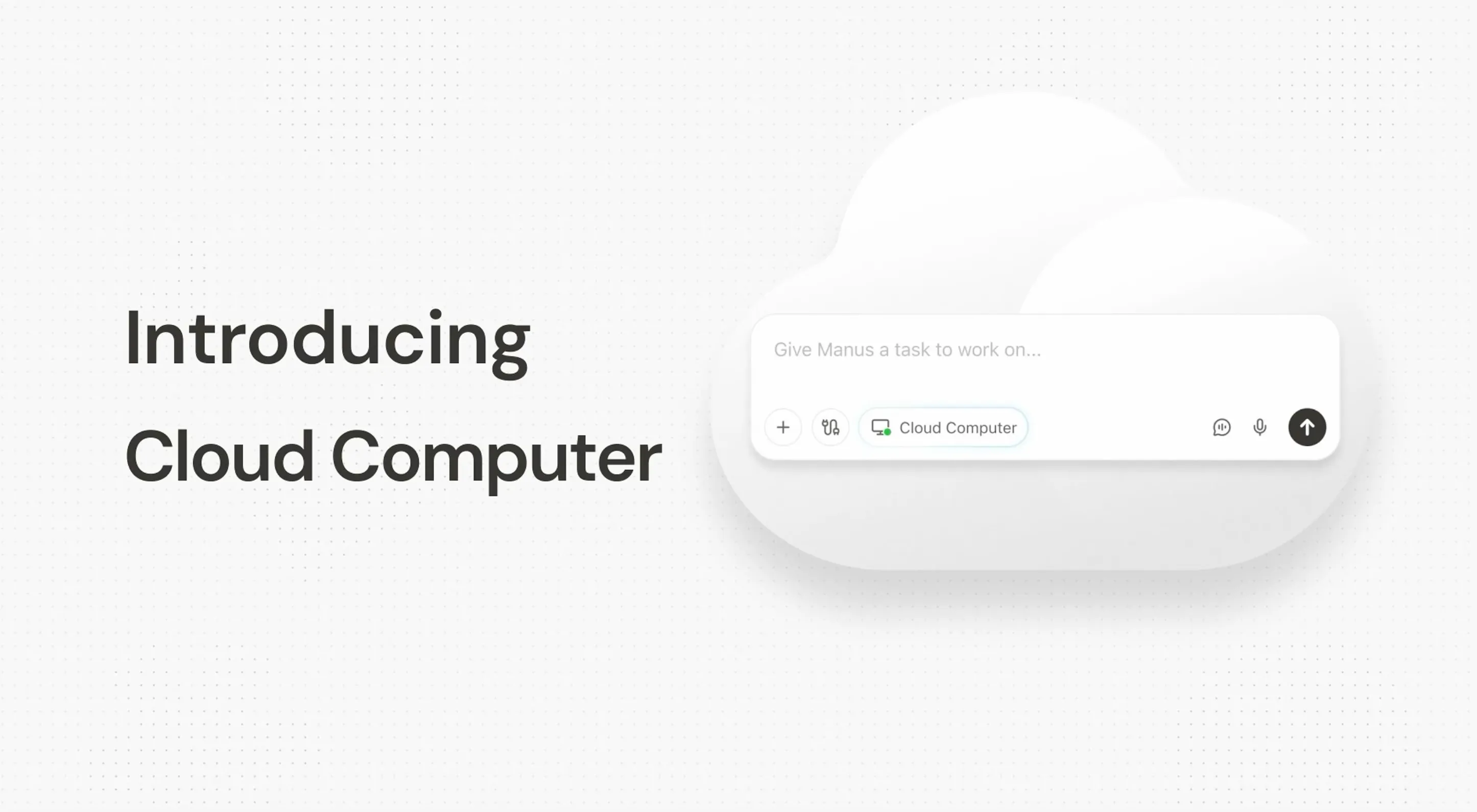
Overview
Manus Cloud Computer is a dedicated, persistent cloud server that stays available between Manus sessions. Unlike the standard temporary sandbox, its files, installed packages and running processes remain in place, allowing a bot, scraper, website, API or database to operate continuously.
The server runs Ubuntu Server 24.04 LTS and is command-line only. Users can describe an outcome in Manus chat, open a browser terminal or connect directly over SSH; there is no Windows- or macOS-style graphical desktop.
Manus may suggest or assign the Cloud Computer when a task needs continuous uptime, but ordinary tasks still begin in a temporary sandbox. Users can also create a machine manually under Settings > My Computer, choose a plan, location and storage, and monitor CPU, memory and disk usage.
The product is useful for people who want the flexibility of a general-purpose Linux server without manually provisioning one. Manus can install open-source software, write and run scripts, configure services and return to the same environment later.
Its public IP makes production hosting possible but also creates a real attack surface. Generated code and configuration should be reviewed, services should expose only required ports, SSH and application credentials should be protected, and databases or Home Assistant installations should not be made publicly reachable by default.
Cloud Computer is isolated from the user's physical computer and cannot access local files unless those files are deliberately transferred. That protects the local device from automatic access, but it does not make data uploaded to the cloud machine risk-free.
Official pricing checked August 31, 2026 is $10 per month for Basic, $30 per month for Standard and $50 per month for Advanced. All three have 2 vCPUs and a dedicated public IP; RAM and storage rise from 1 GB and 35 GB to 8 GB and 120 GB.
Upgrading restarts the virtual machine, briefly pausing workloads. If payment lapses, Manus says the VM shuts down and its working files, installed tools and databases are deleted; final outputs already delivered in chat remain available.
The official documentation recommends backing up critical files and databases locally or to another cloud provider before cancellation. Production users should maintain independent, automated backups continuously and test restoration rather than waiting until cancellation.
Manus has also published account-specific service-change and restoration notices in 2026. Anyone who received such a notice should follow the instructions in their own account and verify the restored instance, public address, processes, certificates, firewall rules, credentials and dependent services before reopening production traffic.
Use cases
The strongest fit depends on the job you need the product to complete, not the size of its feature list.
Running lightweight Discord, Telegram, Slack or customer-service bots that need a persistent process and monitored restart behavior.
Operating approved reporting scripts, data transforms and permitted web collection on a recurring schedule.
Hosting prototypes or modest production services when the owner is prepared to manage authentication, backups, patching, logging and uptime.
Installing command-line or web-based software such as Metabase or WordPress without manually provisioning a separate VM.
People who can describe the desired outcome but still have a technically responsible reviewer validate generated code and infrastructure.
Work that needs files, packages, databases and processes to remain available across separate Manus sessions.
Capabilities
Keeps files, installed packages and processes between tasks instead of discarding the environment after a session.
Runs bots, scripts, websites, APIs, databases and scheduled jobs while the user's laptop is off.
Lets users ask Manus to install, configure, inspect or update software without typing every command themselves.
Manus can choose the Cloud Computer for a task that needs persistence while leaving one-off work in a temporary sandbox.
Provides command-line access from the Manus dashboard for inspection and manual intervention.
Allows developers to connect with their own terminal using the credentials shown in Cloud Computer settings.
Gives each published plan an internet-routable address for hosting services, with the corresponding security responsibility.
Shows CPU, memory and storage usage so users can diagnose pressure or decide whether to upgrade.
Lets users choose Basic, Standard or Advanced resources and select a server location during setup.
Runs independently of the user's physical computer and cannot automatically access local files.
Manus says the Cloud Computer can be directed through its web and mobile experiences.
Process
Step 1
Use the temporary sandbox for one-off work, Manus Desktop for deliberately authorized local files and Cloud Computer only when the task needs persistent storage or uptime.
Step 2
Start from measured CPU, memory, storage and traffic needs rather than the complexity of the prompt; 1 GB RAM is only appropriate for light processes.
Step 3
Consider latency, contractual requirements and where personal or regulated data may be stored before choosing the server location.
Step 4
Tell Manus the runtime, dependencies, ports, domain, authentication, data stores, backup destination and acceptance tests instead of asking only to make an app live.
Step 5
Use environment variables or a proper secrets service, never hard-code tokens into source or prompts, rotate exposed credentials and give each integration the least privilege needed.
Step 6
Close unused ports, restrict SSH, require HTTPS and authentication, avoid exposing databases directly and place sensitive home or internal services behind a VPN or approved access layer.
Step 7
Inspect code, packages, install scripts and system configuration before production. Run dependency, secret and vulnerability checks and test authorization boundaries.
Step 8
For scrapers, confirm permission, site terms, robots guidance, privacy obligations and rate limits; do not bypass logins, CAPTCHAs, paywalls or technical access controls.
Step 9
Use a process manager, health checks, structured logs, alerts, rate limiting, resource ceilings and a rollback procedure. A claim of 24/7 hosting is not an uptime guarantee.
Step 10
Schedule encrypted off-machine backups for files and databases, retain source in version control, and perform a real restore test before relying on the service.
Step 11
Watch CPU, memory, disk, errors and spend; update Ubuntu and dependencies promptly and verify the application after every agent change or plan upgrade.
Step 12
Download code, configuration, secrets inventory and data, verify the external copy, move workloads if needed and only then end the subscription because VM working files are deleted.
Cost
Official Cloud Computer pricing checked August 31, 2026 is billed monthly at $10 for Basic, $30 for Standard and $50 for Advanced. All plans list 2 vCPUs, Ubuntu Server 24.04 LTS and a dedicated public IP. The documentation does not state bandwidth allowances, overage rules, service-level commitments, backup inclusion or taxes on the public plan article, so verify those details in the purchase flow before deploying production workloads.
$10/month
Lightweight persistent workloads such as simple Python scripts, basic bots and scheduled scrapers.
$30/month
The officially recommended tier for active websites, APIs and open-source applications such as WordPress or Metabase.
$50/month
Higher-memory workloads, team databases and applications with greater resource needs.
Pricing checked . Check current pricing at the source ↗
Assessment
Compare
The right alternative depends on the specific output, workflow, controls and budget your project requires.
Coding
Better for an integrated browser IDE and agent-assisted app development when collaborative coding and deployment matter more than managing a general Ubuntu server.
Explore Replit Agent →Coding
Better for quickly generating and iterating on full-stack web applications through a visual product-building workflow.
Explore Lovable →Coding
Better for rapid browser-based app prototypes that combine natural-language generation with an editable development environment.
Explore Bolt.new →Design
Better for generating polished React interfaces and deploying web experiences within the Vercel ecosystem.
Explore Vercel v0 →Questions
It is a persistent Ubuntu 24.04 LTS virtual machine that Manus can configure and operate for always-on bots, scripts, websites, APIs, databases and scheduled work.
Yes. Manus's current product page and Help Center document setup, access, troubleshooting and paid plans as of August 31, 2026.
The official monthly prices are $10 for Basic, $30 for Standard and $50 for Advanced. Taxes and any terms not shown in the Help Center should be verified in the purchase flow.
All three list 2 vCPUs and a dedicated public IP. Basic has 1 GB RAM and 35 GB storage, Standard has 4 GB and 70 GB, and Advanced has 8 GB and 120 GB.
The normal sandbox is temporary and intended for one-off tasks. Cloud Computer retains its file system, installed tools and running processes between sessions.
Manus Desktop works through deliberately authorized resources on the user's physical computer. Cloud Computer is an isolated server in Manus's cloud and cannot automatically access local files.
You can direct setup in plain English, but production systems still need someone capable of reviewing code, Linux configuration, authentication, networking, backups and security.
Yes. Manus documents both a built-in web terminal and SSH credentials available from the Cloud Computer settings.
No. It is a command-line Ubuntu Server environment, although Manus can operate it from chat.
Yes, especially on Standard or Advanced, but add HTTPS, authentication, firewall rules, secret management, monitoring, backups, load testing and a recovery plan before sending real traffic.
Only with proper controls. Do not expose the database port publicly; use least-privilege accounts, encryption, access restrictions, independent backups, restore tests and required compliance review.
Technically yes, but only collect data you are authorized to access and comply with site terms, robots guidance, rate limits, privacy obligations and applicable law. Do not bypass authentication or access controls.
The VM restarts to apply the added resources, briefly pausing active sites, bots and scripts before they resume.
Manus says the persistent VM shuts down and its working files, installed tools and databases are deleted. Export and verify independent backups before ending the plan.
The public plan article does not document an included automated-backup service or a formal uptime SLA. Treat both as your responsibility unless the checkout or contract explicitly says otherwise.
Bottom line
Manus Cloud Computer is a practical bridge between a disposable AI workspace and a conventional Linux VM. It is strongest for small persistent automations and services whose owners want Manus to handle much of the setup while retaining terminal and SSH access. The pricing is straightforward, but the product should not be treated as server operations on autopilot. Use it only with independent backups, reviewed code, narrow network exposure, protected secrets, monitoring and a named human owner. For a visual app-building workflow, Replit Agent, Lovable or Bolt may be easier; for flexible always-on Ubuntu hosting directed through an agent, Manus Cloud Computer is the closer fit.
Visit Manus Cloud Computer website ↗
Workflows - Mistral's enterprise tool for chaining AI agents into multi-step business processes

Link - Stripe's new payment wallet for AI bots with human approval on every purchase

Grok Voice Think Fast 1.0 - xAI's new voice agent with background reasoning and tool calling for complex support workflows
Codex Pets - OpenAI's animated companions for tracking active Codex work from a floating overlay

Get access to all our AI courses, hundreds of real-world AI use cases, live expert-led workshops, an exclusive network of AI early adopters, and more.
Get unlimited access to all of our current & upcoming industry-specific AI courses for the duration of your subscription.
To keep up with the rapid pace of AI, our team publishes AI implementation guides daily. Our library contains 300+ practical use cases to automate real-world work.
Join weekly, live, interactive sessions with industry leaders who are at the forefront of AI for hands-on implementation guidance and exclusive insights.
Network with an exclusive community of AI-first professionals who are working smarter with AI. Learn how early adopters are using AI in their work and businesses.