Repository-scale coding work
Developers delegating multi-file features, refactors, debugging, tests and code review from the terminal.
Independent tool overview
Grok Build is SpaceXAI's open-source terminal coding agent, combining an interactive TUI with plan review, repository tools, parallel subagents and headless or ACP integrations.
Visit the official Grok Build site ↗
Overview
Grok Build runs in a developer's terminal and can inspect a repository, edit files, execute commands, search documentation, work with Git and manage longer coding tasks. The hosted experience currently defaults to Grok 4.6, while the open-source harness can point to other hosted or local model endpoints.
The workflow emphasizes reviewable agent work. Plan mode explores the codebase and proposes an implementation before editing; approved changes appear as diffs, and larger tasks can be delegated to subagents in parallel or isolated worktrees.
SpaceXAI released the Rust-based agent harness and TUI under the Apache 2.0 license in July 2026. Prebuilt binaries remain the easiest route, but developers can inspect or compile the harness and configure custom inference independently.
Use cases
The strongest fit depends on the job you need the product to complete, not the size of its feature list.
Developers delegating multi-file features, refactors, debugging, tests and code review from the terminal.
Teams embedding a coding agent into CI, bots or internal tools through headless output and ACP.
Users standardizing AGENTS.md rules, skills, hooks, plugins, MCP servers and custom model endpoints across projects.
Capabilities
Separates codebase exploration and implementation planning from edits, then presents approved changes as readable diffs.
Delegates independent work to specialized agents and can isolate concurrent changes in Git worktrees.
Searches code, edits multiple files, runs shell commands, executes builds and tests and works with Git.
Loads reusable skills, project instructions, plugins, lifecycle hooks and MCP servers for external systems.
Returns structured streaming output for scripts or runs as an Agent Client Protocol process inside compatible editors and apps.
Supports OpenAI-compatible Chat Completions or Responses endpoints and Anthropic Messages endpoints, including local inference.
Process
Step 1
Start with a clean worktree, review discovered instructions and permissions and ask the agent to explain its intended scope.
Step 2
Use plan mode for ambiguous work, comment on risky steps and keep command approval enabled for consequential actions.
Step 3
Inspect every changed file, execute the project's tests and security checks and keep deployment or destructive actions under human control.
Cost
Grok Build can be tried on SpaceXAI's free plan with usage limits. SuperGrok costs $30 per month and SuperGrok Plus costs $100 per month for higher shared limits. Developers using an xAI API key pay model and tool usage separately; Grok 4.6 is currently $2 per million input tokens and $6 per million output tokens. The open-source harness itself has no license fee.
$0
Limited hosted access for trying Grok and Grok Build.
$30/month
Paid individual access with higher limits and frontier models.
$100/month
Higher-volume individual tier with priority access.
$2 input / $6 output per 1M tokens
Usage-based authentication for CI, headless automation and custom Grok Build configurations.
Pricing checked . Check current pricing at the source ↗
Assessment
Compare
The right alternative depends on the specific output, workflow, controls and budget your project requires.
Coding
Choose Claude Code for Anthropic's terminal coding workflow and Claude-specific context and tool behavior.
Explore Claude Code →Coding
Choose Codex for OpenAI's coding-agent ecosystem across terminal, app and cloud workflows.
Explore Codex →Coding
Choose Cursor when an IDE-centered experience with inline editing and visual multi-agent workflows matters more than a terminal-first TUI.
Explore Cursor →Questions
Grok Build is SpaceXAI's terminal coding agent and open-source harness for planning, editing, running commands, testing and coordinating subagents across a codebase.
It is available to try on SpaceXAI's free plan with limits, and the harness source is licensed under Apache 2.0. Hosted model usage, APIs or local compute can still cost money.
The current official documentation identifies Grok 4.6 as the default hosted model. Grok Build can also be configured to use custom OpenAI-compatible, Anthropic-compatible or local endpoints.
Yes. Headless mode supports prompts and structured output for scripts and CI, and API-key authentication is available for non-interactive environments.
It includes permissions and sandbox controls, but automatic approval increases risk. Keep sensitive credentials scoped, deny destructive actions and review changes before merging or deploying.
Bottom line
Grok Build is a credible option for developers who prefer a terminal-first agent and want an inspectable, extensible harness. The open-source release and custom-model support are meaningful differentiators, but the right evaluation is a real repository task with strict permissions, measured token use and a careful comparison of diff quality against other coding agents.
Visit Grok Build website ↗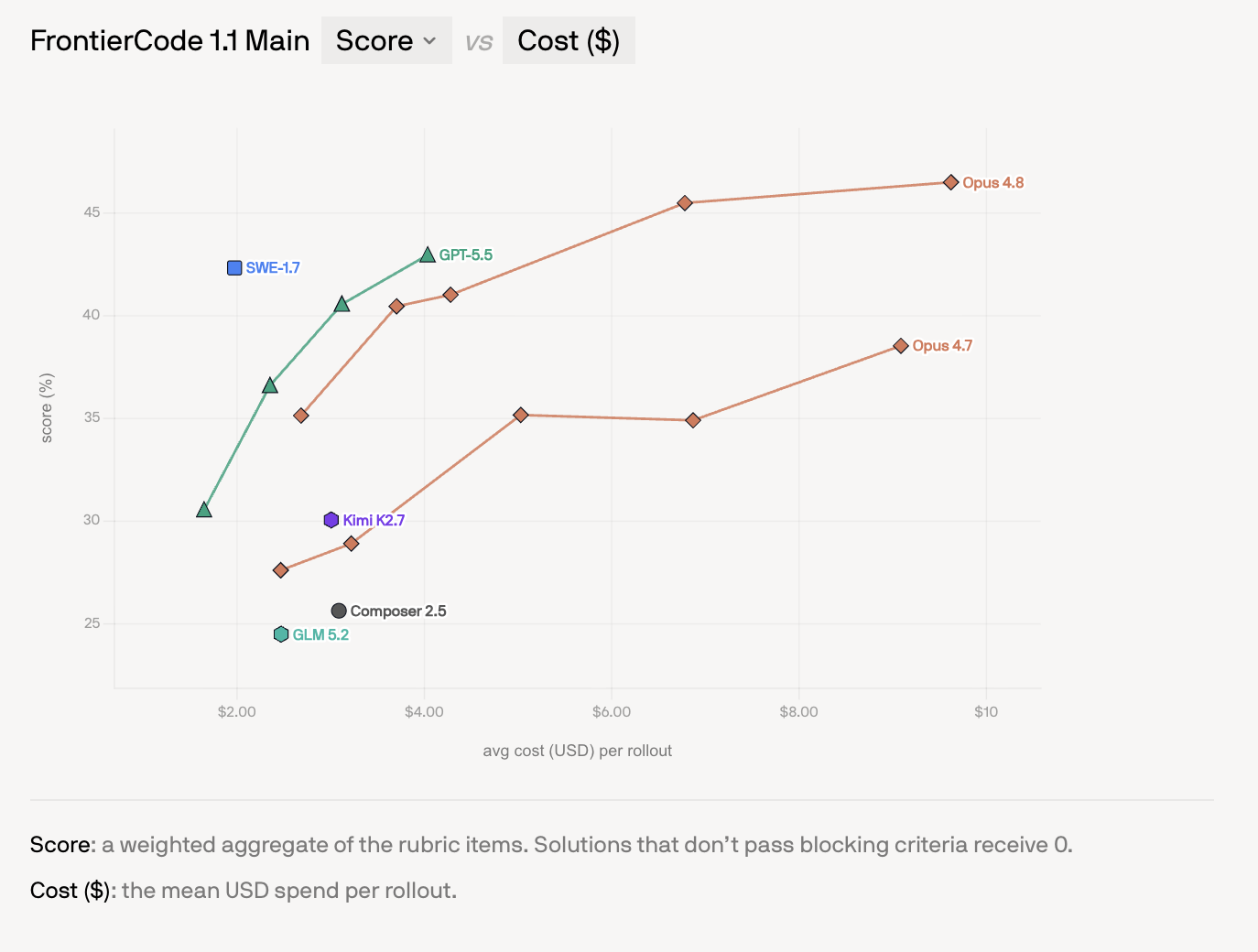
SWE-1.7 - Cognition's cheap, near-frontier coding model
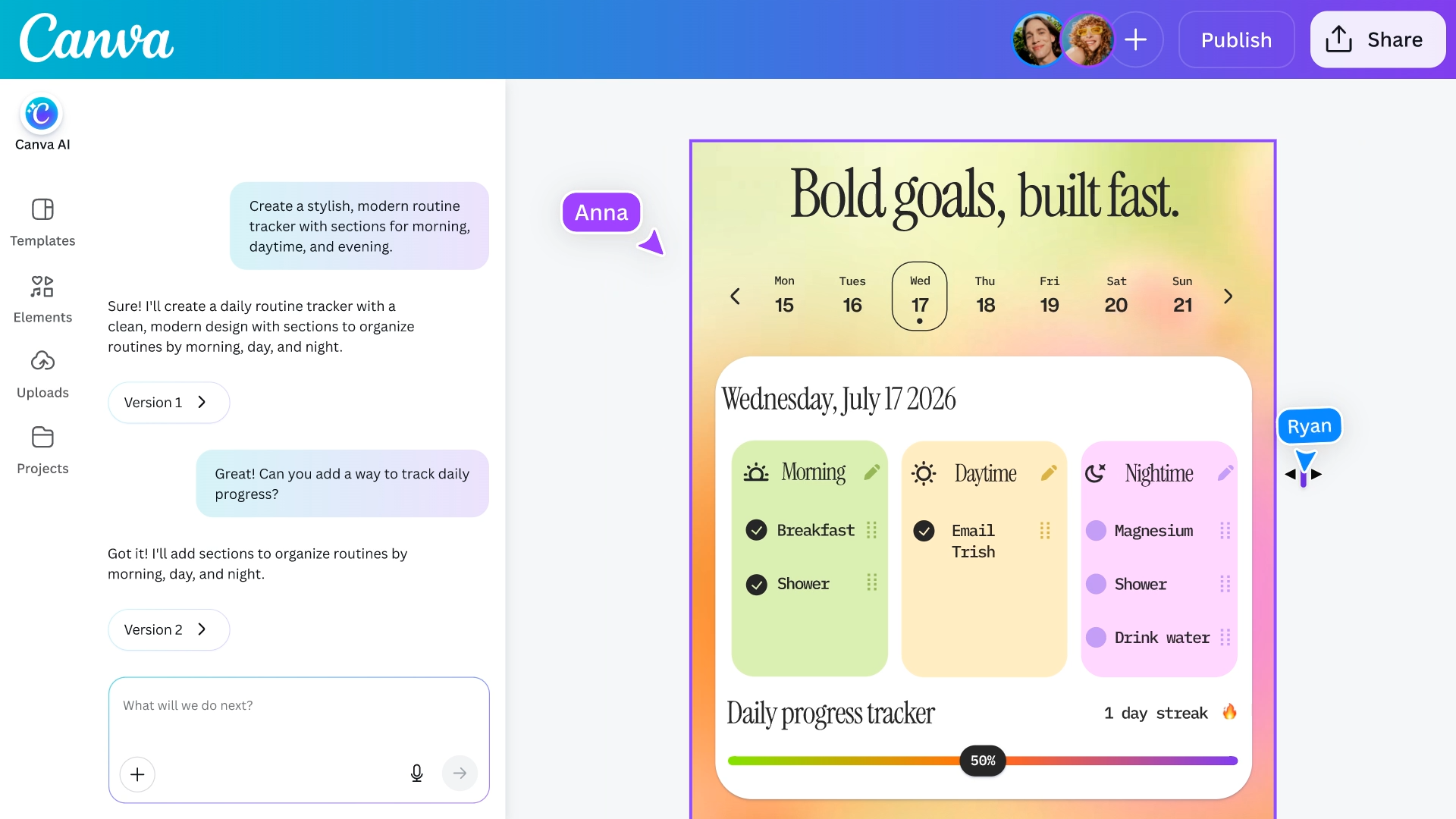
Canva Code 2.0 - Canva's vibe-coding tool with drag-and-drop editing

ZCode - Z.ai's agentic coding environment tuned for GLM-5.2

LM Bionic - LM Studio's local-first agent that codes and edits docs using open models

Get access to all our AI courses, hundreds of real-world AI use cases, live expert-led workshops, an exclusive network of AI early adopters, and more.
Get unlimited access to all of our current & upcoming industry-specific AI courses for the duration of your subscription.
To keep up with the rapid pace of AI, our team publishes AI implementation guides daily. Our library contains 300+ practical use cases to automate real-world work.
Join weekly, live, interactive sessions with industry leaders who are at the forefront of AI for hands-on implementation guidance and exclusive insights.
Network with an exclusive community of AI-first professionals who are working smarter with AI. Learn how early adopters are using AI in their work and businesses.