Meeting-heavy teams
Produce consistent summaries and action lists after calls.
Independent tool overview
Meeting assistant and workplace search across conversations, emails, messages, and files.
Visit the official Read AI site ↗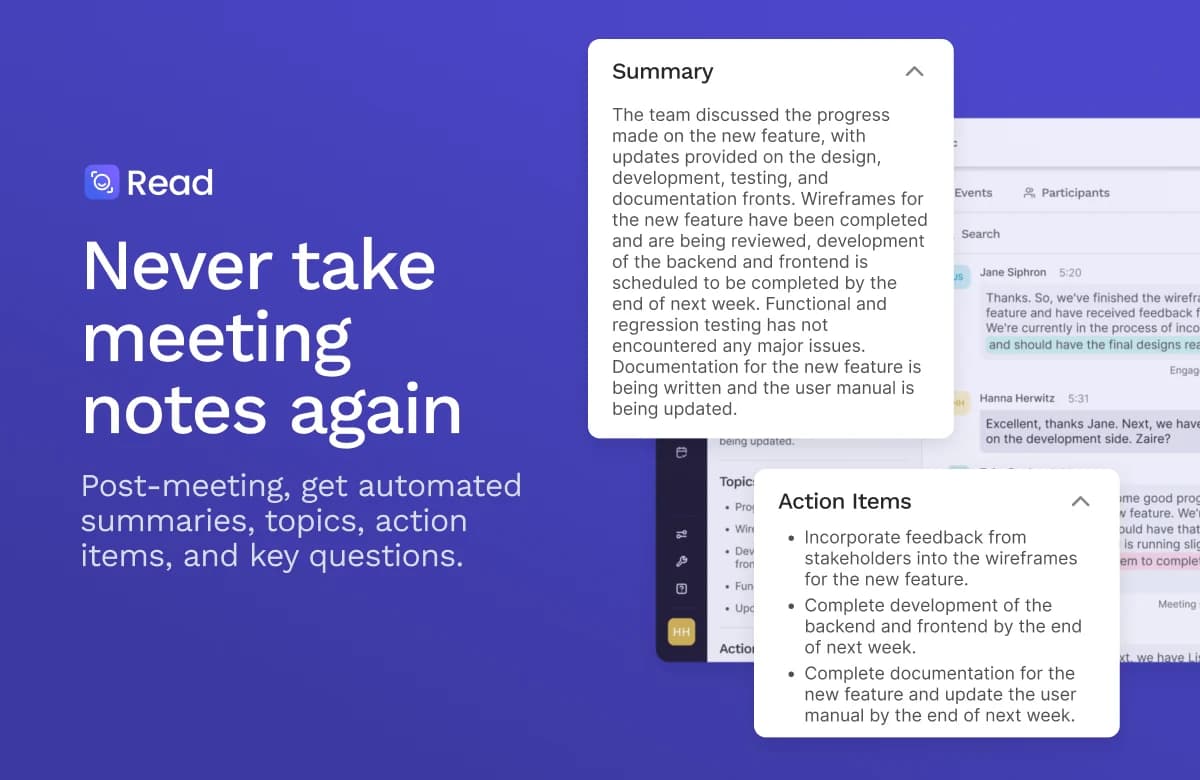
Overview
Read AI captures and summarizes meetings, producing transcripts, topics, action items, questions, and meeting metrics. It supports Zoom, Microsoft Teams, and Google Meet through an assistant, as well as desktop and mobile capture. Ask Read extends the product from meeting notes toward searching connected conversations, email, and messages.
That breadth is useful for follow-up work, but it creates a governance decision. A team should decide which meetings may be recorded, how participants are informed, who receives the report, what integrations can read, and how long data is retained. The free plan is enough to inspect the workflow, but regular recording and premium integrations require paid access. During a pilot, compare Read’s action items with a human note taker and confirm that cross-meeting search returns the right project context.
Use cases
The strongest fit depends on the job you need the product to complete, not the size of its feature list.
Produce consistent summaries and action lists after calls.
Search past decisions across meetings and approved connected sources.
Move meeting outcomes into CRM or task tools through paid integrations.
Capabilities
Generate summaries, topics, action items, questions, and transcripts.
Use Read Assistant in Zoom, Teams, or Meet, plus desktop and mobile applications.
Ask questions over meetings, emails, and messages where connected and authorized.
Review speaking and engagement signals as prompts for human reflection.
On Pro, connect tools such as Salesforce, Jira, Notion, Zapier, and webhooks.
Process
Step 1
Choose allowed meeting types, participant notice, report recipients, and retention settings.
Step 2
Let the assistant join only selected calls or use a supported local capture mode.
Step 3
Correct speaker names, action owners, deadlines, and ambiguous claims before sharing.
Step 4
Move approved notes or tasks into a workspace or connected system and audit access.
Cost
Read AI prices per user. Free allows five meeting transcripts monthly; paid Pro, Enterprise, and Enterprise+ lift meeting limits and add integrations, playback, and administration at progressively higher prices.
$0
Evaluate core summaries and search.
$19.75/month or $15/month billed annually per user
Regular meetings and premium integrations.
$29.75 / $39.75 monthly per user; annual rates lower
Playback or additional controls.
Pricing checked . Check current pricing at the source ↗
Assessment
Compare
The right alternative depends on the specific output, workflow, controls and budget your project requires.
Project Management
Choose for a focused AI meeting-notes experience.
Explore Fathom →Business Operations
Choose for cross-platform transcription and meeting search.
Explore Fireflies AI →Project Management
Choose for transcription-first collaboration and note review.
Explore Otter.ai →Questions
Its pricing page lists assistant support for Zoom, Teams, and Google Meet.
A search interface over connected meeting, email, message, and other approved work context.
No. It lists five meeting transcripts per month and shorter maximum meetings.
The current comparison places audio and video playback in Enterprise and above, not Pro.
Bottom line
Read AI is practical for teams that need searchable meeting outcomes and are willing to govern recording and sharing. A pilot should check note accuracy, participant notice, connector scope, and the cost of the playback or security tier actually required.
Visit Read AI website ↗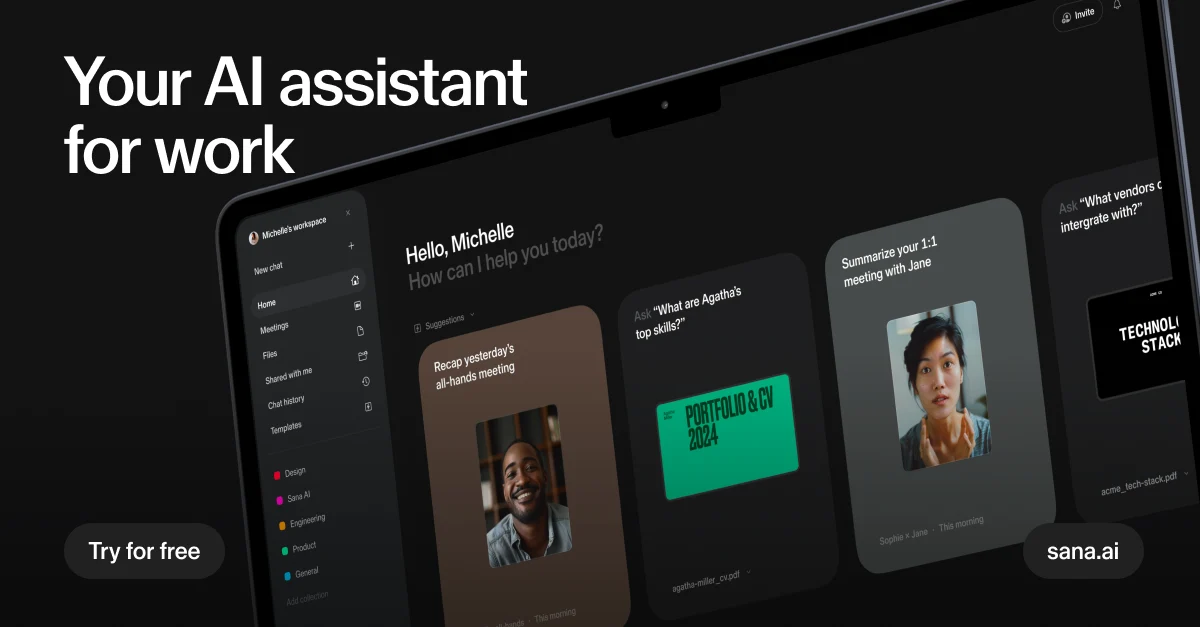
Search company knowledge and coordinate enterprise AI agents with Sana, now part of Workday.

Alibaba’s Qwen Chat assistant for conversational reasoning, retrieval, and multimodal tasks.
Capture meetings, connect team knowledge and turn proposed follow-ups into reviewed actions with Tana.
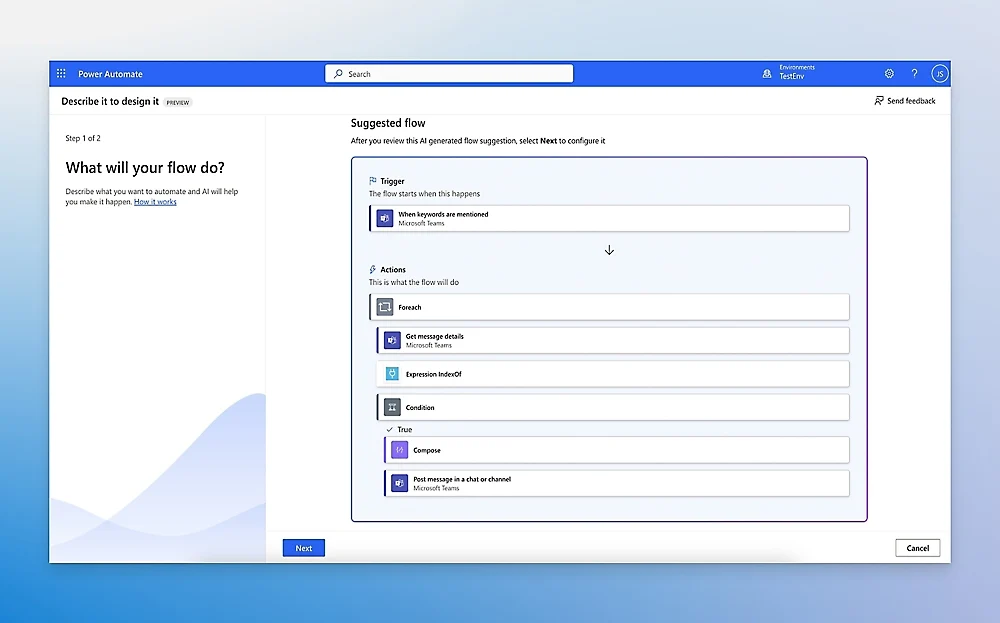
Microsoft cloud-flow and robotic-process automation platform.

Get access to all our AI courses, hundreds of real-world AI use cases, live expert-led workshops, an exclusive network of AI early adopters, and more.
Get unlimited access to all of our current & upcoming industry-specific AI courses for the duration of your subscription.
To keep up with the rapid pace of AI, our team publishes AI implementation guides daily. Our library contains 300+ practical use cases to automate real-world work.
Join weekly, live, interactive sessions with industry leaders who are at the forefront of AI for hands-on implementation guidance and exclusive insights.
Network with an exclusive community of AI-first professionals who are working smarter with AI. Learn how early adopters are using AI in their work and businesses.