Microsoft-centered operations
Automate approvals, file movement and notifications across Microsoft 365 and supported external systems.
Independent tool overview
Power Automate connects applications with cloud flows and can automate desktop interfaces through attended or unattended RPA plans.
Visit the official Microsoft Power Automate site ↗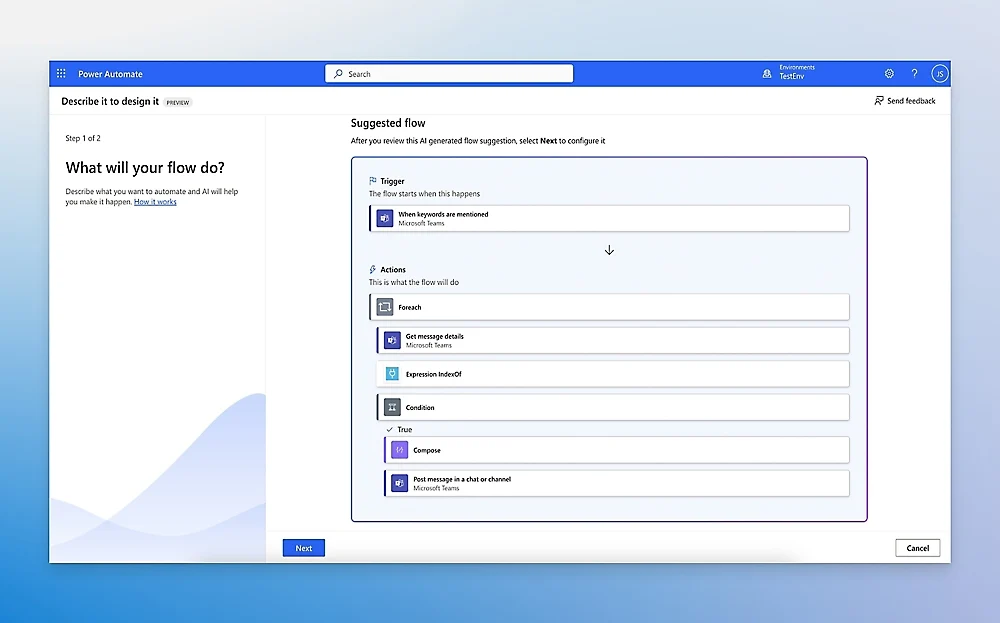
Overview
Power Automate is Microsoft’s low-code automation product within Power Platform. A cloud flow reacts to a trigger and performs actions through connectors; desktop flows can operate an application interface when an API is unavailable. The product also includes process and task mining options to identify work that may be worth automating.
Licensing is more involved than the headline per-user price. Microsoft distinguishes Premium for individual users, Process for an automation bot and Hosted Process for an unattended bot with a Microsoft-managed virtual machine. Some Microsoft 365 licenses include limited use rights, while premium connectors, Dataverse and unattended execution have separate entitlements. Buyers should map the exact flow, users, connector types and execution mode before estimating cost.
Use cases
The strongest fit depends on the job you need the product to complete, not the size of its feature list.
Automate approvals, file movement and notifications across Microsoft 365 and supported external systems.
Use desktop flows for repetitive interface work when integration APIs are missing.
Run governed, monitored automations with appropriate licensing and failure handling.
Capabilities
Use triggers, conditions and connector actions to move data or coordinate work.
Record or build UI automation for attended and licensed unattended work.
Connect Microsoft and third-party services, with standard and premium rights depending on license.
Route decisions to humans and inspect flow run history for errors.
Analyze process data to prioritize and improve automation under suitable plans.
Process
Step 1
Document trigger, data owner, output, exceptions and required human approvals.
Step 2
Identify premium actions, Dataverse, desktop execution and whether a user or bot license applies.
Step 3
Create the flow in a controlled environment, test duplicate events and failure branches.
Step 4
Assign ownership, alert on failures and review run logs, permissions and cost regularly.
Cost
Microsoft’s current US page lists a 30-day trial, Premium at $15/user/month paid yearly, Process at $150/bot/month paid yearly, and Hosted Process at $215/bot/month paid yearly. Process Mining is a separate high-cost add-on. Actual eligibility and taxes depend on agreement and geography.
30 days
Experiment with selected cloud flows and standard connectors.
$15/user/month, paid yearly
User-oriented cloud flows and attended desktop automation.
$150/bot/month, paid yearly
Unattended automation or licensed enterprise process capacity.
$215/bot/month, paid yearly
Adds a Microsoft-managed hosted VM for unattended RPA.
Pricing checked . Check current pricing at the source ↗
Assessment
Compare
The right alternative depends on the specific output, workflow, controls and budget your project requires.
Business Operations
Choose a broad SaaS automation platform for simpler cross-app flows.
Explore Zapier →Business Operations
Choose developer-controlled workflow orchestration and possible self-hosting.
Explore n8n →Business Operations
Choose a conversational assistant when the goal is ad hoc help rather than a repeatable flow.
Explore Microsoft Copilot →Questions
Yes. Microsoft advertises a 30-day trial with selected cloud-flow and standard-connector capabilities.
Premium is licensed per user and supports attended automation; Process licenses an automation bot or qualifying process for unattended work.
Some Microsoft 365 licenses include limited use rights, but premium connectors and unattended scenarios can require separate licenses.
Yes. Desktop flows can automate UI actions, with attended and unattended rights tied to the relevant plans.
Bottom line
Power Automate is a sensible choice when Microsoft systems are the core of a repeatable process. Its advantage is breadth across cloud connectors and desktop RPA; its main buying risk is licensing a flow incorrectly. Define the actual process and failure path before selecting a plan.
Visit Microsoft Power Automate website ↗
Alibaba’s Qwen Chat assistant for conversational reasoning, retrieval, and multimodal tasks.
Build and publish business agents with knowledge sources, connected tools and managed workflows in Microsoft Copilot Studio.
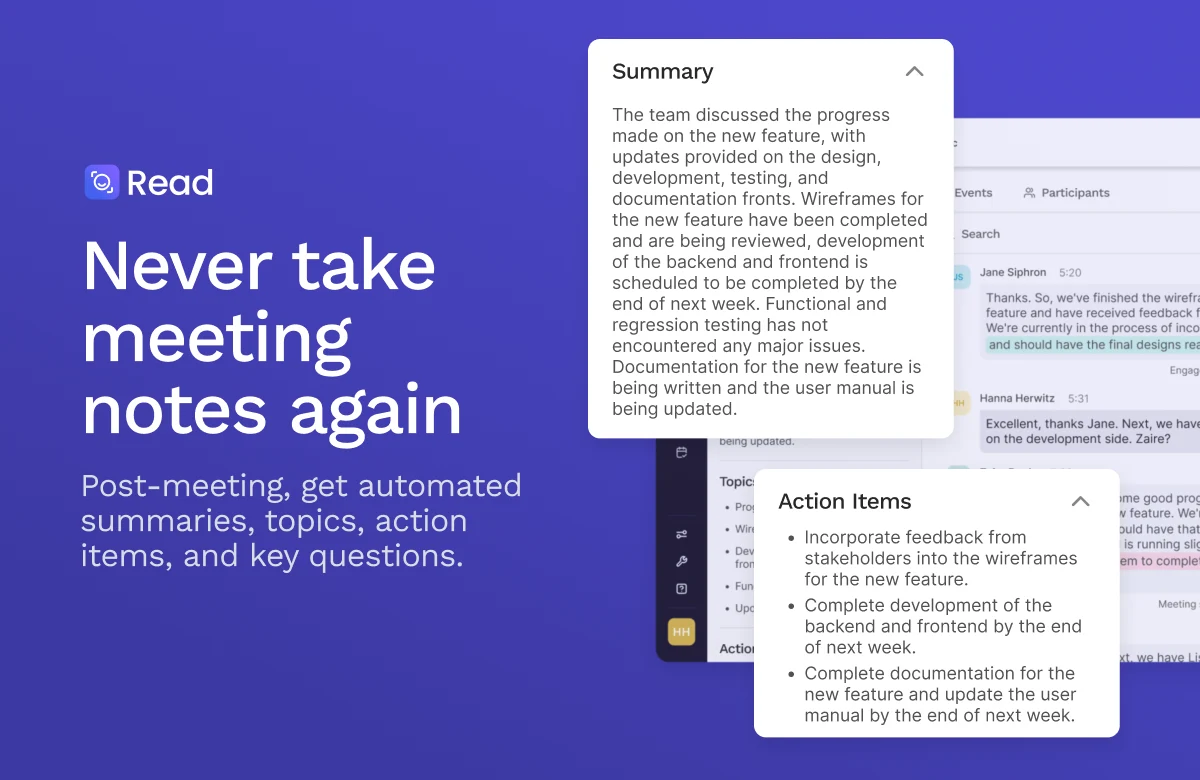
Meeting assistant and workplace search across conversations, emails, messages, and files.
Visual automation platform for connecting apps, routing data, and building AI-assisted workflows.

Get access to all our AI courses, hundreds of real-world AI use cases, live expert-led workshops, an exclusive network of AI early adopters, and more.
Get unlimited access to all of our current & upcoming industry-specific AI courses for the duration of your subscription.
To keep up with the rapid pace of AI, our team publishes AI implementation guides daily. Our library contains 300+ practical use cases to automate real-world work.
Join weekly, live, interactive sessions with industry leaders who are at the forefront of AI for hands-on implementation guidance and exclusive insights.
Network with an exclusive community of AI-first professionals who are working smarter with AI. Learn how early adopters are using AI in their work and businesses.