Everyday assistant users
Ask questions and draft text through a Qwen model without self-hosting weights.
Independent tool overview
Alibaba’s Qwen Chat assistant for conversational reasoning, retrieval, and multimodal tasks.
Visit the official Qwen site ↗
Overview
Qwen Chat is the user-facing way to interact with Qwen models. The Qwen team’s official posts link recent reasoning, visual, and image-generation releases to the chat interface. This listing covers the assistant experience at Qwen.ai, not any one Qwen3.x or Qwen-Image model that appears separately in the inventory.
The site itself is a JavaScript application that did not expose a readable public pricing table in this review. The safest characterization is an accessible web chat with feature and model availability to be checked in the live account. For source-dependent work, users should inspect any retrieved material and recheck generated code, images, and factual claims rather than transferring model benchmark claims to the product experience.
Use cases
The strongest fit depends on the job you need the product to complete, not the size of its feature list.
Ask questions and draft text through a Qwen model without self-hosting weights.
Compare how available models handle reasoning or code prompts in the hosted interface.
Try supported image understanding or generation releases through chat when shown in the account.
Capabilities
Interact with the current Qwen assistant through a browser rather than a developer API.
Official model posts describe thinking variants and tool use available in Qwen Chat.
Qwen3-Max-Thinking’s official post says the chat can invoke search and a code interpreter.
Qwen team posts describe trying vision-language releases in Qwen Chat.
Qwen VLo and Image releases have been offered in the chat interface, with availability changing by release.
Process
Step 1
Sign in and inspect the models and tools actually offered in your region and account.
Step 2
Use a defined question or source file and request an explicit output format.
Step 3
Inspect links, code execution, and visual interpretation before using the result.
Step 4
Look at in-product quotas or billing before a larger team process.
Cost
A readable official consumer pricing page was not available: qwen.ai/pricing returned to the JavaScript app without a public rate table. No exact free quota, paid plan, or API rate is asserted here.
Public price not confirmed
Use the web assistant subject to account and regional limits.
Pricing checked . The previously reviewed pricing source is no longer available.
Assessment
Compare
The right alternative depends on the specific output, workflow, controls and budget your project requires.
Business Operations
Choose for a widely used general assistant with a larger published product ecosystem.
Explore ChatGPT →Business Operations
Choose for a broad assistant with documented file, agent, and slide workflows.
Explore Kimi →Project Management
Choose for a document-oriented conversational assistant.
Explore Claude →Questions
No. The chat is the hosted assistant interface; individual Qwen models also have separate API or open-weight channels.
The public site did not provide a readable current pricing table, so exact free limits could not be confirmed.
An official Qwen post describes on-demand retrieval and code interpreter use in its Qwen3-Max-Thinking chat release.
Official Qwen posts point to vision and image-generation models offered through Chat, but check the live model selector for current access.
Bottom line
Qwen Chat is useful for evaluating the Qwen family as an assistant, especially across reasoning and multimodal tasks. Treat pricing and model availability as account-specific until the vendor publishes a stable public plan table.
Visit Qwen website ↗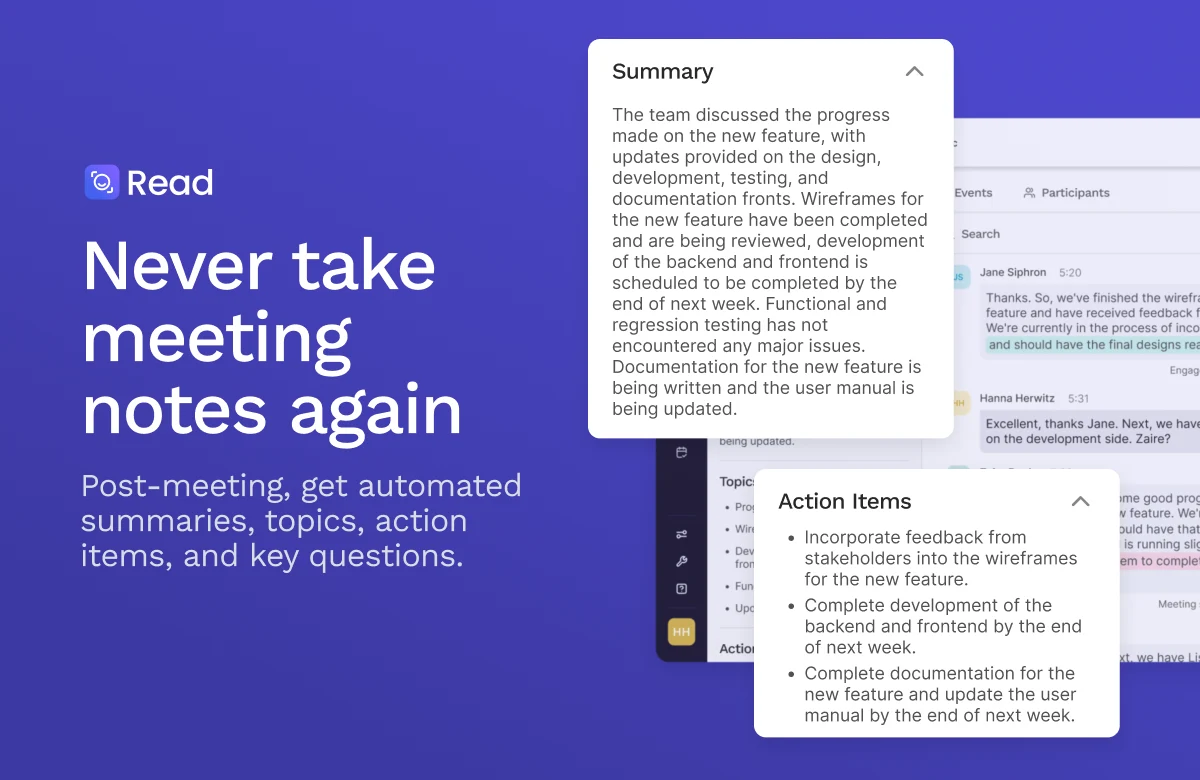
Meeting assistant and workplace search across conversations, emails, messages, and files.
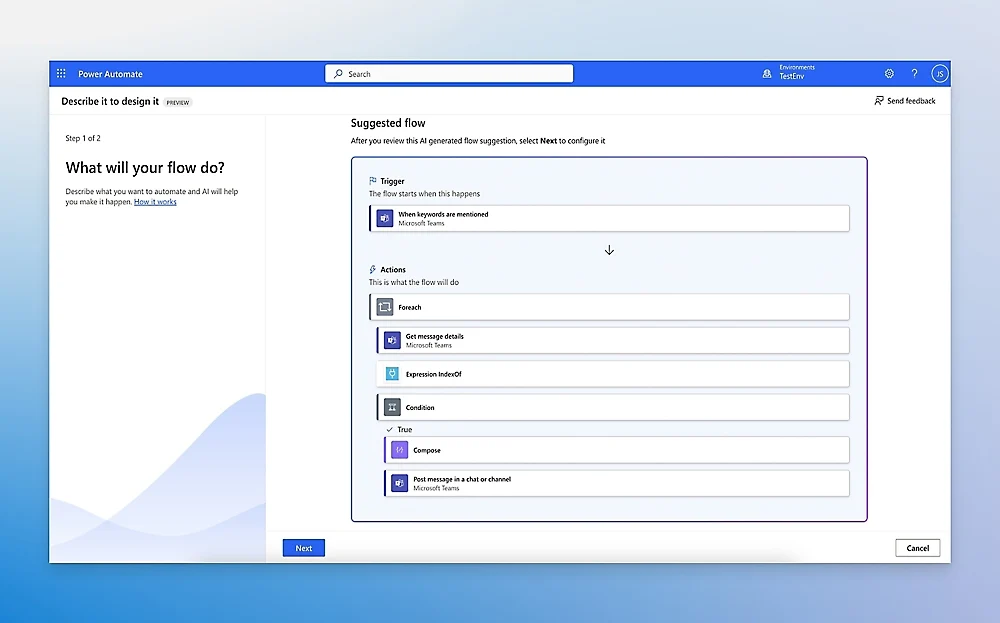
Microsoft cloud-flow and robotic-process automation platform.
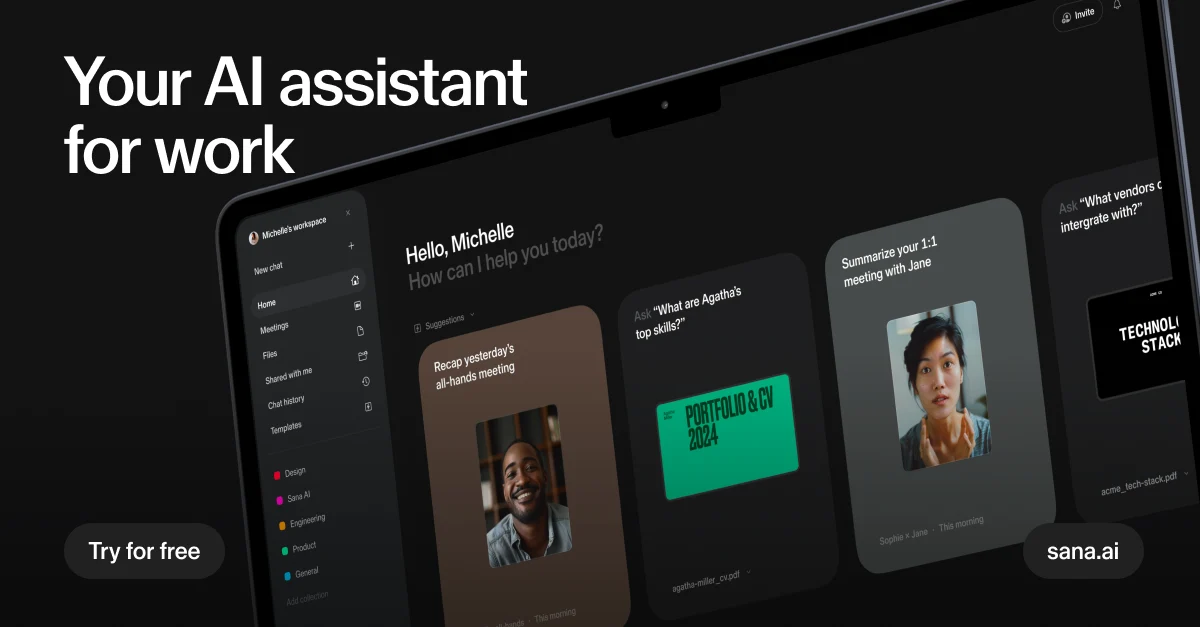
Search company knowledge and coordinate enterprise AI agents with Sana, now part of Workday.
Build and publish business agents with knowledge sources, connected tools and managed workflows in Microsoft Copilot Studio.

Get access to all our AI courses, hundreds of real-world AI use cases, live expert-led workshops, an exclusive network of AI early adopters, and more.
Get unlimited access to all of our current & upcoming industry-specific AI courses for the duration of your subscription.
To keep up with the rapid pace of AI, our team publishes AI implementation guides daily. Our library contains 300+ practical use cases to automate real-world work.
Join weekly, live, interactive sessions with industry leaders who are at the forefront of AI for hands-on implementation guidance and exclusive insights.
Network with an exclusive community of AI-first professionals who are working smarter with AI. Learn how early adopters are using AI in their work and businesses.