Product teams
Turn discussion into issue drafts, decisions and ownership.
Independent tool overview
Tana’s current platform combines meeting capture, shared context and proposed actions that people can accept, edit or dismiss.
Visit the official Tana site ↗
Overview
Tana now presents itself as a meeting and work platform: it captures conversations, connects decisions to people and projects, and proposes useful follow-ups. It can capture supported calls from the user’s computer without adding a participant, or host a call within Tana.
The connected knowledge layer is intended to make earlier decisions and account context available across later work. This current product should be distinguished from Tana Outliner, the separate structured-note experience linked from the company’s site. Evaluate the actual application and plan you intend to adopt.
Use cases
The strongest fit depends on the job you need the product to complete, not the size of its feature list.
Turn discussion into issue drafts, decisions and ownership.
Keep account context and proposed follow-ups connected to conversations.
Retrieve prior decisions without manually searching every transcript.
Capabilities
Record conversation context across supported calling setups.
Link people, decisions, customers and issues instead of storing isolated summaries.
Inspect proposals before issues, messages or CRM changes are applied.
Connect supported tools such as issue trackers and CRM systems.
Use supported API and MCP interfaces to connect team context with other tools.
Process
Step 1
Start with one recurring meeting and a clear follow-up task.
Step 2
Connect the calendar and supported meeting setup, and agree how participants will be informed.
Step 3
Correct decisions, names and owners before accepting proposed actions.
Step 4
Ask about the decision in a subsequent meeting and verify that access and context remain appropriate.
Cost
Tana lists Free, Pro and custom Business plans. Pro is displayed with a $20 early-bird and $30 regular per-user monthly amount; confirm the selected billing interval and offer at checkout.
$0
For a limited initial workflow.
Displayed $20 early-bird; $30 regular per user/month
Adds substantially more AI usage and meeting capacity.
Custom annual agreement
For larger organizational requirements.
Pricing checked . Check current pricing at the source ↗
Assessment
Compare
The right alternative depends on the specific output, workflow, controls and budget your project requires.
Project Management
Consider Granola for personal and collaborative meeting notes.
Explore Granola →Project Management
Consider Fathom for meeting capture, summaries and sharing.
Explore Fathom →Project Management
Consider Notion AI when the main need is assistance inside a broader document workspace.
Explore Notion AI →Questions
The current product advertises capture from the user’s computer without adding a participant to supported calls.
The vendor says proposed actions are presented for a person to accept, edit or dismiss.
The company links Tana Outliner as a separate experience. Check which product and plan fit the intended workflow.
The current platform advertises API and MCP access; verify the required interface and permissions during a pilot.
Bottom line
Tana is worth a team pilot when decisions are being lost between meetings and follow-up systems. Evaluate whether its connected context remains accurate and useful after several meetings, not just whether one summary looks polished.
Visit Tana website ↗
Enterprise integration and automation platform for recipes, APIs, data movement, and AI agents.
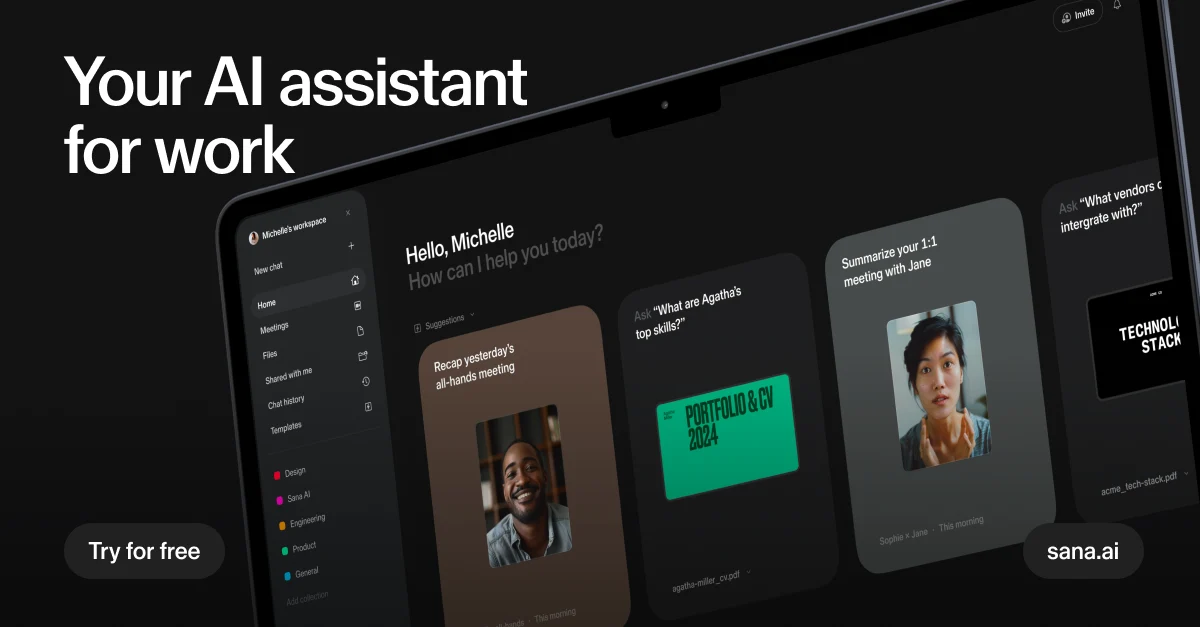
Search company knowledge and coordinate enterprise AI agents with Sana, now part of Workday.
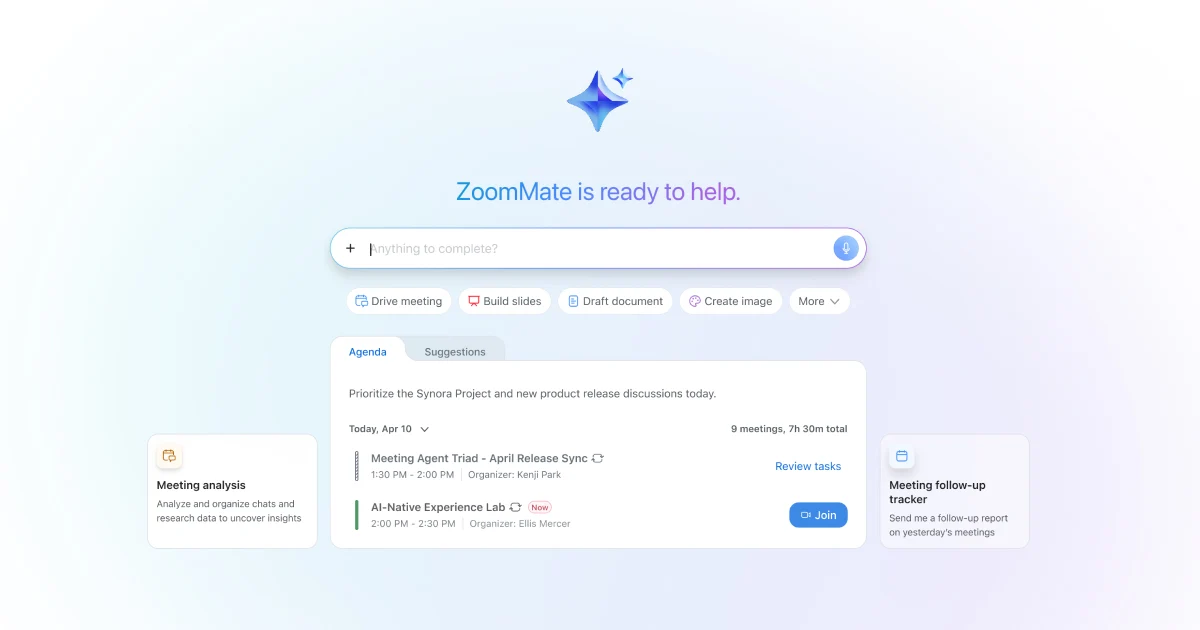
Zoom’s AI work companion, now branded ZoomMate, for meeting context, search, follow-up, and workflows.
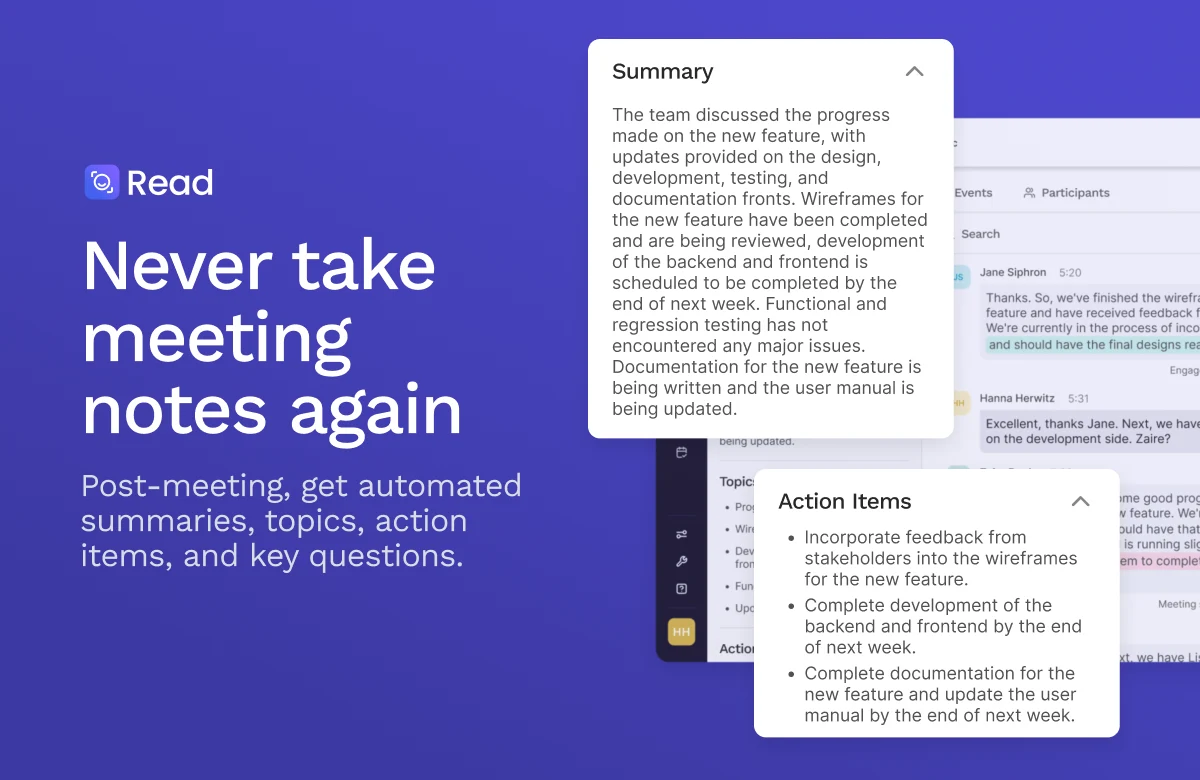
Meeting assistant and workplace search across conversations, emails, messages, and files.

Get access to all our AI courses, hundreds of real-world AI use cases, live expert-led workshops, an exclusive network of AI early adopters, and more.
Get unlimited access to all of our current & upcoming industry-specific AI courses for the duration of your subscription.
To keep up with the rapid pace of AI, our team publishes AI implementation guides daily. Our library contains 300+ practical use cases to automate real-world work.
Join weekly, live, interactive sessions with industry leaders who are at the forefront of AI for hands-on implementation guidance and exclusive insights.
Network with an exclusive community of AI-first professionals who are working smarter with AI. Learn how early adopters are using AI in their work and businesses.