Everyday image creation
Generate shareable visuals from conversational prompts without learning a specialist design interface.
Independent tool overview
Muse Image is Meta Superintelligence Labs' image-generation model for creating and editing visuals inside Meta AI and selected Meta apps.
Visit the official Muse Image site ↗
Overview
Muse Image is Meta's image-generation model for Meta AI. It creates images from conversational prompts, edits uploaded photos, composes multiple references, renders text, and maintains context through iterative changes. It is available through the Meta AI app and meta.ai rather than as a separately priced creative application.
Meta describes Muse Image as an agentic image model. It can plan before generating, search the web for timely visual context, write and run code for precise elements such as plots or QR codes, inspect its own output, and refine a result when details are wrong.
The rollout extends beyond the core Meta AI experience: Muse Image powers Instagram Story effects in the US and Meta AI image creation in WhatsApp in limited countries, with broader availability planned. Images generated in the Meta AI app and on meta.ai include Meta's invisible Content Seal provenance signal.
Use cases
The strongest fit depends on the job you need the product to complete, not the size of its feature list.
Generate shareable visuals from conversational prompts without learning a specialist design interface.
Remove unwanted elements, restore older images, change styles, adjust scenes, or revise text through follow-up requests.
Combine people, objects, clothing, visual styles, and environments from multiple input images into one result.
Create and share images within Meta AI, Instagram, WhatsApp, and other supported Meta surfaces as availability expands.
Capabilities
Creates high-quality visuals from plain-language prompts and supports legible text for posters, guides, and infographics.
Changes requested parts of an image while preserving the wider composition and context across multiple turns.
Combines subjects, objects, clothing, settings, and styles from several reference images in one prompt.
Lets users circle, sketch, or annotate the area they want changed directly on an image.
Can use web context, execute code for precise visual elements, inspect results, and revise its own generations.
Adds an invisible provenance signal to images made in the Meta AI app and on meta.ai that Meta says can survive common transformations.
Process
Step 1
Use the Meta AI app or meta.ai in a supported country and account.
Step 2
Describe an original image or upload one or more references to edit and combine.
Step 3
Include the subject, style, composition, text, dimensions, and elements that must remain consistent.
Step 4
Try Meta's suggested prompts for restoration, room redesigns, stylized portraits, and other common transformations.
Step 5
Annotate the image or continue the conversation to fix details, change styles, add elements, or adjust the layout.
Step 6
Check text, identity, product details, and factual elements before downloading or sharing the result to a Meta surface.
Cost
Meta says Muse Image is free for everyday creation in Meta AI. Higher creation limits are available through Meta subscription plans, but the official Muse Image pages do not publish a separate Muse Image price or a usage allowance that applies to every region.
Free
Muse Image can be used inside Meta AI at no charge for everyday image creation, subject to access and usage limits.
Varies
Meta says subscribers can create more, but does not list a standalone Muse Image price on its official launch pages.
Pricing checked . Check current pricing at the source ↗
Assessment
Compare
The right alternative depends on the specific output, workflow, controls and budget your project requires.
Content Creator
Consider Midjourney for a dedicated creative community and a specialist image-generation workflow.
Explore Midjourney →Design
Consider Adobe Firefly for creative workflows integrated with Adobe applications and commercial design tooling.
Explore Adobe Firefly →Content Creator
Consider FLUX.2 for a visual model ecosystem with developer-oriented access and deployment options.
Explore FLUX.2 →Questions
Muse Image is Meta Superintelligence Labs' model for generating and editing images in Meta AI and supported Meta apps.
Its primary access points are the Meta AI app and meta.ai. It also powers selected Instagram and WhatsApp experiences, with broader regional and product availability rolling out.
Meta says it is free for everyday creation. People who want to create more can use Meta subscription plans, though a standalone Muse Image price is not published.
Yes. It can restore photos, remove or replace elements, change styles, revise text, and preserve context through follow-up edits.
Yes. It supports multiple reference images and can combine people, objects, clothing, environments, and styles into one composition.
Meta's public Muse Image materials focus on Meta AI and Meta product integrations and do not list a generally available standalone Muse Image API.
Images created in the Meta AI app and on meta.ai include Content Seal, an invisible provenance signal that Meta says remains detectable after common edits such as cropping, compression, resizing, or screenshots.
Bottom line
Muse Image is a compelling free choice for people who want strong image generation and editing inside an assistant they already use. Multi-reference composition, iterative markup, and self-refinement are meaningful advantages, while professional users should account for regional rollout limits, variable subscription offers, and the absence of a public standalone API.
Visit Muse Image website ↗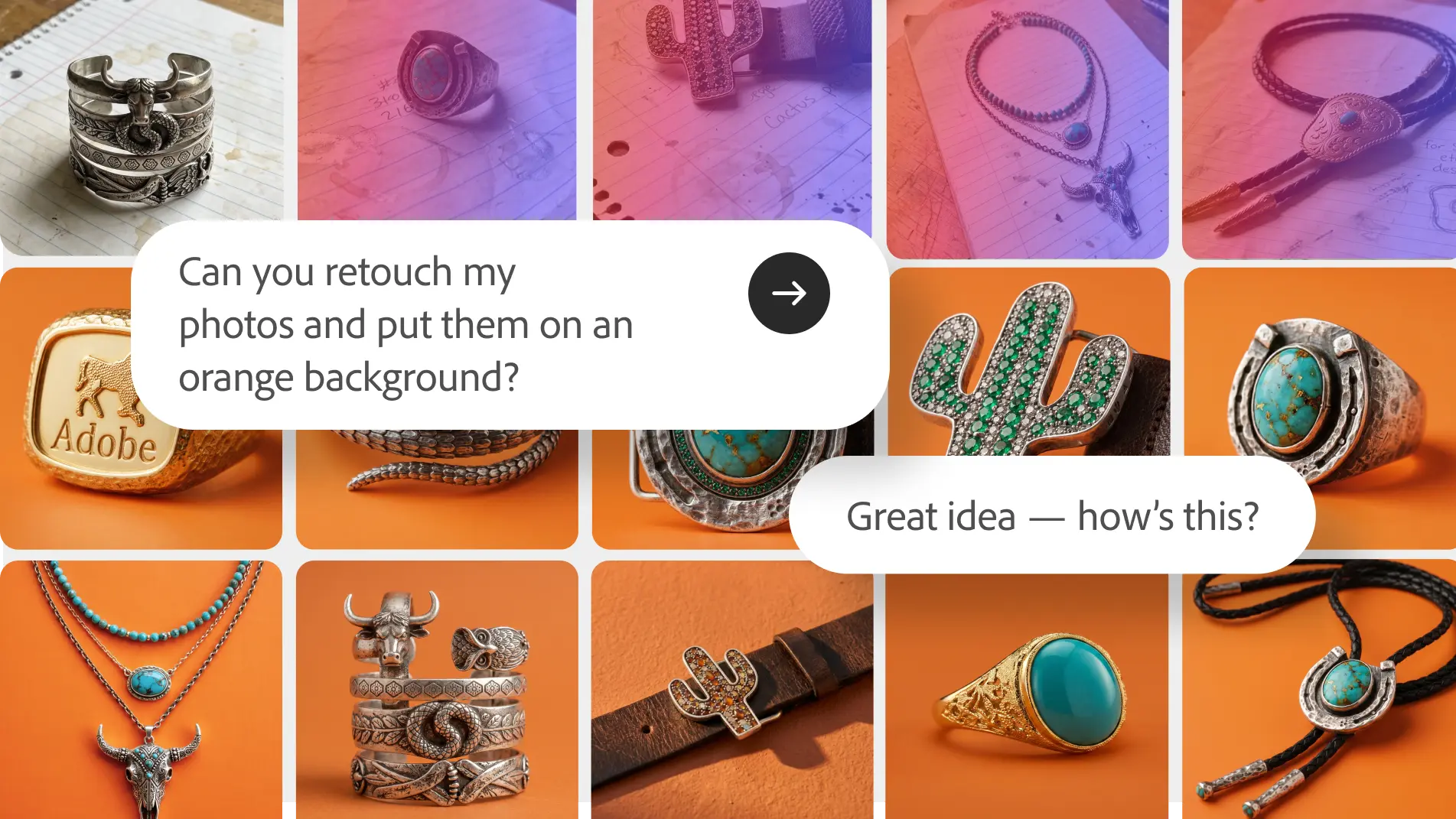
Firefly Studio - Adobe's upgraded all-in-one platform to generate and edit with AI

Seedream 5.0 Pro - ByteDance's new image model built for infographics and precise edits

Frame.md - HeyGen's spec format for AI videos and motion to create branded, consistent content
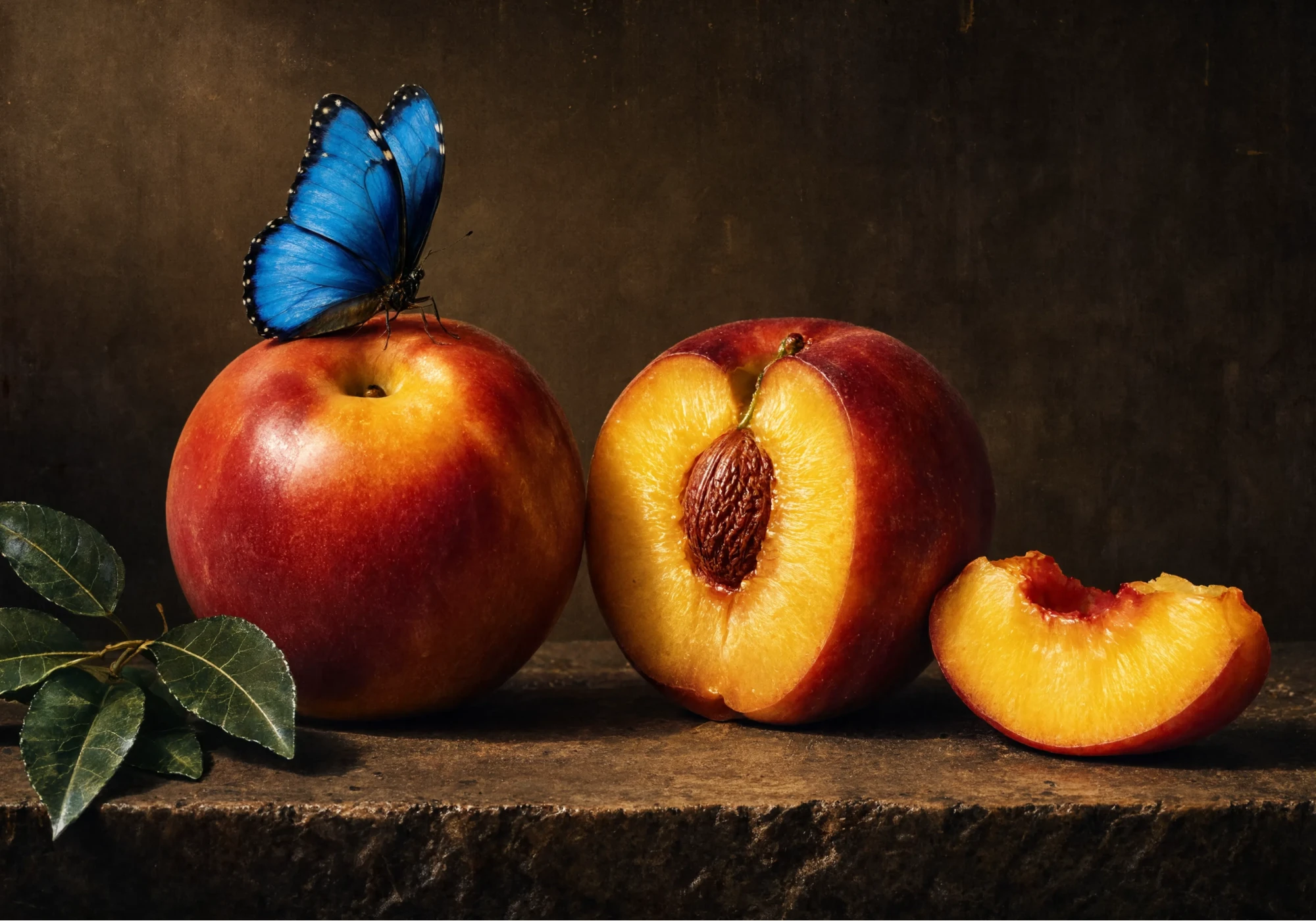
Reve 2.1 - Upgraded native-4K image model with element-level editing

Get access to all our AI courses, hundreds of real-world AI use cases, live expert-led workshops, an exclusive network of AI early adopters, and more.
Get unlimited access to all of our current & upcoming industry-specific AI courses for the duration of your subscription.
To keep up with the rapid pace of AI, our team publishes AI implementation guides daily. Our library contains 300+ practical use cases to automate real-world work.
Join weekly, live, interactive sessions with industry leaders who are at the forefront of AI for hands-on implementation guidance and exclusive insights.
Network with an exclusive community of AI-first professionals who are working smarter with AI. Learn how early adopters are using AI in their work and businesses.