Product and e-commerce imagery
Place products into new scenes, preserve logos and packaging, create catalog variants, and generate lifestyle images.
Independent tool overview
FLUX.2 is Black Forest Labs' image-generation and editing family for photorealistic assets, multi-reference composition, typography, precise color direction, and local or API deployment.
Visit the official FLUX.2 site ↗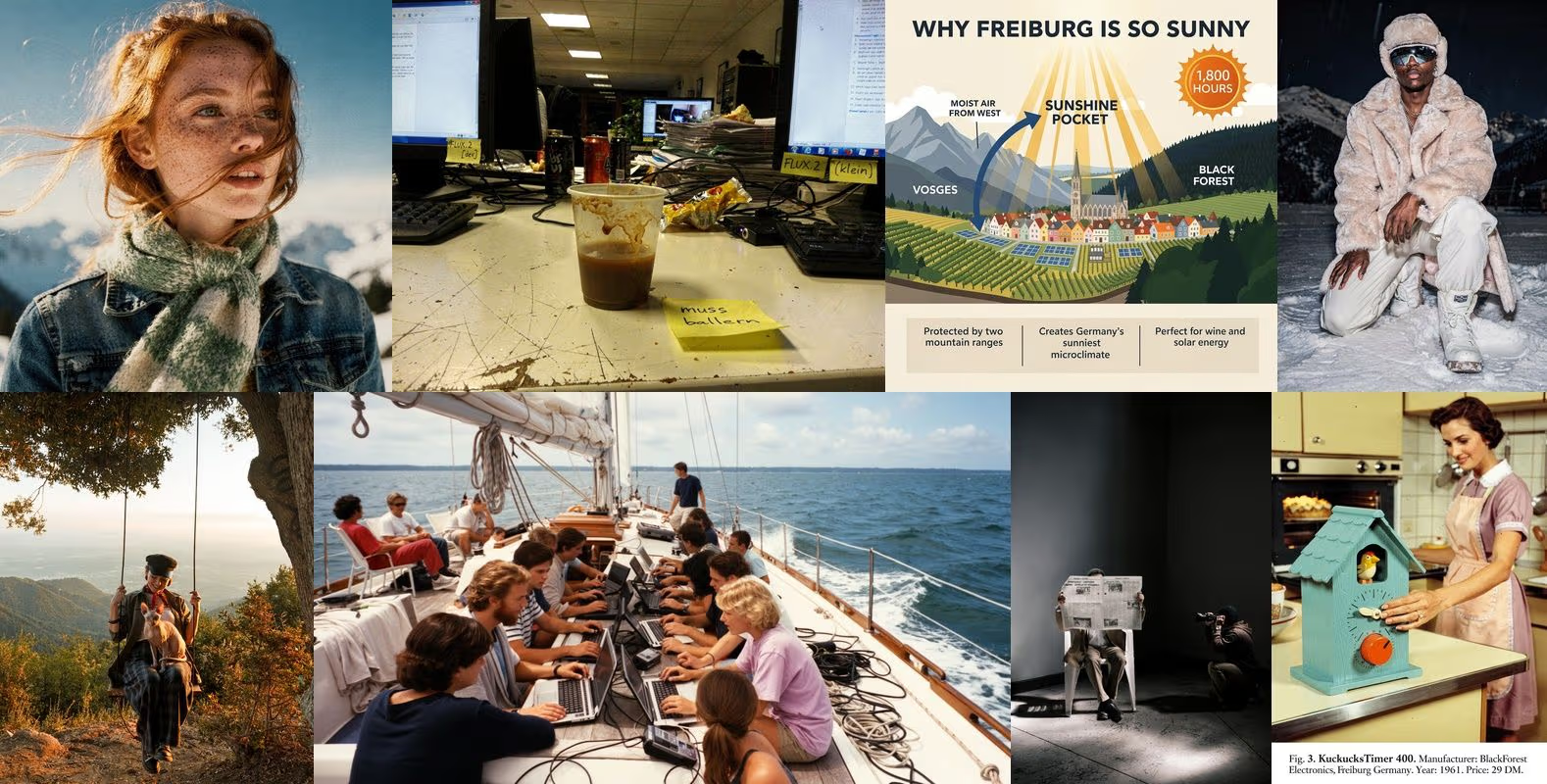
Overview
FLUX.2 is an image model family rather than one fixed product. It combines text-to-image generation and instruction-based editing, with variants optimized for maximum quality, production speed, typography control, real-time volume, or local development.
The family supports photorealistic output, structured prompts, hex color direction, pose and layout references, and images up to four megapixels. Its defining production feature is multi-reference editing: the API accepts up to eight reference images, the BFL Playground up to ten, and the model can combine character, product, pose, layout, and style information in one result.
Current variants include FLUX.2 Max for the strongest quality and web grounding, Pro for production at scale, Flex for adjustable steps and guidance, Klein for sub-second and lower-cost workloads, and Dev for local research. FLUX.2 Klein 4B is Apache 2.0, while Klein 9B and Dev use non-commercial licensing unless separate commercial rights are obtained.
FLUX.2 remains Black Forest Labs' recommended family for still-image generation and editing. The newer FLUX 3 is a separate video model, not a reason to treat FLUX.2 as inactive.
Use cases
The strongest fit depends on the job you need the product to complete, not the size of its feature list.
Place products into new scenes, preserve logos and packaging, create catalog variants, and generate lifestyle images.
Direct colors with hex codes, combine approved references, render text, and create consistent campaign assets.
Offer different quality and price tiers through Klein, Pro, Flex, and Max endpoints under one API family.
Use Flex for adjustable inference and detailed text, labels, layouts, UI mockups, and infographics.
Run or fine-tune Klein 4B under Apache 2.0, or evaluate larger non-commercial checkpoints before arranging production rights.
Capabilities
Create a new image from text or edit existing images with the same FLUX.2 family.
Combine identity, product, style, pose, layout, and environmental references into a new output.
Targets convincing skin, fabric, materials, architecture, lighting, texture, and product photography.
Produces text-heavy ads, labels, infographics, magazine layouts, memes, and interface mockups more reliably than earlier FLUX models.
Accepts hexadecimal color values for brand palettes and product specifications.
Supports JSON-style fields for subject, background, lighting, style, camera, and composition in automated workflows.
Uses reference images and explicit instructions to guide body position, gaze, composition, and spatial arrangement.
Supports any aspect ratio within documented limits, from small drafts to output up to four megapixels.
FLUX.2 Max can search current web information when needed to inform a generated visual.
Flex exposes inference steps and guidance scale to trade speed for text accuracy, detail, and prompt adherence.
Compact 4B and 9B variants target sub-second inference and low per-image API cost.
Download Klein and Dev-family weights for local inference or fine-tuning under their specific licenses.
Process
Step 1
Define whether the asset is a draft, catalog image, ad, infographic, hero visual, edit, or local model experiment.
Step 2
Use Klein for speed and volume, Pro for production, Flex for typography and controls, Max for final quality and grounding, or open weights for local work.
Step 3
Use source images you have permission to edit and label each reference's role: identity, product, pose, layout, style, or background.
Step 4
Choose the final aspect ratio and megapixel target before generating because API cost scales with output resolution.
Step 5
Specify subject, composition, environment, lighting, camera, materials, exact text, color codes, and how every reference should be used.
Step 6
Explore composition with Klein or lower resolution before moving a selected direction to Pro, Flex, or Max.
Step 7
Use instruction-based editing to replace backgrounds, change text, adjust products, expand framing, or combine references.
Step 8
Choose non-preview endpoints when reproducibility matters; preview endpoints can improve without changing the API contract.
Step 9
Check text, logos, colors, products, faces, hands, rights, accessibility, factual grounding, resolution, and brand rules before release.
Cost
BFL API and Playground pricing is credit based, with one credit equal to $0.01. FLUX.2 price scales with output resolution, model, and whether the request is generation or editing. The figures below are starting prices; use the current calculator for exact image dimensions and batch volume.
From $0.014/image
The fastest, lowest-cost FLUX.2 model for real-time or high-volume workloads.
From $0.015/image
A larger sub-second option balancing quality and speed.
From $0.03 generation
The recommended production model for quality, speed, and scale.
From $0.07
The highest-quality option with the strongest editing consistency and grounding search.
From $0.05
For typography, fine details, and adjustable quality controls.
Free local, non-commercial
A 32B open-weight checkpoint for local research and customization.
Custom
Dedicated infrastructure, fine-tuning, licensing, and integration support.
Pricing checked . Check current pricing at the source ↗
Assessment
Compare
The right alternative depends on the specific output, workflow, controls and budget your project requires.
Design
A design-focused alternative for polished illustration, photorealism, prompt adherence, brand assets, and production-ready layouts.
Explore Recraft V4.1 →Design
A conversational image workflow for iterative generation and editing without managing model endpoints or local infrastructure.
Explore ChatGPT Images 2.0 →Content Creator
A fast Google image model with strong editing, text, and world knowledge inside the Gemini ecosystem.
Explore Nano Banana 2 →Questions
FLUX.2 is Black Forest Labs' family of AI models for still-image generation and multi-reference image editing.
No. FLUX.2 remains BFL's recommended still-image family, while FLUX 3 is a separate video-generation family.
Use Klein for real-time volume, Pro for production at scale, Flex for typography and parameter control, Max for highest quality and grounding, or open weights for local development.
The API supports up to eight for Max, Pro, and Flex, while the BFL Playground supports up to ten. Klein supports up to four, and Dev recommends no more than six.
BFL documents output up to four megapixels at flexible aspect ratios, with dimensions that must follow endpoint requirements.
Yes. Typography, labels, infographics, UI mockups, and ad copy are major FLUX.2 use cases, although every character still needs proofreading.
It accepts hex color values and is designed for precise color direction. Measure exported results before treating them as approved brand colors.
API pricing starts at $0.014 per image for Klein 4B, $0.03 for Pro generation, $0.05 for Flex, and $0.07 for Max. Editing and higher resolutions can cost more.
The answer depends on the variant. Klein 4B uses Apache 2.0, while Klein 9B and Dev use non-commercial licenses. Pro, Flex, and Max are managed models.
Not under the default non-commercial license. BFL directs commercial users to obtain a separate commercial license.
Max can search the web for current context when a prompt needs it. The resulting image can still be factually wrong and must be checked against authoritative sources.
Preview endpoints receive the newest improvements. Use fixed endpoints when reproducibility, compliance, or stable automated output is more important.
Bottom line
FLUX.2 is a versatile production image family with a particularly strong combination of editing, multiple references, typography, color direction, and deployment choices. Pro is the sensible default for most API work, Klein 4B is unusually attractive for permissive local use, and Max or Flex should be reserved for jobs that need their specific quality or control. The key is to choose by workload and read the exact model license—not assume every open-weight FLUX variant is commercially open.
Visit FLUX.2 website ↗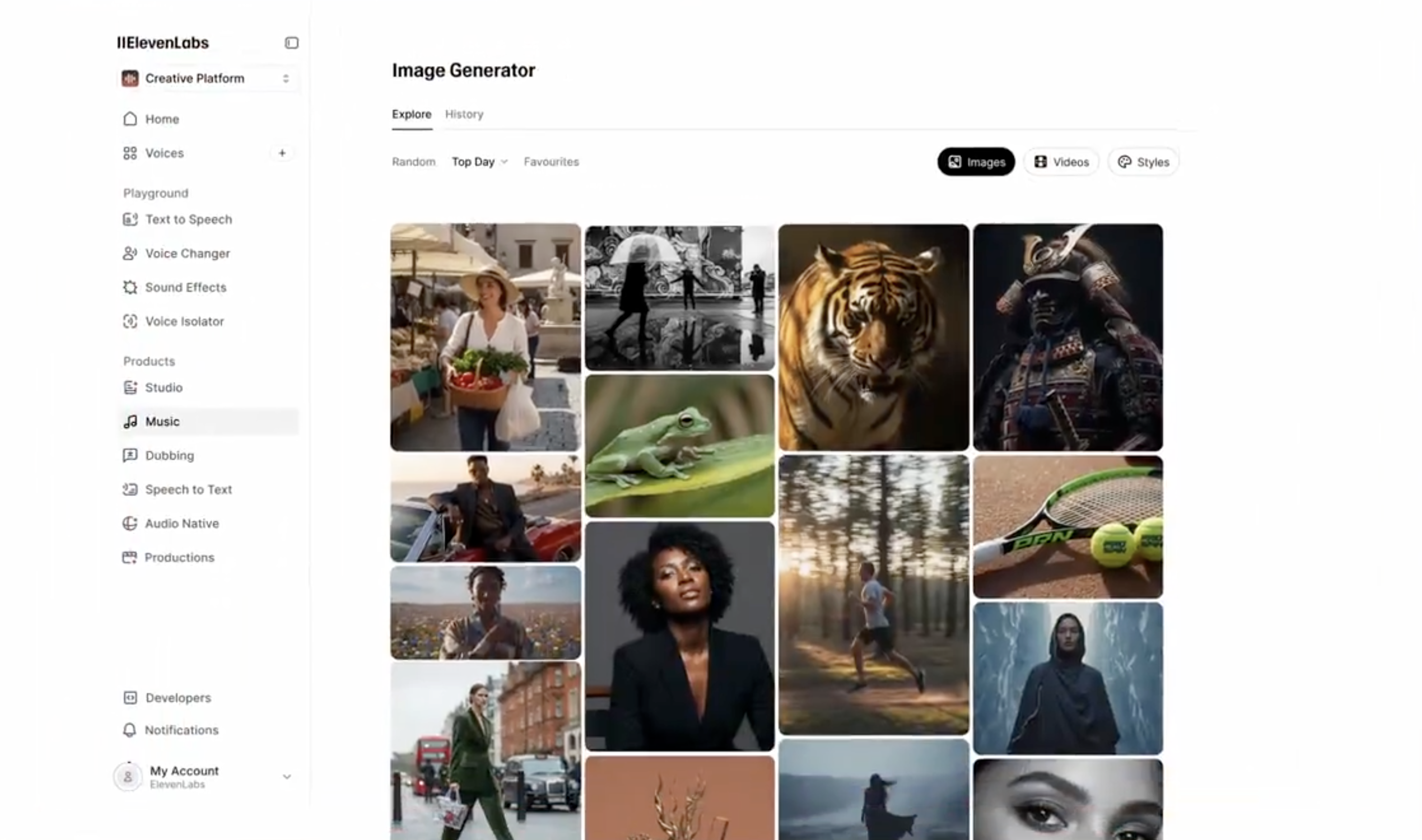
ElevenLabs Image & Video - Generate with top models, then layer in high quality voices, music, and sound effects all in one platform
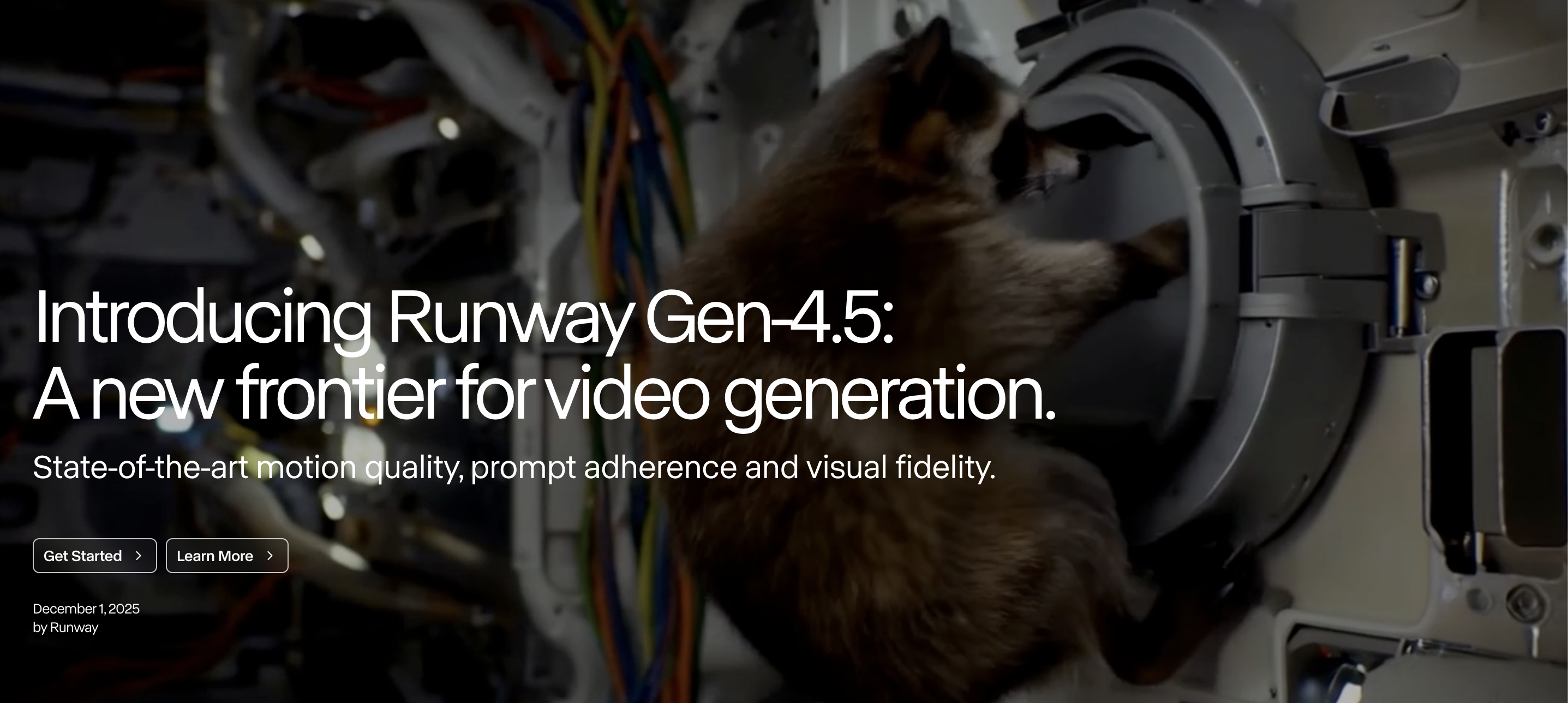
Runway Gen-4.5 - Runway's new top-rated video model that blends cinematic and realistic outputs, precise control, and speed.
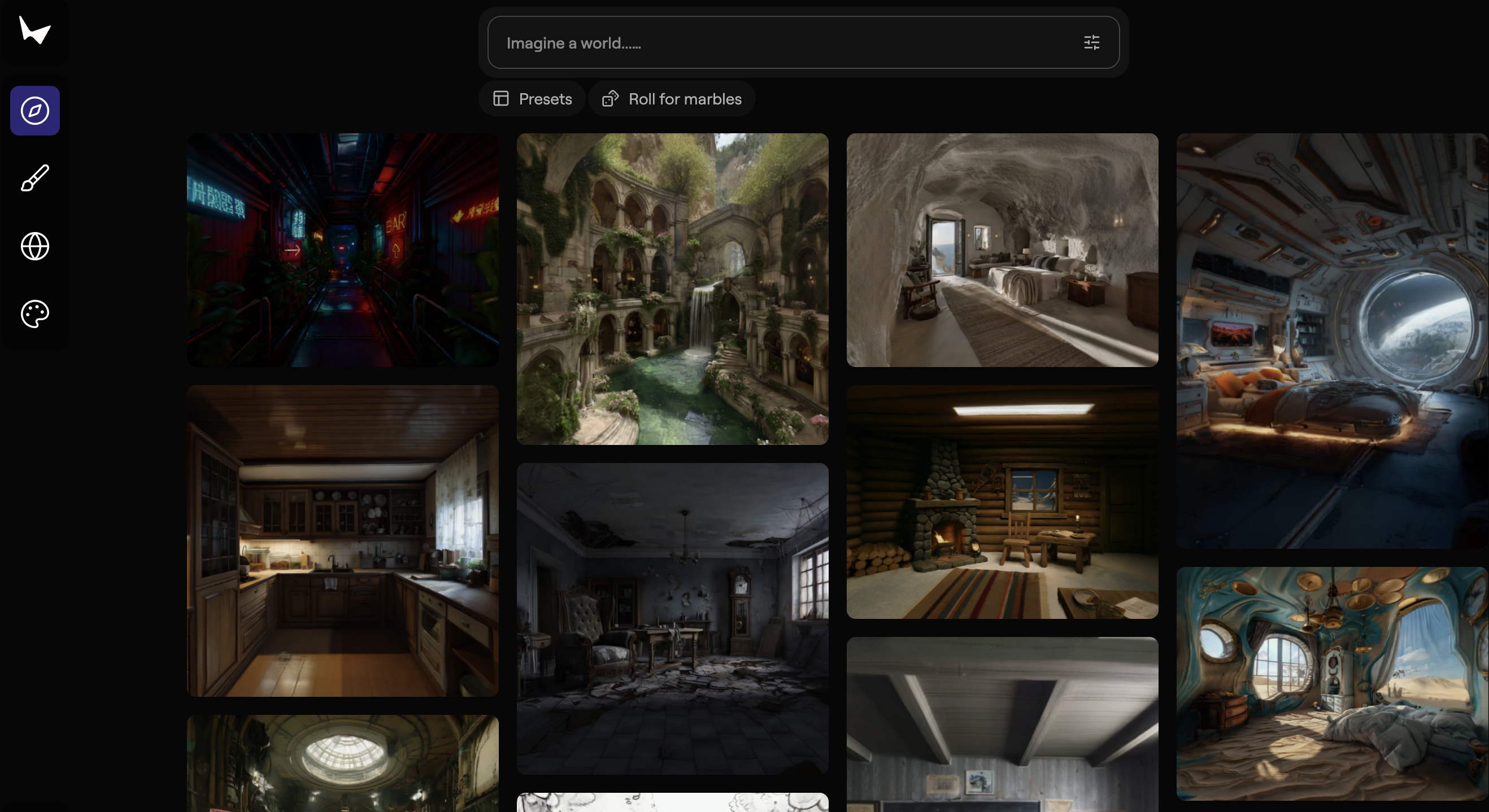
Marble - World Labs' model for creating persistent, high-fidelity 3D worlds from images, videos, and text prompts.
Kling O1 - Kling's creative engine with multimodal understanding and video editing via text, image, and video prompts

Get access to all our AI courses, hundreds of real-world AI use cases, live expert-led workshops, an exclusive network of AI early adopters, and more.
Get unlimited access to all of our current & upcoming industry-specific AI courses for the duration of your subscription.
To keep up with the rapid pace of AI, our team publishes AI implementation guides daily. Our library contains 300+ practical use cases to automate real-world work.
Join weekly, live, interactive sessions with industry leaders who are at the forefront of AI for hands-on implementation guidance and exclusive insights.
Network with an exclusive community of AI-first professionals who are working smarter with AI. Learn how early adopters are using AI in their work and businesses.