Brand-conscious video teams
Organizations producing many motion assets that need consistent type, color, spacing, composition, and behavior.
Independent tool overview
Frame.md is HyperFrames' machine-readable design specification for translating brand systems into consistent, video-first composition, motion, typography, color, and pacing rules.
Visit the official Frame.md site ↗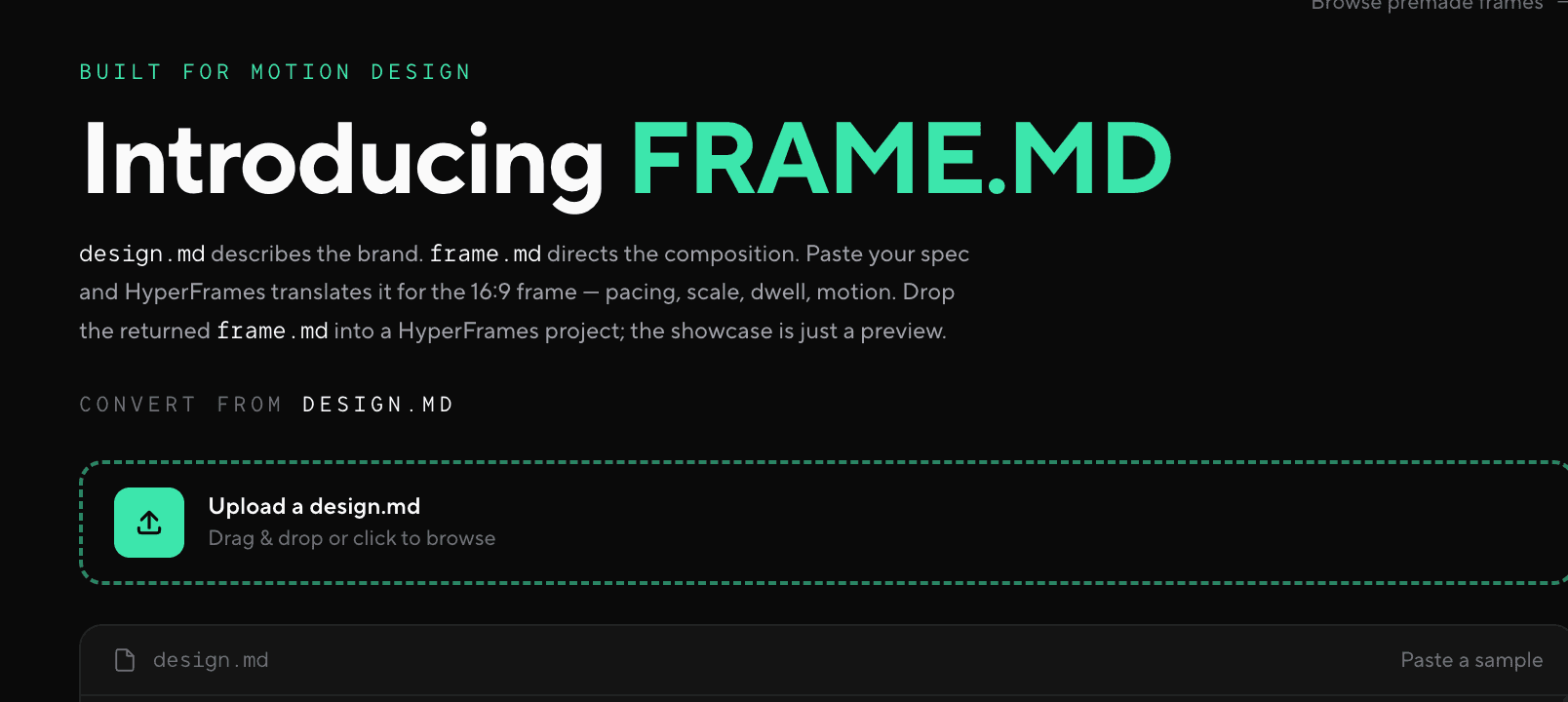
Overview
Frame.md is a project file used by HeyGen's open-source HyperFrames framework. It describes how a brand should behave inside a video frame: composition, scale, typography, color, spacing, pacing, dwell time, motion, and reusable visual components.
The file is not a video generator by itself. It acts as the design source of truth that an AI coding agent and the HyperFrames workflow read while creating editable HTML-based video compositions. Machine-readable YAML frontmatter holds exact tokens, while the Markdown body explains intent and judgment that cannot be reduced to raw values.
The public Frame.md tool can translate an existing design.md specification into a 16:9 video-oriented version or provide a premade frame style to refine. The resulting lowercase frame.md file is placed in a HyperFrames project, where it takes precedence over design.md and DESIGN.md.
Use cases
The strongest fit depends on the job you need the product to complete, not the size of its feature list.
Organizations producing many motion assets that need consistent type, color, spacing, composition, and behavior.
Creators using coding agents to generate HyperFrames compositions from a durable design system rather than one-off prompts.
Teams adapting an existing web-focused design.md file into rules that account for time, pacing, and the 16:9 frame.
Developers who need machine-readable brand constraints for repeatable, editable, programmatic video generation.
Capabilities
YAML frontmatter stores normative values for colors, typography, spacing, and components so an agent can reproduce them precisely.
The Markdown guidance covers how the brand behaves in a frame, including scale, safe areas, hierarchy, density, dwell, pacing, and motion.
The public converter accepts a design.md specification and reframes it for 16:9 motion design instead of simply copying web-layout rules.
A gallery of presets provides starting directions ranging from editorial and corporate systems to neobrutalist and poster-like visual languages.
HyperFrames resolves frame.md before design.md or DESIGN.md, making it the preferred design specification for video projects.
The file gives coding agents a persistent reference that can be reused across storyboarding, authoring, editing, and design-adherence checks.
Process
Step 1
Gather approved logos, color values, typefaces, spacing rules, visual references, motion principles, and accessibility requirements.
Step 2
Paste or upload an existing design.md file, or select a premade frame style as the initial direction.
Step 3
Verify every frontmatter value, especially color codes, font families, weights, spacing, and component names; these are normative inputs.
Step 4
Describe composition, pacing, dwell, transitions, hierarchy, density, and when visual treatments should or should not appear.
Step 5
Save the approved file in the HyperFrames project root using the exact lowercase name frame.md.
Step 6
Generate representative compositions, inspect them in HyperFrames Studio, lint the project, and update the spec when repeated visual errors appear.
Cost
The Frame.md converter, format, presets, and open-source HyperFrames framework are available without a subscription fee. HyperFrames is currently licensed under Apache 2.0. Teams still pay for their own design work, AI model usage, media assets, fonts, local or cloud rendering infrastructure, storage, and any connected voice or video services.
Free
Convert design.md input or start from a premade frame style in the public design tool.
Free and open source
Use the HTML-based video framework and command-line tools under the project's current Apache 2.0 license.
Variable
Budget for the external resources used to create and render finished video.
Pricing checked . Check current pricing at the source ↗
Assessment
Compare
The right alternative depends on the specific output, workflow, controls and budget your project requires.
Content Creator
Choose Remotion when your team prefers a React-based programmatic video framework and its component ecosystem.
Explore Remotion →Design
Choose Canva Magic Studio when nontechnical users need a hosted visual editor rather than a file-based agent workflow.
Explore Canva AI (Magic Studio) →Content Creator
Choose LTX Studio when the priority is AI-assisted storyboarding and video creation in a managed creative environment.
Explore LTX Studio →Questions
Frame.md is the video-first design specification used by HyperFrames. It stores exact visual tokens and contextual guidance for composition, typography, color, spacing, motion, pacing, and reusable components.
No. It is a design-system file. HyperFrames and an AI coding agent use it while authoring and rendering editable HTML-based video compositions.
design.md describes a general brand or web design system. frame.md adapts that system to time-based video frames, including composition, scale, dwell, pacing, and motion.
The file uses YAML frontmatter for normative colors, typography, spacing, and components, followed by Markdown sections that explain intent, rules, constraints, and usage judgment.
Yes. HyperFrames documentation specifies frame.md in lowercase. It is resolved before design.md and DESIGN.md when more than one specification exists.
Yes. The public converter and the Frame.md format are free, and the current HyperFrames repository is licensed under Apache 2.0. External AI, media, and rendering costs may still apply.
The public converter is presented around a 16:9 frame, but the underlying design guidance can be adapted for vertical or square compositions. Safe areas, type scale, density, and layout rules should be reviewed for each aspect ratio.
Bottom line
Frame.md is useful when a team wants AI-generated video to look like a coherent brand system instead of a sequence of loosely related prompts. Its value comes from careful human refinement and consistent use across HyperFrames projects—not from the converter alone.
Visit Frame.md website ↗
Reve 2.0 - Reve's new 4K AI image model with new layout-based editing for more granular control

Firefly Studio - Adobe's upgraded all-in-one platform to generate and edit with AI
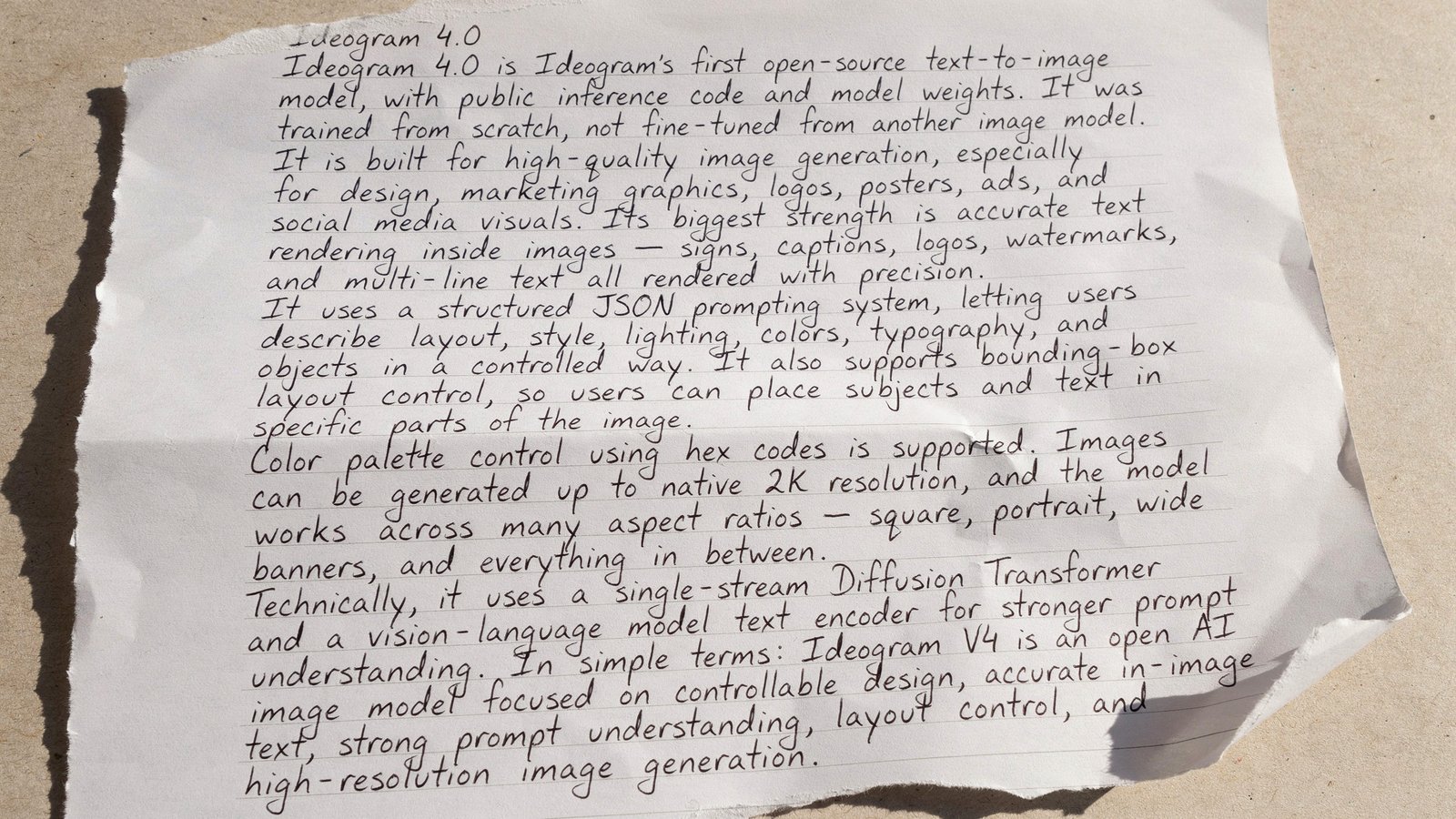
Ideogram 4.0 - Ideogram's new top-rated open-weight image model

Muse Image - Meta’s new in-house AI image generator

Get access to all our AI courses, hundreds of real-world AI use cases, live expert-led workshops, an exclusive network of AI early adopters, and more.
Get unlimited access to all of our current & upcoming industry-specific AI courses for the duration of your subscription.
To keep up with the rapid pace of AI, our team publishes AI implementation guides daily. Our library contains 300+ practical use cases to automate real-world work.
Join weekly, live, interactive sessions with industry leaders who are at the forefront of AI for hands-on implementation guidance and exclusive insights.
Network with an exclusive community of AI-first professionals who are working smarter with AI. Learn how early adopters are using AI in their work and businesses.