Information-dense graphics
Create educational posters, technical diagrams, dashboards, and infographics that combine text, charts, and visual hierarchy.
Independent tool overview
Seedream 5.0 Pro is ByteDance's professional image-generation and editing model for text-heavy infographics, spatially targeted revisions, realistic images, and multilingual layouts.
Visit the official Seedream 5.0 Pro site ↗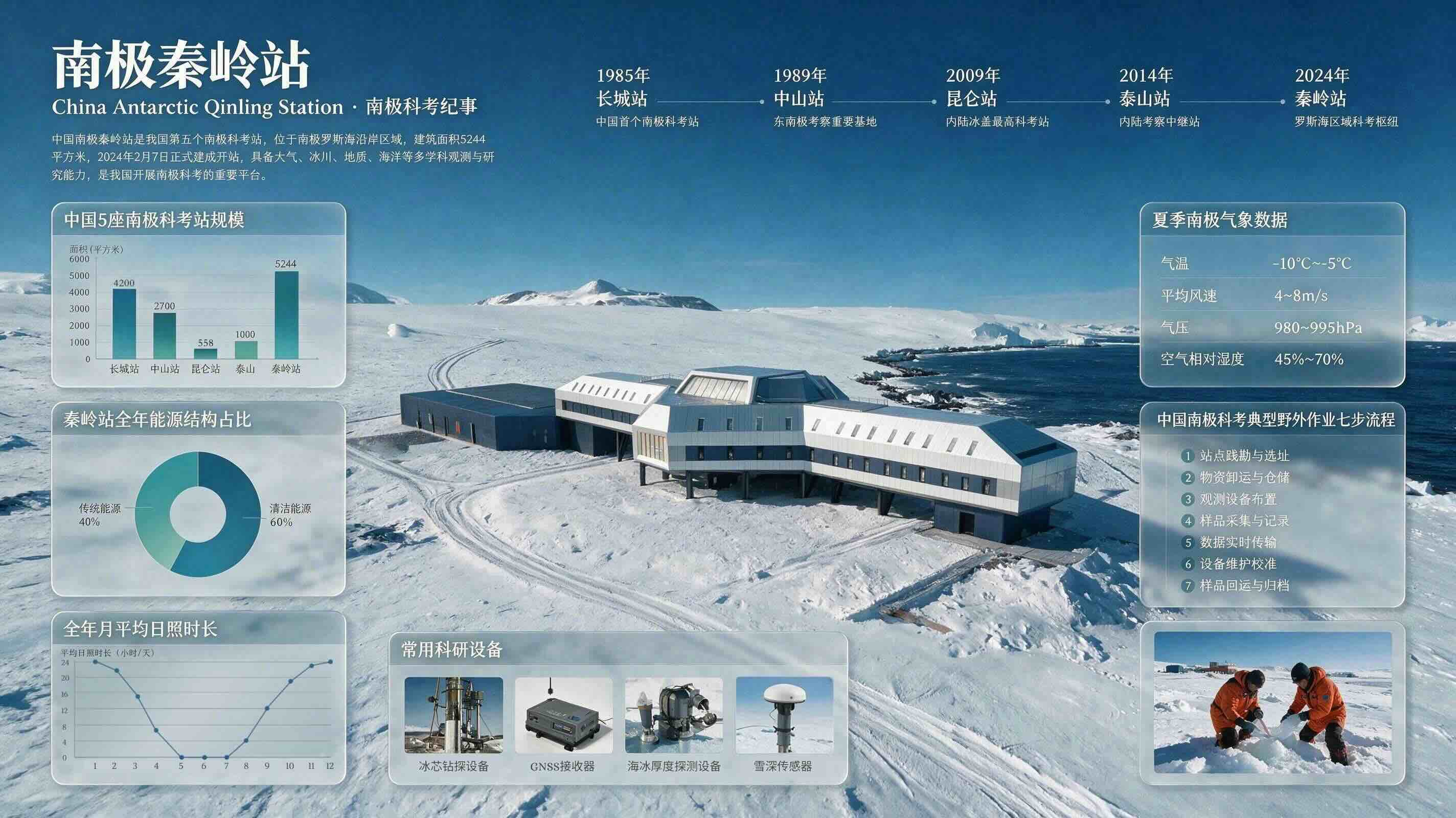
Overview
Seedream 5.0 Pro is ByteDance Seed's multimodal image model for professional design work. Its biggest differentiators are high-density infographic generation and interactive editing that understands coordinates, boxes, arrows, sketches, point selections, and other spatial guidance.
The model can generate from text, edit one or more reference images, fuse up to 10 references through the BytePlus API, and separate a composition into editable layers. It also targets accurate text rendering and localized design across more than 10 languages, including Chinese, English, French, German, Russian, Japanese, Korean, Spanish, and Arabic.
This is the quality-and-control member of the current Seedream line, not the highest-resolution or batch-oriented option. The official API supports 1K and 2K output, one final image or multilayer output, and no streaming. Seedream 5.0 Lite is the better fit when 3K/4K, batch sequences, streaming, or lower per-image cost matters more.
Use cases
The strongest fit depends on the job you need the product to complete, not the size of its feature list.
Create educational posters, technical diagrams, dashboards, and infographics that combine text, charts, and visual hierarchy.
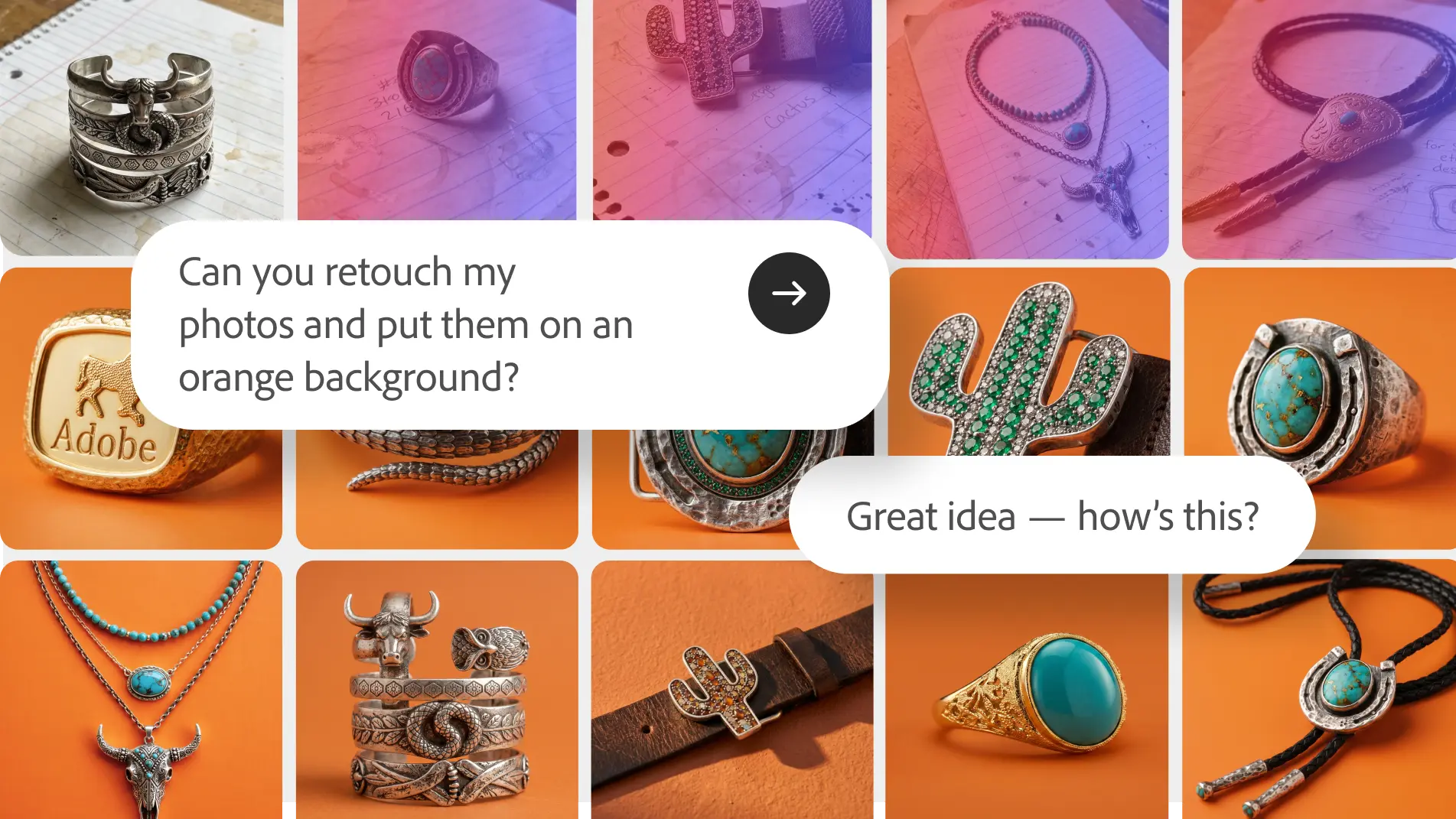
Use coordinates, selection boxes, arrows, annotations, or sketches to identify exactly where an image should change.
Generate or localize layouts with native prompting, script-aware text rendering, and regional visual cues.
Draft advertising, product, architecture, fashion, portrait, and realistic campaign imagery.
Separate a finished composition into independent elements that can be rearranged or refined downstream.
Capabilities
Reasons about data, copy, layout, charts, and visual hierarchy to create information-rich designs in one composition.
Understands edit locations supplied through points, boxes, lasso selections, arrows, and hand-drawn annotations.
Combines subject, style, composition, or material cues from as many as 10 reference images through the API.
Can decompose a design into independent layers and reconstruct obscured background areas for further editing.
Supports prompting and rendered text in more than 10 languages, including right-to-left Arabic layout.
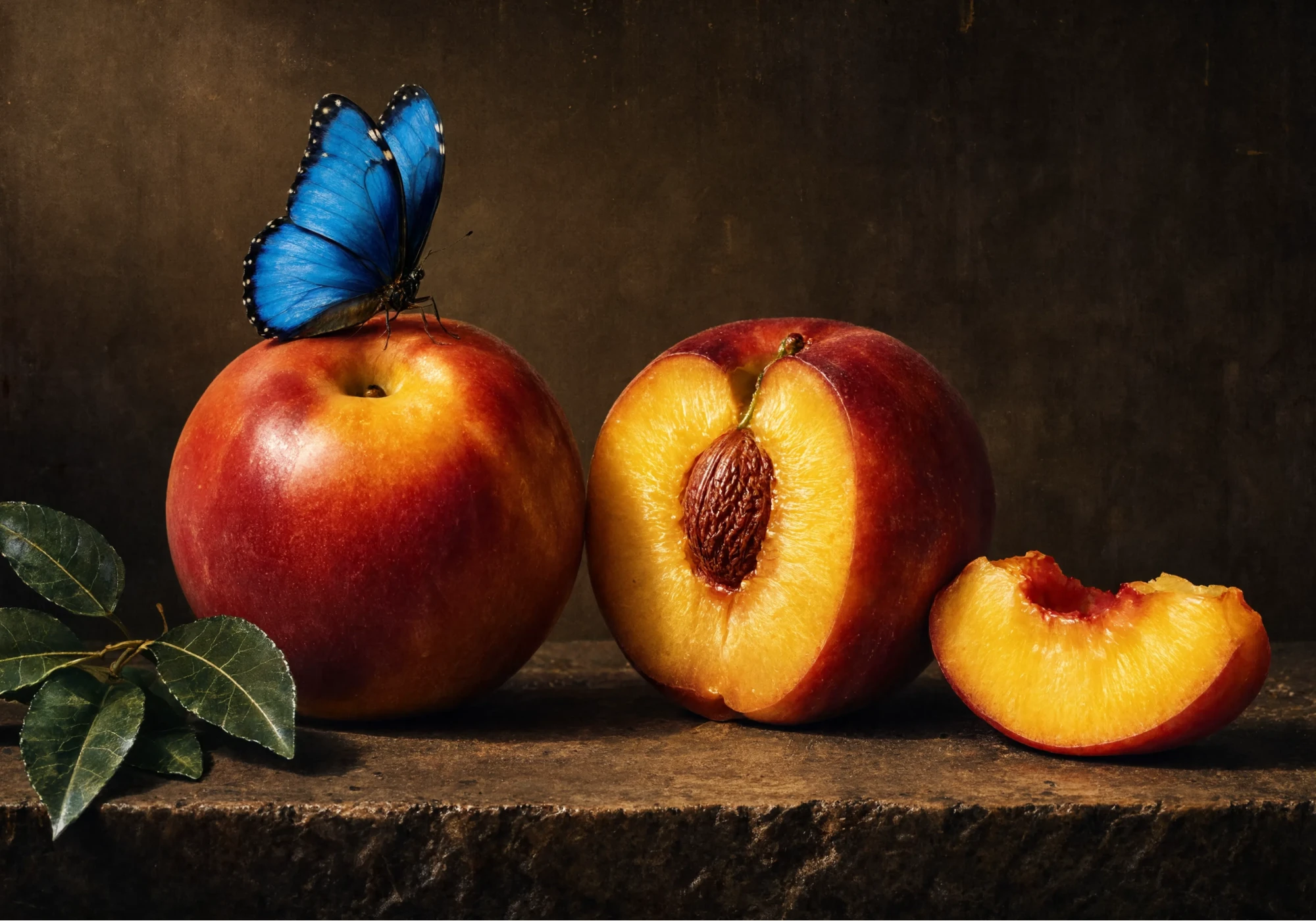
Targets believable skin, lighting, reflection, refraction, surfaces, and CG-to-photographic detail.
The API offers a standard mode for quality and a faster mode that trades some image quality for generation speed.
Process
Step 1
Decide whether to start from text, revise an existing image, fuse references, or separate a design into layers.
Step 2
Specify audience, required copy, dimensions, visual hierarchy, brand constraints, language, and must-preserve elements.
Step 3
Provide only the images needed for subject, style, layout, or material control and label each role clearly.
Step 4
Use boxes, coordinates, arrows, selections, or annotations when a change must happen in a specific region.
Step 5
Choose 1K for lower-cost iteration or 2K for the final higher-resolution output, then select PNG or JPEG.
Step 6
Verify all text, numbers, charts, hands, faces, logos, cultural details, and brand requirements before publishing.
Step 7
Download API URL outputs within 24 hours and move approved assets into permanent storage.
Cost
BytePlus bills Seedream 5.0 Pro per successfully generated output image. The first reference image is free, with a small fee for each additional reference. Moderated requests that do not produce an output are not billed.
$0.045/image
Pay-as-you-go price for each successful output at or below 2.36 million pixels.
$0.09/image
Pay-as-you-go price for a successful higher-resolution output above 2.36 million pixels.
First free; then $0.003 each
The first input reference is included, while each additional reference image is billed separately.
Pricing checked . Check current pricing at the source ↗
Assessment
Compare
The right alternative depends on the specific output, workflow, controls and budget your project requires.
Design
Choose Seedream 5.0 Lite for lower-cost output, 3K/4K resolution, streaming, or multi-image sequences.
Explore Seedream 5.0 Lite →Design
Consider Nano Banana Pro for a managed Google image workflow with strong world knowledge, text rendering, and editing.
Explore Nano Banana Pro →Design
Use ChatGPT Images 2.0 when conversational image creation inside ChatGPT is more important than BytePlus API controls.
Explore ChatGPT Images 2.0 →Design
Evaluate Ideogram for marketing and brand visuals where typography and a creator-facing web product are priorities.
Explore Ideogram →Questions
It is ByteDance Seed's professional image-generation and editing model for infographics, spatially controlled revisions, realistic imagery, multilayer designs, and multilingual text.
BytePlus lists $0.045 per successful output up to 2.36 million pixels and $0.09 above that threshold. The first reference image is free, then each additional reference costs $0.003.
The official BytePlus API supports 1K and 2K presets plus custom dimensions within its documented pixel and aspect-ratio limits.
Seedream 5.0 Pro supports up to 10 reference images through the BytePlus API.
The API supports a single image or multilayer image generation, but it does not support text-to-multiple-image or image-to-multiple-image sequences.
The API supports PNG and JPEG. Multilayer generation is intended for editable design assets, but verify the exact returned layer package in your integration.
Text-rich layouts and multilingual rendering are major strengths, but ByteDance explicitly says finer-grained text rendering can still improve. Proofread every generated word and number.
Pro prioritizes high-precision interactive editing and multilayer design at 1K/2K. Lite costs less per image and supports streaming, batch sequences, more references, and 2K/3K/4K output.
Bottom line
Seedream 5.0 Pro stands out when the job is closer to design production than one-shot art generation. Its infographic reasoning, spatial annotations, multilingual typography, multi-reference fusion, and layer separation are genuinely useful controls. The tradeoff is a narrower API output workflow: no streaming or image sequences, a 2K ceiling, and details that still need human proofing. Use Lite for volume and resolution; use Pro for targeted edits and complex layouts.
Visit Seedream 5.0 Pro website ↗
Muse Image - Meta’s new in-house AI image generator
Reve 2.1 - Upgraded native-4K image model with element-level editing
Firefly Studio - Adobe's upgraded all-in-one platform to generate and edit with AI

Reve API - Native-4K image generation with element-level editing control

Get access to all our AI courses, hundreds of real-world AI use cases, live expert-led workshops, an exclusive network of AI early adopters, and more.
Get unlimited access to all of our current & upcoming industry-specific AI courses for the duration of your subscription.
To keep up with the rapid pace of AI, our team publishes AI implementation guides daily. Our library contains 300+ practical use cases to automate real-world work.
Join weekly, live, interactive sessions with industry leaders who are at the forefront of AI for hands-on implementation guidance and exclusive insights.
Network with an exclusive community of AI-first professionals who are working smarter with AI. Learn how early adopters are using AI in their work and businesses.