Creative directors and marketers
Explore campaign worlds, key art, mood, composition, and visual directions before committing production resources.
Independent tool overview
Midjourney is a subscription AI image and video generator known for polished aesthetics, style control, and a large creative community. Its current default image model is V8.2, and the product now has a full web workflow alongside Discord.
Visit the official Midjourney site ↗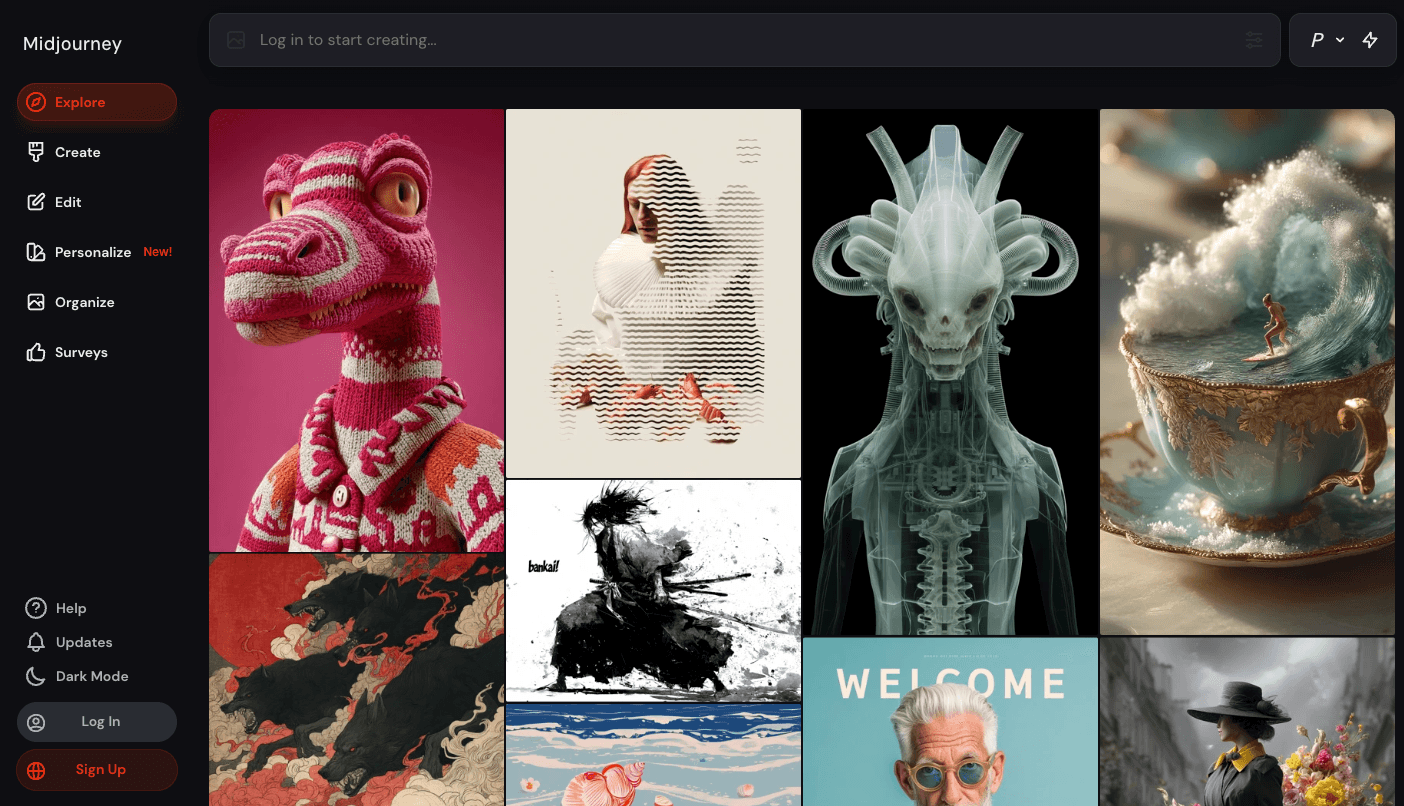
Overview
Midjourney turns text and reference images into finished visual concepts. It is especially strong for art direction, campaign exploration, illustration, cinematic imagery, and other work where visual taste matters as much as literal prompt accuracy.
The current default model is V8.2, released in July 2026 with updated aesthetics, image quality, and personalization. Midjourney also supports five-second image-to-video generation, a browser-based Editor, moodboards, style profiles, and an organized web gallery.
The tradeoff is control and privacy. Midjourney is not a traditional layer-based production suite, its generations can still require iteration, and creations are open by default unless a Pro or Mega subscriber uses Stealth mode correctly.
Use cases
The strongest fit depends on the job you need the product to complete, not the size of its feature list.
Explore campaign worlds, key art, mood, composition, and visual directions before committing production resources.
Generate strong starting points, variations, character ideas, environments, and stylized references.
Use personalization profiles, moodboards, image prompts, and style controls to develop a repeatable visual language.
Capabilities
The current default model focuses on image quality, bolder aesthetics, and improved personalization while retaining access to earlier model versions.
Animate a starting image into a five-second clip, add an optional motion prompt, and export MP4 or GIF files. HD and Relax-mode availability depend on plan.
Remix, inpaint regions, pan, zoom, combine layers, or retexture images in the browser. The Editor currently uses an older image model than V8.2 for its generation operations.
Train style preferences by selecting images or build curated moodboards, then apply those profiles to future prompts.
Use image prompts and other reference tools to influence content, composition, color, character, or style instead of relying on text alone.
Search, filter, sort, folder, bulk-download, and manage generated images and videos from the Midjourney website.
Process
Step 1
Start with a clear subject, setting, composition, lighting, medium, and intended use. Add reference images or a moodboard when words are not enough.
Step 2
Run several prompt variations, compare the four-image grids, and adjust prompt language, model parameters, or personalization.
Step 3
Create variations, upscale, edit regions, extend the canvas, or retexture the image. For motion, animate the selected frame into a short video.
Step 4
Check anatomy, typography, brand details, rights, factual representations, and privacy settings before using the asset publicly or commercially.
Cost
Midjourney has four auto-renewing subscriptions. Annual billing is paid upfront and is advertised at 20% below monthly pricing. Standard and above include unlimited Relax-mode image generation; Pro and Mega add Stealth mode and Relax-mode video.
$10/month or $96/year
Entry plan for lighter image and video experimentation.
$30/month or $288/year
Best fit for frequent image creators who can use slower unlimited generation.
$60/month or $576/year
Adds privacy and higher usage for professional creators and teams.
$120/month or $1,152/year
Highest-capacity plan for heavy generation workloads.
Pricing checked . Check current pricing at the source ↗
Assessment
Compare
The right alternative depends on the specific output, workflow, controls and budget your project requires.
Design
Consider Ideogram when readable text and typography inside generated images are the main priority.
Explore Ideogram →Design
Consider Recraft for design-oriented assets, brand graphics, and a model positioned around production-ready visual work.
Explore Recraft V4.1 →Design
Consider Adobe Firefly's broader suite when commercial creative workflows and integration with Adobe applications matter more than Midjourney's signature aesthetic.
Explore Adobe Firefly →Questions
No. Midjourney says there is currently no free trial on its website or in Discord. Paid plans start at $10 per month.
V8.2 is the current default image model as of this review. It became the default in July 2026 and focuses on aesthetics, image quality, and personalization.
Yes. It can animate a starting image into a five-second clip. All plans can make video in Fast mode, while Relax-mode video is limited to Pro and Mega.
Not by default. Work can appear publicly on Midjourney unless you use Stealth mode, which is available only on Pro and Mega plans. Creations posted in shared Discord channels remain visible there even with Stealth enabled.
Midjourney says subscribers generally own the assets they create, subject to its terms and third-party rights. Businesses with more than $1 million in annual gross revenue need a Pro or Mega plan for company use, and legal copyright protection can vary by jurisdiction.
Yes. The website supports image and video generation, editing, style personalization, moodboards, search, folders, and bulk downloads, so Discord is no longer the only practical interface.
Bottom line
Midjourney remains one of the best choices when visual quality, art direction, and aesthetic exploration are the priority. Standard is the practical value tier for frequent image generation, while commercial teams needing privacy should budget for Pro or Mega. Choose a more production-specific alternative when exact text, reusable design components, or API automation matters more than visual ideation.
Visit Midjourney website ↗
Argil: Generate pre-edited video shorts using your AI-clone.

Luma Labs: Uses ai to generate photorealistic 3d environments and videos from text or camera input.
.avif)
Auphonic: Automatic Audio Post Production

Krea: Is a real-time ai image generator and editor built for designers to create, remix, and iterate visually.

Get access to all our AI courses, hundreds of real-world AI use cases, live expert-led workshops, an exclusive network of AI early adopters, and more.
Get unlimited access to all of our current & upcoming industry-specific AI courses for the duration of your subscription.
To keep up with the rapid pace of AI, our team publishes AI implementation guides daily. Our library contains 300+ practical use cases to automate real-world work.
Join weekly, live, interactive sessions with industry leaders who are at the forefront of AI for hands-on implementation guidance and exclusive insights.
Network with an exclusive community of AI-first professionals who are working smarter with AI. Learn how early adopters are using AI in their work and businesses.