Graphic design with real text
Create posters, ads, covers, social graphics, and dense compositions where hierarchy, typography, and multilingual rendering matter.
Independent tool overview
Reve 2.1 is a native-4K image generation and editing model built around structured layouts, element-level control, multilingual text rendering, references, and iterative design tools.
Visit the official Reve 2.1 site ↗
Overview
Reve 2.1 is the July 2026 version of Reve's foundation image model. It generates at a native 16-megapixel resolution and emphasizes complicated layouts, dense scenes, fine text, spatial relationships, and the ability to revise an individual element without rebuilding the whole composition.
The model sits inside a broader visual workspace rather than a prompt box alone. Reve supports direct object edits, sketches and annotations, reusable person, place, and style references, templates, visual-effect presets, live text-and-image layers, and reframing to a new layout or aspect ratio.
This combination makes Reve 2.1 most interesting for iterative graphic design, product imagery, art direction, concept development, and other work where both output detail and editability matter. Native 4K is useful, but factual text, brand assets, anatomy, product geometry, and rights still require human review.
Use cases
The strongest fit depends on the job you need the product to complete, not the size of its feature list.
Create posters, ads, covers, social graphics, and dense compositions where hierarchy, typography, and multilingual rendering matter.
Generate a visual direction, then move, replace, recolor, resize, reframe, or restyle selected parts without restarting from the original prompt.
Use references, templates, live layers, and high-resolution output to explore repeatable marketing visuals before final production review.
Capabilities
Reve says 2.1 renders a full 16-megapixel image natively, preserving edges, text, and texture through iterative changes instead of relying only on a final upscale.
The model plans structure, hierarchy, and relationships between elements before rendering, targeting dense scenes and complicated graphic compositions.
Select and re-render a region or ask to move, resize, recolor, remove, or change an object while retaining the surrounding composition.
Guide a result with reusable people, places, or styles, or sketch and mark up what should appear and where it belongs.
Reuse a controlled visual structure and combine editable text and image layers for more practical marketing and design outputs.
Reshoot or rearrange a scene for a new aspect ratio, apply existing visual presets, or build a custom shader-like effect for repeated styling.
Reve operates a separate API console for programmatic image workflows. API billing and terms are separate from the consumer plan table and should be checked inside the console before implementation.
Process
Step 1
Set the intended channel, aspect ratio, required copy, brand constraints, and whether the output must remain editable before writing the prompt.
Step 2
Describe subject, hierarchy, layout, camera, lighting, material, palette, and exact text. Add owned reference images or sketches when words alone leave too much ambiguity.
Step 3
Select the strongest overall structure before polishing small details. Check whether the main elements, negative space, type blocks, and visual reading order match the brief.
Step 4
Move, resize, replace, recolor, or redraw only the parts that are wrong. Preserve a version before each major edit in case local changes disturb surrounding content.
Step 5
Inspect every word, logo, hand, face, reflection, repeated object, edge, and product detail at 100% zoom. Native 4K increases detail but does not guarantee correctness.
Step 6
Use conventional design software for exact brand typography, legal copy, vector marks, color-managed delivery, masks, and changes that must be deterministic.
Cost
Reve uses daily 'Energy' and describes plan capacity as multiples of the free tier rather than publishing one fixed image count for every individual plan. The consumer prices and feature gates below were checked in Reve's live pricing application on August 28, 2026.
$0/month
For trying image generation, conversational editing, and the core workspace.
$7.99/month
A hobbyist tier with more creation capacity and storage.
$19.99/month
The main professional individual tier with substantially larger capacity and additional media features.
$59/user/month
A shared plan for organizations, with a five-seat minimum.
Pricing checked . Check current pricing at the source ↗
Assessment
Compare
The right alternative depends on the specific output, workflow, controls and budget your project requires.
Design
Choose Ideogram when text rendering and design-oriented image generation are priorities and you want another established web workflow.
Explore Ideogram →Content Creator
Choose Midjourney when visual style exploration and a large creative ecosystem matter more than Reve's element-addressable design workflow.
Explore Midjourney →Content Creator
Choose Nano Banana 2 when Google's image generation and editing inside Gemini, plus fast model access, better fits the surrounding workflow.
Explore Nano Banana 2 →Content Creator
Choose Krea when real-time generation, multiple image models, enhancement, and a broader visual toolkit are more important than one native-4K model.
Explore Krea →Questions
Reve 2.1 is Reve's July 2026 image model for native-4K generation, structured layout planning, element-level editing, multilingual text, and iterative visual design.
Reve says the model renders natively at 16 megapixels rather than generating only a small image for later upscaling. Full-resolution outputs still need visual and factual inspection.
Yes. Reve offers a free plan with daily Energy for image generation, conversational editing, brainstorming, and basic storage. The exact output count depends on the operation and current Energy limits.
As of August 28, 2026, Reve Lite costs $7.99 per month, Pro costs $19.99, and Teams costs $59 per user per month with a five-seat minimum. A free plan is also available.
Yes. Reve 2.1 emphasizes element-level editing, letting users target a region or object to move, resize, recolor, replace, or re-render while preserving the broader composition.
Reve's terms assign to users any rights Reve holds in their outputs, subject to the user's input rights and Reve's license. The terms also warn that AI outputs may not be unique, protectable, or free of third-party rights, so commercial users should conduct their own review.
Its current terms permit use of user content for service improvement and model training. Paid accounts can opt out, but the opt-out applies only to content provided or created after the setting is enabled.
Bottom line
Reve 2.1 is a compelling image model for designers who need both high-resolution output and precise iterative control over layout, text, and individual elements. Free is suitable for public, non-sensitive testing; Lite adds modest capacity; Pro is the logical individual tier for serious volume, added media context, and training-control needs. Keep final typography, logos, legal copy, and rights review in a deterministic production workflow.
Visit Reve 2.1 website ↗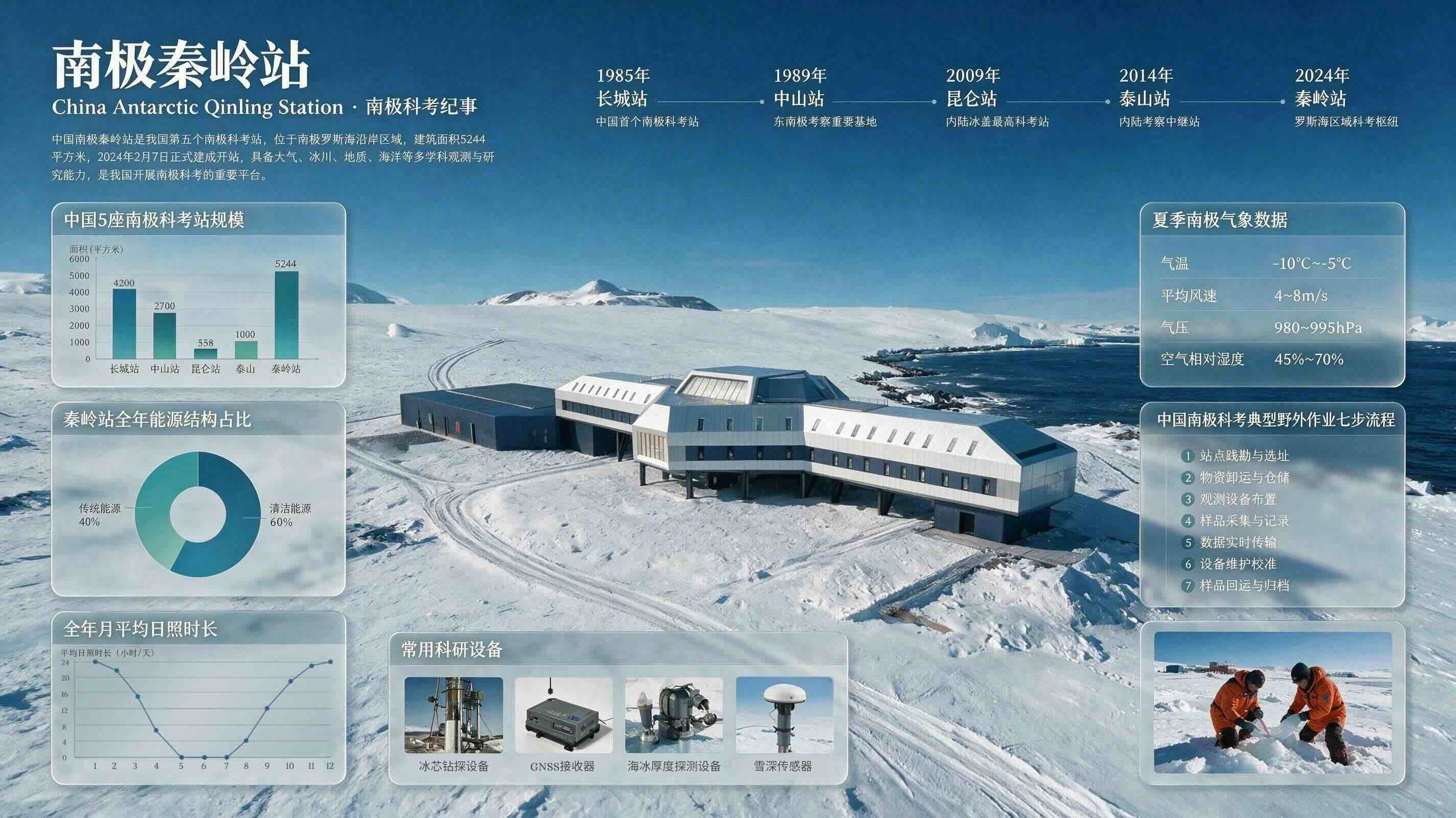
Seedream 5.0 Pro - ByteDance's new image model built for infographics and precise edits

Reve API - Native-4K image generation with element-level editing control

Muse Image - Meta’s new in-house AI image generator
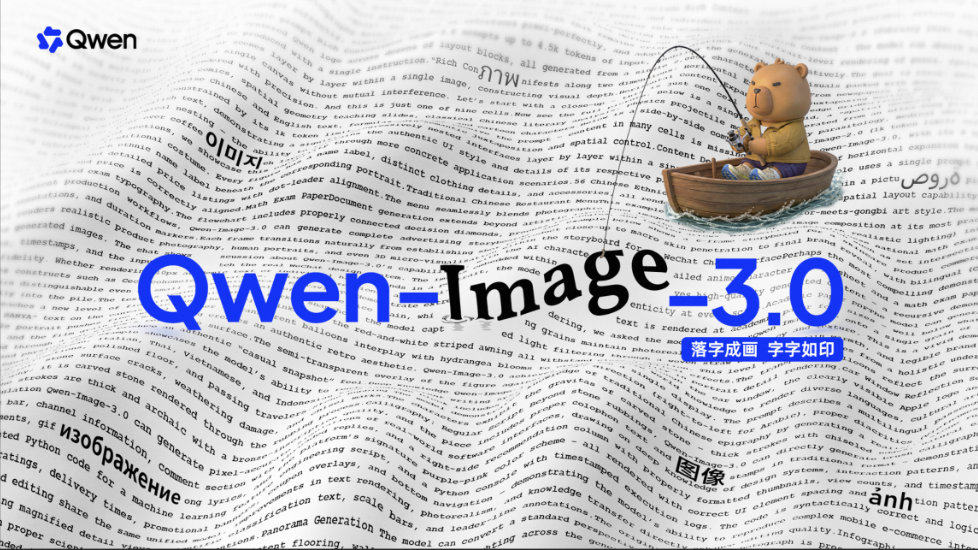
Qwen-Image-3.0 - Alibaba’s new image model with strong text rendering and long prompt adherence

Get access to all our AI courses, hundreds of real-world AI use cases, live expert-led workshops, an exclusive network of AI early adopters, and more.
Get unlimited access to all of our current & upcoming industry-specific AI courses for the duration of your subscription.
To keep up with the rapid pace of AI, our team publishes AI implementation guides daily. Our library contains 300+ practical use cases to automate real-world work.
Join weekly, live, interactive sessions with industry leaders who are at the forefront of AI for hands-on implementation guidance and exclusive insights.
Network with an exclusive community of AI-first professionals who are working smarter with AI. Learn how early adopters are using AI in their work and businesses.