Brand illustration systems
Generate new subjects in a repeatable illustration language using a curated set of approved examples.
Independent tool overview
Ideogram Custom Models fine-tunes an Ideogram image model on a curated visual dataset so new generations follow a brand, product, character, lettering, illustration, or photography style more consistently. Self-serve training is available in limited form on Pro and Team plans and through the API, while Enterprise adds larger datasets, white-glove work, exact-logo controls, and stronger data protections. The value depends far more on asset rights, dataset curation, captions, and approval discipline than on simply uploading more images.
Visit the official Ideogram Custom Models site ↗
Overview
Ideogram now presents Custom Image Models as a core model product at a new canonical page. The earlier features URL describes the same product but the current page is the more complete source for access, workflow, API support, team sharing, and Enterprise differences.
The self-serve web workflow accepts 15 to 100 images, automatically creates captions for review, and trains a reusable model that can be selected during generation. Ideogram recommends quality over quantity and warns that narrow datasets can overfit to the scenes and compositions they contain.
API documentation supports creating a dataset, uploading JPEG, PNG, or WebP images with optional text captions, starting an Ideogram v3 training job, polling status, and generating with a custom model URI. Current official pages disagree on whether the API minimum is 10 or 15 images, so prepare at least 15 and rely on the live endpoint validation.
A custom model can be combined with Style References and Color Palettes. Team plans add organization sharing, while Enterprise offers larger datasets, custom captioning, research and annotation help, PLM or DAM integration, exact typography and logo layers, and negotiated production support.
Data treatment differs materially by plan. Ideogram says Pro and Team training data may be used to evaluate and improve its foundation models; Enterprise promises that customer data and custom models will not be used for AI training or shared outside the organization. Sensitive brand programs should resolve that term before uploading source assets.
Use cases
The strongest fit depends on the job you need the product to complete, not the size of its feature list.
Generate new subjects in a repeatable illustration language using a curated set of approved examples.
Explore visual directions around a product family while keeping composition, material, lighting, and graphic treatment closer to a shared art direction.
Train a consistent character or 3D mascot style when the dataset includes the poses, views, expressions, and contexts the campaign needs.
Carry a defined lighting, lens, texture, color, and composition treatment into new synthetic scenes.
Prototype custom lettering or poster systems on Ideogram's text-oriented foundation; exact brand fonts and logos require additional control and review.
Capabilities
Create a reusable model from 15 to 100 curated images without managing GPUs or training infrastructure.
Ideogram drafts captions for uploaded images so the operator can correct subject, style, composition, and brand-specific details before training.
Select the trained model in the web product or pass its URI to an Ideogram v3 generation request.
Combine a custom model with Style Reference and Color Palette controls for additional visual direction.
Team members can share trained models through the organization and generate from a common visual foundation.
Programmatically create datasets, upload images and caption sidecars or ZIP files, launch training, poll model status, and generate at scale.
Approved outputs can be curated into later datasets as the visual system evolves, with versioning and rights review handled by the customer.
Sales-led engagements support larger datasets, custom captioning, annotation and research help, workflow integration, layered text or SVG logos, and negotiated data handling.
Process
Step 1
Choose a single coherent target—such as a mascot, product-photo treatment, illustration system, or lettering style—instead of mixing unrelated visual goals.
Step 2
Document copyright, trademark, font, product, location, and likeness rights for each training image and confirm that the applicable Ideogram plan permits the intended data use.
Step 3
Use sharp, representative examples with the subjects, angles, compositions, backgrounds, demographics, and edge cases the model should support; remove duplicates, watermarks, and accidental third-party marks.
Step 4
Correct auto-generated captions so they distinguish the reusable style from incidental content and do not encode false names, identities, attributes, or brand rules.
Step 5
Name the model and dataset clearly, record the source manifest and permissions, and treat each retrain as a versioned creative asset rather than overwriting evidence.
Step 6
Evaluate prompts, layouts, people, products, text, colors, and scenes that were not in training to detect memorization, overfitting, weak generalization, and demographic drift.
Step 7
Use prompts, Style References, Color Palettes, or Enterprise logo and typography layers where the custom model alone cannot enforce an exact brand requirement.
Step 8
Check logo, spelling, product claims, colors, packaging, anatomy, cultural context, likeness, endorsements, accessibility, and legal disclosures before approval.
Step 9
Track model version, prompt, approved result, editor, campaign, sharing status, API key, spend, and takedown requests; retire models whose source rights or brand standards change.
Cost
Custom-model access begins on Ideogram Pro, not Plus. Pro and Team plans list limited training, while Enterprise adds private custom models and bespoke work. The API uses a separate prepaid account and does not share subscription credits. Ideogram does not clearly publish a universal per-training-job fee on the current marketing page, so confirm the allowance and API charge in the live account before starting a dataset.
$60 monthly or $42 per month billed annually
The lowest current personal plan listing limited Custom Model training.
$30 per user monthly or $20 per user/month billed annually
Adds organization billing, collaboration, and sharing for custom models.
Custom pricing
A negotiated program for private custom models, larger datasets, advanced brand controls, and production support.
Separate prepaid usage
Programmatic training and generation are billed through an API account independent from the app subscription.
Pricing checked . Check current pricing at the source ↗
Assessment
Compare
The right alternative depends on the specific output, workflow, controls and budget your project requires.
Design
The general Ideogram product when prompts, Style References, and Color Palettes provide enough consistency without maintaining a trained model.
Explore Ideogram →Content Creator
A style- and moodboard-oriented image model for teams comparing custom visual direction and flexible generation workflows.
Explore Krea 2 →Content Creator
A broader real-time image generation and editing workspace when iteration speed matters more than a dedicated brand fine-tune.
Explore Krea →Design
A Creative Cloud-centered alternative with its own commercial, brand, and enterprise generation controls.
Explore Adobe Firefly →Questions
They are fine-tuned Ideogram image models trained on a customer's curated visual dataset so future generations follow a product, character, illustration, lettering, photography, or brand style more consistently.
The self-serve web product and current API reference specify 15 to 100 images. One API tutorial says 10 to 100, so prepare at least 15 and check the live validator. Ideogram says quality and coverage matter more than filling the maximum.
Ideogram currently lists limited Custom Model training on Pro and Team plans. Enterprise adds private models, larger datasets, white-glove work, and advanced controls; programmatic training is also available through the separately billed API.
Self-serve training may learn the surrounding visual style, but it cannot guarantee exact marks or typography. Ideogram positions layerized text, SVG logos, and exact custom typography as Enterprise controls. You must have the necessary rights in every asset.
The current Custom Models page says Pro and Team data may be used to evaluate and improve foundation models. Enterprise guarantees that customer data and custom models are not used for AI training or shared outside the organization.
Yes on Team plans, where members can share trained models through the organization. Pro and Team users may also have public-sharing options, so review the selected visibility before exposing proprietary models or outputs.
No. Ideogram says the app subscription and API account are billed separately. API requests require their own prepaid balance and draw down according to current API pricing.
Use diverse, high-quality examples, remove duplicates, caption accurately, include the scenes and compositions the model must handle, reserve a holdout test set, and compare performance outside the training distribution.
Ideogram's general terms do not claim ownership of inputs or outputs and do not restrict commercial output use, but the customer remains responsible for source permissions, third-party rights, laws, plan terms, and campaign-specific approvals.
Bottom line
Ideogram Custom Models are most useful when a team already has a coherent, rights-cleared visual system and enough recurring output to justify training, evaluation, and governance. Start with one narrow model and a holdout test; choose Enterprise before uploading sensitive brand assets if no-training treatment and exact marks are requirements rather than preferences.
Visit Ideogram Custom Models website ↗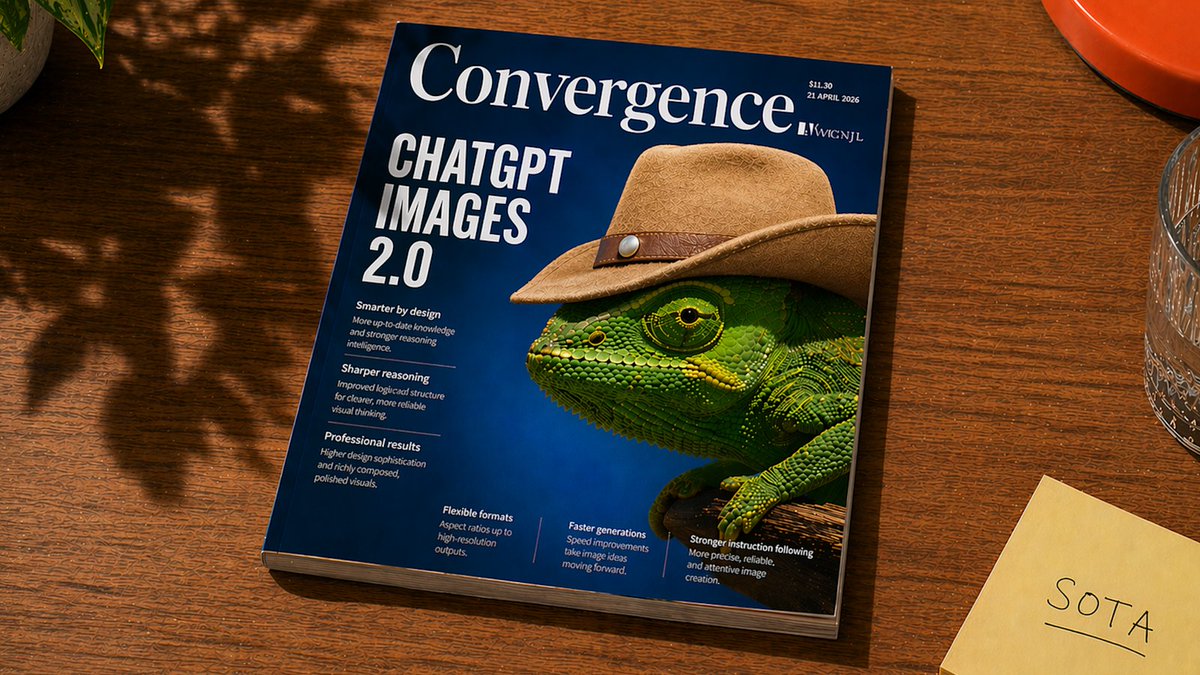
ChatGPT Images 2.0 - OpenAI's new SOTA image generation model with next-generation text rendering, realism, and thinking capabilities
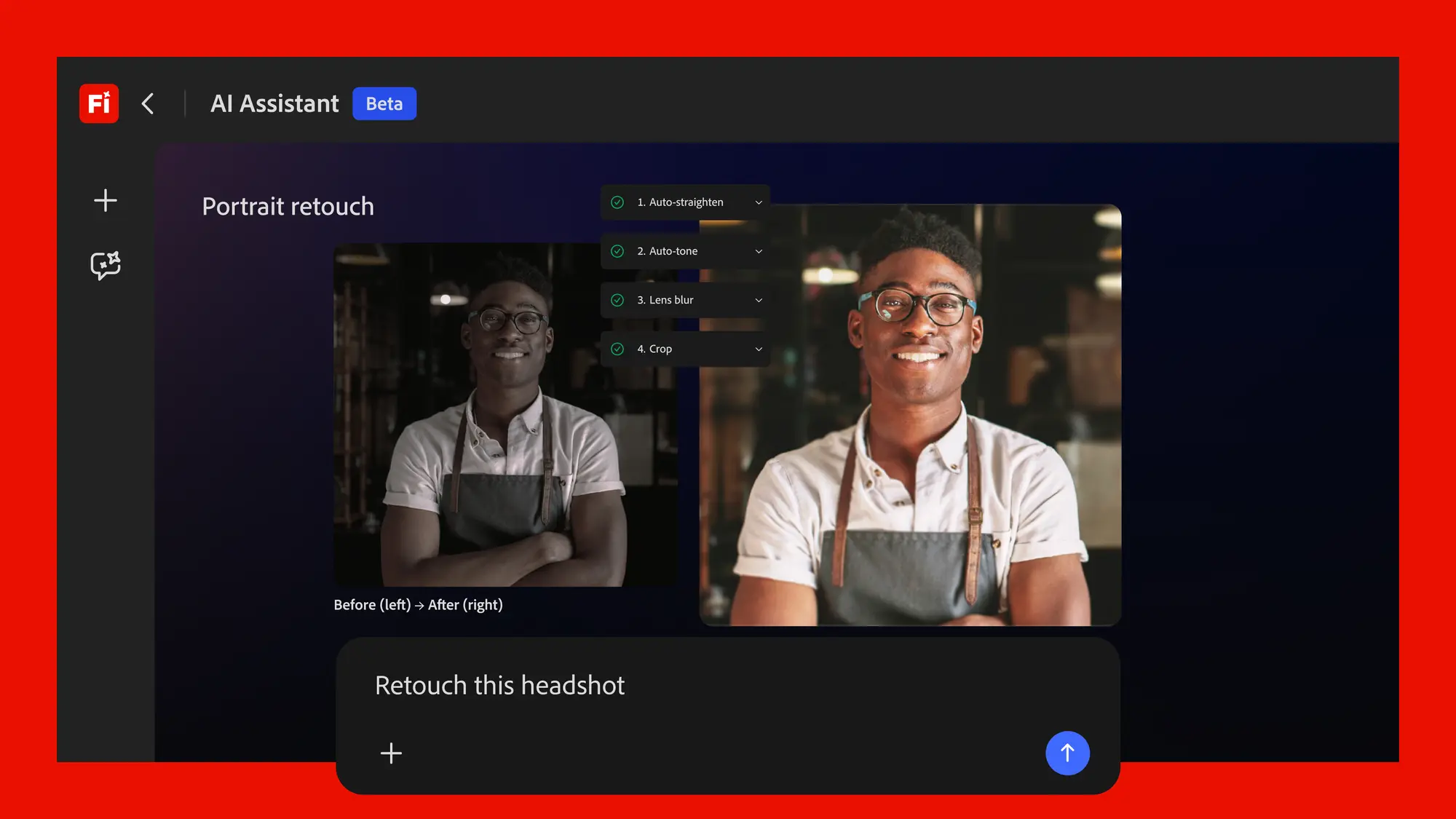
Adobe's conversational creative agent for planning, creating, and editing content across Firefly and Creative Cloud apps.

Claude Design - Anthropic's new design tool for collaborating with Claude to create polished visual work like designs, prototypes, slides, one-pagers, and more.
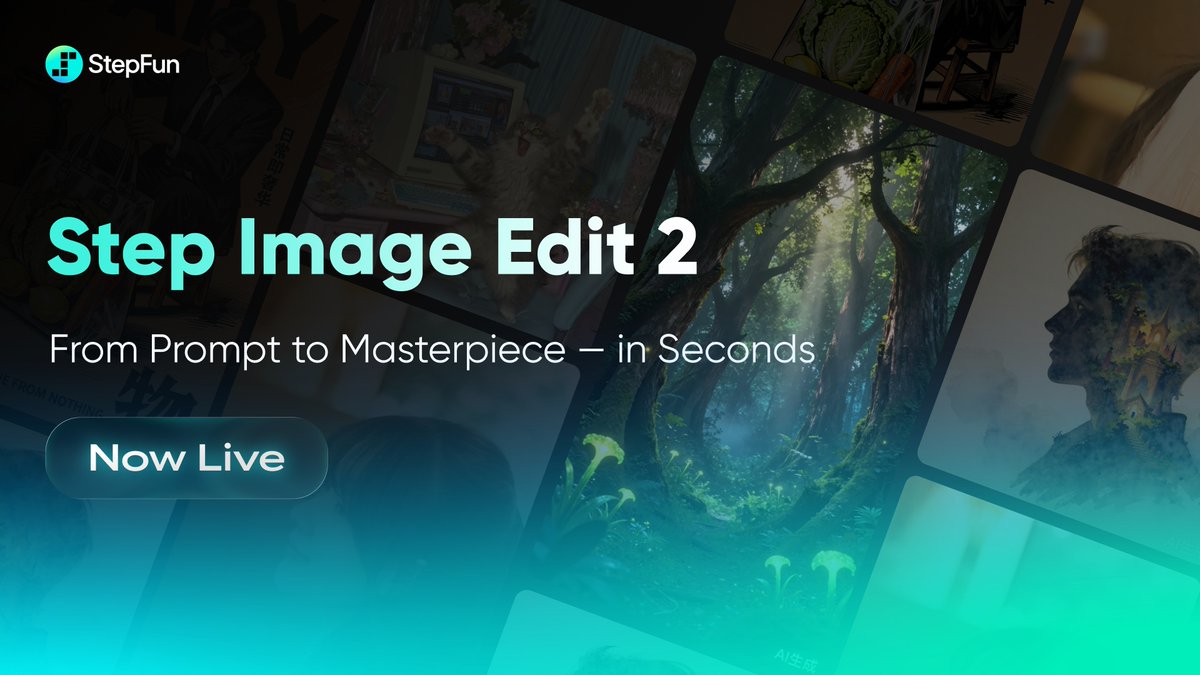
🎨 Step Image Edit 2 - StepFun's lightweight, fast image editing model that tops instruction editing benchmarks

Get access to all our AI courses, hundreds of real-world AI use cases, live expert-led workshops, an exclusive network of AI early adopters, and more.
Get unlimited access to all of our current & upcoming industry-specific AI courses for the duration of your subscription.
To keep up with the rapid pace of AI, our team publishes AI implementation guides daily. Our library contains 300+ practical use cases to automate real-world work.
Join weekly, live, interactive sessions with industry leaders who are at the forefront of AI for hands-on implementation guidance and exclusive insights.
Network with an exclusive community of AI-first professionals who are working smarter with AI. Learn how early adopters are using AI in their work and businesses.