Creative direction
Designers and art directors exploring palettes, texture, composition and visual tone from reference material.
Independent tool overview
Krea 2 is Krea's first in-house image foundation model, designed for expressive visual exploration through controllable style references, moodboards and a tunable creativity setting.
Visit the official Krea 2 site ↗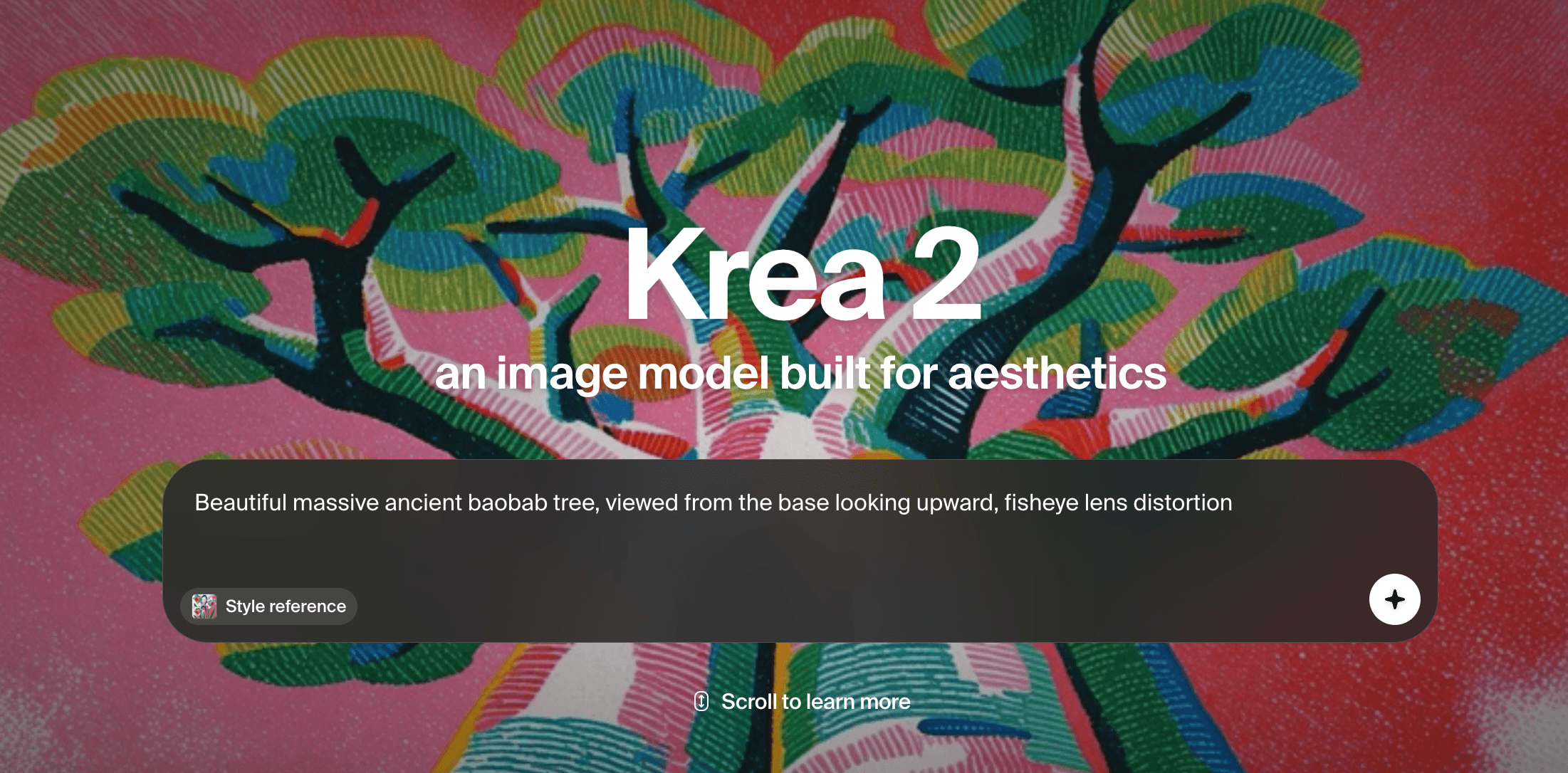
Overview
Krea 2 is an aesthetic-first image model announced in May 2026. Its central idea is that creators should control not only the subject of an image but also its visual language, with direct tools for mixing references, adjusting their strength and exploring a wider range of outputs.
The hosted Krea experience supports style references, moodboards and rapid generation, while the API exposes Medium and Large variants. Krea has also released RAW and Turbo model weights for self-hosting and fine-tuning under its current community license.
Krea 2 is best understood as one model inside Krea's broader creative suite. The standard app subscription also covers other image, video, 3D, upscaling and workflow tools, while API usage and self-hosted licensing follow separate terms and costs.
Use cases
The strongest fit depends on the job you need the product to complete, not the size of its feature list.
Designers and art directors exploring palettes, texture, composition and visual tone from reference material.
Teams generating multiple expressive directions before committing to production photography or illustration.
Technical teams using the API or open weights for controlled generation, LoRA training and integrated image pipelines.
Capabilities
Combine up to four reference images, adjust each influence and carry a chosen visual language across prompts.
Use a larger collection of visual references to communicate broader themes, characters, expressions and overall creative direction.
Adjust variation and creativity to keep a batch cohesive or deliberately push toward more unexpected outputs.
Medium favors speed, cost and stability, while Large is positioned for rawer texture, photorealism and higher expressive capacity.
RAW is intended for training and research; the distilled eight-step Turbo checkpoint is designed for faster polished generation.
Process
Step 1
Write a concise subject prompt and gather only references you are permitted to use.
Step 2
Generate a varied batch, then use reference strengths or a moodboard to narrow the visual direction.
Step 3
Check anatomy, text, brand consistency, provenance and usage rights before upscaling or moving an output into a campaign.
Cost
Krea 2 is included in Krea's free and paid app plans. The current monthly plan prices shown by Krea are $9 for Basic, $35 for Pro and $105 for Max, with a separate yearly option advertised at up to 40% off. API usage is billed separately per successful generation.
$0
Daily access for trying Krea 2 and the suite's basic tools.
$9/month
Core paid access for individual creators.
$35/month
Advanced suite features and broader model access.
$105/month
Higher compute and concurrency for heavier production use.
$0.03-$0.07 per generation
Separate usage pricing for the Krea 2 Medium and Large endpoints.
Pricing checked . Check current pricing at the source ↗
Assessment
Compare
The right alternative depends on the specific output, workflow, controls and budget your project requires.
Content Creator
Choose Midjourney for a mature image-generation community and a more opinionated default visual style.
Explore Midjourney →Design
Choose Ideogram when reliable typography and graphic-design composition matter more than open-ended aesthetic exploration.
Explore Ideogram →Content Creator
Choose FLUX.2 to compare a different visual model family with generation and editing options.
Explore FLUX.2 →Questions
Krea 2 is Krea's in-house image foundation model for expressive image generation with style references, moodboards and tunable creative control.
Yes. Krea's free plan includes access to Krea 2 and 100 compute units per day, subject to the plan's feature and licensing limits.
Krea describes RAW and Turbo as its open-source release and publishes downloadable weights, but use is governed by Krea's own community license. Review that license for commercial or redistribution requirements.
Krea positions Medium as faster, cheaper and more stable across broad use cases. Large is more than twice its size and aims for rawer, more textured and flexible results, including photorealism.
As reviewed on August 29, 2026, Medium costs $0.030-$0.040 and Large costs $0.060-$0.070 per generation depending on whether style references or moodboards are used.
Bottom line
Krea 2 is a strong fit for creators who want to steer visual style with actual references rather than chase a look through prompt wording alone. Its free access makes evaluation easy, but production teams should test consistency, budget compute and confirm which app, API or self-hosted license applies to their workflow.
Visit Krea 2 website ↗
ElevenLabs Studio Agents - AI co-editor that drafts videos and places sound effects frame by frame
Gemini Omni - Google's multimodal video model that edits through conversation

Eleven Music - ElevenLabs' new streaming platform with AI remixing, song generation, and creator payouts

Stable Audio 3.0 - Stability's open-weight, fully-licensed audio model family

Get access to all our AI courses, hundreds of real-world AI use cases, live expert-led workshops, an exclusive network of AI early adopters, and more.
Get unlimited access to all of our current & upcoming industry-specific AI courses for the duration of your subscription.
To keep up with the rapid pace of AI, our team publishes AI implementation guides daily. Our library contains 300+ practical use cases to automate real-world work.
Join weekly, live, interactive sessions with industry leaders who are at the forefront of AI for hands-on implementation guidance and exclusive insights.
Network with an exclusive community of AI-first professionals who are working smarter with AI. Learn how early adopters are using AI in their work and businesses.