Product teams
Turn a feature idea into wireframes, mockups, and interactive prototypes that designers can refine or developers can build.
Independent tool overview
Claude Design is Anthropic's conversational visual workspace for creating prototypes, decks, wireframes, one-pagers, marketing assets, and interactive concepts. It can work from prompts, files, websites, design systems, and code, then export or hand finished work to other creative and development tools.
Visit the official Claude Design site ↗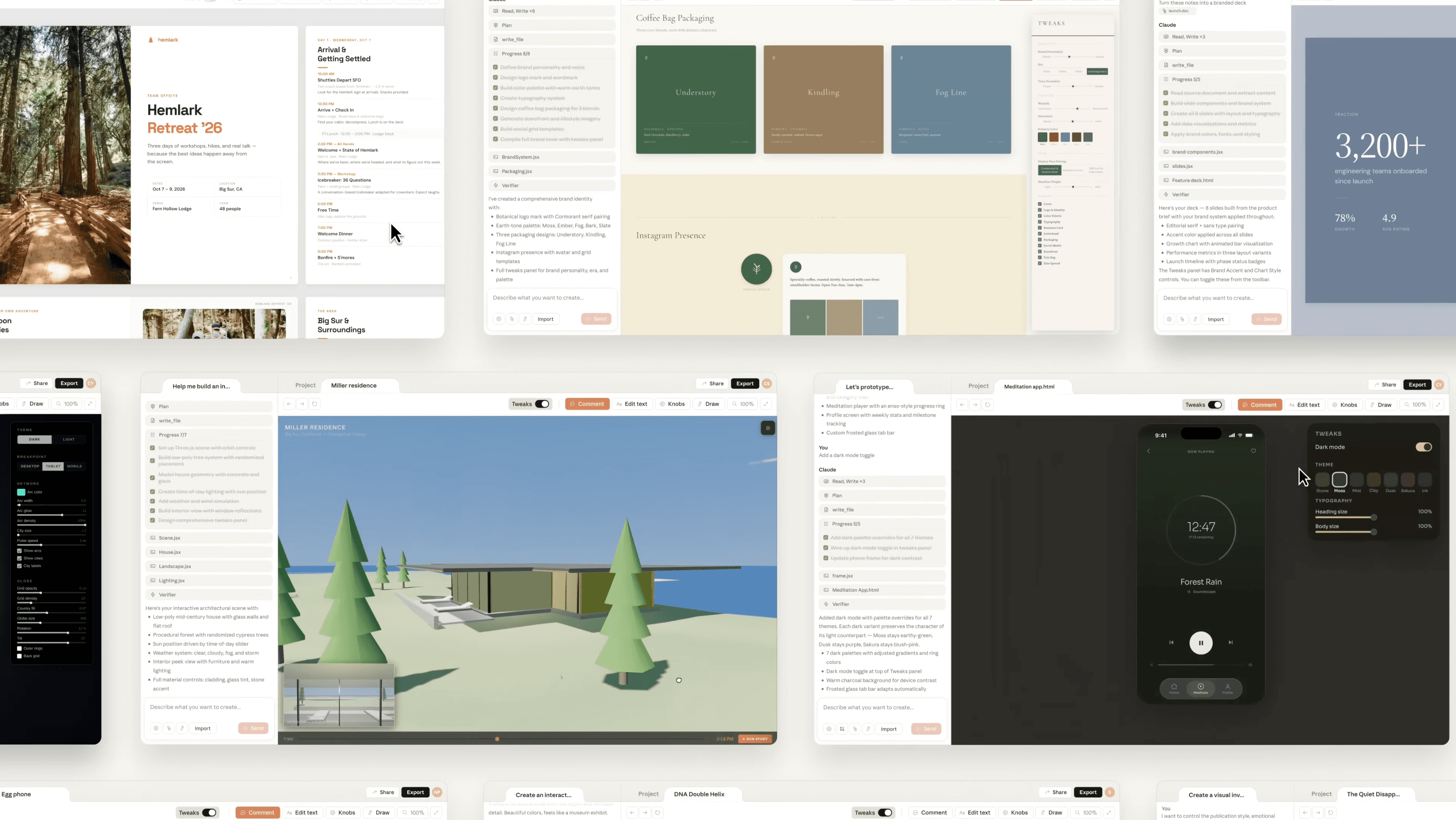
Overview
Claude Design turns a written brief or source material into an editable visual draft. Instead of stopping at a generated image, it creates structured work that can be commented on, resized, aligned, rewritten, adjusted with live controls, and refined through continued conversation.
Its clearest advantage is continuity between brand, design, and implementation. Teams can import design systems from GitHub, design files, or local codebases, work with their real components, and move a design to Claude Code through the /design and /design-sync workflows.
Claude Design is currently a beta included with paid Claude plans. It shares usage limits with Claude chat, Cowork, and Claude Code, so the subscription is not a separate unlimited design allowance.
Use cases
The strongest fit depends on the job you need the product to complete, not the size of its feature list.
Turn a feature idea into wireframes, mockups, and interactive prototypes that designers can refine or developers can build.
Draft landing pages, social assets, campaign concepts, one-pagers, and decks inside an approved visual system.
Move from a rough outline to a presentable prototype or pitch deck without beginning in a traditional blank canvas.
Package visual intent, assets, and design-system context for Claude Code or send the work to supported creative and building tools.
Capabilities
Describe a prototype, deck, one-pager, document, or campaign asset and refine Claude's draft through continued dialogue.
Comment on individual elements, edit text, drag, resize, align, and use generated adjustment sliders for spacing, color, and layout.
Bring in one or multiple design systems from GitHub, design files, or raw uploads so projects use real components, colors, and typography.
Start from text, web captures, a codebase, images, or DOCX, PPTX, and XLSX files instead of rebuilding context manually.
Use /design and /design-sync to move between design work and code, or generate a handoff bundle with the design's implementation context.
Export to PPTX, PDF, standalone HTML, or a folder, and send work to supported tools including Adobe, Canva, Gamma, Miro, Replit, Vercel, and Wix.
Process
Step 1
Specify the audience, format, message, dimensions, level of interactivity, and whether the deliverable is exploratory or production-bound.
Step 2
Import the appropriate brand system, codebase, source documents, website capture, or existing visual assets before asking for a final direction.
Step 3
Ask Claude for deliberately different visual approaches, then select one based on brand fit, usability, and the actual communication goal.
Step 4
Edit copy directly, annotate individual elements, adjust layout controls, and ask Claude to apply approved changes consistently across the design.
Step 5
Use organization-scoped viewing or editing permissions so stakeholders can comment, edit, and continue the Claude conversation together.
Step 6
Choose the format or connected app that preserves the next team's workflow, then verify layout, fonts, interactions, accessibility, and content accuracy.
Cost
Claude Design is included with Claude Pro, Max, Team, and Enterprise rather than sold separately. Its activity draws from the same usage limits as chat, Cowork, and Claude Code. Paid plans can enable extra usage where supported, and prices vary by region and tax status.
$20/month or $200/year
The lowest-priced individual plan that includes Claude Design.
$100 or $200/month
Individual plans with five or 20 times the per-session capacity of Pro.
From $20/user/month annually
Organization plan with shared projects, administration, and collaborative Claude Design access.
$20/user/month plus usage
Annual organization plan with advanced security and administration; usage is billed separately at applicable model rates.
Pricing checked . Check current pricing at the source ↗
Assessment
Compare
The right alternative depends on the specific output, workflow, controls and budget your project requires.
Design
Choose Figma AI when a mature collaborative design canvas, component system, and established designer-developer workflow are the priority.
Explore Figma AI →Design
Choose Canva AI for template-rich brand and marketing production with a large stock ecosystem and broad publishing formats.
Explore Canva AI →Consulting
Choose Gamma when rapid presentation, document, and lightweight web-page creation is the primary use case.
Explore Gamma →Questions
Claude Design is Anthropic's beta visual workspace for building and refining designs, decks, wireframes, interactive prototypes, one-pagers, documents, and marketing assets with Claude.
No. Anthropic currently includes Claude Design with Pro, Max, Team, and Enterprise subscriptions. It is not listed as a Free-plan feature.
There is no separate Claude Design charge. Individual access starts with Claude Pro at $20 per month or $200 per year. Max, Team, and Enterprise plans also include it, subject to each plan's pricing and usage rules.
Yes. Anthropic lists PPTX, PDF, standalone HTML, and folder exports, plus connectors that include Canva, Adobe, Gamma, Miro, Replit, Vercel, Wix, and other supported destinations.
Yes. Teams can import a design system from Claude Code with /design-sync, use /design inside Claude Code, or pass a finished Claude Design project as a handoff bundle for implementation.
Bottom line
Claude Design is most differentiated when a team wants one conversational workflow spanning a brand system, an interactive design, stakeholder feedback, and a Claude Code handoff. It is less compelling as a standalone bargain design tool because access begins with a paid Claude plan and all Claude products share the same usage pool.
Visit Claude Design website ↗
Wan2.7-Image - Alibaba's unified image model for generation, editing, and 12-language text rendering
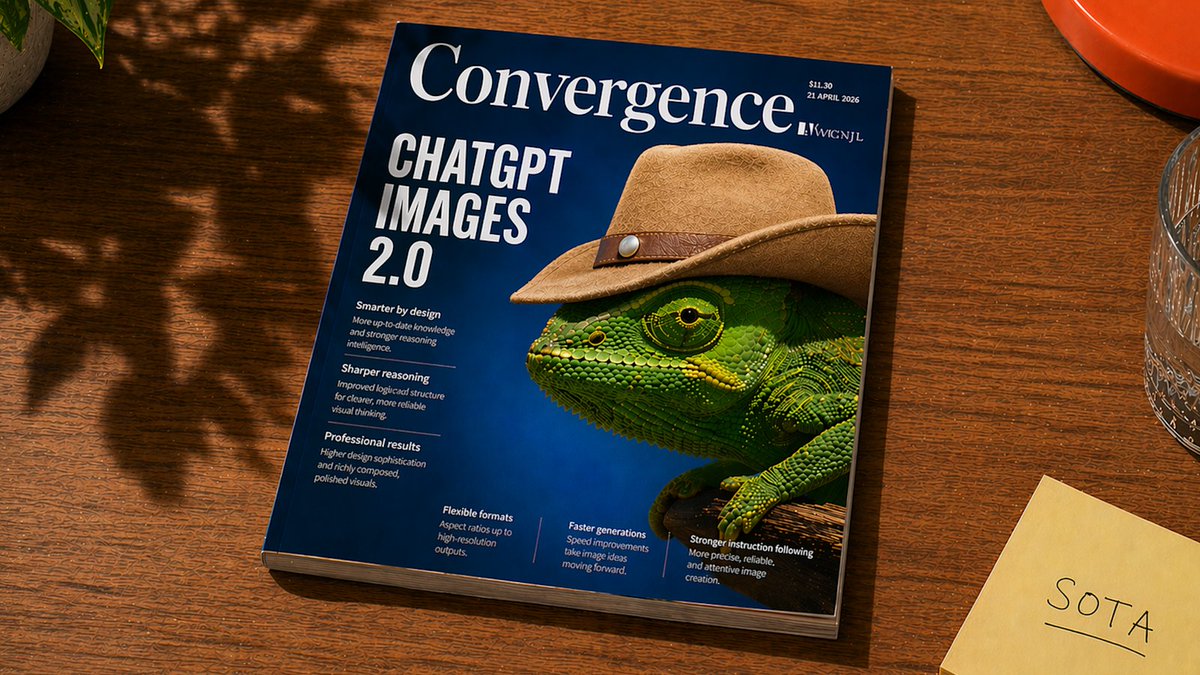
ChatGPT Images 2.0 - OpenAI's new SOTA image generation model with next-generation text rendering, realism, and thinking capabilities

Uni-1- Luma's unified model that reasons, generates, and understands across text and images

Ideogram Custom Models -Fine-tuning tool for training on-brand image models from your own assets

Get access to all our AI courses, hundreds of real-world AI use cases, live expert-led workshops, an exclusive network of AI early adopters, and more.
Get unlimited access to all of our current & upcoming industry-specific AI courses for the duration of your subscription.
To keep up with the rapid pace of AI, our team publishes AI implementation guides daily. Our library contains 300+ practical use cases to automate real-world work.
Join weekly, live, interactive sessions with industry leaders who are at the forefront of AI for hands-on implementation guidance and exclusive insights.
Network with an exclusive community of AI-first professionals who are working smarter with AI. Learn how early adopters are using AI in their work and businesses.