Interactive image editing
Products that need a fast preview after a bounded natural-language edit.
Independent tool overview
Step Image Edit 2 is StepFun's lightweight API model for both text-to-image generation and instruction-based image editing. Its standout proposition is a $0.003 per-image price and a vendor-reported 1–2 second editing response, but the broad content license in StepFun's terms makes data governance a serious procurement consideration.
Visit the official Step Image Edit 2 site ↗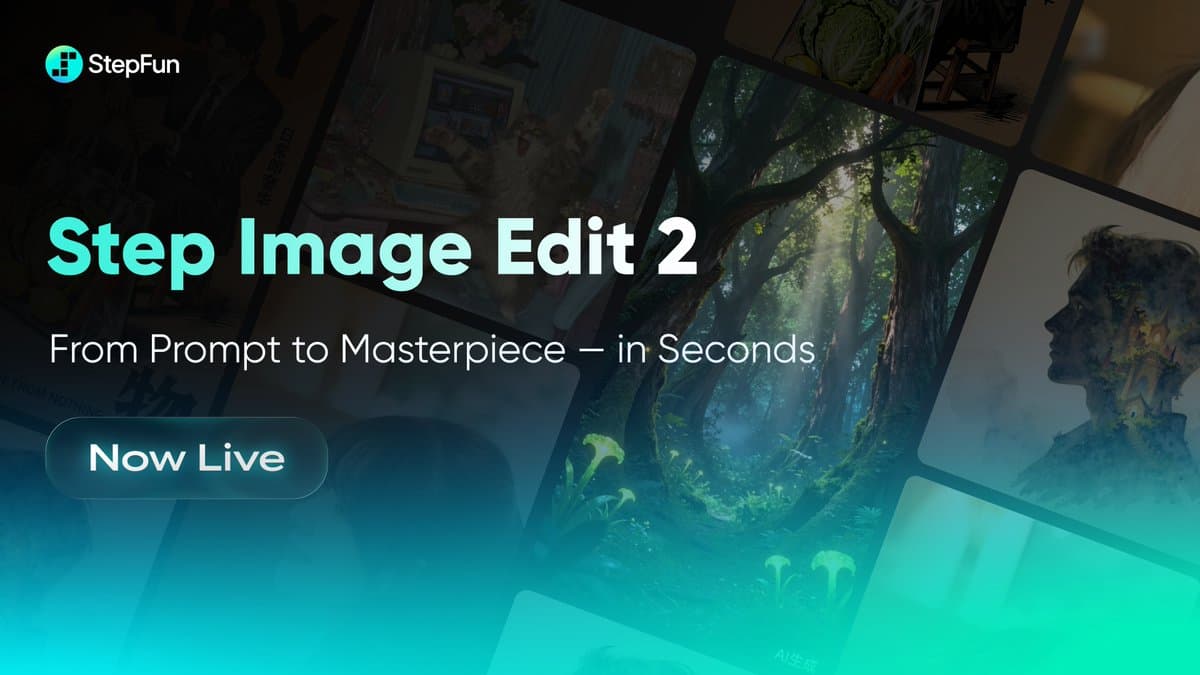
Overview
Step Image Edit 2 exposes one model through separate generation and editing endpoints. Developers can create a new image from text or upload an image and describe a change such as a pose adjustment, clothing replacement, object edit, or text addition.
StepFun presents the model as a 3.5-billion-parameter lightweight architecture in its current platform marketing and places it in the under-6B class in the model documentation. The documentation claims 1–2 second editing, a 512-character prompt limit, input images up to 4096 by 4096, and a price of $0.003 for either a generation or edit.
The model offers a useful combination of speed, low price, text-rendering mode, deterministic seeds, and same-size edited output. These qualities make it attractive for interactive prototypes, high-volume variant generation, and bounded product-photo or creative operations where every result is reviewed.
The procurement tradeoff is unusually important. StepFun's August 7, 2026 terms say customers own outputs to the extent permitted by law, but also grant StepFun a perpetual, irrevocable, transferable, sublicensable license to use prompts, outputs, and associated API logs broadly, including exploitation and commercialization. Early-access and startup programs can additionally use this data for model training. Do not send sensitive or proprietary images without a contract and data-processing arrangement that matches the intended use.
Use cases
The strongest fit depends on the job you need the product to complete, not the size of its feature list.
Products that need a fast preview after a bounded natural-language edit.
Teams generating many low-cost candidates for a human to compare and approve.
Rapidly test outfits, backgrounds, object placement, signs, labels, and composition changes with non-sensitive assets.
Use the optional text mode when a design includes a short sign, caption, or label, then verify every character.
Evaluate an under-6B hosted model where response speed and per-image cost matter more than maximum fidelity.
Capabilities
One model supports both new image generation and edits to an uploaded image.
Changes pose, clothing, objects, setting, composition, or visible text from a natural-language prompt.
StepFun reports 1–2 second editing for its optimized hosted model.
Both generation and editing are listed at $0.003 per image.
An optional text_mode parameter is intended to improve scenarios that require visible text.
API parameters include seed, steps, guidance scale, response format, and selected generation sizes.
Edited results preserve the input image dimensions, up to the documented 4096 by 4096 limit.
Process
Step 1
Before uploading, decide whether the image contains confidential designs, unreleased products, personal data, biometric identifiers, minors, client material, or third-party rights.
Step 2
Use only assets the organization can legally process and obtain explicit consent for identifiable people; resolve StepFun's content license and program-specific training terms.
Step 3
State what may change, what must remain fixed, required text, output dimensions, brand constraints, and prohibited additions within the 512-character limit.
Step 4
Record the model, prompt, seed, settings, input hash, output, latency, and cost for reproducibility.
Step 5
Inspect identity, geometry, hands, objects, logos, text, color, lighting, unintended removals, and changes outside the requested region.
Step 6
Check consent, misleading edits, trademarks, copyrights, publicity rights, prohibited impersonation, and whether AI disclosure is required.
Step 7
Keep a human approval gate before publishing, selling, sending to a client, updating a product catalog, or making a high-stakes decision.
Cost
StepFun lists the same fixed price for text-to-image generation and image editing. The platform is prepaid, can provide temporary trial credits, and applies request limits based on cumulative account top-ups.
$0.003/image
Create one image from a text prompt through the generation endpoint.
$0.003/image
Edit one uploaded image through the image-edits endpoint.
Prepaid
Accounts add balance before use; temporary trial credits may be offered under current platform rules.
Pricing checked . Check current pricing at the source ↗
Assessment
Compare
The right alternative depends on the specific output, workflow, controls and budget your project requires.
Design
Choose FLUX.2 Klein when you want another ultra-fast image-generation and editing model to benchmark on latency, quality, and deployment fit.
Explore FLUX.2 [klein] →Design
Choose FLUX.1 Kontext dev when open weights and local control matter more than StepFun's very low hosted-API price.
Explore Flux 1 Kontext →Content Creator
Choose Nano Banana 2 Lite when a Google-hosted, high-volume image model is a better fit for the surrounding platform and governance requirements.
Explore Nano Banana 2 Lite →Questions
It is StepFun's lightweight hosted model for both text-to-image generation and natural-language editing of an uploaded image.
StepFun listed both text-to-image generation and image editing at $0.003 per image on August 31, 2026.
StepFun claims 1–2 second editing. Measure complete application latency yourself because uploads, queues, network, moderation, and response processing add time.
Editing inputs can be up to 4096 by 4096 and edits preserve the input dimensions. Text-to-image generation supports the predefined sizes listed in StepFun's API documentation.
The API includes an optional text_mode intended for text-rendering scenarios. Every character, number, symbol, and brand mark still needs visual review.
The current terms grant StepFun broad rights to prompts, outputs, and API logs. They specifically say startup and other early-access programs can use Usage Data for training and fine-tuning. Obtain contract-specific terms before sending confidential or proprietary assets.
StepFun's terms say the customer owns output as between the customer and StepFun to the extent permitted by law, while also granting StepFun a broad perpetual license to use the content. That does not guarantee copyright protection, uniqueness, or clearance.
Only with the necessary rights, consent, and lawful purpose. StepFun's terms prohibit submitting another person's image without consent for biometric processing or other purposes and prohibit unauthorized impersonation.
Treat them as vendor claims. The reviewed model page asserts leadership within its parameter tier but did not include the full reproducible benchmark dataset, scoring method, and independent evaluation needed to generalize the result.
Bottom line
Step Image Edit 2 is compelling for teams that need extremely low-cost, fast generation and editing through a simple API. The model should earn a benchmark slot, not automatic adoption. Its broad contractual license to prompts and outputs is the decisive concern: use non-sensitive test assets first, negotiate suitable data terms, and require human visual and rights review before production.
Visit Step Image Edit 2 website ↗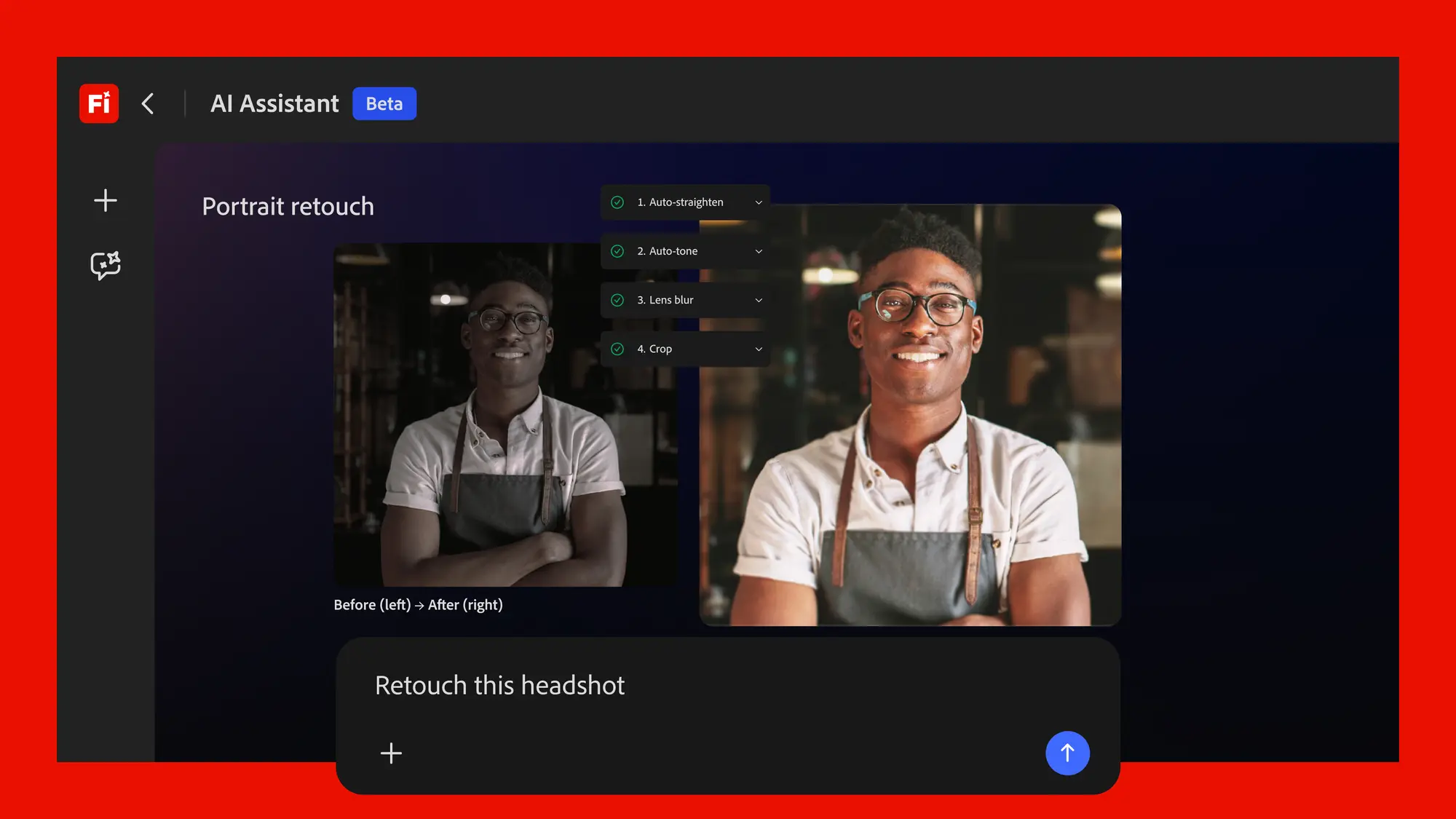
Adobe's conversational creative agent for planning, creating, and editing content across Firefly and Creative Cloud apps.

Recraft V4.1 - Upgraded image model with enhanced photorealism, illustration, and prompt adherence

Ideogram Custom Models -Fine-tuning tool for training on-brand image models from your own assets
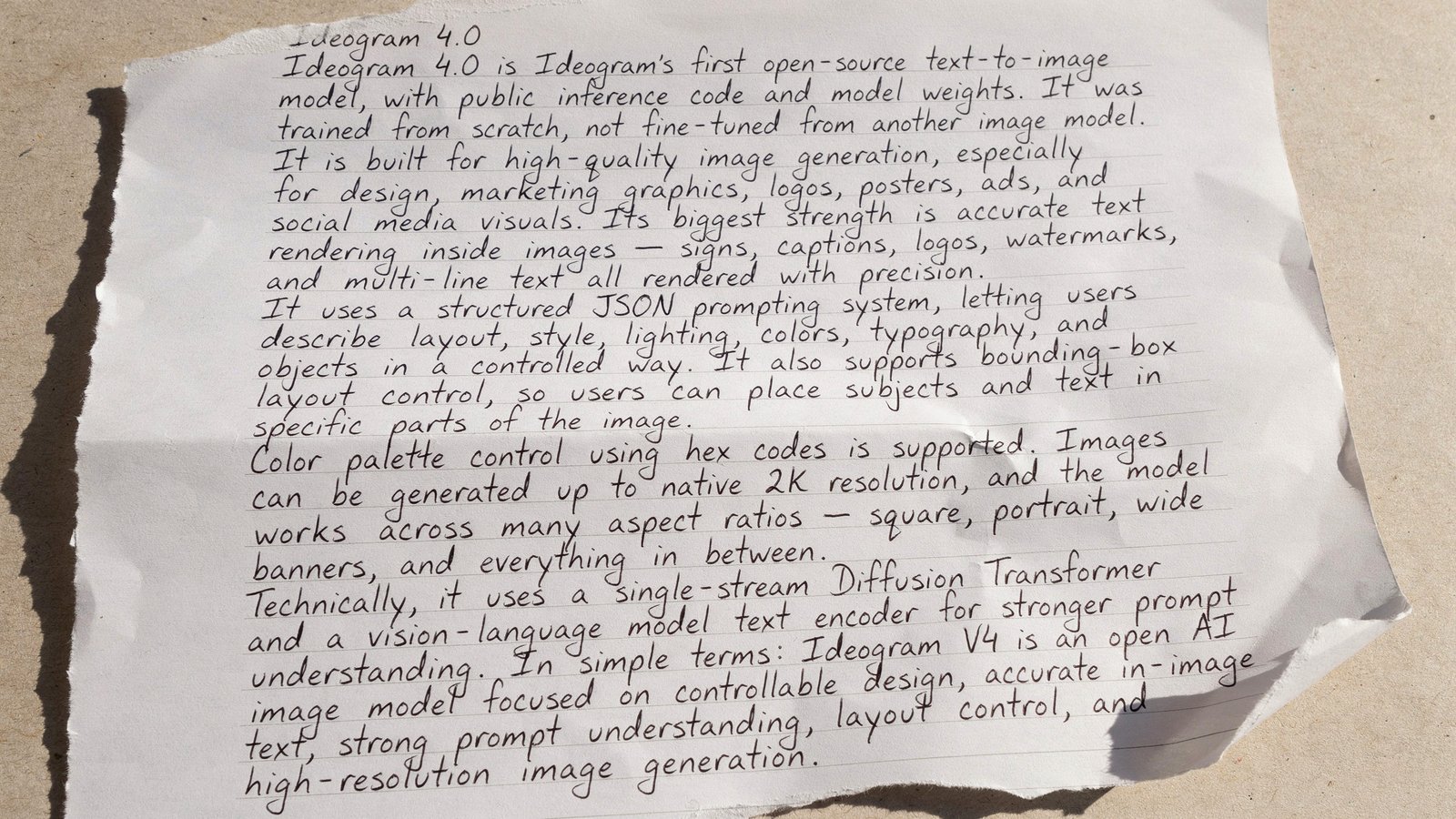
Ideogram 4.0 - Ideogram's new top-rated open-weight image model

Get access to all our AI courses, hundreds of real-world AI use cases, live expert-led workshops, an exclusive network of AI early adopters, and more.
Get unlimited access to all of our current & upcoming industry-specific AI courses for the duration of your subscription.
To keep up with the rapid pace of AI, our team publishes AI implementation guides daily. Our library contains 300+ practical use cases to automate real-world work.
Join weekly, live, interactive sessions with industry leaders who are at the forefront of AI for hands-on implementation guidance and exclusive insights.
Network with an exclusive community of AI-first professionals who are working smarter with AI. Learn how early adopters are using AI in their work and businesses.