Text-heavy graphics
Create posters, menus, diagrams, ads, and infographics where legible copy is part of the composition.
Independent tool overview
ChatGPT Images 2.0 is OpenAI's current image generation and editing system in ChatGPT, with improved world knowledge, instruction following, dense text rendering, realism, and an optional thinking mode for more complex creative work.
Visit the official ChatGPT Images 2.0 site ↗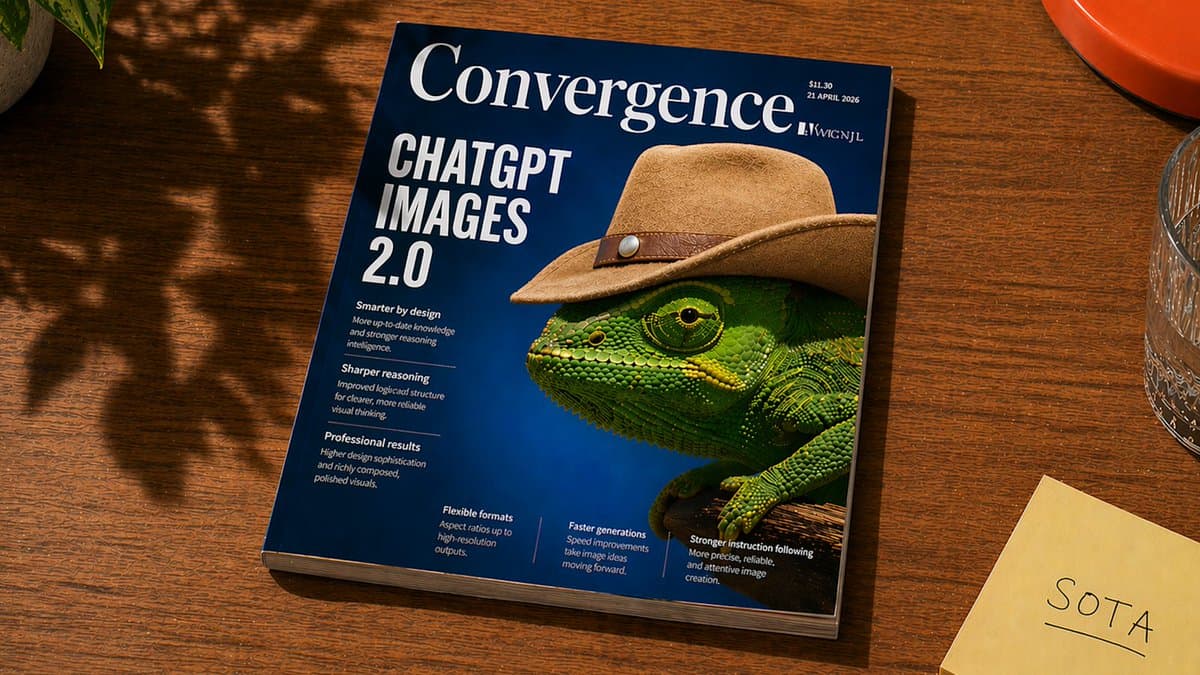
Overview
ChatGPT Images 2.0 creates new visuals from prompts and edits uploaded or previously generated images through conversation. It is designed for practical creative work such as campaign concepts, illustrations, product mockups, infographics, and images containing substantial text.
The biggest addition is images with thinking. On supported paid plans, ChatGPT can plan the image before generation, use live web search as context, create multiple coordinated images from one prompt, and refine a basic request into a more researched visual direction.
The standard image experience is available on every ChatGPT tier across web, iOS, and Android. Developers can use the related GPT Image 2 model through the API, where usage is billed separately from a ChatGPT subscription.
Use cases
The strongest fit depends on the job you need the product to complete, not the size of its feature list.
Create posters, menus, diagrams, ads, and infographics where legible copy is part of the composition.
Upload an image and describe what to add, remove, restyle, or change without switching to a separate editor.
Use images with thinking when the result benefits from planning, current web context, or multiple related outputs.
Develop visual directions, mockups, and campaign variations inside an ongoing ChatGPT conversation.
Capabilities
Handles more detailed prompts and complex scenes while keeping requested elements and relationships in view.
Improves the model's ability to place substantial readable text inside generated images.
Uses reasoning, optional web research, and planning before generating demanding visual work.
Edit an uploaded or generated image by describing changes or highlighting a region with the selection tool.
Choose an aspect ratio in the interface or specify the desired shape in the prompt.
Ask for a transparent background when creating assets intended for layouts or compositing.
Generated images are saved under Images for later browsing, copying, downloading, sharing, and reuse.
OpenAI adds C2PA metadata and an imperceptible content-specific watermark to support provenance checks.
Process
Step 1
State the image's purpose, audience, format, subject, visual style, text, and aspect ratio.
Step 2
Use regular generation for straightforward work or a supported Thinking/Pro model when planning and research matter.
Step 3
Check composition, text accuracy, brand details, anatomy, and any factual elements before using the image.
Step 4
Describe revisions or select a region, then iterate on one change at a time for better control.
Step 5
Save the final image and confirm dimensions, spelling, rights, disclosures, and platform requirements.
Cost
Standard ChatGPT Images 2.0 is available on every ChatGPT tier, with plan-based limits. Images with thinking requires Plus, Pro, or Business. API use is billed separately by tokens.
$0
Includes access to ChatGPT Images 2.0 with lower usage limits.
$20/month
Adds expanded image generation access and images with thinking.
$100 or $200/month
Offers the same core Pro capabilities at two usage levels, including images with thinking.
From $20/user/month annually
Team workspace access with standard and premium seat options; images with thinking is supported.
Usage based
Separate developer access for image generation and editing.
Pricing checked . Check current pricing at the source ↗
Assessment
Compare
The right alternative depends on the specific output, workflow, controls and budget your project requires.
Content Creator
For fast image generation in Google's Gemini ecosystem.
Explore Nano Banana 2 →Content Creator
For highly stylized art direction and an established creative community.
Explore Midjourney →Design
For design-oriented image generation with an emphasis on typography and layout.
Explore Ideogram →Design
For image generation and editing integrated with Adobe's professional creative tools.
Explore Adobe Firefly →Questions
Yes. The standard image model is available on all ChatGPT tiers, including Free, although usage limits differ by plan.
It is a paid-plan mode that lets ChatGPT plan and refine an image before generation, use reasoning and live web context, and create multiple images from one request.
Yes. Upload an image or open a generated one, then describe the change or highlight a region with the selection tool.
Yes. OpenAI's help documentation says ChatGPT Images can follow a request to make the background transparent.
Yes. Developers can use the related gpt-image-2 model for generation and editing through the OpenAI API.
OpenAI says ChatGPT Images 2.0 includes C2PA metadata and an imperceptible content-specific watermark, though no single provenance method is foolproof.
Bottom line
ChatGPT Images 2.0 is one of the most versatile options for people who want to move from an idea to a finished visual through conversation. Its combination of stronger typography, editing, planning, web-aware thinking, and broad free access is compelling, but professional use still requires careful review of copy, factual details, brand accuracy, and rights.
Visit ChatGPT Images 2.0 website ↗
Claude Design - Anthropic's new design tool for collaborating with Claude to create polished visual work like designs, prototypes, slides, one-pagers, and more.

Ideogram Custom Models -Fine-tuning tool for training on-brand image models from your own assets
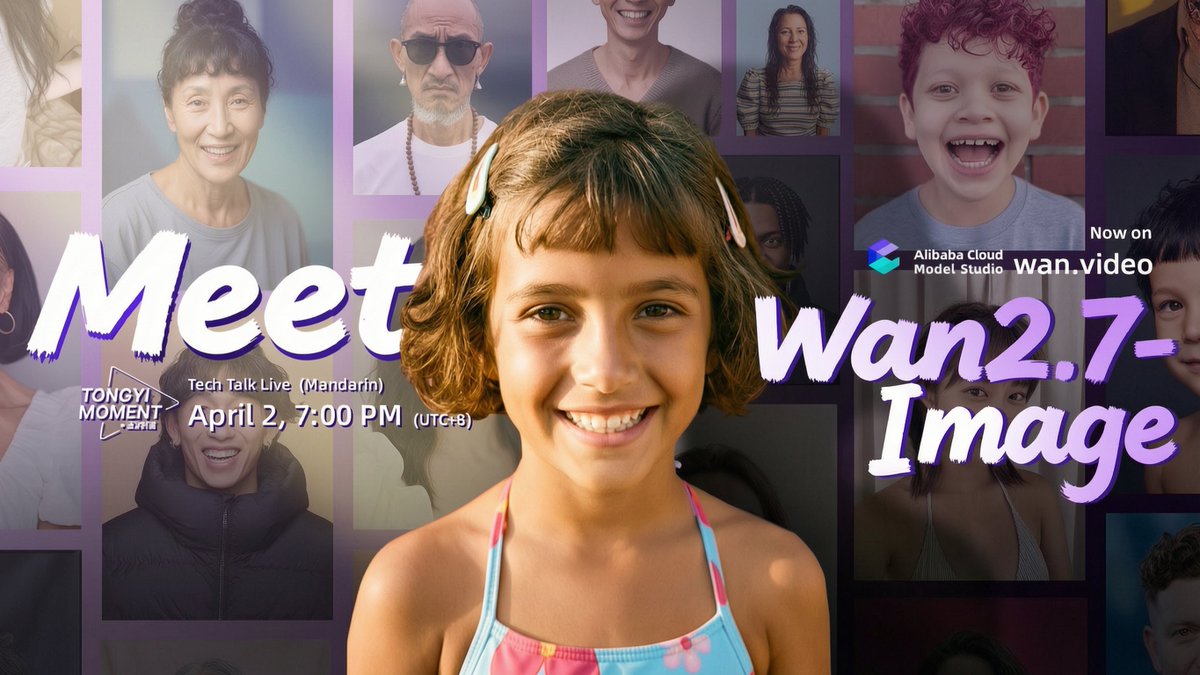
Wan2.7-Image - Alibaba's unified image model for generation, editing, and 12-language text rendering
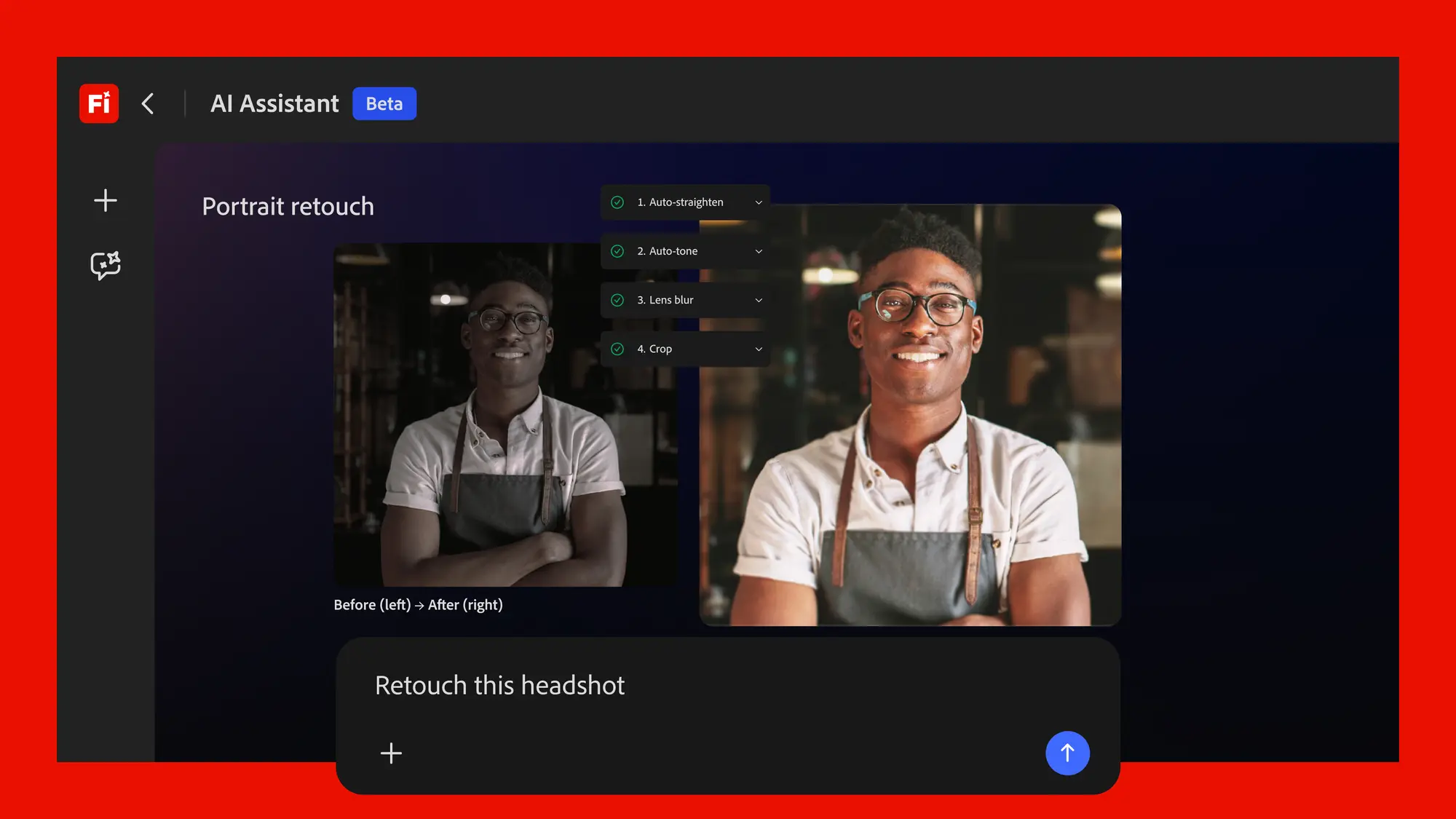
Adobe's conversational creative agent for planning, creating, and editing content across Firefly and Creative Cloud apps.

Get access to all our AI courses, hundreds of real-world AI use cases, live expert-led workshops, an exclusive network of AI early adopters, and more.
Get unlimited access to all of our current & upcoming industry-specific AI courses for the duration of your subscription.
To keep up with the rapid pace of AI, our team publishes AI implementation guides daily. Our library contains 300+ practical use cases to automate real-world work.
Join weekly, live, interactive sessions with industry leaders who are at the forefront of AI for hands-on implementation guidance and exclusive insights.
Network with an exclusive community of AI-first professionals who are working smarter with AI. Learn how early adopters are using AI in their work and businesses.