Hands-free questions
Talk through everyday questions, planning, and explanations when typing is inconvenient.
Independent tool overview
GPT-Live is OpenAI’s full-duplex voice system for ChatGPT, designed to listen and speak simultaneously, handle interruptions naturally, and delegate harder questions to frontier models.
Visit the official GPT-Live site ↗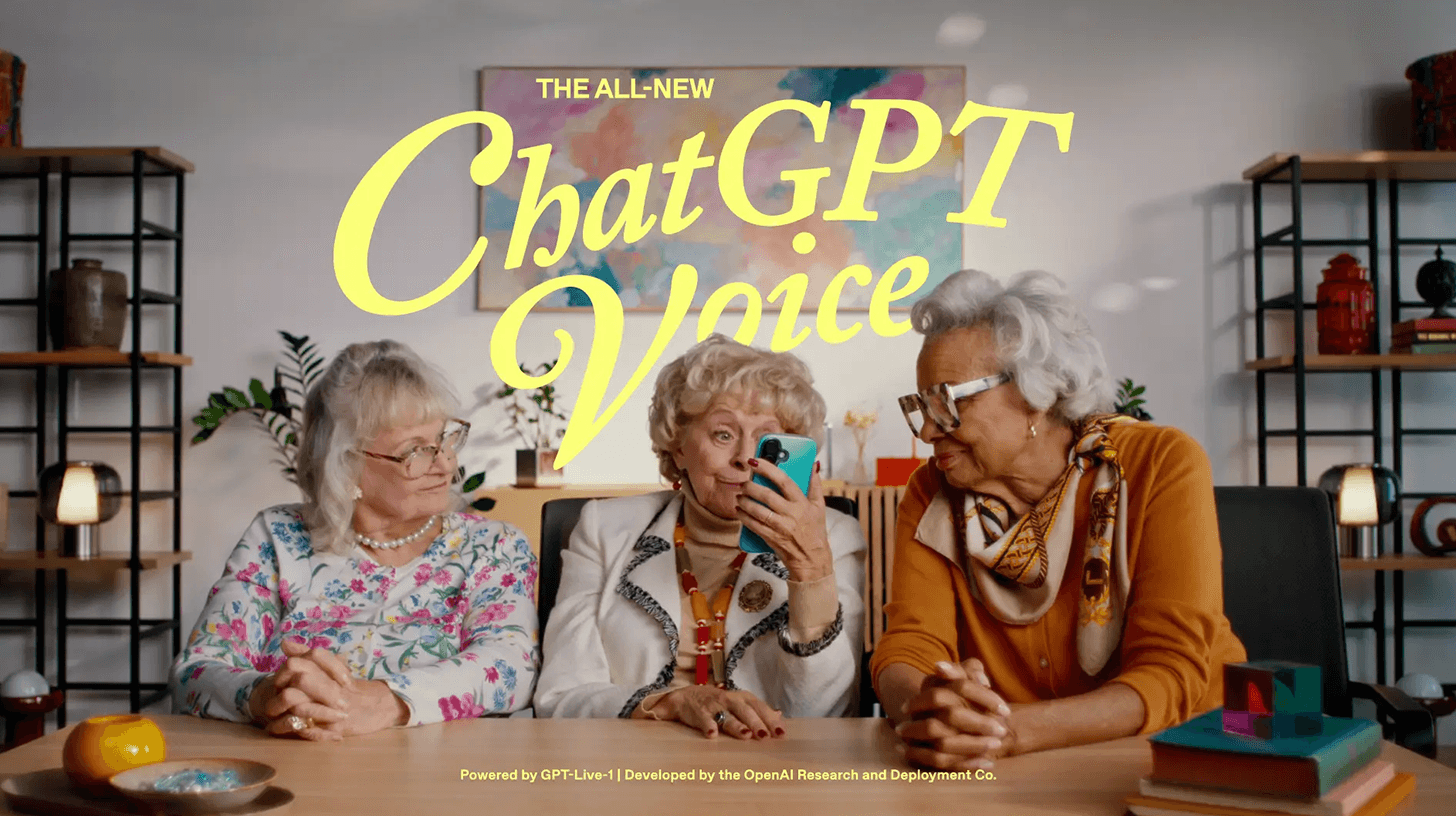
Overview
GPT-Live powers ChatGPT’s newest Voice option. Unlike a turn-based assistant that waits for silence before responding, its full-duplex architecture continuously processes input while producing speech, letting it listen, pause, acknowledge, interrupt, or be interrupted during a conversation.
OpenAI offers GPT-Live-1 on paid consumer plans and GPT-Live-1 mini on Free. Users can choose Instant, Medium, or High intelligence where available; harder work can be delegated to a frontier model while the voice layer keeps the interaction moving. Voice can also use search and memory, accept text and images, and show visual cards for supported answers.
The improvement is conversational rather than infallible. Background noise, overlapping speakers, accents, network conditions, and timing can still cause interruptions or transcription errors. Important dates, locations, medical guidance, financial facts, and quotations should be checked in text or against an independent source.
Use cases
The strongest fit depends on the job you need the product to complete, not the size of its feature list.
Talk through everyday questions, planning, and explanations when typing is inconvenient.
Run quick back-and-forth roleplay, ask for a different pace, and practice live translation while checking important phrasing.
Think through an idea naturally, interrupt the assistant, ask it to wait, and continue in the same chat with text or images.
Combine spoken questions with on-screen text, visual cards, typed messages, and attached images.
Eligible desktop users can use Voice with Work or Codex to direct tasks and hear progress, under separate usage rules.
Capabilities
Listens and speaks at the same time so either side can interrupt, pause, or continue without rigid turn boundaries.
Can acknowledge the speaker, wait through a pause, or stay quiet when asked rather than treating every silence as a completed turn.
Hands harder search or reasoning tasks to a frontier model while maintaining the voice interaction.
Instant favors responsiveness, while Medium and High spend more time on difficult questions when the plan supports them.
Can use ChatGPT search and memory and show supported widgets for topics such as weather, markets, and sports.
Accepts typed messages and supported image attachments inside the same conversation while continuing to answer by voice.
Offers Arbor, Breeze, Cove, Ember, Juniper, Maple, Sol, Spruce, and Vale, each with a different presentation style.
Can continue in the background on supported mobile devices and can start through Apple CarPlay on supported iPhones.
Supported audio generated with GPT-Live includes SynthID watermarking, with OpenAI verification tools for detectable provenance signals.
Process
Step 1
Open ChatGPT Voice settings and choose Live if it is available for the plan, workspace, region, and app version.
Step 2
Set a preferred voice and primary spoken language to improve comfort and recognition.
Step 3
Tell Live whether to answer quickly, wait until prompted, slow down, translate, roleplay, or use a more formal tone.
Step 4
Use Instant for fluid conversation and Medium or High when accuracy and deeper reasoning matter more than response speed.
Step 5
Correct a misunderstanding immediately, but move to a quieter environment if overlapping speech or noise becomes a problem.
Step 6
Read the on-screen response and post-call transcript, remembering that the transcript is not a verbatim record.
Step 7
Delete the chat when its audio and transcript are no longer needed and review Data Controls before sharing recordings for model improvement.
Cost
GPT-Live is included with ChatGPT rather than sold separately. Free gets limited GPT-Live-1 mini access. Go and Plus each currently receive up to 1 hour of GPT-Live-1 Instant, 1 hour of Medium or High, and 2 hours of mini per rolling 24 hours. Pro offers much higher or unlimited access depending on the $100 or $200 tier.
$0/month
Limited access to GPT-Live-1 mini.
$8/month in the U.S.
Paid GPT-Live-1 access at the lowest consumer price.
$20/month
The same published Live-hour allowances as Go, with broader Plus features and limits elsewhere in ChatGPT.
$100/month tier
Substantially more voice time for frequent users.
$200/month tier
Unlimited GPT-Live-1 access subject to OpenAI’s guardrails.
Pricing checked . Check current pricing at the source ↗
Assessment
Compare
The right alternative depends on the specific output, workflow, controls and budget your project requires.
Content Creator
Compare Gemini for Google’s general-purpose assistant and its own live conversational experience.
Explore Gemini →Business Operations
Consider Grok for another consumer assistant with voice and real-time information access.
Explore Grok →Miscellaneous
Choose OpenAI’s Realtime API model when building a custom voice application rather than using ChatGPT Voice.
Explore GPT-Realtime-2 →Content Creator
Use Voicenotes when recording, transcription, and organized spoken notes matter more than a live assistant conversation.
Explore Voicenotes →Questions
GPT-Live is OpenAI’s newest full-duplex voice system for ChatGPT. It can listen and speak simultaneously and delegate harder work to a frontier model.
Free ChatGPT accounts receive limited GPT-Live-1 mini access. Full GPT-Live-1 is included with eligible paid plans under rolling daily limits.
OpenAI currently lists up to 1 hour with GPT-Live-1 Instant, 1 hour with Medium or High, and 2 hours with GPT-Live-1 mini in each rolling 24-hour period. Limits can change.
Yes. Full-duplex operation lets the system listen while speaking, although overlapping speech, noise, microphone quality, and network conditions can still cause mistakes.
Not currently. Eligible mobile subscribers can switch to Advanced Voice when they need supported video or screen sharing.
No. OpenAI says Live is not available in custom GPT conversations; those use Advanced Voice instead.
No. The transcript may not exactly match either speaker, especially with overlap, background noise, or rapid conversation.
OpenAI says Live audio clips are stored with the chat transcript for 30 days. Deleting the chat leads to associated clip deletion within 30 days, with stated exceptions.
OpenAI says it does not train on the audio clips unless the user chooses to share recordings for model improvement. Transcripts and other files may follow separate plan and Data Control settings.
OpenAI’s July 31 update says supported GPT-Live audio generated through ChatGPT Voice and the OpenAI API includes SynthID. Developers should verify the current model catalog, availability, and pricing before designing an integration.
Bottom line
GPT-Live is a meaningful usability upgrade for people who already talk to ChatGPT: interruptions, listening behavior, selectable reasoning, and multimodal chat make it much easier to think aloud. Free is enough to test the experience; Go or Plus suits occasional use, while Pro pricing only makes sense for people who genuinely need hours of voice every day. Keep the text view open for consequential answers, and treat the stored transcript as a convenience rather than an exact record.
Visit GPT-Live website ↗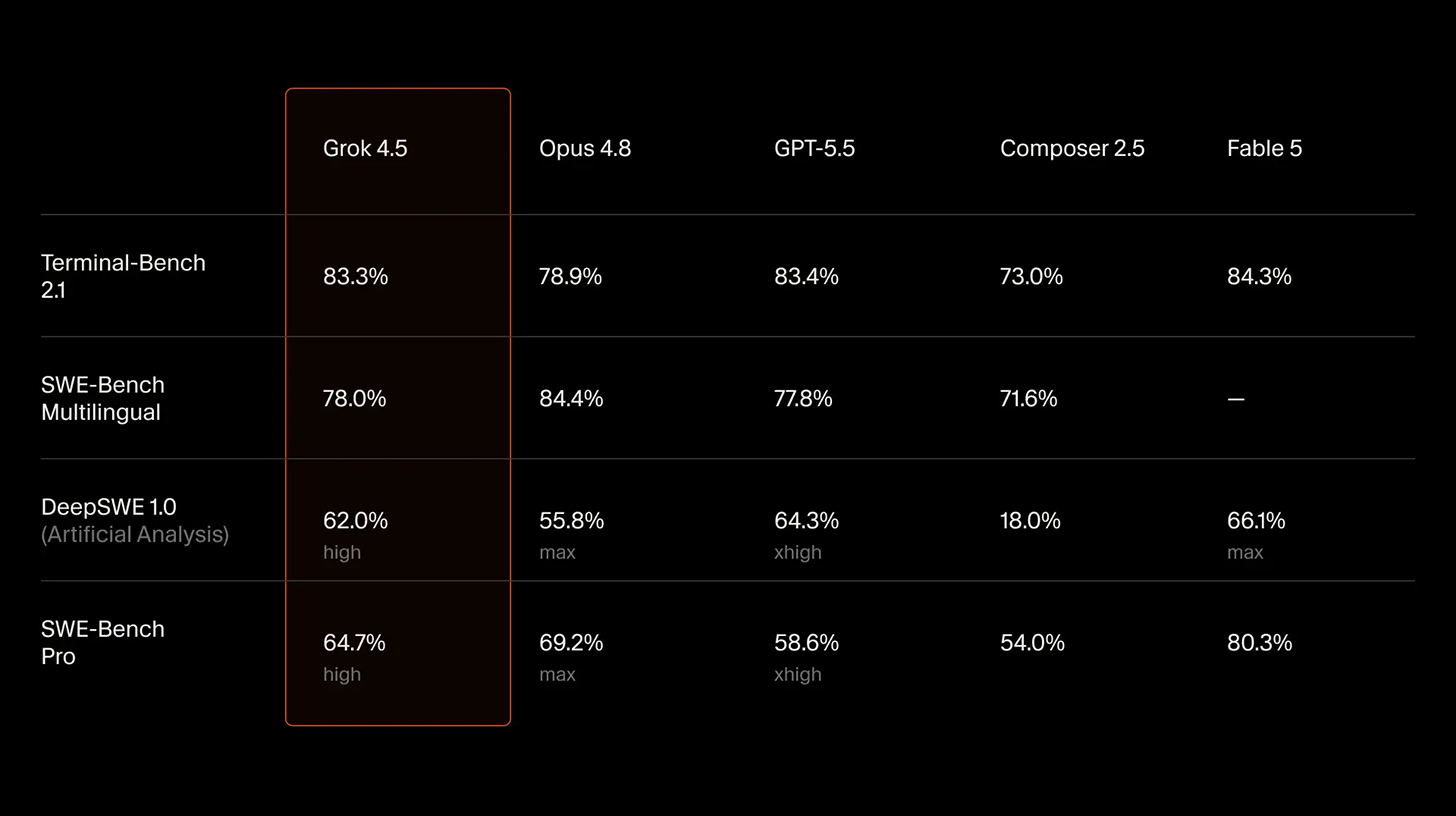
Grok 4.5 - SpaceXAI and Cursor's strongest Grok model with powerful performance and efficiency at low costs

Muse Spark 1.1 - Meta's upgraded, cost-effective agentic model with 1M-token memory and computer use
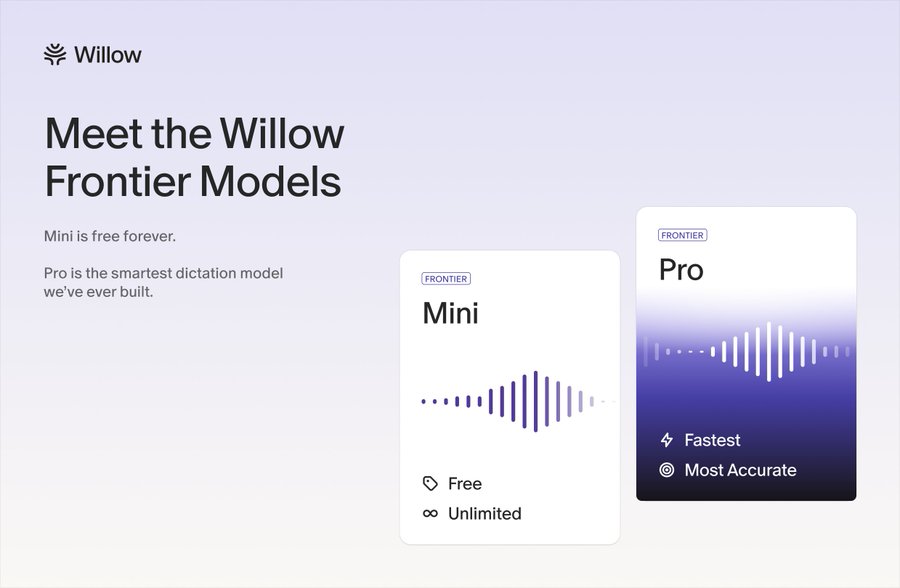
Willow Frontier Mini - Willow's free, unlimited AI dictation model
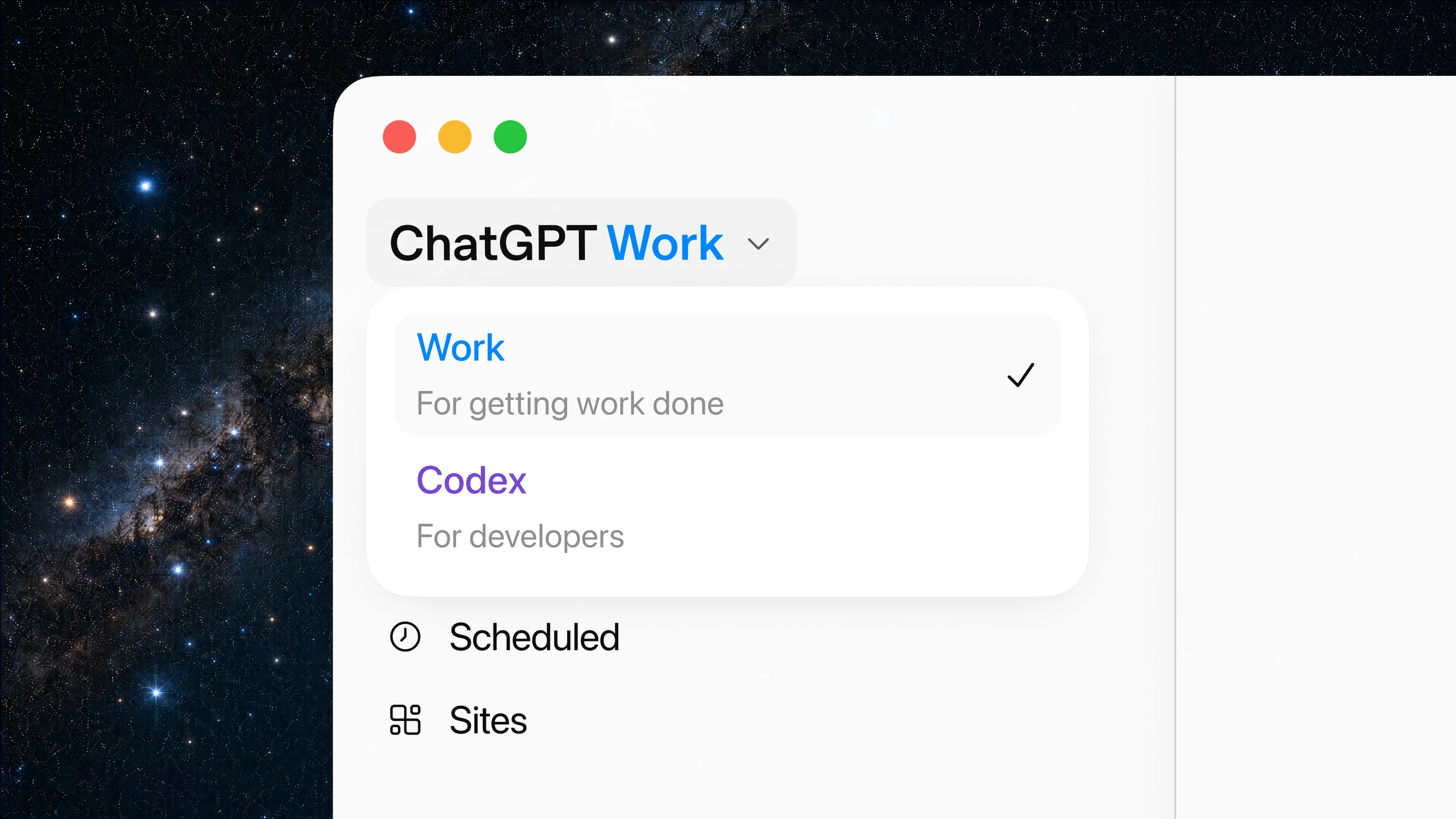
ChatGPT Work- OpenAI's Codex-powered agent for everyday non-coding work

Get access to all our AI courses, hundreds of real-world AI use cases, live expert-led workshops, an exclusive network of AI early adopters, and more.
Get unlimited access to all of our current & upcoming industry-specific AI courses for the duration of your subscription.
To keep up with the rapid pace of AI, our team publishes AI implementation guides daily. Our library contains 300+ practical use cases to automate real-world work.
Join weekly, live, interactive sessions with industry leaders who are at the forefront of AI for hands-on implementation guidance and exclusive insights.
Network with an exclusive community of AI-first professionals who are working smarter with AI. Learn how early adopters are using AI in their work and businesses.