Tracking current topics
Search the web and X together to find recent developments, public reactions and source material.
Independent tool overview
Grok is xAI's general-purpose AI assistant for research, writing, reasoning and creative work, with live web and X search built into the experience.
Visit the official Grok site ↗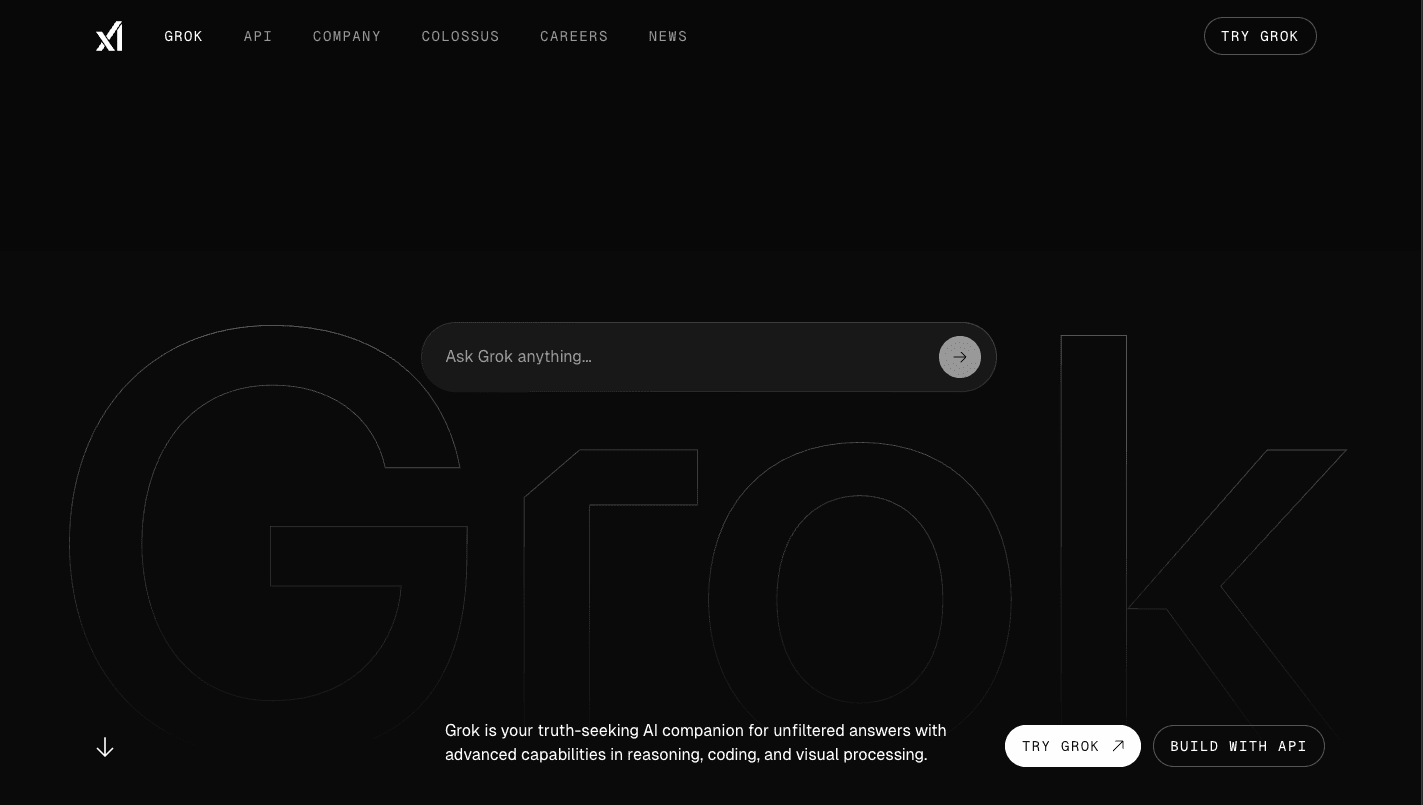
Overview
Grok is xAI's consumer AI assistant, available at Grok.com and through iOS and Android apps. It combines conversational help with live search, file analysis, voice, coding, and image and video creation.
Its clearest differentiator is access to both the wider web and current posts on X. That can make it useful for monitoring fast-moving topics, gathering source leads, and understanding online conversation, though important claims should still be checked against the original source.
Grok has expanded beyond chat into a broader work environment. It can analyze uploaded documents and data, connect to services such as Google Workspace, Microsoft 365, Notion, GitHub and Linear, and create formatted documents, presentations, spreadsheets and PDFs through Skills.
Grok is free to try. Paid SuperGrok plans increase usage limits and unlock more capable models and features. The consumer subscription is separate from xAI's usage-based developer API.
Use cases
The strongest fit depends on the job you need the product to complete, not the size of its feature list.
Search the web and X together to find recent developments, public reactions and source material.
Discuss PDFs, spreadsheets, images, code, audio and video in one conversational workspace.
Generate and iterate on images or short videos without moving to a separate creative tool.
Draft, summarize, brainstorm, analyze and turn rough material into documents, decks, spreadsheets or PDFs.
Capabilities
Grok can search current web pages and X posts, making it especially relevant for news, trends and live public conversation.
Use natural-language conversations for questions, writing, planning, coding and more involved analysis.
Upload common documents, spreadsheets, presentations, code, images, audio and video for extraction, comparison, summarization or analysis.
Create images and video within Grok, with the available quality and usage depending on the plan.
Hold hands-free voice conversations in supported Grok apps.
Bring context from services including Google Workspace, Microsoft 365, Notion, GitHub and Linear into a chat, subject to permissions.
Create reusable instructions and generate or edit Word documents, presentations, spreadsheets and PDFs.
Conversations, settings and subscriptions stay available across supported web and mobile platforms when signed into the same account.
Process
Step 1
Start with a specific question, artifact or decision instead of a broad prompt.
Step 2
Ask Grok to search the web and X, upload relevant files, or connect an approved workspace source.
Step 3
Specify the format you need, such as a sourced brief, comparison table, draft document, spreadsheet or image.
Step 4
Open original sources, check calculations and confirm any claims that affect important decisions.
Step 5
Iterate in the thread, then download, share or move the result into the appropriate work system.
Cost
Grok has a free plan and several paid SuperGrok tiers. The standard SuperGrok plan is $30 per month, while SuperGrok Plus is $100 per month. Higher tiers and business options are also available; annual, regional and app-store billing can differ.
$0/month
Entry-level access with limits.
$30/month
Higher limits and access to xAI's paid consumer features.
$100/month
A higher-capacity individual plan with priority benefits.
Paid team plans / custom
Organization plans add administrative, security and support options.
Pricing checked . Check current pricing at the source ↗
Assessment
Compare
The right alternative depends on the specific output, workflow, controls and budget your project requires.
Business Operations
A strong general-purpose alternative with a broad app and custom-workflow ecosystem.
Explore ChatGPT →Project Management
Well suited to long-form writing, careful document work and collaborative analysis.
Explore Claude →Data Analysis
A search-first option for concise, source-linked web research.
Explore Perplexity →Questions
Grok is used for questions, live web and X research, writing, reasoning, coding, file analysis, voice conversations, and image or video creation.
Yes. xAI offers a free plan with usage limits. Paid SuperGrok plans provide higher allowances and additional capabilities.
As of August 29, 2026, xAI lists SuperGrok at $30 per month and SuperGrok Plus at $100 per month. Other tiers are available, and prices can vary by billing channel or region.
Yes. xAI describes Grok as searching both the web and X live. Treat posts as leads and verify important information with reliable original sources.
Yes. Grok supports common documents, spreadsheets, presentations, code, images, audio and video, although file support and limits can vary by platform and plan.
Yes. Grok Imagine supports image and video generation. Resolution, availability and usage limits depend on the plan.
No. SuperGrok is the subscription for Grok's consumer apps. Developers who integrate xAI models into their own software use separately priced API access.
No AI assistant should be the sole authority for consequential decisions. Review cited sources, confirm calculations and use qualified professionals where appropriate.
Bottom line
Grok is most compelling for people who want one assistant for live web and X research, multimodal files, voice and creative generation. Start with the free plan to test whether its real-time search and integrated workflow are genuinely useful; pay for SuperGrok when higher limits or paid features remove a recurring bottleneck.
Visit Grok website ↗
Speechify: Turns text into natural-sounding speech, making it easier to listen to documents, articles, and pdfs.

DeepSeek: Provides open-source language models optimized for research and enterprise-grade applications.

Zapier: Connects your favorite apps and automates workflows with no-code simplicity.

Concierge: Is an ai-powered customer success platform that automates onboarding, support, and retention workflows.

Get access to all our AI courses, hundreds of real-world AI use cases, live expert-led workshops, an exclusive network of AI early adopters, and more.
Get unlimited access to all of our current & upcoming industry-specific AI courses for the duration of your subscription.
To keep up with the rapid pace of AI, our team publishes AI implementation guides daily. Our library contains 300+ practical use cases to automate real-world work.
Join weekly, live, interactive sessions with industry leaders who are at the forefront of AI for hands-on implementation guidance and exclusive insights.
Network with an exclusive community of AI-first professionals who are working smarter with AI. Learn how early adopters are using AI in their work and businesses.