Google-centric personal workflows
People who want an assistant that can work with selected Gmail, Calendar, Drive, Photos, YouTube, Search, Android, Chrome, and other connected-app context.
Independent tool overview
Gemini is Google's consumer AI assistant, formerly called Bard. It handles writing, research, coding, file and media analysis, image and video creation, live voice and camera conversations, and tasks across connected Google and third-party apps. Its greatest advantage is integration with the Google ecosystem; its biggest cautions are fast-changing plans and limits, confidently wrong answers, and materially different privacy rules for personal versus managed Workspace accounts.
Visit the official Gemini site ↗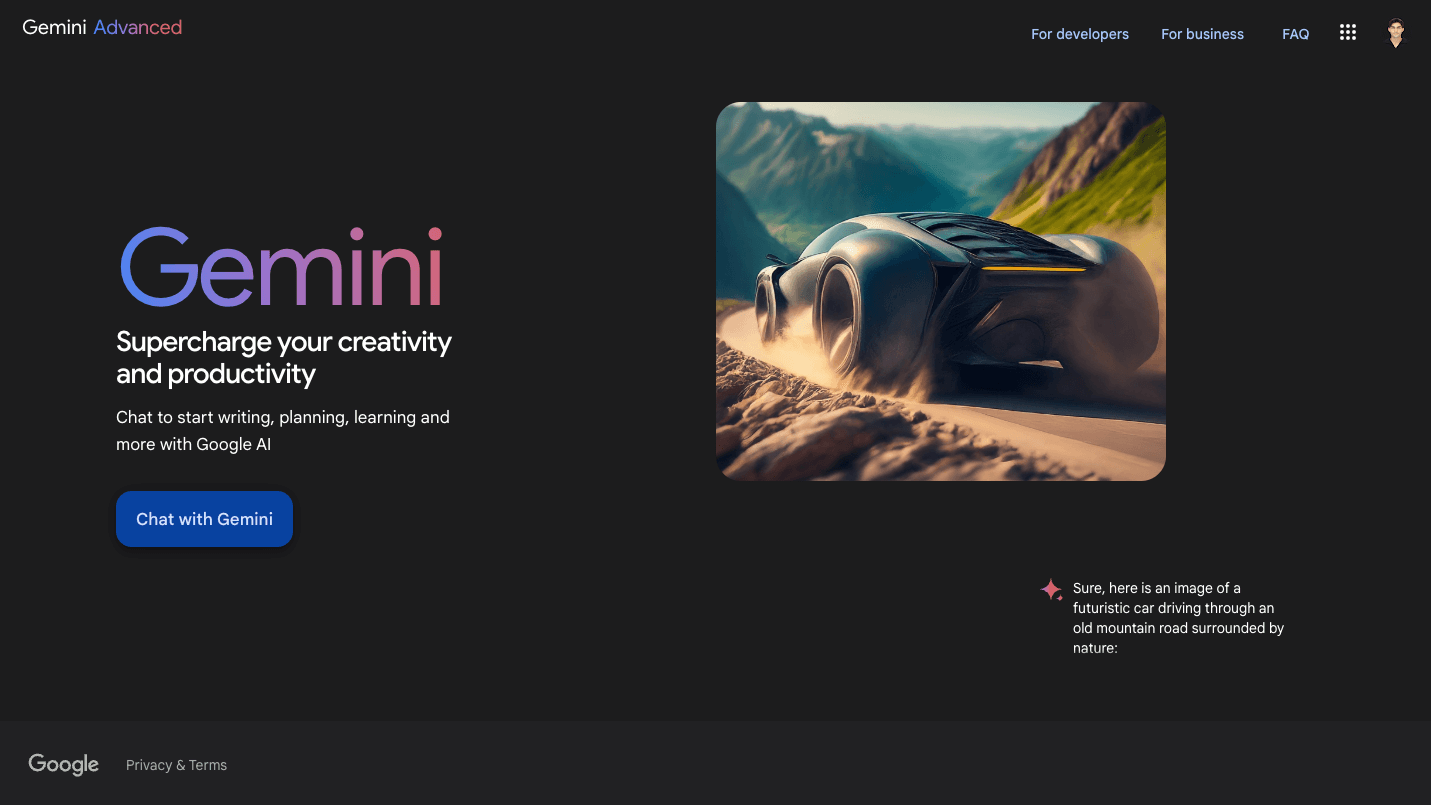
Overview
Google renamed Bard to Gemini in February 2024, so this established Bard URL now covers the current Gemini product rather than a discontinued tool. Gemini is both the name of Google's model family and the web, mobile, Chrome, and macOS assistant that exposes those models; Google AI Studio, the Gemini API, Vertex AI, and Gemini inside Workspace are related but separately governed products.
The app now spans quick chat, long-document and multimodal analysis, Deep Research, custom Gems, Canvas for drafting and prototyping, Gemini Live, image, music, and video generation, interactive visualizations, and increasingly agentic work. Connected Apps can bring in Gmail, Calendar, Drive, Photos, YouTube, Search, and supported third-party services, while Daily Brief and Gemini Spark can proactively organize or execute work where eligible.
Model names and availability move quickly. Google's current help page groups access around Flash-Lite, Flash, and Pro with selectable thinking levels; Google separately announced Gemini 3.5 Flash in May and Gemini 3.6 Flash plus 3.5 Flash-Lite in July 2026. Choose by the live model picker and task, not by an old review's model label.
Gemini can ground answers in the web and provide links, but neither a citation nor Google's double-check interface guarantees that the statement is supported or current. For medical, legal, financial, government, hiring, education, or safety decisions, open the source, inspect the relevant passage and date, and obtain qualified review.
Use cases
The strongest fit depends on the job you need the product to complete, not the size of its feature list.
People who want an assistant that can work with selected Gmail, Calendar, Drive, Photos, YouTube, Search, Android, Chrome, and other connected-app context.
Users who want Deep Research, long file analysis, web grounding, and an initial synthesis they will verify against the underlying documents.
Creators, students, and teams working across text, code, images, audio, video, live camera or screen input, and interactive visualizations.
Eligible Google Workspace customers that need admin controls, inherited permissions, contractual data protection, and no model training outside the domain without permission.
Capabilities
Balances faster everyday responses with deeper reasoning for complex math, coding, studying, files, images, and video. Thinking levels and usage consumption vary by account and prompt.
Plans and executes multi-step web research, then produces a structured report with source links. It accelerates discovery but still requires source-by-source verification.
Provides focused spaces for drafting, coding, interactive prototypes, reusable custom assistants, and source-grounded notebook work.
Supports free-flowing voice conversations plus eligible camera, screen, image, file, audio, and video input across supported devices and regions.
Creates and edits images, generates music, and offers video creation on eligible paid plans. Limits, models, watermarks, and regional availability change frequently.
Can use selected Google and third-party app data to personalize answers and complete tasks. Connections are optional and should be limited to the data a workflow truly needs.
Daily Brief organizes priorities from connected context, while Spark can run longer cloud-based tasks and workflows where rolled out. Agentic access raises the cost of a mistaken instruction, so permissions and outputs need supervision.
On qualifying work and education editions, Gemini respects existing access permissions and Google says prompts, content, and responses are not human reviewed or used to train models outside the domain without permission.
Process
Step 1
Use a managed Workspace account for confidential organizational work only after the administrator confirms the edition, enabled service, retention, sharing, connector, and compliance settings. A personal paid plan is not an enterprise data agreement.
Step 2
Connect only the apps needed for the task, review what the request can read or change, remove unnecessary files and personal data, and use narrow instructions for Spark or other agentic actions.
Step 3
Specify the audience, date range, jurisdictions, source types, required citations, excluded assumptions, and whether Gemini should ask before taking any action.
Step 4
Open every material source, confirm the quoted claim appears in context, recalculate figures, run code and tests, and check that generated media, facts, and links match the intended rights and use.
Step 5
Require a qualified person to approve publication, spending, communication, account changes, regulated advice, employment decisions, grading, or any irreversible agent action.
Cost
Gemini is usable without a Google AI subscription. U.S. Google One pricing at review showed AI Plus at $9.99 per month and AI Pro at $19.99 per month; Google's May 2026 announcement set AI Ultra at $100 per month for 5x Pro usage or $200 per month for 20x Pro usage. Google now measures many limits by compute used, refreshing every five hours until a weekly cap, so exact prompt counts are not guaranteed. Business and education accounts use separate Workspace or enterprise pricing.
$0
Useful access for everyday chat, analysis, Canvas, media tools, and limited advanced-model features.
$9.99/month in the U.S.
Entry paid bundle for more frequent personal use and broader creative access.
$19.99/month in the U.S.
Main power-user plan for long context, expanded model limits, Workspace integrations, and broader bundled tools.
$100/month in the U.S.
Advanced tier for heavier Gemini and Antigravity use without the top 20x allowance.
$200/month in the U.S.
Highest personal tier for intensive model, agent, and experimental-product use.
Varies by edition and contract
Managed organizational access with different administration, security, retention, and data-use terms.
Pricing checked . Check current pricing at the source ↗
Assessment
Compare
The right alternative depends on the specific output, workflow, controls and budget your project requires.
Business Operations
Choose ChatGPT for a broad general assistant with OpenAI's own model, agent, coding, image, and connector ecosystem, especially when Google integration is not the priority.
Explore ChatGPT →Project Management
Choose Claude for document-heavy reasoning, writing, coding, and Anthropic's separate consumer and team workflows.
Explore Claude →Business Operations
Choose Microsoft Copilot when Microsoft 365, Windows, Teams, and organizational Microsoft permissions are the primary work environment.
Explore Microsoft Copilot →Data Analysis
Choose Perplexity when the central workflow is web research and source discovery rather than a deeply integrated personal assistant.
Explore Perplexity →Questions
Yes. Google renamed Bard to Gemini on February 8, 2024. This page keeps the established Bard slug for continuity but reviews the current Gemini app.
Yes. Gemini has a no-cost tier with standard usage limits, a 32K uploaded-file context window, and access to current Flash and Pro modes plus several creative features. Paid Google AI plans increase usage, context, integrations, storage, and premium-feature access.
On August 31, 2026, U.S. personal pricing was $9.99 per month for Google AI Plus, $19.99 for Pro, $100 for Ultra with 5x Pro usage, and $200 for Ultra with 20x Pro usage. Taxes, promotions, countries, and business plans differ.
Use Flash-Lite or Flash for speed and everyday work, and Pro or extended thinking for harder reasoning, coding, and multimodal tasks. Deep Think is reserved for eligible Ultra use. Because Google changes labels and availability frequently, treat the live picker and help page as authoritative.
For personal accounts, Google says activity saved while Keep Activity is on can be used to improve services, including generative AI training, with human review. Turning Keep Activity off prevents future chats from being used for training unless feedback is submitted, though Google retains them for up to 72 hours for service and safety.
Google says that on qualifying Workspace and Education services, prompts, organizational content, and responses are not human reviewed or used to train generative AI models outside the domain without permission. Administrators still need to verify the exact edition, service, settings, retention, and contract.
It can use selected Google and third-party apps when the account, region, administrator, and feature are eligible and the user connects them. Review each connection and do not grant access merely for convenience.
Use them as leads, not proof. Open each source, confirm that it supports the exact claim, inspect dates and jurisdiction, and independently verify calculations or high-stakes conclusions.
It can help organize questions and find sources, but it is not a substitute for a licensed professional or authoritative current guidance. Never let it autonomously diagnose, prescribe, file, trade, approve, deny, grade, or make a consequential decision.
Bottom line
Gemini is one of the strongest choices for people already living in Google products: it combines capable models, research, long context, live multimodal interaction, creative media, and increasingly useful agents in a single account. The buying decision should be based on current limits and the Google ecosystem, not a particular model name that may change next month. Personal users should turn off Keep Activity or use Temporary Chat for sensitive work, minimize connections, and avoid confidential inputs; organizations should use a qualifying managed Workspace service and verify the contract. Every consequential output or action still needs human review.
Visit Gemini website ↗
Krea: Is a real-time ai image generator and editor built for designers to create, remix, and iterate visually.

Flux: Is an ai design and collaboration tool that turns ideas into high-fidelity visual content.

Luma Labs: Uses ai to generate photorealistic 3d environments and videos from text or camera input.

Voice Design V3 - Create any voice you can imagine with a prompt

Get access to all our AI courses, hundreds of real-world AI use cases, live expert-led workshops, an exclusive network of AI early adopters, and more.
Get unlimited access to all of our current & upcoming industry-specific AI courses for the duration of your subscription.
To keep up with the rapid pace of AI, our team publishes AI implementation guides daily. Our library contains 300+ practical use cases to automate real-world work.
Join weekly, live, interactive sessions with industry leaders who are at the forefront of AI for hands-on implementation guidance and exclusive insights.
Network with an exclusive community of AI-first professionals who are working smarter with AI. Learn how early adopters are using AI in their work and businesses.