The Rundown AI homepage

ai presentation makers

Best AI Presentation Makers

AI presentation makers can turn a brief into an outline, visual system and editable deck. This guide looks beyond first-generation speed to compare narrative quality, slide editing, charts, brand controls, collaboration and PowerPoint delivery.

10 active toolsLast reviewed September 1, 2026

Best AI Presentation Makers: overview

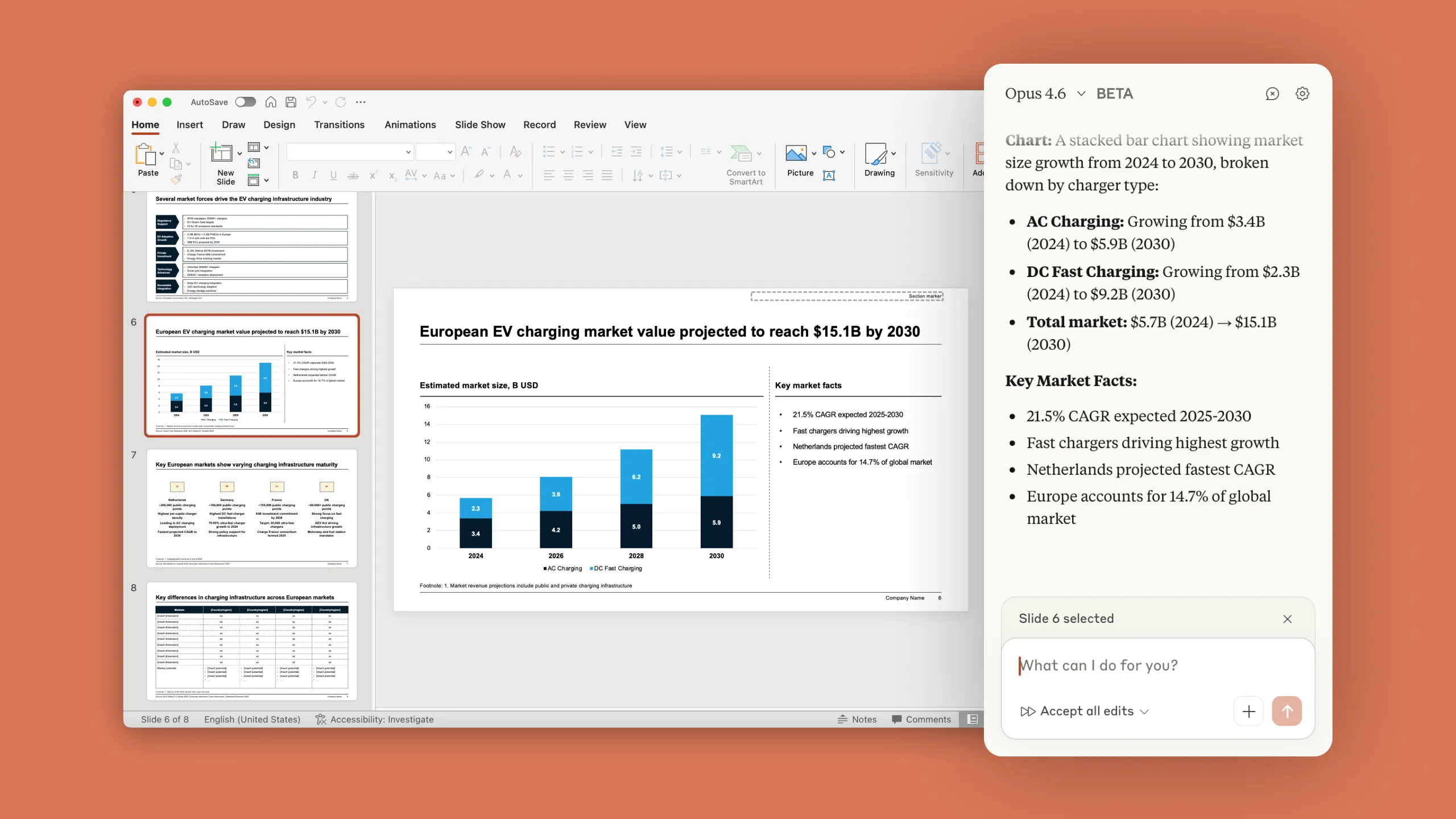
A strong presentation has a clear argument and a visual rhythm that helps the audience follow it. Generated slides can speed up structure and design, yet the presenter still needs control over evidence, hierarchy and the amount of information on each page.

Test with the deck you actually need to deliver. Provide the audience, purpose, source material, brand assets and required charts. Then revise the story, swap a section and export it to the format collaborators use. The quality of editing and handoff usually determines whether the tool survives beyond the first draft.

Curated tool directory

Compare 10 AI presentation makers

Filter this shortlist by category or search by name and capability. Open any card for a deeper look at the product, its use cases, and its limitations.

Who this guide is for

When this shortlist is useful

Professionals starting from a written brief

Outline and layout generation can create a coherent first version for a meeting or proposal.

Teams producing recurring branded decks

Templates, brand libraries and collaboration can speed up reports and sales materials.

Presenters explaining data

Chart and diagram tools can turn a result into a clearer visual story.

Selection criteria

What to compare before choosing

01

Narrative structure

The outline should establish a logical sequence, useful section breaks and a clear conclusion.

02

Slide design

Typography, spacing, imagery and hierarchy need to remain coherent across the full deck.

03

Editing freedom

Users should be able to reshape layouts, rewrite content and adjust visuals directly.

04

Data and brand

Charts, source material, templates, fonts, colors and assets should fit professional workflows.

05

Export quality

PowerPoint, PDF and sharing options need to preserve layout, editability and speaker requirements.

Editorial standards

How we built this guide

Each presentation product receives the same business brief, source notes, chart data and brand direction. We compare the generated outline before moving into visual review.

The deck is revised through several common requests, then exported for inspection in its destination format. Collaboration, presenter tools, asset handling and plan limits are included.

Presentation makers are reviewed when they change generation, PowerPoint support, chart tools, brand features or collaboration. Export quality is tested again during every major update.

Frequently asked questions

Best AI Presentation Makers FAQs

Can AI create a PowerPoint presentation from a document?

Several tools can turn a document or prompt into an outline and slide deck. Check how citations, charts and source details carry through, then edit the story for the intended audience.

Which AI presentation maker has the best PowerPoint export?

Export quality can vary by layout, font and chart type. Test a representative deck in your organization's PowerPoint environment and confirm that important elements remain editable.

How do I keep an AI-generated deck on brand?

Upload approved fonts, colors, logos, templates and image guidance where supported. A reusable brand workspace and final design review help maintain consistency.

Are AI slide makers useful for data presentations?

They can suggest charts and visual structure, while the presenter remains responsible for calculations, labels and the message supported by the data. Verify every number against the source.

The Rundown University

AI training for the future of work.

Get access to all our AI courses, hundreds of real-world AI use cases, live expert-led workshops, an exclusive network of AI early adopters, and more.

AI Courses

Get unlimited access to all of our current & upcoming industry-specific AI courses for the duration of your subscription.

Daily Guides

To keep up with the rapid pace of AI, our team publishes AI implementation guides daily. Our library contains 300+ practical use cases to automate real-world work.

Workshops

Join weekly, live, interactive sessions with industry leaders who are at the forefront of AI for hands-on implementation guidance and exclusive insights.

Community

Network with an exclusive community of AI-first professionals who are working smarter with AI. Learn how early adopters are using AI in their work and businesses.
