Waterfall contact enrichment
Search multiple providers for work emails and phone numbers without buying and coordinating each vendor separately.
Independent tool overview
Tabula is a no-code data workflow and GTM enrichment platform for cleaning, transforming, enriching, analyzing, and reporting on tabular data. Its current homepage emphasizes waterfall email and phone enrichment across multiple providers, while Tabula Studio adds a visual flow builder, formulas, row-level AI, APIs, database connections, charts, and reusable reports.
Visit the official Tabula site ↗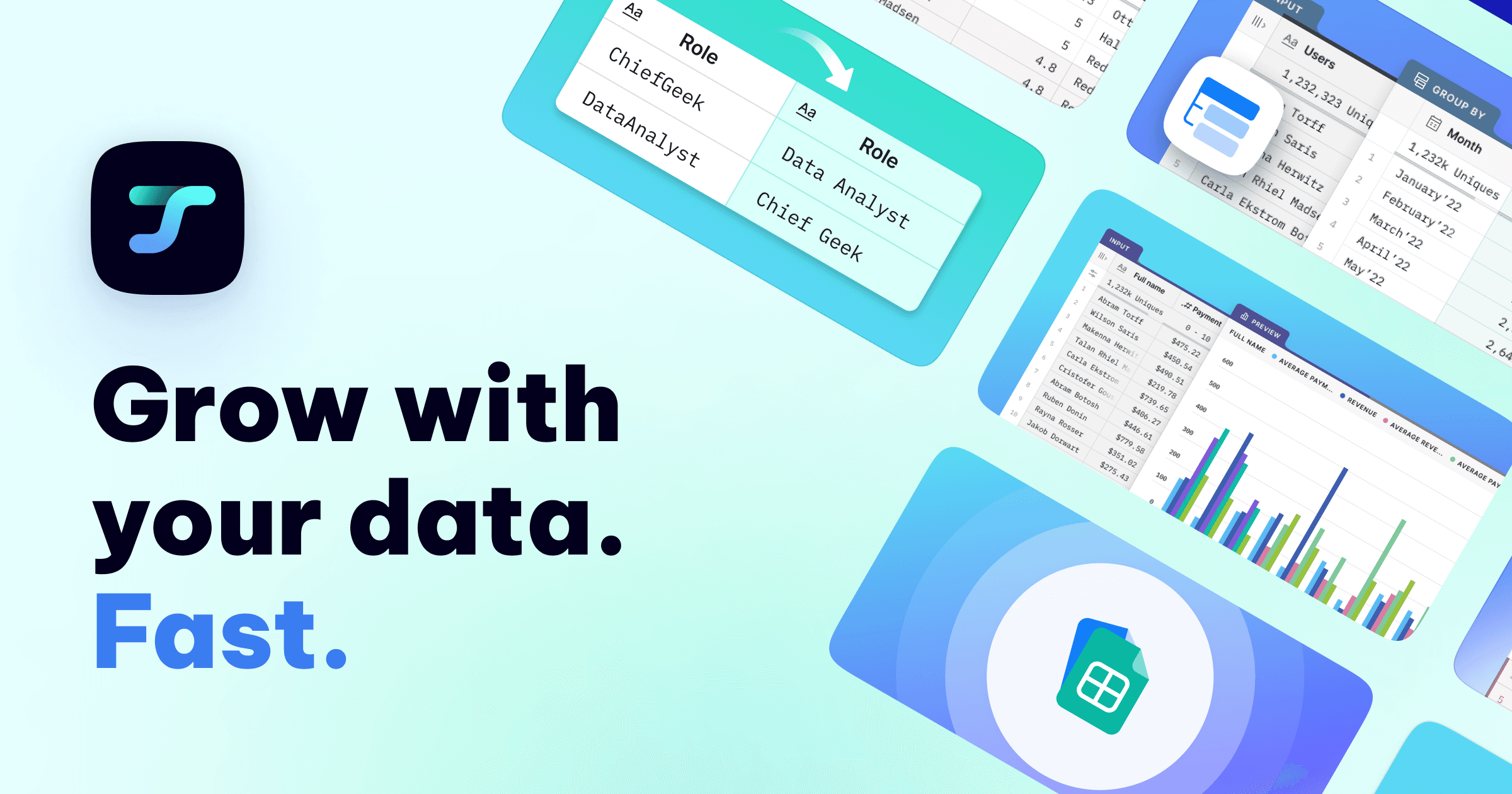
Overview
Tabula is aimed at sales, RevOps, startup, and analytics teams that have outgrown manual spreadsheet cleanup but do not want to build every data pipeline in code. Users can import files or connect data, arrange transformation and enrichment steps as visual nodes, inspect intermediate tables, and publish the result as a file or report.
The simplest current workflow is Quick Enrich: upload a CSV with first name, last name, and company domain; choose work email, phone, or both; and let Tabula query providers in sequence until it finds a result. Tabula says failed lookups are not charged, and its documentation specifies one credit for each successfully found work email.
The broader Studio product supports filtering, sorting, deduplication, joins, pivots, text and date operations, formulas, JSON, API calls, charts, Postgres and Snowflake connections, and many third-party enrichment providers. The list is materially broader than the old description of a generic visualization tool.
Tabula's AI node runs a selected model on each row and writes structured results into new columns. It can optionally search the web, but it does not calculate across or compare multiple rows by itself; normal transformation nodes are better for aggregations.
Use cases
The strongest fit depends on the job you need the product to complete, not the size of its feature list.
Search multiple providers for work emails and phone numbers without buying and coordinating each vendor separately.
Standardize, split, join, deduplicate, filter, and enrich CRM or campaign data through reusable visual flows.
Classify, extract, summarize, research, or rewrite every record using prompts that reference existing columns.
Replace fragile copy-and-paste work with a traceable sequence of nodes, intermediate previews, and exportable results.
Capabilities
Upload a contact CSV and append verified work emails or phone numbers through a multi-provider waterfall.
Arrange data sources, transformations, enrichment, AI, API calls, charts, and outputs on a reusable canvas.
Filter, sort, deduplicate, join, stack, pivot, unpivot, split, extract, replace, group, and calculate without writing a full pipeline.
Prompt an AI model with values from each record, define typed output columns, and regenerate individual rows when needed.
Enable low, medium, or high search depth for AI tasks that need current internet context, with higher depth using more credits.
Use a catalog of contact, company, verification, and data vendors through Tabula or connect supported provider API keys.
Work with files, Postgres, Snowflake, JSON, external APIs, and enterprise connectors inside the same flow.
Turn flow results into charts and reports, then add cloud storage, sharing, user management, scheduling, and governance on higher plans.
Process
Step 1
Decide what data is actually needed, how it will be used, who may receive it, and whether enrichment and outreach are lawful in the relevant regions.
Step 2
Upload CSV or Excel files, connect a supported store, or begin from an API or enrichment source.
Step 3
Add cleaning, transformation, AI, web-search, enrichment, validation, and output nodes in the order the records should run.
Step 4
Run a few rows first to check match quality, prompt output, schema, credit usage, and edge cases before processing the whole dataset.
Step 5
Sample enriched fields against original sources, separate catch-all or uncertain emails, remove unneeded data, and export or publish the approved result.
Cost
Tabula uses a base platform fee plus separate credits for AI, external sources, and enrichment. Its current pricing page displays Solo at $9 per month with $29 crossed out, Team at $59 per month, and Enterprise by quote. Optional enrichment bundles currently range from $20 per month for 2,000 credits to $174 for 30,000. All listed plans support bring-your-own provider API keys. The page references a Free plan but does not clearly present its limits in the main comparison, and it says annual pricing is not yet published.
$0
Referenced in Tabula's payment FAQ for basic use with your own provider keys.
$9/month currently displayed
The individual base platform plan; the page shows a reduced price from $29.
$59/month
Adds collaboration and cloud-oriented workflow management.
Custom
For warehouse-connected analytics and governed data automation.
Pricing checked . Check current pricing at the source ↗
Assessment
Compare
The right alternative depends on the specific output, workflow, controls and budget your project requires.
Data Analysis
A more familiar collaborative spreadsheet experience with built-in integrations and AI for operational analysis.
Explore Rows →Business Operations
Better suited to building shared operational apps, databases, interfaces, and governed team workflows.
Explore Airtable →Data Analysis
The simplest choice when the team already works in Google Workspace and needs lighter AI-assisted spreadsheet tasks.
Explore Google Sheets AI →Questions
Tabula is used to enrich contacts, clean and transform tables, run AI or web research by row, combine data sources, automate repeatable flows, and build reports.
It is both, but its current homepage emphasizes sales and RevOps enrichment. The broader Studio product still includes data transformation, database connections, charts, reports, and enterprise workflow features.
The current page displays Solo at $9 per month, reduced from $29, Team at $59, and Enterprise by quote. AI, source, and enrichment credits are generally separate from the base fee.
Tabula queries providers sequentially until one returns a usable result or the list is exhausted. Current Quick Enrich documentation says one credit is used for a successfully found work email and none for a failed lookup.
Yes. Tabula says all plans support bringing your own provider keys, which can reduce platform credit use but still leaves you responsible for the provider's own fees and terms.
Tabula markets a large-CSV workflow and runs enrichment asynchronously. Practical limits, speed, local resources, connected providers, and plan allowances should be tested with a representative file.
No. Its AI node processes each row independently. Use normal group, pivot, join, window, or reporting tools when the answer depends on relationships across rows.
Not automatically. Verify the match, distinguish work from personal data, honor opt-outs and suppression lists, and confirm the lawful basis and channel rules for each region before outreach.
Bottom line
Tabula is most useful for GTM and data-operations teams that want Clay-style enrichment and spreadsheet automation with a visual pipeline and the option to bring their own provider keys. Its range is a strength, but the current marketing and pricing pages make the product harder to understand than necessary. Test a representative sample, model the full subscription-plus-credit cost, validate AI and contact matches, and complete a privacy review before sending sensitive customer or prospect data through multiple providers.
Visit Tabula website ↗
Get access to all our AI courses, hundreds of real-world AI use cases, live expert-led workshops, an exclusive network of AI early adopters, and more.
Get unlimited access to all of our current & upcoming industry-specific AI courses for the duration of your subscription.
To keep up with the rapid pace of AI, our team publishes AI implementation guides daily. Our library contains 300+ practical use cases to automate real-world work.
Join weekly, live, interactive sessions with industry leaders who are at the forefront of AI for hands-on implementation guidance and exclusive insights.
Network with an exclusive community of AI-first professionals who are working smarter with AI. Learn how early adopters are using AI in their work and businesses.


