Cross-functional operations
Coordinate campaigns, launches, production, recruiting or approvals around linked records and shared status definitions.
Independent tool overview
Airtable is a no-code operations and app-building platform that combines relational data, views, interfaces, automations and AI agents in a shared workspace.
Visit the official Airtable site ↗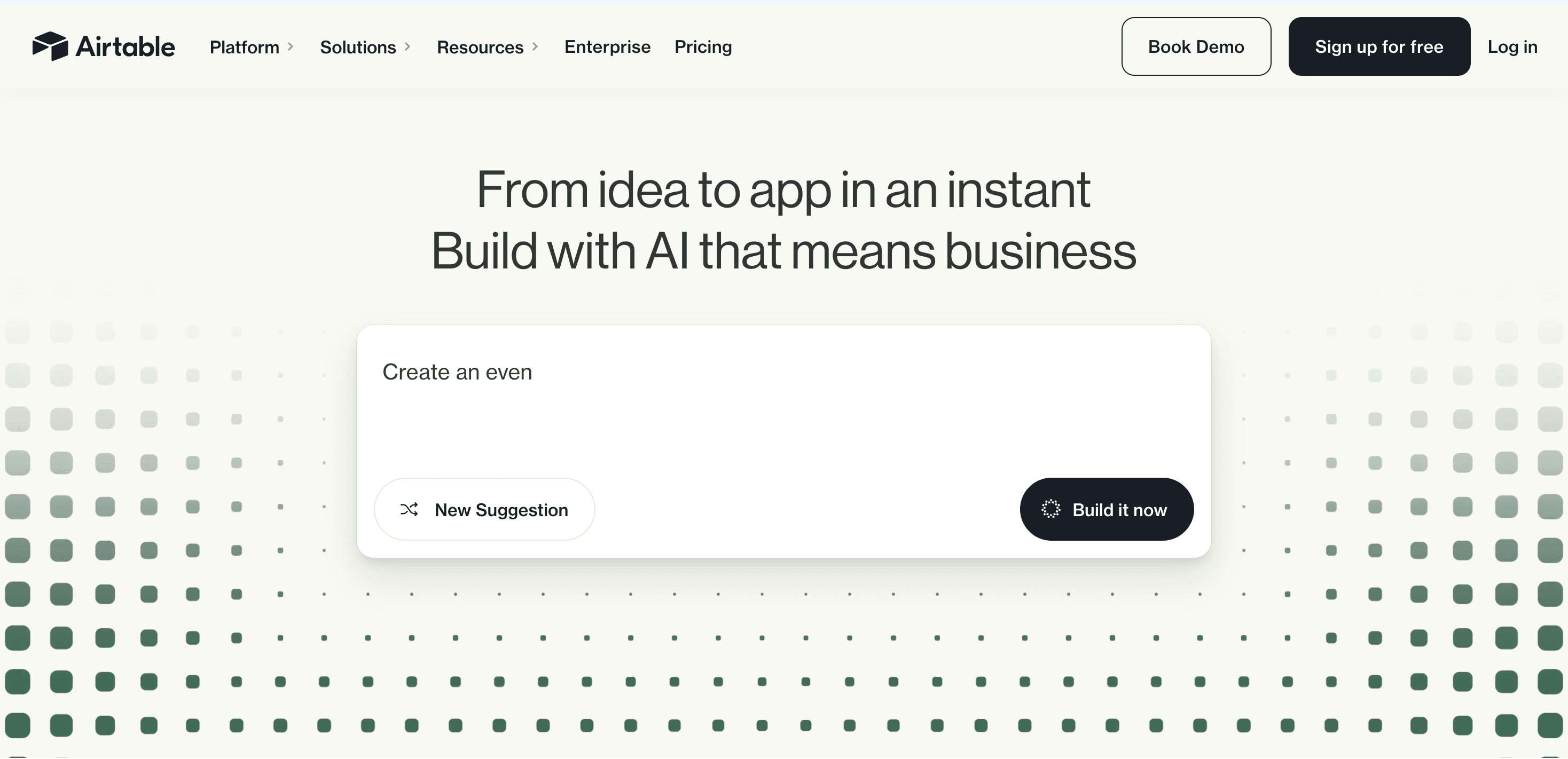
Overview
Airtable sits between a spreadsheet, relational database and internal app builder. Teams model work as linked records, present the same data through role-specific views and interfaces, and automate actions without moving every process into custom software.
The current product places AI inside that operating layer. Omni can build or modify apps through conversation, analyze data and documents, create records and answer questions. Field agents run AI tasks at the cell level, such as categorizing feedback, researching a company or extracting information from a document.
Airtable works best when the underlying process is structured enough to model but changes too often to justify a fully custom application. It becomes harder to manage when teams create overlapping bases, unclear ownership or automations that nobody monitors.
Use cases
The strongest fit depends on the job you need the product to complete, not the size of its feature list.
Coordinate campaigns, launches, production, recruiting or approvals around linked records and shared status definitions.
Create interfaces, forms and workflows on top of structured data for different roles and stakeholders.
Use relationships, permissions, record history and automations when a flat sheet no longer provides enough control.
Apply field agents to recurring categorization, extraction, research and generation tasks while keeping results attached to source records.
Capabilities
Store structured records in tables and link related entities so several workflows can share a consistent source of truth.
Present the same data as grids, calendars, timelines, kanban boards or custom interfaces tailored to each audience.
Collect structured submissions and, on eligible plans, create controlled experiences for external collaborators.
Trigger notifications, record updates, integrations or JavaScript from Airtable events and scheduled conditions.
Use natural-language conversation to build apps, configure data, answer questions, research the web and create or update records within the user's permissions.
Run AI-powered retrieval, analysis or generation at the cell level so outputs remain part of a repeatable data workflow.
Move data between bases or supported external systems and extend Airtable through its web API, scripting and integration ecosystem.
Business and Enterprise plans add administrative, permission, audit and model-provider controls for larger deployments.
Process
Step 1
Define core entities, owners, status values and relationships before importing every existing spreadsheet.
Step 2
Give operators, approvers and leaders interfaces that expose only the fields and actions each group needs.
Step 3
Use rules for notifications, handoffs and calculations, then add AI only where interpretation or unstructured content is genuinely required.
Step 4
Set permissions, test automations, review AI credit use and define owners for failed runs, schema changes and data quality.
Step 5
Measure adoption and reliability before duplicating the base or connecting it to more systems.
Cost
Airtable charges by workspace and billable collaborator permission. Annual prices are lower than monthly self-serve billing. Plans include pooled monthly AI credits, and additional credits cost extra; credit consumption varies by model, input and output.
$0
For individuals and very small teams with lightweight needs.
$24/user monthly or $20 annually
For teams building shared applications and workflows.
$54/user monthly or $45 annually
For departments needing more scale and administration.
Custom
Sales-led plan for enterprise governance and scale.
From $20/month for 10,000 credits
Optional credit packs for self-serve paid plans after included usage.
Pricing checked . Check current pricing at the source ↗
Assessment
Compare
The right alternative depends on the specific output, workflow, controls and budget your project requires.
Project Management
Choose Notion when documents, team knowledge and flexible pages are more central than relational operations.
Explore Notion AI →Data Analysis
Choose Rows for spreadsheet-native analysis, formulas and reporting with modern integrations and AI features.
Explore Rows →Business Operations
Choose Softr when the priority is rapidly building a polished portal or front end over an existing data source.
Explore Softr →Questions
Teams use Airtable to manage structured workflows such as campaigns, product launches, content production, approvals, recruiting, inventory and customer operations. It combines linked data with views, interfaces and automation.
It looks familiar to spreadsheet users but supports database-style linked records and structured field types. It is best described as a no-code relational app and operations platform, not a direct replacement for every spreadsheet or production database.
Omni is Airtable's built-in AI assistant. It can help build and modify apps, answer questions about data, analyze documents, research the web and create or update records subject to the user's permissions and available AI credits.
Airtable has a free plan. Team costs $24 per billable collaborator monthly or $20 with annual billing; Business costs $54 monthly or $45 annually. Enterprise Scale uses custom pricing.
Plans include a monthly pool of AI credits. Building apps or agents with Omni does not consume credits, but questions, web research, document analysis, field agents and AI automations can. Additional credits start at $20 per month for 10,000 on self-serve paid plans.
Billing depends on the plan and collaborator permissions. Team and Business apply charges to collaborators at specified permission levels, while read-only access is generally non-billable. Review workspace permissions before inviting a large group.
It can replace many internal trackers, approval tools and operational apps. A custom backend is usually a better fit for strict transactional requirements, highly specialized logic, customer-facing performance or scale beyond Airtable's plan limits.
Bottom line
Airtable is strongest when a team needs structured operational data, different interfaces for different roles and automation in one adaptable system. Omni and field agents make it more capable than a traditional no-code database, but the value depends on sound schema design, clear ownership and controlled AI usage. Prototype on Free, then model the real seat and credit costs before a department-wide rollout.
Visit Airtable website ↗
ChatGPT: Is your all-purpose ai assistant for writing, research, coding, and productivity.

Create an AI version of yourself that answers questions in your voice, captures leads, and supports coaching clients between sessions.
Chatbase: Allows you to create a custom ai chatbot trained on your data for websites and support.
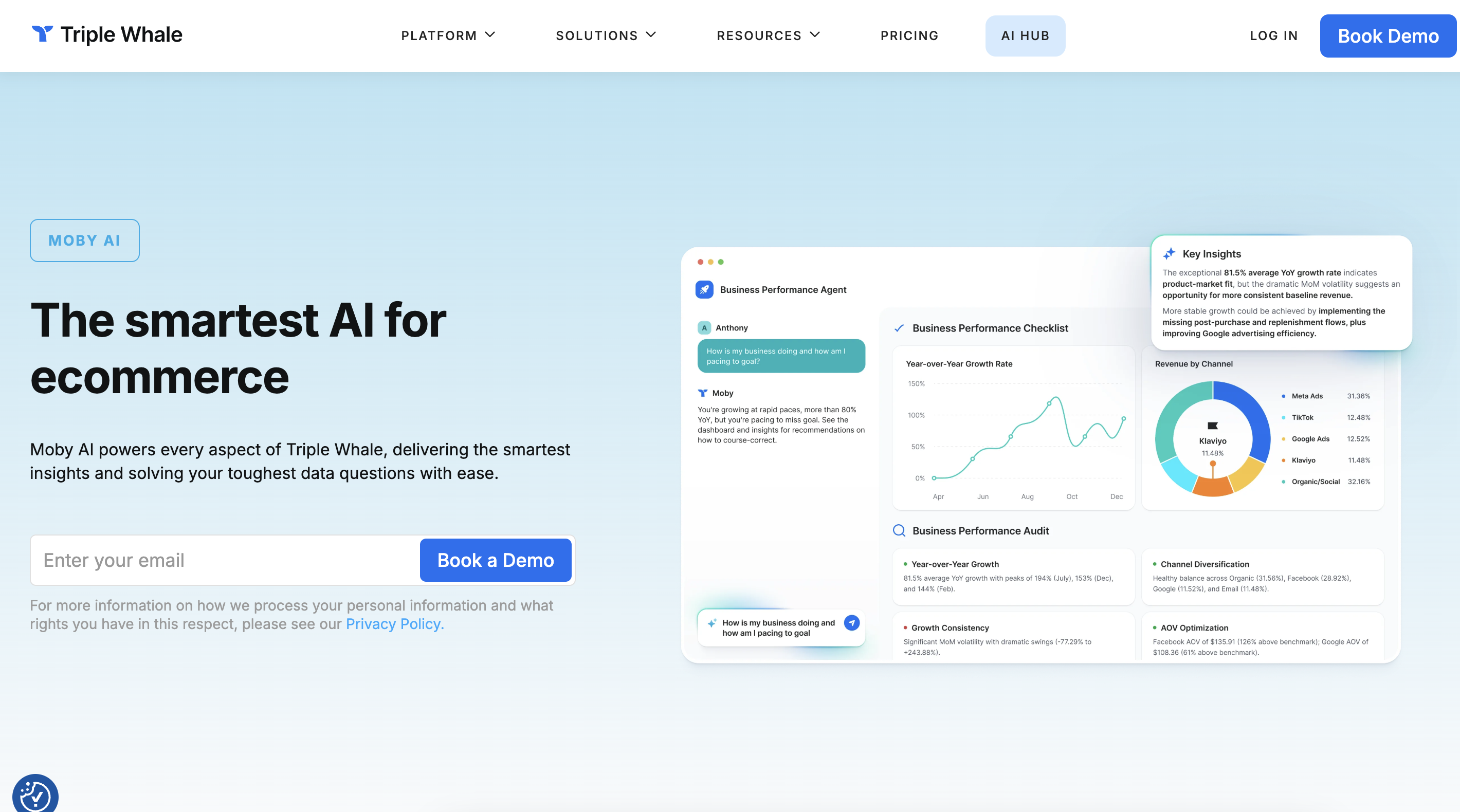
Moby Agents

Get access to all our AI courses, hundreds of real-world AI use cases, live expert-led workshops, an exclusive network of AI early adopters, and more.
Get unlimited access to all of our current & upcoming industry-specific AI courses for the duration of your subscription.
To keep up with the rapid pace of AI, our team publishes AI implementation guides daily. Our library contains 300+ practical use cases to automate real-world work.
Join weekly, live, interactive sessions with industry leaders who are at the forefront of AI for hands-on implementation guidance and exclusive insights.
Network with an exclusive community of AI-first professionals who are working smarter with AI. Learn how early adopters are using AI in their work and businesses.