Brand and campaign concepting
Explore polished visual directions for ads, social assets, editorial art and launch concepts from relatively short prompts.
Independent tool overview
Recraft V4.1 is Recraft's current image-model family for photorealistic raster art, illustrations, editable vectors, product images and design assets.
Visit the official Recraft V4.1 site ↗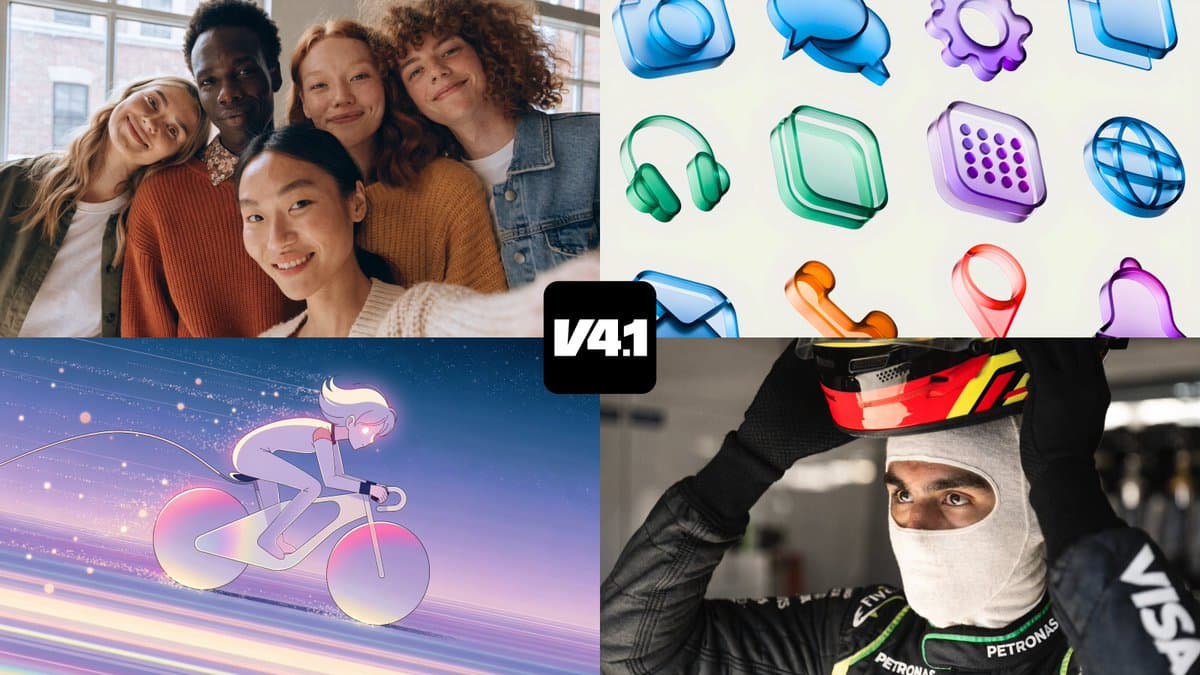
Overview
Recraft V4.1 is a family of design-oriented image models available inside Recraft Studio and through the Recraft API. The standard line favors expressive composition, lighting and visual exploration; the Utility line favors flat lighting, front-facing subjects and predictable results for mockups and product shots. Both lines include raster and editable vector options.
Each V4.1 line also separates everyday 1-megapixel generation from 4-megapixel Pro output. Recraft positions the release as an improvement in natural photorealism, short-prompt interpretation, illustration, typography and vector cleanliness. The practical advantage is having image generation, SVG output, editing and production tools in one design workspace rather than moving every result through a separate vectorization or layout pipeline.
Use cases
The strongest fit depends on the job you need the product to complete, not the size of its feature list.
Explore polished visual directions for ads, social assets, editorial art and launch concepts from relatively short prompts.
Generate editable SVG artwork, logos, typography and icon concepts without starting from a raster-only file.
Use Utility for simpler, front-facing compositions and restrained lighting when predictability matters more than surprise.
Use the 4-megapixel Pro models when the first output needs more detail for high-resolution production.
Call raster, vector, Utility and Pro variants through the API with explicit per-image costs.
Capabilities
Generate photorealistic or illustrative images with an emphasis on mood, composition, texture and art-directed visual choices.
Create fully editable SVGs with structured layers and clean geometry for web, print and design-tool refinement.
Generate 4-megapixel raster output with more detail and texture clarity for print-ready or large-format assets.
Produce higher-detail vector compositions when a standard SVG needs more complexity or production scale.
Favor straightforward product framing, flat lighting, minimal visual drama and repeatable layouts for commercial asset workflows.
V4.1 is tuned to infer a coherent aesthetic and composition without requiring an unusually long art-direction prompt.
Recraft says V4.1 produces more natural people, backgrounds, lighting and everyday environments than its previous generation.
The model family targets clean fills, stronger forms, lettering and stylized graphic compositions in both raster and vector output.
Continue from generation into background removal, vectorization, region edits, upscaling, mockups, palettes and layout work.
Use bearer-token REST endpoints, asynchronous processing and batch jobs for internal tools or customer-facing generation.
Process
Step 1
Choose the required format, dimensions, commercial channel, brand constraints and whether the asset must remain editable.
Step 2
Use standard for expressive raster exploration, Vector for SVG, Utility for predictable product work and Pro for 4-megapixel output.
Step 3
Describe the subject, intended use, framing, palette, lighting, text and exclusions; short prompts work, but production constraints should remain explicit.
Step 4
Generate several directions, compare anatomy, text, object count, brand fit and legibility, then select the strongest base.
Step 5
Edit regions, adjust the background, upscale, vectorize or move elements into a mockup without treating the first generation as final.
Step 6
Inspect typography, paths, color, transparency, resolution, rights and factual details before exporting or automating at scale.
Cost
Recraft Studio uses subscription credits, while the API uses separate prepaid API Units. Free generations are public, owned by Recraft and not licensed for commercial use. Paid Studio generations are private and include ownership and commercial rights. Subscription credits reset monthly; top-up credits and prepaid API Units do not expire.
$0
Explore Recraft Studio with daily credits and public generations.
$12/month or $10/month annually
Entry paid plan for private generation and commercial work.
From $20/month or $16/month annually
Higher credit allowances for individual professional use.
From $22/seat/month or $18 annually
Collaborative workspace with central administration and per-member credits.
$1 per 1,000 prepaid API Units
Separate usage-based pricing for programmatic generation.
Pricing checked . Check current pricing at the source ↗
Assessment
Compare
The right alternative depends on the specific output, workflow, controls and budget your project requires.
Design
Compare Ideogram 4.0 when open-weight access and strong text-centric image generation are more important than Recraft's integrated design workspace.
Explore Ideogram 4.0 →Content Creator
Choose Midjourney for highly stylized visual exploration and a large creative community.
Explore Midjourney →Content Creator
Use Nano Banana 2 for fast Google-hosted image generation and editing within the Gemini ecosystem.
Explore Nano Banana 2 →Design
Stay with Recraft V4 when its more opinionated stylization better matches the campaign or an existing production workflow.
Explore Recraft V4 →Questions
Recraft V4.1 is Recraft's current family of raster and vector image models. It includes expressive, Utility, standard-resolution and Pro high-resolution variants in Recraft Studio and the API.
The main V4.1 line makes more expressive choices around mood, angle, light and composition. Utility favors flat lighting, front-facing composition and simpler predictable results for mockups and product images.
Yes. V4.1 Vector and V4.1 Pro Vector generate editable SVG files rather than only raster images.
Current per-image pricing is $0.035 for standard raster, $0.08 for standard vector, $0.21 for Pro raster and $0.30 for Pro Vector. Utility variants use the same corresponding rates.
Recraft Studio has a free plan with 30 daily credits. Free generations are public, owned by Recraft and not licensed for commercial use, so professional output generally requires a paid plan.
Recraft says paid-plan users own images generated while subscribed and receive commercial rights. Free-plan images are owned by Recraft and publicly visible.
Standard V4.1 variants output at 1 megapixel. Pro variants output at 4 megapixels for higher-detail and large-format work.
No. Studio plans use subscription credits that reset monthly. API access uses separate prepaid API Units that do not expire.
Bottom line
Recraft V4.1 is a strong fit for designers who need more than attractive raster concepts. Its real differentiation is the model matrix: expressive or predictable, raster or editable vector, everyday or 4-megapixel Pro. The free plan is useful for evaluation but unsuitable for commercial work because of its public ownership terms. Paid Studio plans make sense for hands-on designers, while the low standard-raster API price is especially compelling for teams automating visual production with rigorous brand and rights review.
Visit Recraft V4.1 website ↗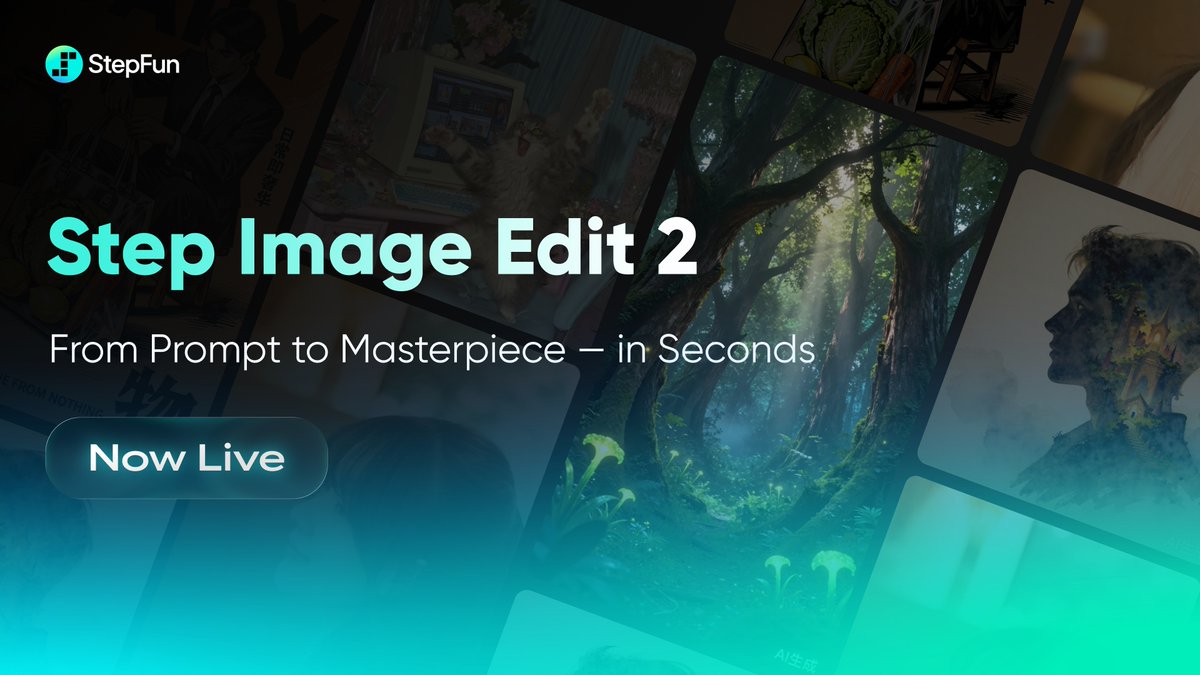
🎨 Step Image Edit 2 - StepFun's lightweight, fast image editing model that tops instruction editing benchmarks

Reve 2.0 - Reve's new 4K AI image model with new layout-based editing for more granular control
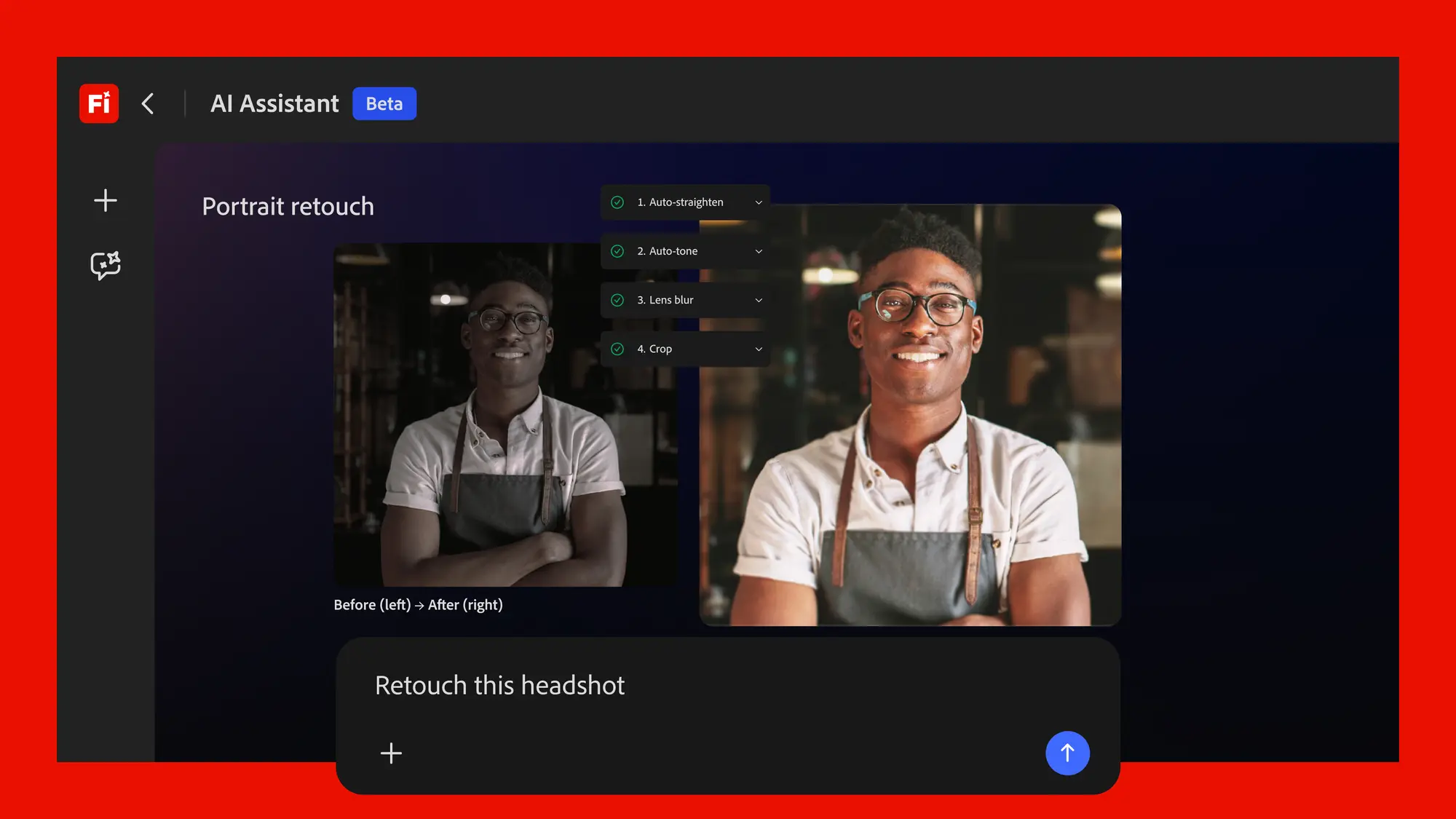
Adobe's conversational creative agent for planning, creating, and editing content across Firefly and Creative Cloud apps.

Frame.md - HeyGen's spec format for AI videos and motion to create branded, consistent content

Get access to all our AI courses, hundreds of real-world AI use cases, live expert-led workshops, an exclusive network of AI early adopters, and more.
Get unlimited access to all of our current & upcoming industry-specific AI courses for the duration of your subscription.
To keep up with the rapid pace of AI, our team publishes AI implementation guides daily. Our library contains 300+ practical use cases to automate real-world work.
Join weekly, live, interactive sessions with industry leaders who are at the forefront of AI for hands-on implementation guidance and exclusive insights.
Network with an exclusive community of AI-first professionals who are working smarter with AI. Learn how early adopters are using AI in their work and businesses.