Designs with prominent text
Typed text elements separate the literal words from their visual styling, making the model particularly relevant to posters, ads, packaging concepts, and social graphics.
Independent tool overview
Ideogram 4.0 is a 9.3-billion-parameter open-weight text-to-image model built for typography, precise layouts, color control, multilingual prompts, and self-hosted customization, with separate terms for non-commercial and commercial use.
Visit the official Ideogram 4.0 site ↗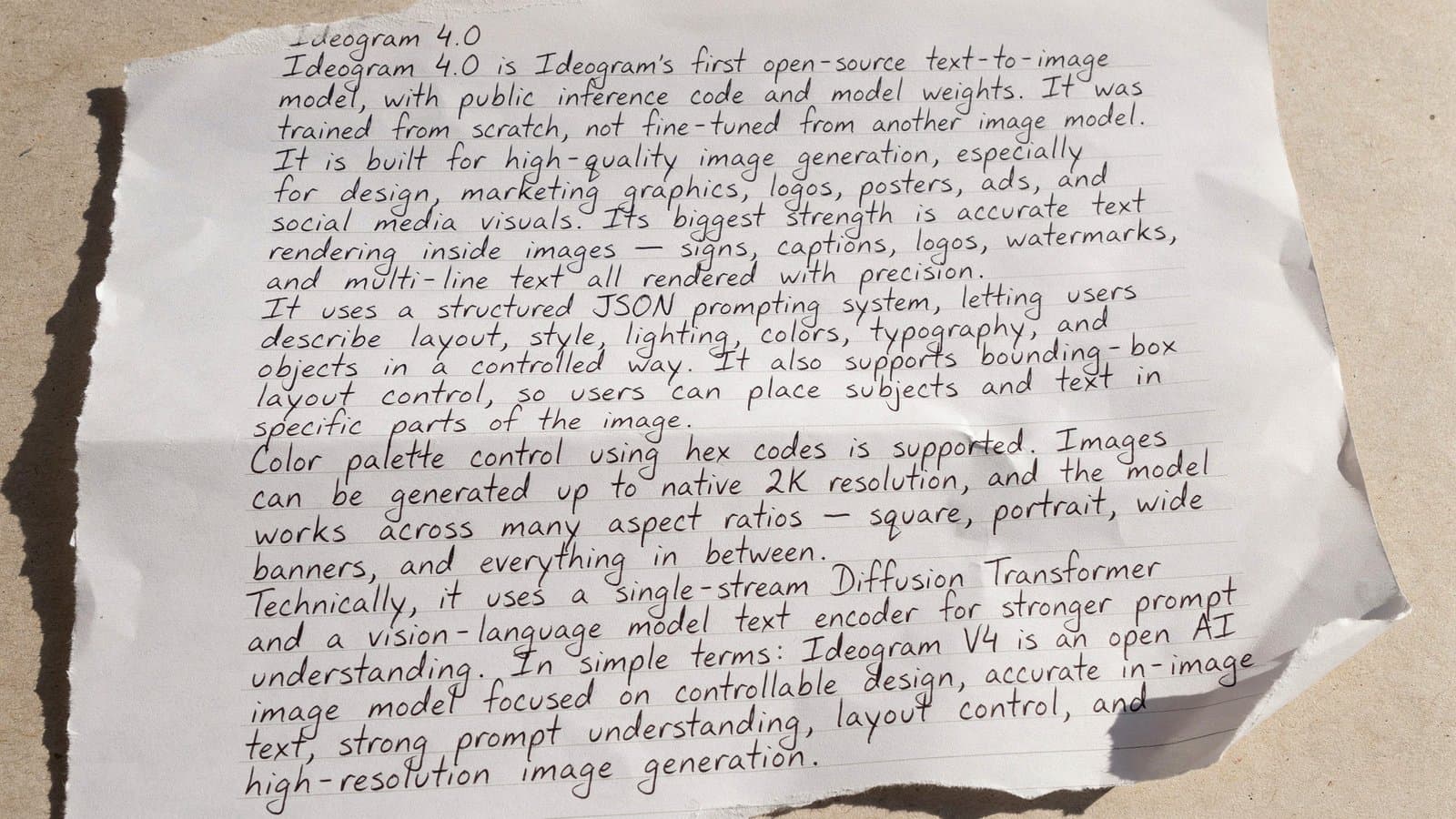
Overview
Ideogram 4.0 is Ideogram's first open-weight foundation model. It was trained from scratch as a 9.3-billion-parameter diffusion transformer rather than fine-tuned from another image model. Developers can download quantized weights, run the reference Python pipeline, fine-tune the model, or access a hosted version through Ideogram.
The model is aimed at practical design work where text and layout matter. It uses structured JSON captions that can specify a high-level scene, visual style, exact text, color palettes, and normalized bounding boxes for individual elements. That produces substantially more control than a short plain-language image prompt, but it also makes the local workflow more technical.
A single checkpoint supports flexible resolutions from 256 to 2,048 pixels per side and aspect ratios up to 6:1. Ideogram publishes NF4 and FP8 checkpoints; the NF4 version is designed to fit on one 24 GB GPU and has Diffusers support, while the higher-precision FP8 option has broader hardware demands.
Open-weight does not mean unrestricted commercial use. The public weights are free under Ideogram's non-commercial model agreement for research, evaluation, prototyping, and personal projects. Commercial self-hosting requires a paid self-serve or enterprise license, while the Apache 2.0 license applies to the inference code rather than the model weights.
Use cases
The strongest fit depends on the job you need the product to complete, not the size of its feature list.
Typed text elements separate the literal words from their visual styling, making the model particularly relevant to posters, ads, packaging concepts, and social graphics.
Per-element bounding boxes and structured scene descriptions help place objects and text more deliberately than ordinary prose prompts.
Organizations with the correct commercial license can host the quantized model on their own infrastructure and keep image generation within their chosen environment.
The downloadable weights, reference pipeline, architecture documentation, and permission to fine-tune support evaluation and experimentation under the applicable license.
Capabilities
Ideogram publishes gated NF4 and FP8 checkpoints on Hugging Face, allowing qualified users to inspect, run, and customize the model under the weight license.
Prompts can define a scene, aesthetics, lighting, medium, composition, individual elements, exact text, bounding boxes, and color palettes in a validated schema.
A text element contains the exact string to render plus separate styling instructions, supporting multilingual and multi-line type inside generated images.
Objects and text can be positioned with normalized coordinates, giving developers explicit control over where elements should appear.
Prompts can pass image-level and element-level hexadecimal colors to steer the generated palette more directly.
The same weights support dimensions from 256 to 2,048 pixels per side, varied aspect ratios, and formats ranging from square assets to ultrawide banners.
The reference code includes Turbo, Default, and Quality presets that trade generation steps and speed for image quality and finishing detail.
A prompt-expansion step can turn ordinary language into the structured caption the model expects; Ideogram provides a hosted option and publishes system prompts for alternative implementations.
The published pipeline supports prompt and output screening through Hive, while redistributed deployments must provide equivalent or stronger filtering under the model terms.
Users can generate on Ideogram's website or API, or run downloaded weights locally when their hardware and license permit it.
Process
Step 1
Use the Ideogram website for the easiest creative workflow, its API for a managed integration, or local weights when customization, privacy, or infrastructure control justifies the added work.
Step 2
Use the free weight license only for permitted non-commercial work; obtain a self-serve or enterprise commercial license before a commercial self-hosted deployment.
Step 3
Start with NF4 for a supported single-GPU and Diffusers route, or evaluate FP8 when the deployment has suitable hardware and needs that checkpoint.
Step 4
Convert the brief into Ideogram's JSON schema, including exact text, composition, style, colors, and bounding boxes for elements whose position matters.
Step 5
Set compatible dimensions and use Turbo, Default, or Quality based on latency, compute budget, and output requirements.
Step 6
Apply the reference safety checks or equivalent protections, then add application-specific policies for brands, rights, identity, and regulated content.
Step 7
Inspect spelling, factual visual details, layout, brand fidelity, artifacts, and rights-sensitive content before an image enters a production workflow.
Cost
The public quantized weights are free for permitted non-commercial use. Commercial self-hosting requires a separate license starting at $300 per month when billed annually for a 10,000-image monthly allowance; hosted website subscriptions and API usage are separate products.
Free
Public quantized weights for research, evaluation, prototyping, and personal projects.
From $300/month billed annually
Commercial-use rights for self-hosting the public quantized weights, starting with a 10,000-image monthly allowance.
Custom
For higher volume, full-precision access, customer-facing products, support, security review, or custom terms.
Free; paid plans from $15/month billed annually
Website subscriptions provide hosted generation and creative workflow features rather than a commercial self-hosting license.
Pricing checked . Check current pricing at the source ↗
Assessment
Compare
The right alternative depends on the specific output, workflow, controls and budget your project requires.
Content Creator
Another advanced image-model family with hosted and open-weight options for developers comparing quality, control, and deployment requirements.
Explore FLUX.2 →Design
A design-focused image model for teams prioritizing polished creative output, typography, and production-oriented visuals.
Explore Recraft V4.1 →Content Creator
A simpler hosted creative experience for users who value visual exploration and do not need downloadable model weights.
Explore Midjourney →Questions
Ideogram 4.0 is open-weight, but the model weights use Ideogram's own non-commercial agreement rather than an open-source software license. The separate inference code is published under Apache 2.0.
Yes, but commercial self-hosting requires the appropriate Self-Serve Commercial or Enterprise license. Commercial use through Ideogram's hosted platform is governed separately by its service terms.
The self-serve commercial license currently starts at $300 per month when billed annually for an allowance of 10,000 images per month. Higher-volume and broader-use cases may require a larger allowance or enterprise agreement.
Ideogram says the NF4 checkpoint can fit on a single 24 GB CUDA GPU. Actual speed and memory needs depend on resolution, sampler, software versions, and the rest of the pipeline.
The local model is trained for structured JSON captions. Ideogram's Magic Prompt tooling can expand a plain-language prompt into that format, but directly passing plain text is not the recommended path.
The schema can describe the overall scene and style, literal text, element-level visual details, hexadecimal color palettes, and normalized bounding boxes for composition.
Yes. The published pipeline supports flexible dimensions from 256 to 2,048 pixels per side, subject to its aspect-ratio rules and available compute.
Ideogram permits fine-tunes and modifications under the relevant weight agreement. Teams must still ensure that their intended use, deployment, and distribution fit the selected license.
Not automatically. The reference workflow can use Ideogram's hosted Magic Prompt and Hive moderation. Teams seeking a fully controlled pipeline need to replace or host equivalent prompt-expansion and safety components and operate their own infrastructure.
The launch paired the model with separate background-removal and layer-extraction workflows, while native alpha and editable text layers were described as follow-up capabilities. Teams should verify current support before designing a layered production pipeline.
Bottom line
Ideogram 4.0 is one of the more practical open-weight choices for design teams that care about typography, explicit composition, color control, and private customization. Its strongest controls require a structured workflow, substantial local compute, and careful license selection, so teams should compare hosted access against self-hosting before committing operational resources.
Visit Ideogram 4.0 website ↗
🎨 Step Image Edit 2 - StepFun's lightweight, fast image editing model that tops instruction editing benchmarks

Reve 2.0 - Reve's new 4K AI image model with new layout-based editing for more granular control
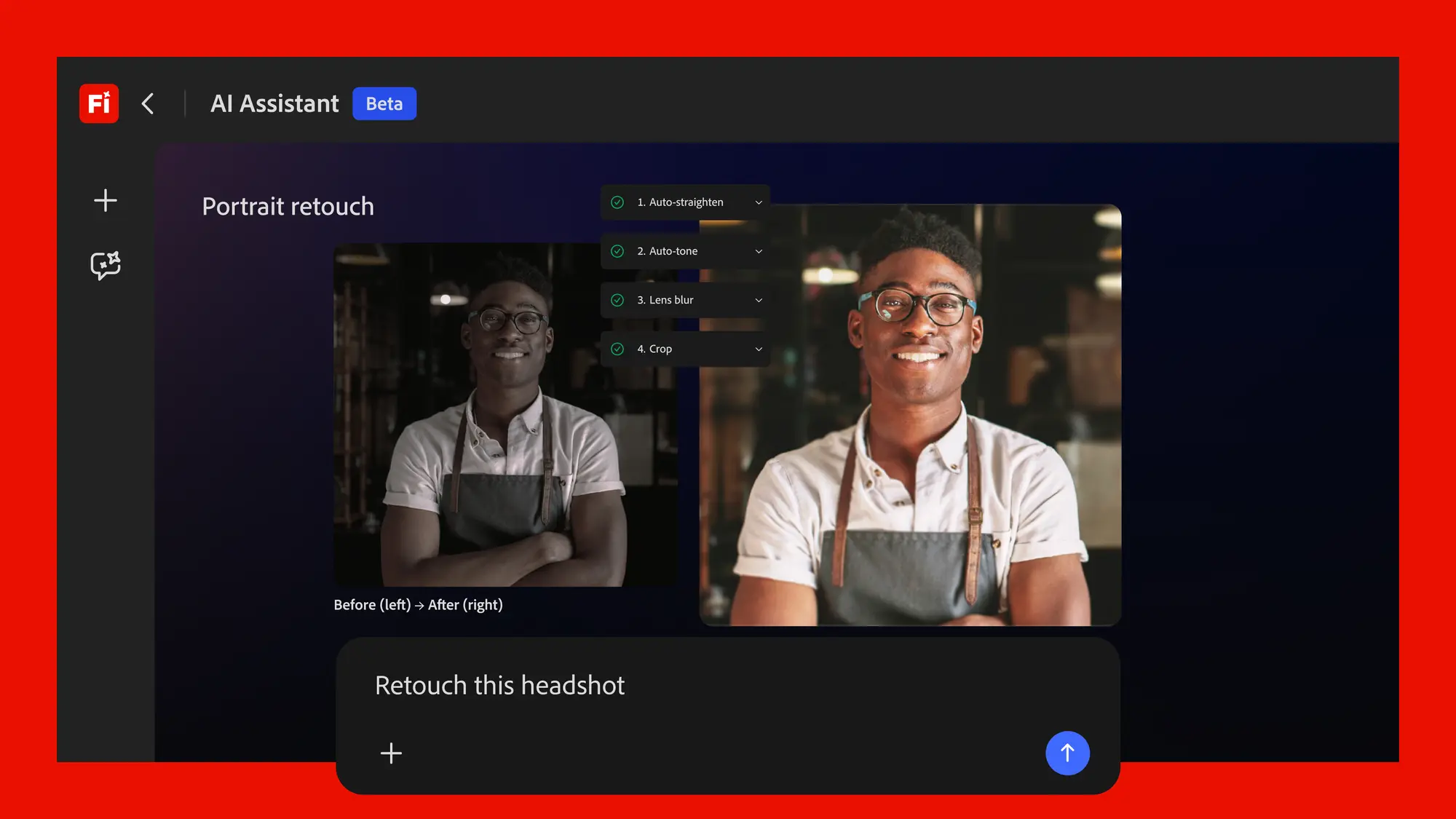
Adobe's conversational creative agent for planning, creating, and editing content across Firefly and Creative Cloud apps.

Frame.md - HeyGen's spec format for AI videos and motion to create branded, consistent content

Get access to all our AI courses, hundreds of real-world AI use cases, live expert-led workshops, an exclusive network of AI early adopters, and more.
Get unlimited access to all of our current & upcoming industry-specific AI courses for the duration of your subscription.
To keep up with the rapid pace of AI, our team publishes AI implementation guides daily. Our library contains 300+ practical use cases to automate real-world work.
Join weekly, live, interactive sessions with industry leaders who are at the forefront of AI for hands-on implementation guidance and exclusive insights.
Network with an exclusive community of AI-first professionals who are working smarter with AI. Learn how early adopters are using AI in their work and businesses.