Branded product imagery
Create or edit marketing scenes while using product references and approved visual assets to preserve important details.
Independent tool overview
Riverflow 2.0 is Sourceful's production-oriented image generation and editing model for branded marketing assets, with reference-image controls, supplied fonts and automatic candidate review; it remains available even though Riverflow 2.5 is now the newer flagship.
Visit the official Riverflow 2.0 site ↗
Overview
Riverflow 2.0 is an AI image model from Sourceful for marketing teams and developers who need generation and editing with more control over products, typography and reference details than a basic text-to-image tool.
The model launched in February 2026 in Pro and Fast variants. Its distinctive workflow can review generated candidates, retry weak results and use high-quality references to repair important product details. Access is available through Riverflow's creative platform and selected API distributors.
Riverflow 2.0 is still active, but it is no longer Sourceful's newest model. Riverflow 2.5 is the current flagship and is the vendor's recommended option for harder identity, product, text and reference-editing tasks.
Use cases
The strongest fit depends on the job you need the product to complete, not the size of its feature list.
Create or edit marketing scenes while using product references and approved visual assets to preserve important details.
Use supplied brand fonts and Riverflow's typography controls for advertisements, campaign graphics and product promotions.
Give design teams or applications a controllable first draft, then verify identity, claims, text, placement and legal clearance before publishing.
Capabilities
Creates images from prompts and modifies supplied images through conversational edits, masks and canvas-based controls.
Uses a reasoning step to inspect candidates and can correct or retry results that do not meet the requested composition or detail.
Accepts supplied font files on supported routes to improve consistency in images that contain campaign or product text.
Can use high-quality replacement references to repair small or inaccurate product details in a generated composition.
Supports multiple input images for composition, identity and visual guidance; exact limits depend on the model variant and distributor.
The Pro model supports 1K, 2K and 4K output through supported partners, while the Riverflow platform also advertises 4K exports.
Use Riverflow's web workflows, Canvas and brand profiles, connect through MCP, or access the model through selected API distributors.
Process
Step 1
Confirm permission to use every logo, product image, person's likeness, font and reference asset before uploading or generating.
Step 2
Use 2.0 Fast for lower-cost iteration and Pro for quality or higher resolution; compare Riverflow 2.5 for difficult reference and text work.
Step 3
Upload clean product and style references, approved brand fonts and an explicit prompt describing what must remain unchanged.
Step 4
Iterate with edits or masks, then use Canvas when exact object placement, text layout or compositing matters.
Step 5
Inspect logos, packaging, text, anatomy, identity, product accuracy and marketing claims at full resolution, then obtain required legal or brand approval.
Cost
Riverflow's current platform prices creations with monthly credits rather than seats. The public page exposed plan allowances during this review but not reliable machine-readable subscription amounts, so verify the checkout price, taxes and renewal terms before purchasing.
Shown at checkout
Entry plan for one brand and lighter monthly production.
Shown at checkout
Higher-volume plan with more brands, models and reusable creative assets.
Shown at checkout
Large-volume platform plan with broader allowances and early access.
Custom
Custom credit package and controls for larger organizations.
Varies by distributor
Usage-based Riverflow 2.0 access through selected API partners.
Pricing checked . Check current pricing at the source ↗
Assessment
Compare
The right alternative depends on the specific output, workflow, controls and budget your project requires.
Design
Consider ChatGPT Images 2.0 for conversational image creation and editing inside the broader ChatGPT workflow.
Explore ChatGPT Images 2.0 →Content Creator
Consider Nano Banana 2 when fast generation, Gemini integration and Google's current image stack are more important.
Explore Nano Banana 2 →Content Creator
Consider FLUX.2 for another production-oriented image model with multiple variants and developer access.
Explore FLUX.2 →Design
Consider Ideogram when typography and graphic-design output are the central requirement.
Explore Ideogram →Questions
Riverflow 2.0 is Sourceful's AI model for generating and editing marketing imagery with reference images, supplied fonts and automated candidate review.
Yes. Riverflow 2.0 remains listed and available, but Riverflow 2.5 is now the newer flagship and the better comparison for demanding new projects.
As checked on August 31, 2026, Riverflow's platform publishes monthly credit allowances but its public page did not expose reliable subscription amounts in readable text. Partner API pricing varies; Replicate lists regular Pro rates from $0.15 per 1K or 2K image.
Yes. Riverflow 2.0 is distributed through selected partners including Replicate, Runware and OpenRouter. Terms, model variants and technical limits differ by provider.
The Pro model supports 4K output on compatible distribution routes. Confirm the chosen platform or API endpoint because not every variant exposes the same resolutions.
Current Riverflow plans advertise commercial usage rights. Users must still clear third-party rights, and the FAQ prohibits uploading or selling generated images as standalone stock assets.
The limit depends on the route and variant. Replicate's Pro interface accepts up to 10 initial images while Fast accepts fewer; optional super-resolution references may have separate limits and charges.
No. Sourceful reported strong results on its Hype-Edit-1 benchmark, but Sourceful also created and published that benchmark. Evaluate the model on your own representative briefs and approval criteria.
Bottom line
Riverflow 2.0 remains a useful model for branded product images where references, fonts, editing and API access matter. New buyers should compare it directly with Riverflow 2.5, price the full approval workflow rather than a single generation, and keep human brand and legal review before publication.
Visit Riverflow 2.0 website ↗
Pencil - An infinite design canvas for Claude Code
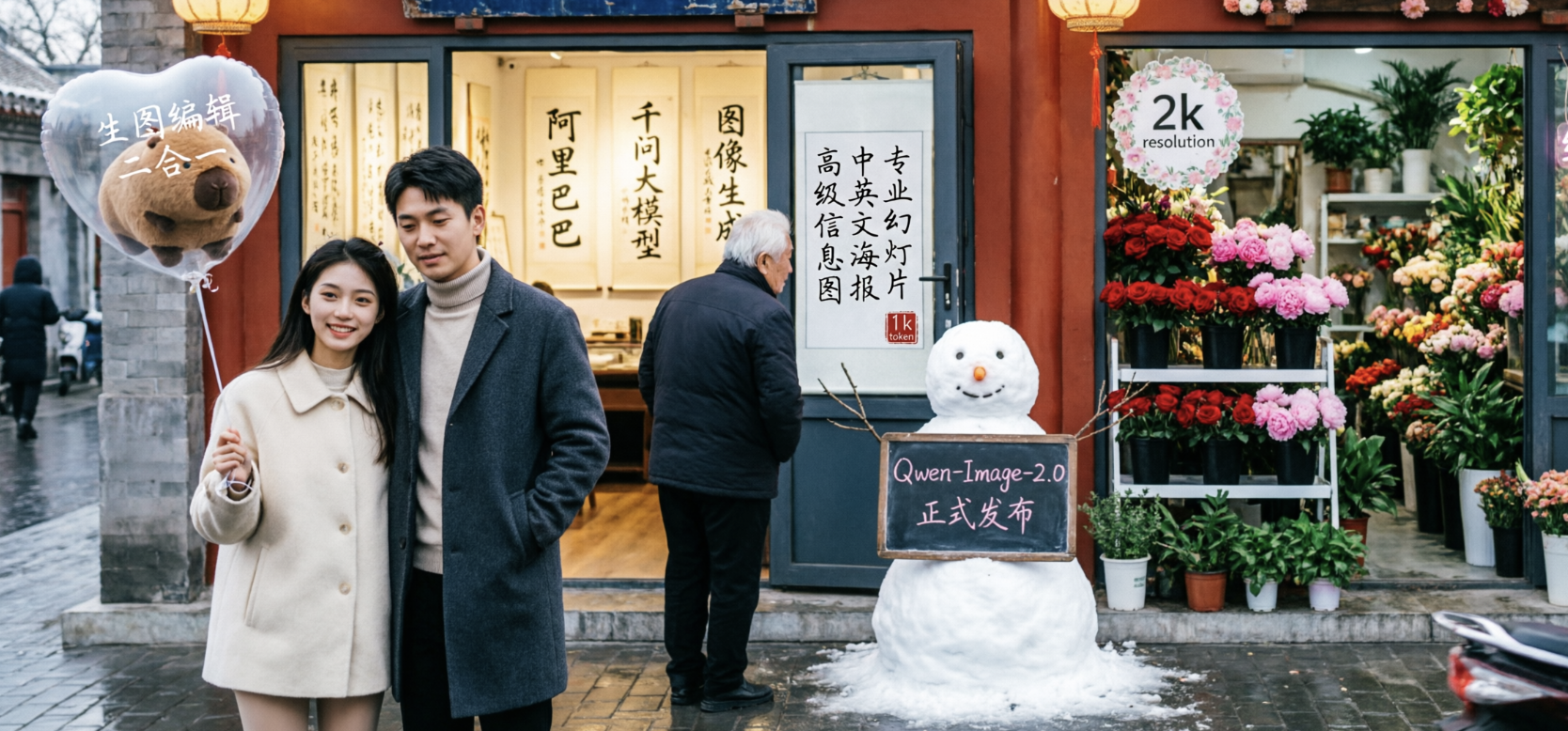
Qwen Image 2.0 - Alibaba's new unified image generation and editing model with native 2K resolution and 1K-token text rendering
![FLUX.2 [klein]](https://cdn.prod.website-files.com/67ab272a36622522cbb3bac1/696d3ab90fa358b40187952c_Screenshot%202026-01-18%20at%201.55.31%E2%80%AFPM.png)
FLUX.2 Klein - BFL's new ultra-fast AI image editing model

FireRed-Image-Edit - Open-source image editing model with SOTA results across style, text, try-on, and photo restoration tasks

Get access to all our AI courses, hundreds of real-world AI use cases, live expert-led workshops, an exclusive network of AI early adopters, and more.
Get unlimited access to all of our current & upcoming industry-specific AI courses for the duration of your subscription.
To keep up with the rapid pace of AI, our team publishes AI implementation guides daily. Our library contains 300+ practical use cases to automate real-world work.
Join weekly, live, interactive sessions with industry leaders who are at the forefront of AI for hands-on implementation guidance and exclusive insights.
Network with an exclusive community of AI-first professionals who are working smarter with AI. Learn how early adopters are using AI in their work and businesses.