Brand and campaign visuals
Build product compositions, posters and social assets that need legible text, references and repeated revisions.
Independent tool overview
Reve is an AI visual workspace for generating, editing and laying out images with unusually granular control over individual elements.
Visit the official Reve site ↗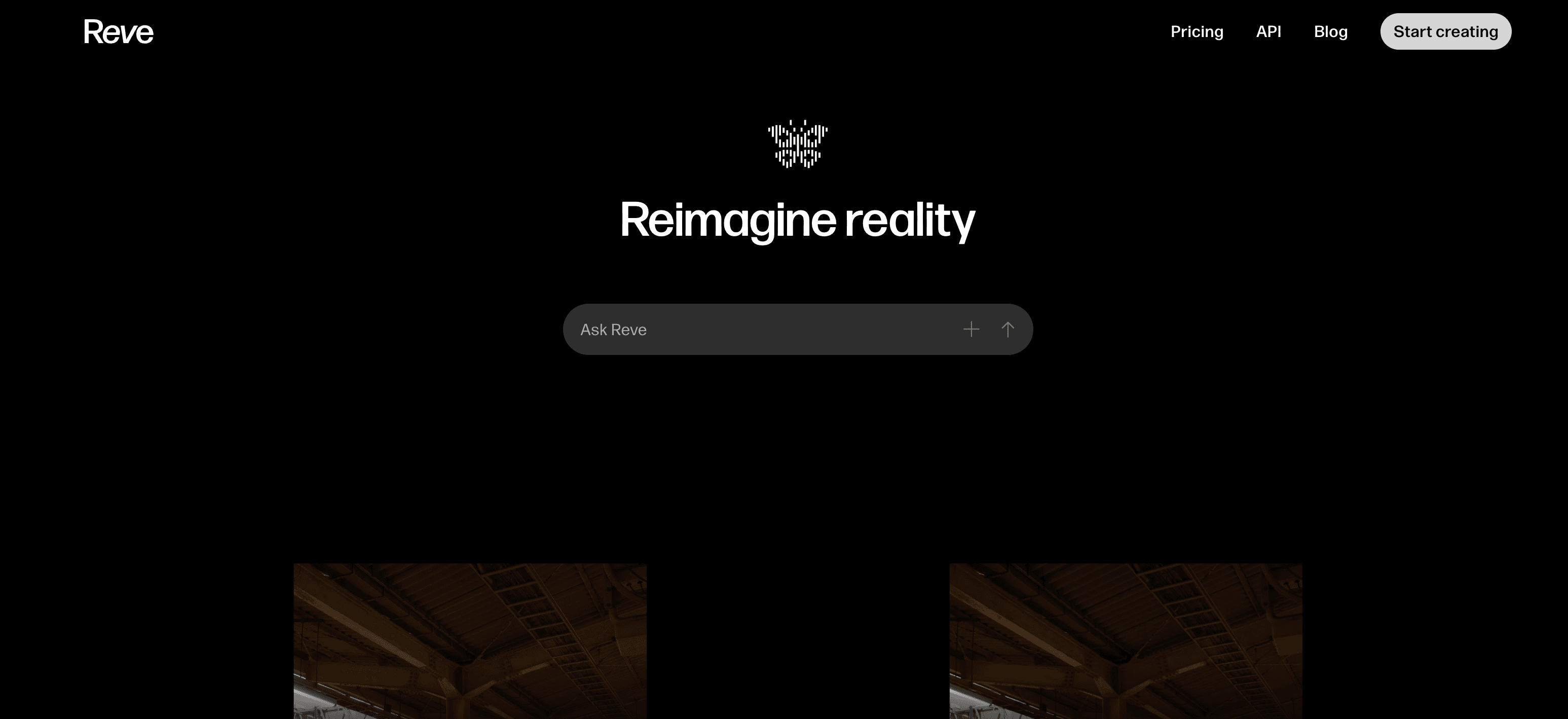
Overview
Reve combines image generation, conversational editing and direct manipulation in one browser-based workspace. Instead of treating every output as a flat image, its layout-based system is designed to understand separate regions and objects so creators can move, replace or revise a specific part.
The current Reve 2.1 image model produces native 4K output and focuses on layout planning, dense scenes, fine detail and multilingual text rendering. The product also includes reference images, templates, effects, live text and graphic layers, and image-to-video generation powered by Google's Veo 3.1.
Reve is most distinctive when the job requires iteration after generation. It can be faster than moving repeatedly between an image model and a traditional editor, although professional production work may still need final typography, color and export checks elsewhere.
Use cases
The strongest fit depends on the job you need the product to complete, not the size of its feature list.
Build product compositions, posters and social assets that need legible text, references and repeated revisions.
Select, move and regenerate individual visual elements instead of restarting the whole image.
Try alternate layouts, colors, objects and visual directions from one concept or template.
Create a still, then animate it with optional start frames, end frames, references and sound.
Capabilities
Reve 2.1 renders 16-megapixel images and is designed for complex layouts, dense scenes and detailed text.
Select an individual region or object and change it without intentionally rebuilding every other part of the composition.
Combine prompts with uploaded or generated reference images to guide people, objects, styles and compositions.
Add editable text, logos, icons and graphics, then control typography, placement, opacity, blending and layer order.
Start from adaptable category templates or apply adjustable color, light, texture, blur and other effects.
Use Veo 3.1 for text-to-video or image-to-video clips with portrait or landscape formats, sound and extension controls.
Process
Step 1
Describe the scene, upload references or choose a template that is close to the intended composition.
Step 2
Create an initial image and assess layout, hierarchy, text, subject consistency and brand fit.
Step 3
Select regions to replace, move or refine, then add live typography, logos or graphics as separate layers.
Step 4
Download the finished image or use it as a reference or frame for a video generation.
Cost
Reve uses creative energy for image and video actions. Paid subscriptions are monthly; taxes may apply, and API credits are purchased separately.
$0
A starter allocation plus daily-refreshed creative energy and basic storage.
$7.99/month
More standard creative energy and storage than Free.
$19.99/month
The largest individual creative-energy and storage allocation, plus expanded video use.
Usage-based
Separate credit-based access for integrating Reve models into products and workflows.
Pricing checked . Check current pricing at the source ↗
Assessment
Compare
The right alternative depends on the specific output, workflow, controls and budget your project requires.
Content Creator
A broader real-time generative canvas with multiple models, enhancement and video workflows.
Explore Krea →Design
A strong alternative for prompt-driven images and text-heavy graphic generation.
Explore Ideogram →Design
Better suited to teams already working inside Adobe's professional creative ecosystem.
Explore Adobe Firefly →Content Creator
A popular alternative for highly stylized image exploration and aesthetic output.
Explore Midjourney →Questions
Reve is a browser-based AI creative workspace for generating, editing, laying out and animating visual content.
Yes. The Free plan provides starter creative energy, a daily refresh and basic storage. Lite costs $7.99 per month and Pro costs $19.99 per month before applicable tax.
Reve 2.1 is the platform's current image model. It focuses on layout planning, element-level editing, multilingual text and native 4K, 16-megapixel output.
Yes. You can upload images, combine multiple references, describe changes conversationally and select individual regions or elements for more targeted edits.
Yes. Reve offers text-to-video and image-to-video workflows powered by Veo 3.1, including start and end frames, references, sound and clip-extension options. Plan and regional limits apply.
Free-plan images may be visible through the Inspiration page, except creations using a reference image. Lite and Pro content is not publicly discoverable by default. Users should review the current visibility settings before working with sensitive material.
Reve says Free-user content may be used for training. Lite and Pro users are opted in by default but can disable model training in account settings.
Bottom line
Reve is a compelling choice for visual creators who want more control after the first generation. Native 4K output, targeted edits and real layout layers make it especially useful for campaign graphics and product compositions; users should choose a plan with its visibility, training and energy rules in mind.
Visit Reve website ↗
Tripo AI - Turn text or images into production-ready 3D assets
ElevenLabs UI - A collection of open Source agent and audio components for AI audio & voice agents
Gemini 2.5 Flash Image - Google's SOTA AI image editing model

Seed 3D - Bytedance's image to 3D model for simulation-ready assets

Get access to all our AI courses, hundreds of real-world AI use cases, live expert-led workshops, an exclusive network of AI early adopters, and more.
Get unlimited access to all of our current & upcoming industry-specific AI courses for the duration of your subscription.
To keep up with the rapid pace of AI, our team publishes AI implementation guides daily. Our library contains 300+ practical use cases to automate real-world work.
Join weekly, live, interactive sessions with industry leaders who are at the forefront of AI for hands-on implementation guidance and exclusive insights.
Network with an exclusive community of AI-first professionals who are working smarter with AI. Learn how early adopters are using AI in their work and businesses.