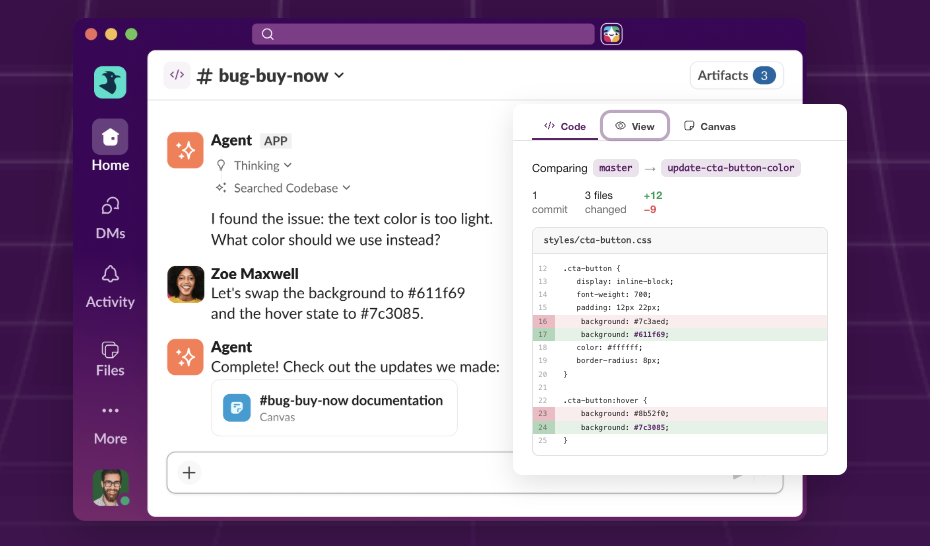
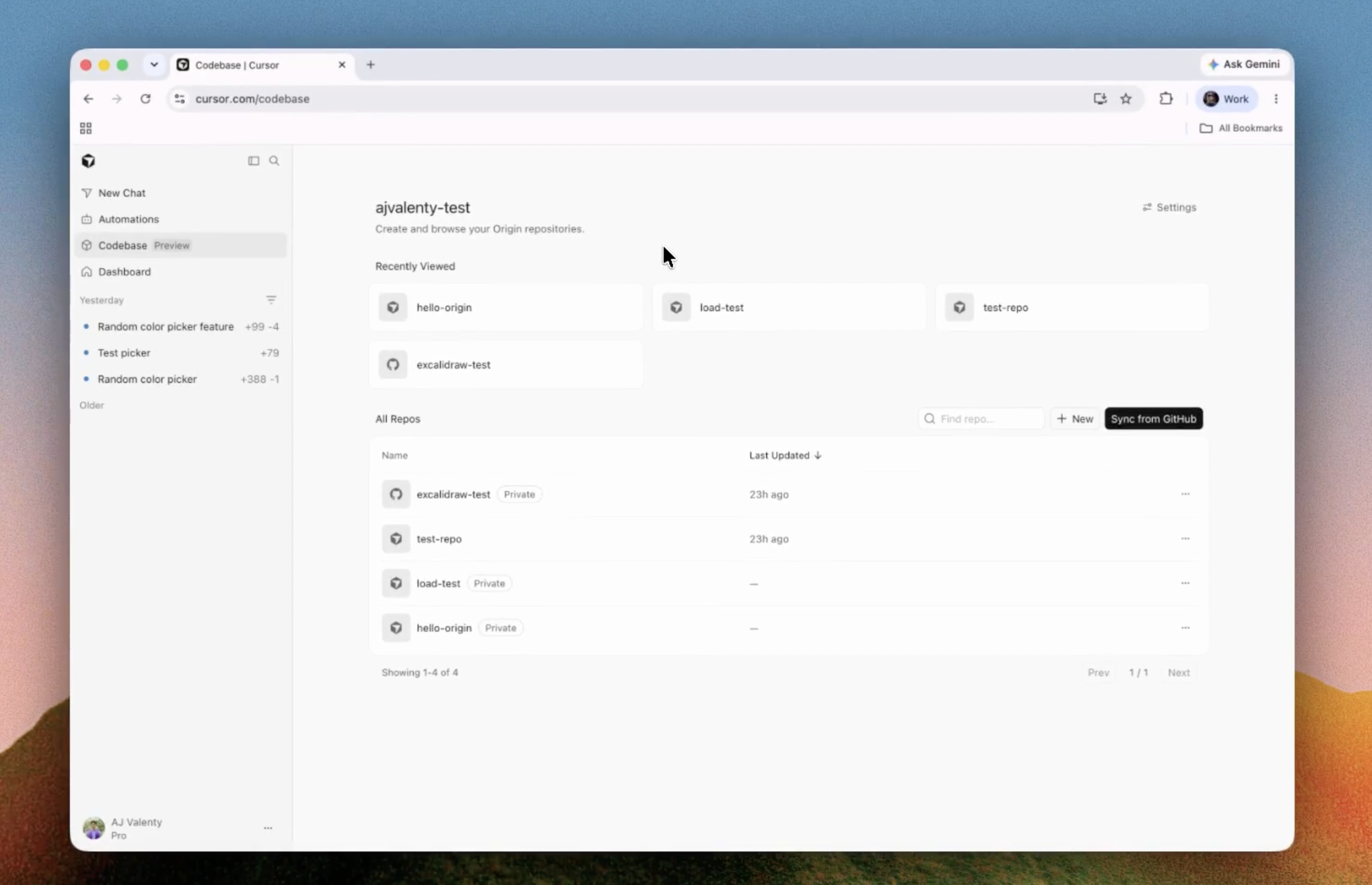
Scoping before building
Turn a rough idea into requirements, user flows, data models, acceptance criteria, and an implementation plan before spending credits on a heavier build.
Independent tool overview
Replit Free Mode is a credit-free Agent mode for chat, planning, ideation, analysis, and everyday project tasks inside Replit. It is powered by OpenAI's GPT-5.6 Luna and uses plan-based limits that reset every five hours, while heavier Power and Max work still uses credits.
Visit the official Replit Free Mode site ↗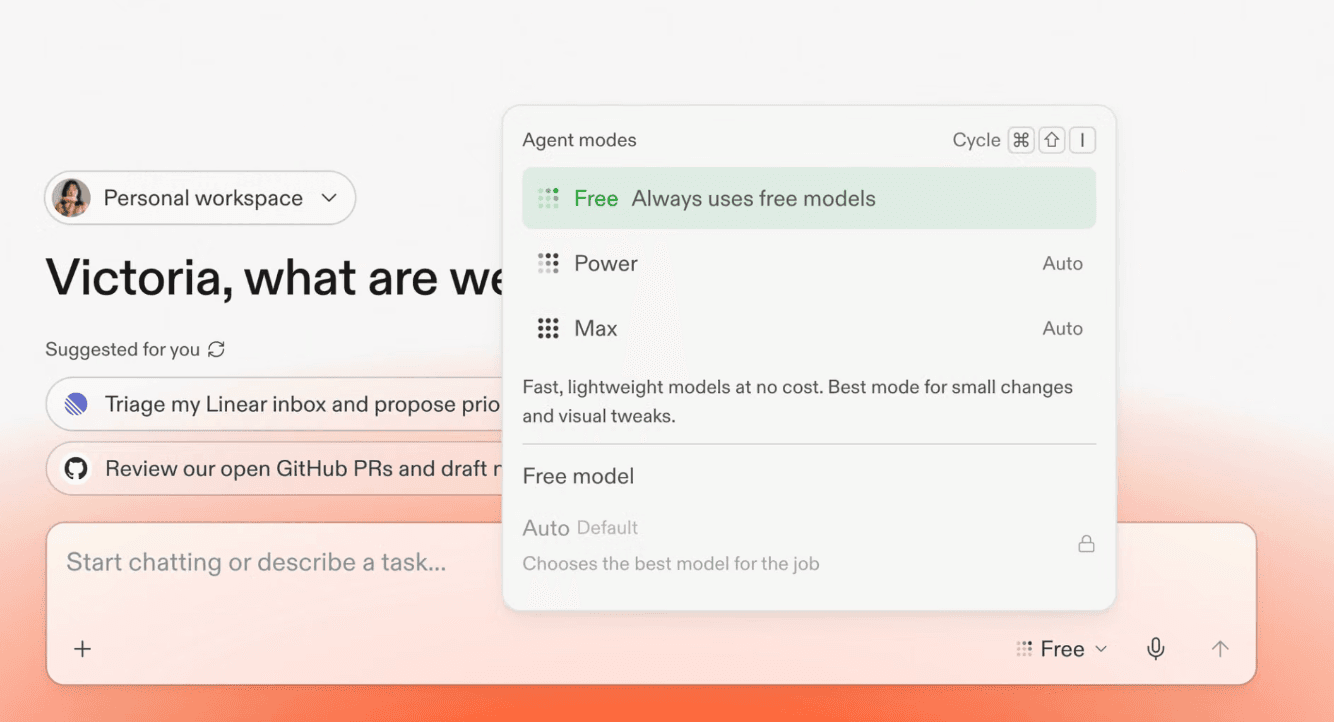
Overview
Free Mode changes how lightweight Replit Agent work is billed. Everyday interactions in this mode do not draw down the account's Replit credits, so users can discuss a project, shape requirements, ask questions, analyze material, and run suitable tasks without pricing every prompt individually.
The word free describes the mode's credit treatment, not unlimited use or a standalone premium plan. Starter users can begin at no subscription cost with daily Agent access, while Core and Pro subscribers receive larger Free Mode allowances. Core and Pro limits reset every five hours, and Pro receives more capacity than Core.
Replit says Core subscribers can create up to 30 times more than before through Free Mode and receive up to 30 hours of chat per month. That is a product claim and a maximum, not a guaranteed amount for every workflow. The practical limit depends on the task and the usage rules shown in the account.
When work becomes more complex, Replit Agent may suggest Power Mode or Max Mode. Power, formerly Economy Mode, balances cost and capability; Max uses higher-performance models for larger changes, deeper reasoning, and longer builds. Those modes and paid third-party services can consume credits or pay-as-you-go budget.
Free Mode makes exploration cheaper, but generated code remains probabilistic. Review the plan and diff, run the app and tests, scan dependencies and secrets, verify authentication and authorization, and confirm deployment and database costs before treating a build as production-ready.
Use cases
The strongest fit depends on the job you need the product to complete, not the size of its feature list.
Turn a rough idea into requirements, user flows, data models, acceptance criteria, and an implementation plan before spending credits on a heavier build.
Ask about an existing app, error, architecture, data, or next step without copying the whole project into a separate chat tool.
Handle suitable quick changes, analysis, feedback, and project housekeeping while staying inside the credit-free mode's capacity.
Move from conversation to an actual Replit project without selecting models, managing API keys, or switching between planning and creation tools.
Reserve Power and Max usage for complex implementation while using Free Mode for discovery, refinement, and lower-compute work.
Capabilities
Eligible chat and tasks in Free Mode do not use the account's Replit credits until the plan's Free Mode limit is reached.
Agent can reason within the Replit workspace, preserving context between discussion, planning, changes, and further iteration.
Replit distinguishes quick questions and everyday work from more demanding tasks and can recommend moving to Power or Max when necessary.
Core and Pro users can use Free Mode until their limit, then wait for the next five-hour reset or continue in a paid Agent mode.
The mode uses OpenAI's cost-efficient GPT-5.6 Luna model to keep fast, common tasks inside the included allowance.
The same Replit environment covers chat, design, app building, code, database, deployment, and post-launch workflows, reducing context switching.
Power Mode offers a cost-conscious balance of speed and quality; Max Mode targets larger changes, deeper reasoning, and longer builds.
The billing dashboard, alerts, budgets, hard usage limits, checkpoint costs, and credit packs help control paid activity outside Free Mode.
Process
Step 1
State the problem, intended user, constraints, current project state, and exact outcome. Keep the first request focused enough to stay in the lightweight mode.
Step 2
Ask Agent to clarify requirements, identify risks, propose the smallest testable version, and list the files, data, integrations, and acceptance checks involved.
Step 3
If Agent recommends Power or Max, pause and decide whether the extra capability is worth the credit spend. Narrow the task first when possible.
Step 4
Implement a small slice, inspect the checkpoint or diff, and run the affected path before asking for the next slice.
Step 5
Verify errors, authentication, permissions, validation, mobile layouts, accessibility, data migrations, and rollback behavior.
Step 6
Check the usage dashboard after paid modes or third-party services, and account separately for deployments, storage, databases, outbound transfer, and AI integrations.
Step 7
Set spend limits, keep secrets out of prompts and source control, review dependencies, back up data, and monitor the published app after release.
Cost
Free Mode itself does not consume Replit credits, but it has plan-based usage limits. Replit subscriptions also include separate credits for higher-power Agent modes and cloud services; overages, publishing, databases, storage, and third-party APIs can still create charges.
Free
Entry plan with daily Agent usage, a built-in development database, and one live published project.
$25/month or $20/month billed annually
Individual paid plan highlighted for Free Mode, with more included Agent usage and credits for powerful models and cloud services.
$100/month or $95/month billed annually
Higher-capacity plan for teams and heavy builders, with more Free Mode usage and a larger paid-credit allowance.
Usage-based credits
Higher-capability Agent modes use plan credits and may continue as pay-as-you-go usage after included credits are exhausted.
Custom
Managed deployment with custom seats, SSO/SAML, advanced privacy, single-tenant environments, static outbound IPs, and negotiated controls.
Pricing checked . Check current pricing at the source ↗
Assessment
Compare
The right alternative depends on the specific output, workflow, controls and budget your project requires.
Coding
Use the main Replit Agent page when comparing the full build, deployment, database, and agent platform rather than this specific credit-free mode.
Explore Replit Agent →Coding
Choose Lovable for a focused conversational web-app builder with a strong no-code product workflow and external backend options.
Explore Lovable →Coding
Choose Bolt for fast browser-based full-stack prototyping with direct code visibility and a lightweight path from prompt to running app.
Explore Bolt.new →Design
Choose v0 when high-quality React interface generation and tight Vercel deployment are more important than an all-in-one coding workspace.
Explore Vercel v0 →Questions
It is a Replit Agent mode powered by GPT-5.6 Luna for chat, planning, ideation, analysis, and suitable everyday tasks without consuming Replit credits.
The mode does not use credits while you are within its allowance. Starter has a $0 entry plan, while Core and Pro provide larger limits as part of paid subscriptions. It is not unlimited.
Core and Pro can use it until a plan-based allowance is reached, with limits resetting every five hours. Replit says Core can get up to 30 hours of chat per month and up to 30 times more creation than before; Pro has higher limits.
Replit says Free Mode is powered by OpenAI's GPT-5.6 Luna, a fast and cost-efficient model intended for common everyday work.
Core and Pro users can wait for the next five-hour reset or continue in Power or Max Mode, which uses credits. The interface should show the available mode and current allowance.
Free handles included everyday tasks without credits; Power, formerly Economy, balances cost, speed, and quality; Max uses higher-performance models for complex changes, deeper reasoning, and longer builds.
It can participate in creation and handle suitable tasks, but ambitious or complex builds may be routed to Power or Max. Starter also lacks Replit's full autonomous build capability, which requires Core or Pro.
No. Paid Agent modes, third-party models, deployments, databases, storage, data transfer, and other cloud services can still use credits or create overages.
Current U.S. pricing is $25 month-to-month or $20 per month when billed annually. Core includes more Free Mode usage, two parallel agents, and $25 toward powerful models and other eligible usage.
Not automatically. Replit warns that Agent is probabilistic. Review diffs, run tests, inspect security and permissions, verify databases and integrations, and monitor the deployed application.
Bottom line
Replit Free Mode is a meaningful improvement for builders who were avoiding useful project discussion because every Agent interaction spent credits. Its best use is to clarify, plan, analyze, and complete modest tasks before escalating only the genuinely difficult work. The name can overpromise, so judge it by the five-hour allowance shown in your account and keep strict spend limits around Power, Max, and production infrastructure.
Visit Replit Free Mode website ↗
Get access to all our AI courses, hundreds of real-world AI use cases, live expert-led workshops, an exclusive network of AI early adopters, and more.
Get unlimited access to all of our current & upcoming industry-specific AI courses for the duration of your subscription.
To keep up with the rapid pace of AI, our team publishes AI implementation guides daily. Our library contains 300+ practical use cases to automate real-world work.
Join weekly, live, interactive sessions with industry leaders who are at the forefront of AI for hands-on implementation guidance and exclusive insights.
Network with an exclusive community of AI-first professionals who are working smarter with AI. Learn how early adopters are using AI in their work and businesses.