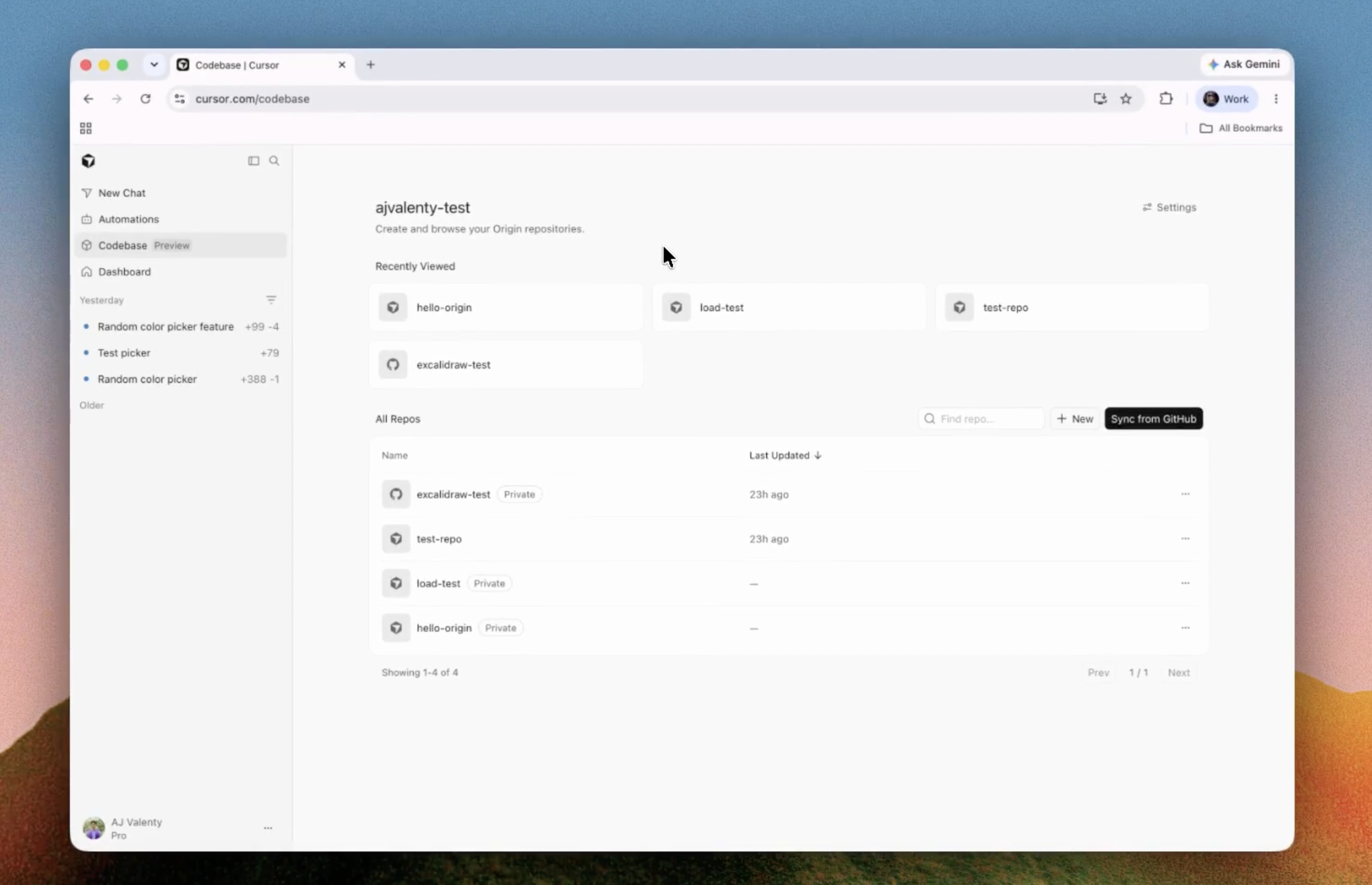
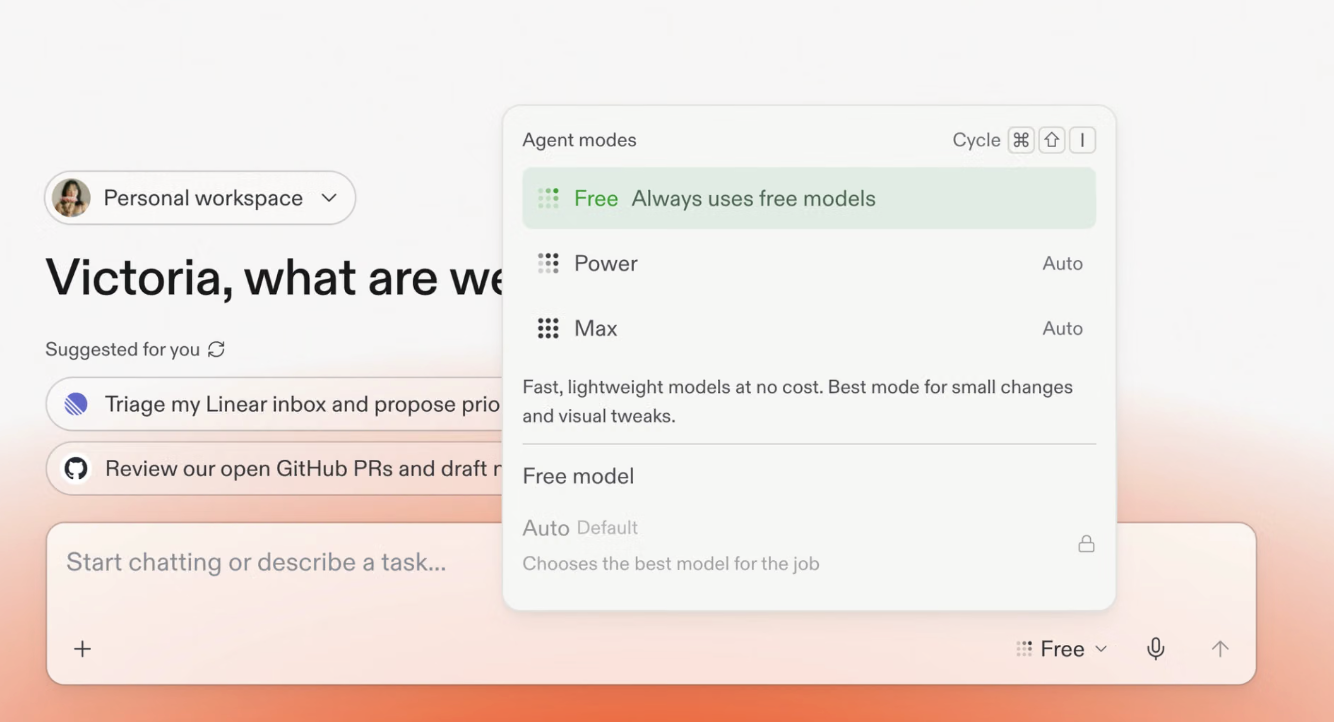
Cross-functional feature work
Let product, design and engineering refine a small feature with the same agent and shared artifacts.
Independent tool overview
Slack Code adds temporary code channels where teammates can direct supported AI coding agents together, inspect artifacts and diffs, comment on lines and approve work without leaving Slack.
Visit the official Slack Code site ↗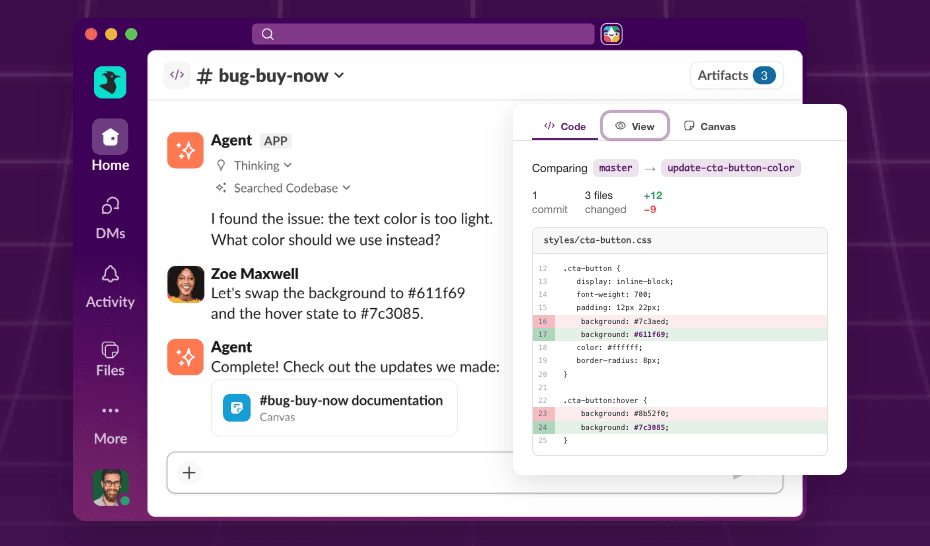
Overview
Slack Code is a collaboration layer for coding agents, not a new model that writes code by itself. A teammate mentions a supported agent with a task, and that agent creates a dedicated code channel where the request, team discussion, artifacts and review stay together.
Inside the code channel, members can prompt the agent, invite additional teammates, inspect generated code, view canvases or previews, leave comments on individual lines and submit grouped feedback. The point is to replace isolated one-person agent sessions with a shared workspace where product, design and engineering can follow and approve the same work.
Slack Code is included on every Slack plan, but the coding agent is separate. Slack's current help center lists Claude, Devin, GitHub Copilot and Vercel as approved agents and notes that a paid partner account may be required. Salesforce's launch page also names ChatGPT as a founding partner, but ChatGPT is not in the current Slack help-center list, so teams should rely on what their workspace actually offers.
The feature is rolling out gradually. Availability depends on region, workspace administration, app installation and the connected agent's permissions. Slack applies its existing channel permissions and eligible enterprise controls to messages, but teams still need repository protections, tests and human review before any generated code ships.
Use cases
The strongest fit depends on the job you need the product to complete, not the size of its feature list.
Let product, design and engineering refine a small feature with the same agent and shared artifacts.
Bring the issue context, proposed patch, line comments and approval into one focused channel.
Give teammates a readable place to view previews and provide feedback without operating an IDE or terminal.
Keep agent requests close to the conversations and decisions that explain why the code needs to change.
Capabilities
Supported agents create a dedicated public or private channel for one task, keeping complex agent work out of a normal thread.
Mention an installed agent in a channel or DM with a build request, or create a code channel from the Agents & tools area.
Everyone in the channel can add context, suggest changes and steer the agent instead of forwarding output from one private session.
Generated code and changes appear as artifacts that members can inspect inside Slack.
Reviewers can comment on a specific line and combine several comments into one submitted review.
Agents can produce supporting documents, HTML and previewable work alongside source changes.
The Agents & tools tab and Code channels section show active sessions and whether an agent is working or needs attention.
Code channels follow Slack's public or private channel access model and can use applicable controls such as EKM, DLP and Discovery APIs.
Process
Step 1
Choose an approved coding agent, connect its separate account, limit repository and Slack permissions, and preserve branch protections.
Step 2
Mention the agent with one concrete task or create the channel manually, then choose public or private visibility.
Step 3
Add teammates, inspect code and previews, leave line comments and ask the agent to address the full review.
Step 4
Run tests and security checks in the repository workflow, require the normal code-owner approvals and merge only after a human signs off.
Cost
Slack Code and code channels are included on all Slack plans. They do not include the connected coding agent: Anthropic, Cognition, GitHub, Vercel or another supported provider may require a separate paid account, usage allowance and workspace installation.
Included
Code-channel functionality is available on any Slack plan as rollout reaches the workspace.
Plan-dependent
The workspace can use Slack's free or paid plans, with different history, administration, security and compliance features.
Separate
Each connected agent retains its own licensing, limits and billing.
Pricing checked . Check current pricing at the source ↗
Assessment
Compare
The right alternative depends on the specific output, workflow, controls and budget your project requires.
Coding
Choose Claude Code for direct coding-agent work in the terminal, IDE or cloud without using Slack as the collaboration layer.
Explore Claude Code →Coding
Choose Codex for OpenAI's direct agentic coding workflow across local and cloud tasks.
Explore Codex →Coding
Choose Devin Desktop for a dedicated interface that manages coding agents outside Slack.
Explore Devin Desktop →Questions
Slack Code is a set of temporary code channels where teammates and supported AI coding agents collaborate on a build task with shared messages, code, previews and reviews.
No. Slack Code is the workspace and review layer. The actual coding is performed by a separately connected agent.
Slack says code channels are included on all Slack plans. Access to Claude, Devin, GitHub Copilot, Vercel or another supported agent is separate and may require payment.
Slack's current help article lists Claude, Devin, GitHub Copilot and Vercel. Salesforce's launch page also names ChatGPT, but teams should check the live options in their own workspace because support is still rolling out.
A member with access to an installed supported agent can ask it to create one or use the Agents & tools area, subject to workspace settings and permissions.
They can be either. Private code channels inherit membership from the originating conversation and can include additional invited people or agents.
No. It improves visibility and review, but teams still need tests, code-owner approval, security checks and controlled repository permissions.
Bottom line
Slack Code solves a real collaboration gap: coding agents are often powerful but invisible to everyone except the person running them. Code channels make the work inspectable and steerable by a team. The value depends on disciplined permissions and the quality of the partner agent, so keep the normal engineering controls in place.
Visit Slack Code website ↗
Get access to all our AI courses, hundreds of real-world AI use cases, live expert-led workshops, an exclusive network of AI early adopters, and more.
Get unlimited access to all of our current & upcoming industry-specific AI courses for the duration of your subscription.
To keep up with the rapid pace of AI, our team publishes AI implementation guides daily. Our library contains 300+ practical use cases to automate real-world work.
Join weekly, live, interactive sessions with industry leaders who are at the forefront of AI for hands-on implementation guidance and exclusive insights.
Network with an exclusive community of AI-first professionals who are working smarter with AI. Learn how early adopters are using AI in their work and businesses.