Typography-led design
Create posters, covers, packaging concepts, and campaign artwork where words need to participate in the composition.
Independent tool overview
Recraft V4 is a design-focused image model family for generating raster artwork and genuinely editable SVG vectors with strong composition, typography, and production-oriented output. It remains available in Recraft Studio and the API, but Recraft V4.1 is now the newer default family with updated aesthetics, Utility variants, and lower raster API prices.
Visit the official Recraft V4 site ↗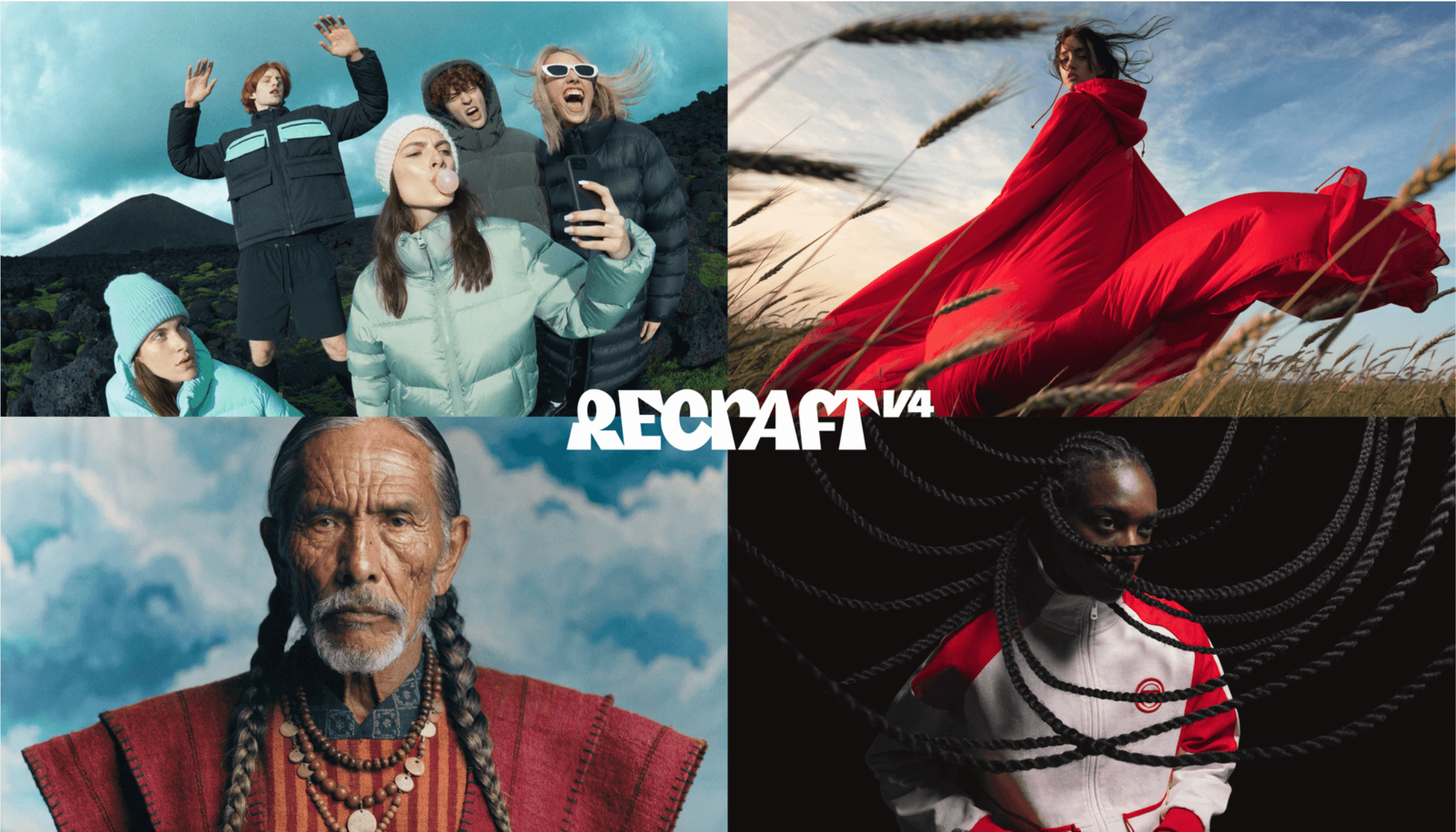
Overview
Recraft built V4 for professional visual work rather than broad image-generation taste alone. The family covers 1024-pixel Standard raster, 2048-pixel Pro raster, Vector, and Pro Vector models. Its distinguishing capability is prompt-to-SVG generation with structured layers and clean geometry that can be edited in Recraft's own vector editor or exported to professional design tools.
The model is strongest for posters, logos, brand illustration, icons, typography-led concepts, product visuals, and campaign assets where spatial relationships matter. V4 treats type, color, lighting, negative space, and material form as parts of one composition instead of simply adding a text overlay to an image.
Recraft released V4.1 in May 2026, so buyers should treat V4 as the previous generation rather than the newest option. V4 and V4.1 both remain in the API. Start new evaluations with V4.1, then keep V4 only when its established visual behavior, an existing workflow, or output comparison makes it the better fit.
Use cases
The strongest fit depends on the job you need the product to complete, not the size of its feature list.
Create posters, covers, packaging concepts, and campaign artwork where words need to participate in the composition.
Generate logos, icons, illustrations, and product graphics as layered SVGs instead of tracing a raster result.
Explore cohesive creative directions, then refine, recolor, resize, and export assets for web or print.
Use predictable per-image API pricing for raster and vector generation, background work, vectorization, and upscaling.
Capabilities
Emphasizes balanced composition, cohesive color, lighting, material realism, and prompt interpretation for professional visual briefs.
Handles short and medium text as a structural element of the visual, including spatial interactions, alignment, and typographic hierarchy.
Produces SVG files with structured layers, discrete colors, clean geometry, and scalable paths rather than merely vectorizing a finished bitmap.
Standard raster generates at 1024×1024, while Pro increases native output to 2048×2048 with finer detail and realism; Vector and Pro Vector cover scalable graphics.
Recraft Studio now lets users move anchor points, recolor individual shapes, and duplicate vector elements without leaving the canvas.
The Recraft workflow supports SVG, PNG, JPG, PDF, TIFF, and Lottie exports for downstream web, print, motion, and design use.
Studio includes tools for background removal or replacement, inpainting, erasing, vectorization, mockups, and crisp or creative upscaling, although some use separate models from V4.
V4 remains selectable in the web application and API alongside V2, V3, and the newer V4.1 family.
Process
Step 1
Benchmark V4.1 first for new work; select V4 when its established composition or pricing behavior is preferable for an existing pipeline.
Step 2
Specify deliverable, audience, hierarchy, exact copy, composition, palette, material treatment, negative space, dimensions, and what must not appear.
Step 3
Use raster for photographic texture and complex scenes, or Vector for logos, icons, flat illustration, and graphics that must remain editable at any size.
Step 4
Generate lower-cost Standard directions first, then move the selected concept to Pro or refine the vector geometry when the asset needs production detail.
Step 5
Correct text, shape, spacing, color, and composition in Recraft's vector editor or an external design tool instead of repeatedly regenerating the whole asset.
Step 6
Use a paid plan for private, commercially owned Studio generations, verify fonts, trademarks and likenesses, and export in the format the production channel actually needs.
Cost
The V4 API is prepaid in non-expiring API Units at 1,000 units per $1. V4 raster costs $0.04 per image, V4 Vector $0.08, V4 Pro $0.25, and V4 Pro Vector $0.30. The newer V4.1 family is generally the better starting point: V4.1 raster is $0.035, Vector $0.08, Pro $0.21, and Pro Vector $0.30, with Utility at $0.035 and Utility Pro at $0.21. Studio subscriptions use a separate credit system. Free-plan images are public, owned by Recraft, and not licensed for commercial use; paid-plan generations are private and include ownership and commercial rights.
Free with credits
Lets users explore the model family, but the output terms are unsuitable for commercial client work.
$0.04–$0.30/image
Previous-generation raster and vector models that remain available for existing workflows.
$0.035–$0.30/image
Current model family and recommended baseline for new evaluations.
$0.002–$0.25/request
Supporting operations are charged separately by action.
Pricing checked . Check current pricing at the source ↗
Assessment
Compare
The right alternative depends on the specific output, workflow, controls and budget your project requires.
Design
Consider Ideogram for typography-heavy raster generation and creative ideation when editable native SVG output is not essential.
Explore Ideogram →Design
Consider ChatGPT Images for conversational generation and precise iterative photo editing inside a broad assistant workflow.
Explore ChatGPT Images 2.0 →Content Creator
Consider FLUX.2 for photorealistic generation, developer access, and an ecosystem with open and hosted variants.
Explore FLUX.2 →Content Creator
Consider Krea for a broader visual canvas spanning real-time exploration, multiple models, enhancement, and creative iteration.
Explore Krea →Questions
Recraft V4 is a design-focused raster and vector image model family. It generates 1024- or 2048-pixel raster images and editable SVG graphics with an emphasis on composition, typography, color, and production use.
Yes. Recraft keeps V4 in Studio and the API, but V4.1 is the newer family and should be evaluated first for new projects.
V4.1 updates Recraft's aesthetic model behavior and adds current Standard, Pro, Vector, Pro Vector, Utility, and Utility Pro variants. Its raster API prices are also lower than the corresponding V4 rates.
Yes. V4 Vector and Pro Vector generate editable SVGs with structured layers and scalable geometry. Recraft Studio also includes a vector editor for moving points and recoloring shapes.
V4 raster is $0.04 per image, V4 Vector $0.08, V4 Pro $0.25, and V4 Pro Vector $0.30. The newer V4.1 raster and Pro rates are $0.035 and $0.21 respectively.
No. Recraft says Free-plan images are public, owned by Recraft, and not licensed for commercial use. Paid-plan images are private and come with ownership and commercial rights.
It is useful for logo and wordmark exploration because of its typography and native vector output, but every result still needs trademark review, legibility testing, optical refinement, and manual production cleanup.
Bottom line
Recraft V4 remains a strong specialist for teams that need design-aware composition and editable vectors from the same model family. Its real advantage is not that every prompt becomes a finished brand asset; it is that a promising generation can continue as structured design material. Because V4.1 is now current and cheaper for raster API use, begin there, compare both families on a real brief, and reserve paid, private output for any commercial deliverable.
Visit Recraft V4 website ↗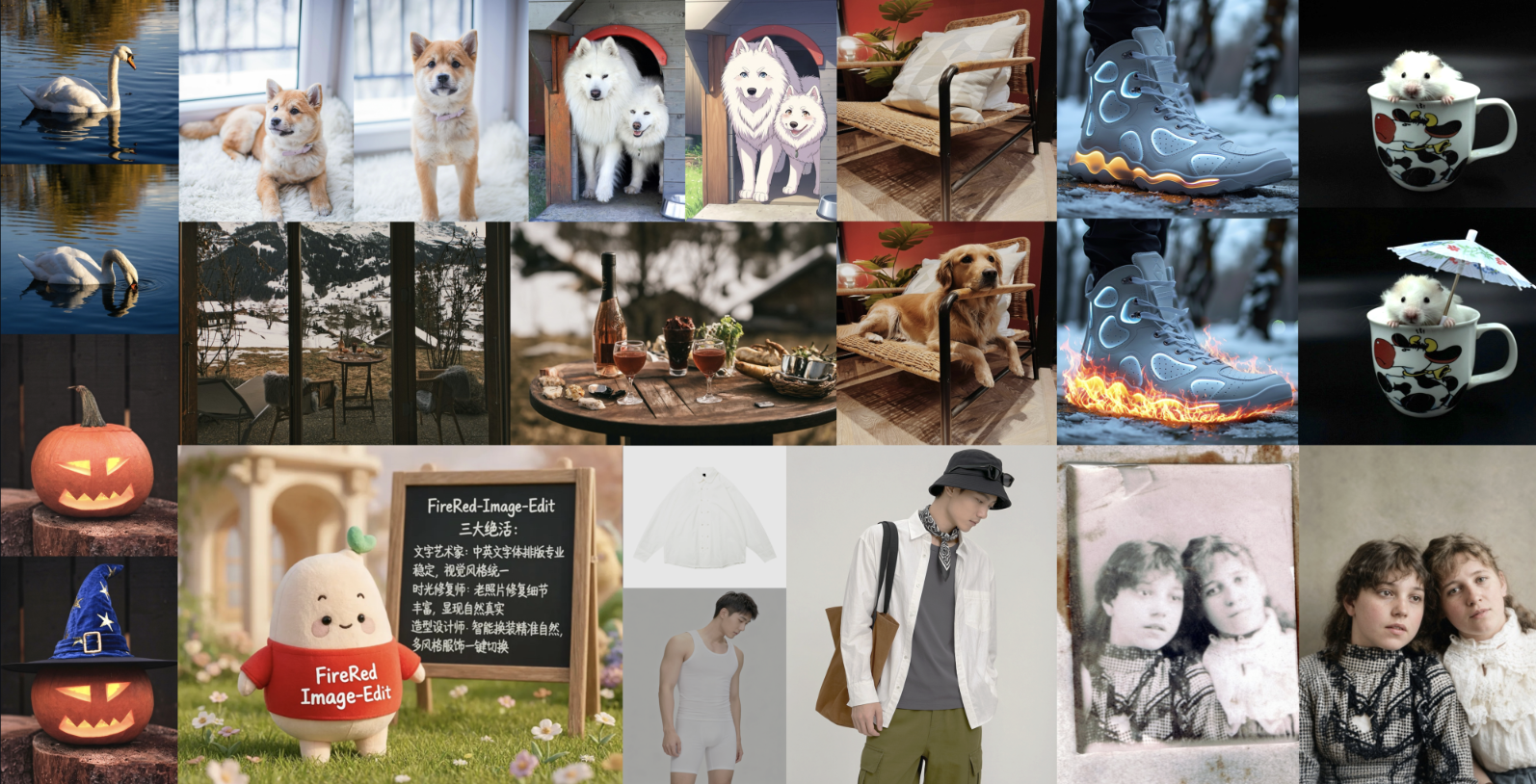
FireRed-Image-Edit - Open-source image editing model with SOTA results across style, text, try-on, and photo restoration tasks

Seedream 5.0 Lite - ByteDance's updated text-to-image model with style control and real-time trend generation
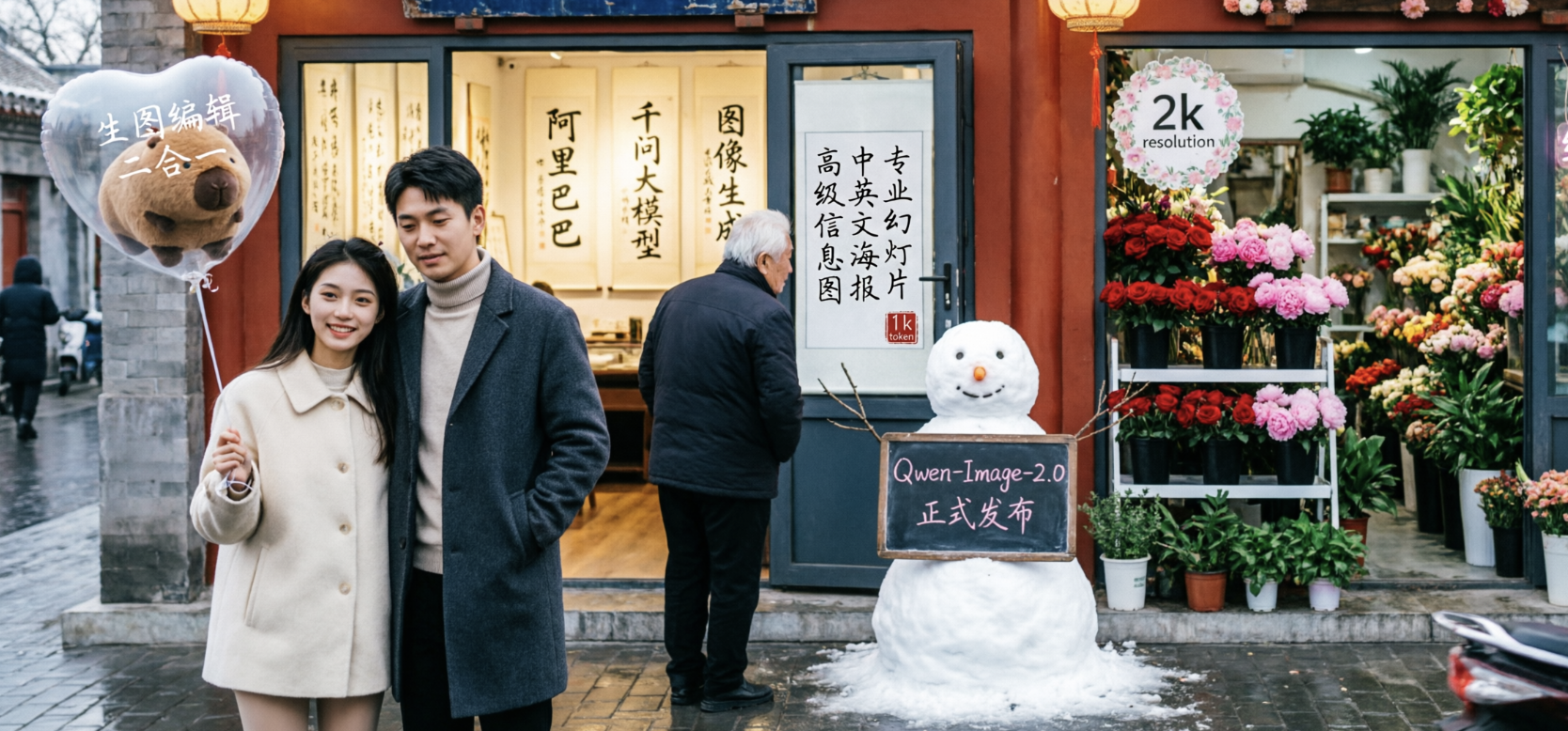
Qwen Image 2.0 - Alibaba's new unified image generation and editing model with native 2K resolution and 1K-token text rendering
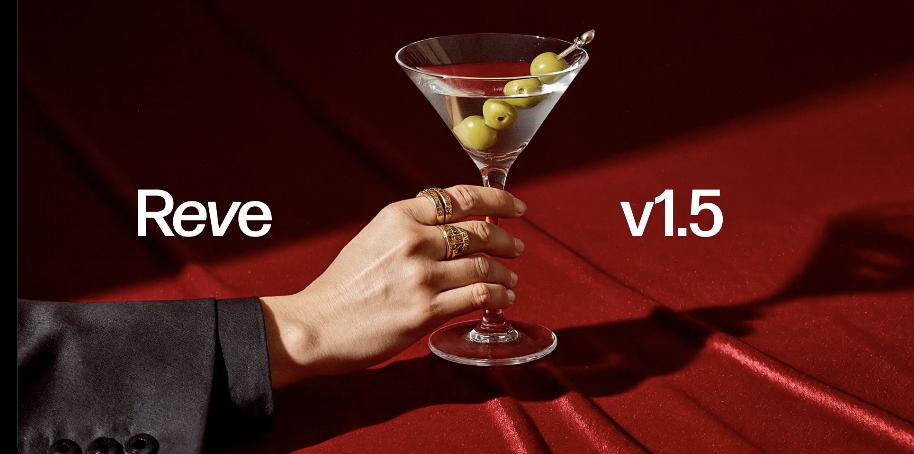
Reve v1.5 - Reve's updated text-to-image model with 4k resolution outputs

Get access to all our AI courses, hundreds of real-world AI use cases, live expert-led workshops, an exclusive network of AI early adopters, and more.
Get unlimited access to all of our current & upcoming industry-specific AI courses for the duration of your subscription.
To keep up with the rapid pace of AI, our team publishes AI implementation guides daily. Our library contains 300+ practical use cases to automate real-world work.
Join weekly, live, interactive sessions with industry leaders who are at the forefront of AI for hands-on implementation guidance and exclusive insights.
Network with an exclusive community of AI-first professionals who are working smarter with AI. Learn how early adopters are using AI in their work and businesses.