Sensitive local knowledge work
Teams analyzing private files or code that should remain on a controlled machine for the local portion of the task.
Independent tool overview
Perplexity Portable Computer is a local-first version of Perplexity Computer that runs its agent, models, search index and tool orchestration on supported NVIDIA hardware, with permission-based cloud escalation when a task needs outside data or stronger models.
Visit the official Portable Computer site ↗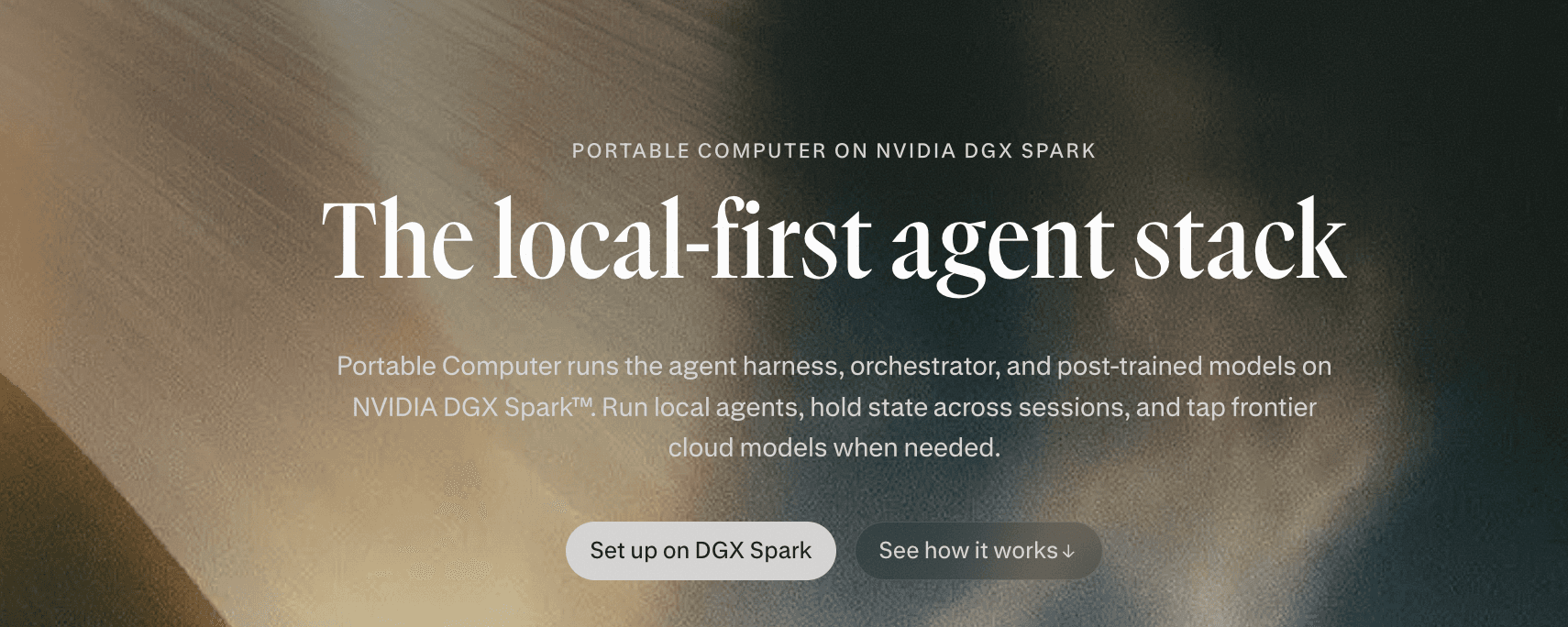
Overview
Portable Computer launched on August 25, 2026 as a way to run Perplexity's agentic workflow locally for private files, codebases and high-volume tasks. Local inference, planning, tool routing, scheduling, task queues and document search run on the user's machine instead of consuming cloud credits.
The first release is for NVIDIA DGX Spark on Linux and requires a Perplexity Pro or Max subscription. Perplexity says support for NVIDIA RTX GPU PCs and Windows is coming, so most existing laptops and desktops are not yet eligible for the launch version.
Portable Computer is local-first, not necessarily local-only. It can ask permission to use Perplexity search, research, browser capabilities, connected apps or frontier cloud models. Users must review that boundary carefully because an approved escalation can move selected task content off the device.
Use cases
The strongest fit depends on the job you need the product to complete, not the size of its feature list.
Teams analyzing private files or code that should remain on a controlled machine for the local portion of the task.
Users who own capable hardware and want repeated local inference without a per-credit charge for on-device work.
Workflows that keep confidential source material local but occasionally need current web data or frontier reasoning with explicit approval.
Capabilities
Runs the orchestrator, planner, tool router, scheduler, durable task queue and local search index on the device.
Reads, searches and acts on files and code using on-device models and sandboxed tool execution.
Requests user approval before sending relevant content to cloud search, browser tools, connected apps or advanced models.
Uses NVIDIA's Nemotron ASR model for on-device speech transcription so audio can stay on the machine.
Can work with services such as Google Drive, Gmail, Slack and GitHub when the user authorizes the connection and data movement.
Process
Step 1
Decide which files, credentials and actions must stay local and which tasks may use approved cloud services.
Step 2
Give the agent a bounded task, inspect requested file access and let the local models complete as much work as possible.
Step 3
Check what content will leave the device, which service will receive it and what action the agent plans before granting permission.
Cost
Portable Computer does not have a separate published software price, but it requires a Perplexity Pro or Max subscription and supported NVIDIA hardware. Local tasks do not consume Perplexity Computer credits. Cloud escalations can use credits, and the NVIDIA DGX Spark launch hardware is currently listed at $4,699 in the U.S.
$20/month or $200/year
Lowest subscription tier currently eligible for Portable Computer.
$200/month or $2,000/year
Power-user subscription with a recurring Computer credit balance and higher Perplexity limits.
$4,699 one-time hardware purchase
The supported desktop system for the first Portable Computer release.
Pricing checked . Check current pricing at the source ↗
Assessment
Compare
The right alternative depends on the specific output, workflow, controls and budget your project requires.
Agents
Choose Perplexity Computer when cloud execution and broad device access matter more than keeping the agent stack on local NVIDIA hardware.
Explore Perplexity Computer →Agents
Choose Perplexity Personal Computer for local-file and native-app workflows on a normal supported PC without the launch version's fully local model stack.
Explore Perplexity Personal Computer →Agents
Choose OpenClaw when an open, self-managed agent architecture matters more than Perplexity's packaged local-and-cloud workflow.
Explore OpenClaw →Questions
It is a local-first version of Perplexity Computer that runs models, planning, tool routing, task state and local search on supported NVIDIA hardware.
The first release supports NVIDIA DGX Spark. Perplexity and NVIDIA say support for RTX GPU PCs is coming, but it is not part of the initial launch availability.
There is no separate published software fee. You need Perplexity Pro at $20 monthly or Max at $200 monthly plus compatible hardware; NVIDIA currently lists DGX Spark at $4,699 in the U.S.
Its local models and core agent stack can handle on-device work, but web research, connected apps and frontier-model escalation require network access and user authorization.
Local tasks keep their data on the machine. When a task needs a cloud service, Portable Computer asks permission before sending the relevant content off-device, so the user must review each escalation.
Bottom line
Portable Computer is an important early example of a polished local-first agent, but today it is a specialist product for people who already want a DGX Spark-class machine. The economics and privacy story become compelling only when a meaningful volume of work can stay local and the organization has strong controls around file access, credentials and cloud escalation.
Visit Portable Computer website ↗
ChatGPT for Teens - OAI's new teen experience pairing guided learning with default safety limits
Z AI’s new multimodal system revealed as the mystery Ox Alpha model on OpenRouter
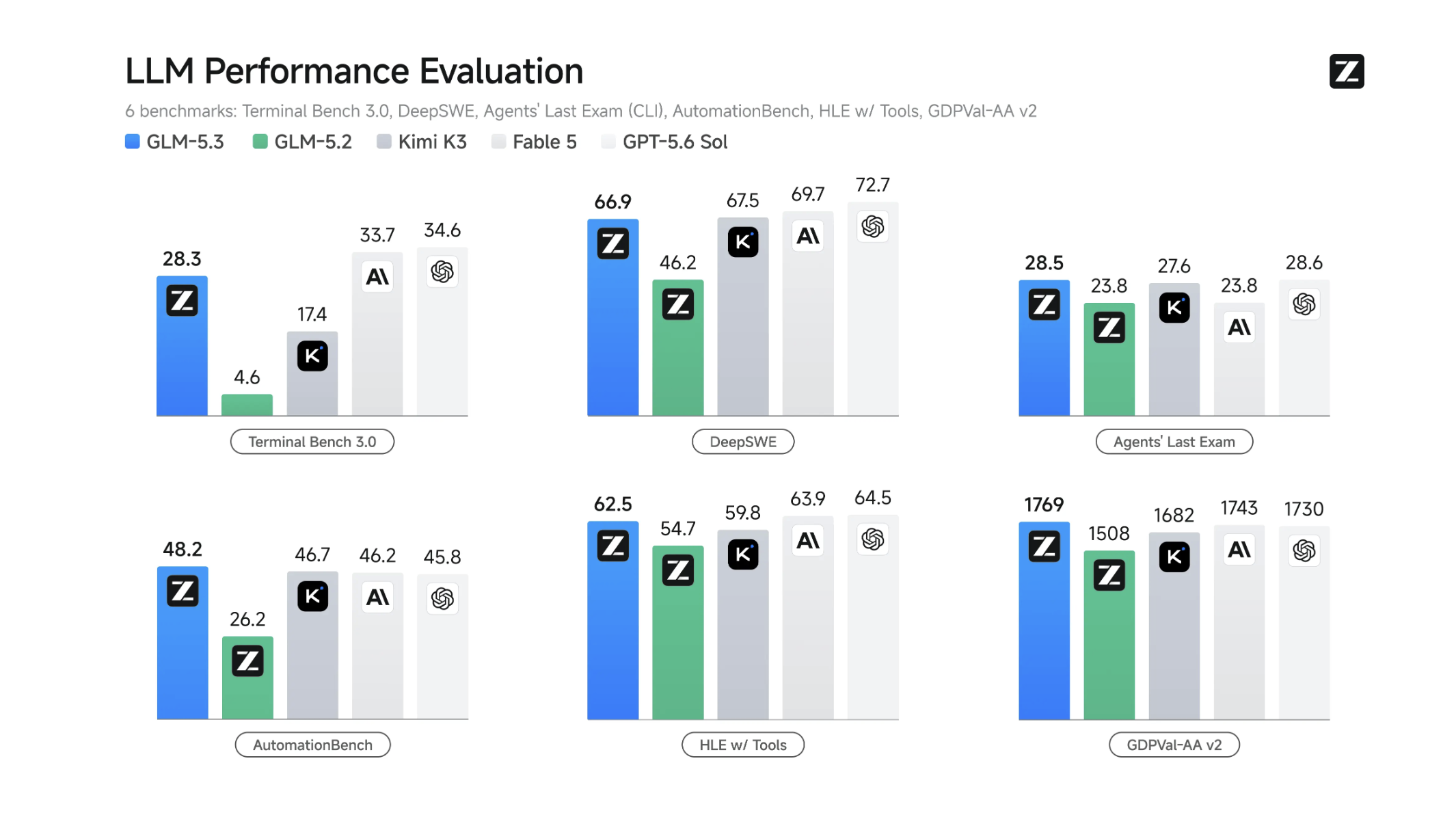
GLM 5.3 - Z AI’s new open-source model with strong coding, agentic, and cyber capabilities
Google's strongest Flash model yet for coding and agents

Get access to all our AI courses, hundreds of real-world AI use cases, live expert-led workshops, an exclusive network of AI early adopters, and more.
Get unlimited access to all of our current & upcoming industry-specific AI courses for the duration of your subscription.
To keep up with the rapid pace of AI, our team publishes AI implementation guides daily. Our library contains 300+ practical use cases to automate real-world work.
Join weekly, live, interactive sessions with industry leaders who are at the forefront of AI for hands-on implementation guidance and exclusive insights.
Network with an exclusive community of AI-first professionals who are working smarter with AI. Learn how early adopters are using AI in their work and businesses.