Technical personal-assistant users
Run a persistent assistant from your own machine and reach it through the chat apps you already use.
Independent tool overview
OpenClaw, formerly known as Clawdbot, is an open-source, self-hosted gateway that connects AI agents to messaging apps, local devices, tools, schedules, and reusable skills.
Visit the official OpenClaw site ↗
Overview
OpenClaw runs on a computer or server you control and lets you reach an AI assistant through channels such as WhatsApp, Telegram, Discord, Slack, Signal, iMessage, Google Chat, Microsoft Teams, and WebChat. The gateway routes messages to one or more agents, maintains sessions and workspace state, and can expose tools for files, browsers, commands, scheduled tasks, webhooks, and connected devices.
The software is now developed in the open by the nonprofit OpenClaw Foundation. OpenClaw itself is free to install, but users bring a hosted subscription, API key, gateway, or local model and are responsible for the resulting model, infrastructure, and third-party service costs. Its flexibility is substantial, but safe operation requires deliberate access controls, sandboxing, and careful treatment of untrusted messages and content.
Use cases
The strongest fit depends on the job you need the product to complete, not the size of its feature list.
Run a persistent assistant from your own machine and reach it through the chat apps you already use.
Connect one gateway to several messaging services, browser chat, desktop companions, and mobile nodes.
Combine models, tools, skills, schedules, webhooks, workspaces, and isolated agents for tailored automations.
Capabilities
Connects AI agents to major messaging services through core and official channel plugins.
Supports numerous hosted model providers, subscription-backed runtimes, gateways, and local OpenAI-compatible servers.
Routes channels, accounts, or senders to agents with separate workspaces, state, authentication profiles, and session histories.
Extends the assistant with browsing, files, commands, webhooks, cron jobs, media handling, and installed skill packages.
Provides a browser dashboard plus macOS and Windows companions and paired iOS or Android nodes.
Keeps configuration, workspaces, transcripts, usage information, and operational controls on the host you manage.
Process
Step 1
Install OpenClaw, run the guided onboarding flow, and configure the local gateway service.
Step 2
Authenticate a supported provider, subscription-backed runtime, gateway, or local model and set a default.
Step 3
Pair only the messaging accounts and senders that should be able to reach each agent.
Step 4
Keep the gateway local, isolate sessions, restrict files and commands, enable approvals and sandboxing, and audit the configuration.
Step 5
Introduce skills, schedules, browser access, device commands, or additional agents only after testing their permissions and failure modes.
Cost
OpenClaw is free, open-source software with no required OpenClaw subscription. Total cost depends on the model or subscription you connect, API-based tools such as search or speech, and the computer or cloud server running the gateway.
Free
Install and self-host the open-source gateway and agent runtime.
Provider costs vary
Bring model access and optional third-party APIs separately.
Pricing checked . Check current pricing at the source ↗
Assessment
Compare
The right alternative depends on the specific output, workflow, controls and budget your project requires.
Business Operations
Choose Lindy for a managed no-code agent platform with less self-hosting and infrastructure work.
Explore Lindy →Business Operations
Choose n8n for integration-heavy business automation with visual workflows and self-hosting support.
Explore n8n →Agents
Choose Manus for a hosted general-purpose agent experience that does not require operating a local gateway.
Explore Manus →Questions
Yes. The active project and documentation use the OpenClaw name; this page retains the older Clawdbot slug so people can find the current product.
The OpenClaw software is free and open source. You may still pay for model usage or subscriptions, optional APIs, and the machine or cloud server that runs it.
The gateway is self-hosted on macOS, Linux, or Windows, with browser and desktop interfaces plus optional paired mobile nodes.
Current official documentation lists Telegram, WhatsApp, Discord, Slack, Signal, iMessage, Google Chat, Microsoft Teams, WebChat, and many plugin-based channels.
Public or shared deployments need strict sender policies, isolated sessions, minimal tools, sandboxing, approvals, and careful handling of untrusted content. The project recommends a personal-assistant trust model and separate gateways for mutually untrusted users.
Bottom line
OpenClaw is a powerful choice for technical users who want a personal AI assistant that they can host, extend, and contact from almost any messaging app. Its open architecture is the appeal and the risk: start with a local, minimally privileged configuration and expand capabilities only when you understand the data and system access each tool receives.
Visit OpenClaw website ↗
Skills - Vercel's open ecosystem for agent skills

MiniMax Agent - AI assistant with full browser control, expert agent skills, and computer and cloud capabilities
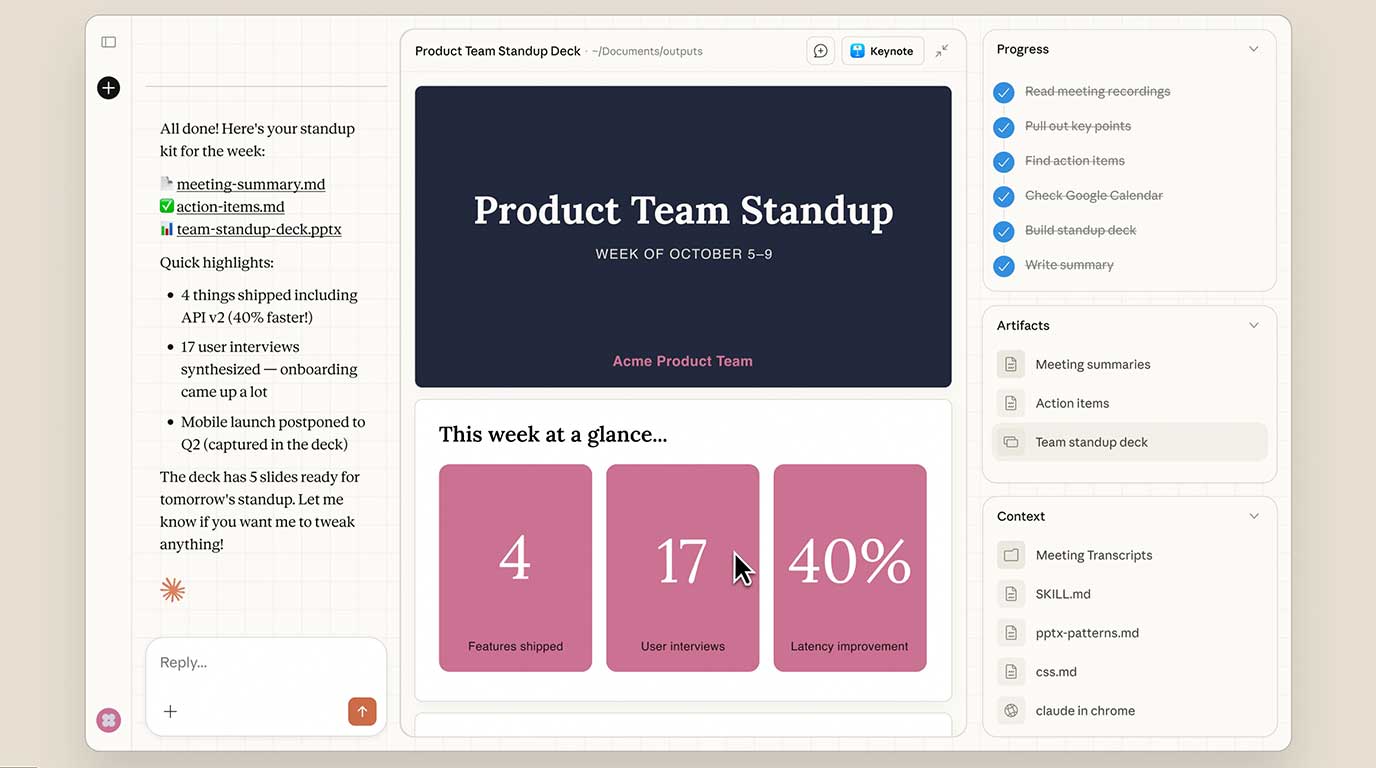
Claude Cowork - Anthropic's new MacOS tool that brings Claude Code's agentic capabilities to everyday tasks

Kimi K2.5 - Moonshot AI’s new powerful open-source agent-focused model

Get access to all our AI courses, hundreds of real-world AI use cases, live expert-led workshops, an exclusive network of AI early adopters, and more.
Get unlimited access to all of our current & upcoming industry-specific AI courses for the duration of your subscription.
To keep up with the rapid pace of AI, our team publishes AI implementation guides daily. Our library contains 300+ practical use cases to automate real-world work.
Join weekly, live, interactive sessions with industry leaders who are at the forefront of AI for hands-on implementation guidance and exclusive insights.
Network with an exclusive community of AI-first professionals who are working smarter with AI. Learn how early adopters are using AI in their work and businesses.