Professionals working across many apps
Move from local files and email to live web research and office documents without manually copying context between each tool.
Independent tool overview
Perplexity Personal Computer extends the company's Computer agent to Mac and Windows desktops, where it can work across local files, native apps, connected services, and the web.
Visit the official Perplexity Personal Computer site ↗
Overview
Perplexity Personal Computer is the desktop version of Perplexity Computer. It combines Perplexity's cloud-based, multi-model agent with access to approved files, apps, browser sessions, and desktop context, allowing it to carry work from research through to a saved local deliverable.
On Mac, it can operate apps such as Mail, Finder, Messages, Notes, and the Comet browser, respond to voice instructions, and accept remote task controls from an iPhone. The Windows release works across local files, Microsoft 365, connected apps, and the web. Both are designed for longer workflows that would otherwise require moving information manually between applications.
Personal Computer can take consequential actions, so it is best used with narrow folder and app permissions, explicit stopping conditions, and review before emails are sent or files are deleted. Computer tasks also use credits in addition to the underlying Perplexity subscription.
Use cases
The strongest fit depends on the job you need the product to complete, not the size of its feature list.
Move from local files and email to live web research and office documents without manually copying context between each tool.
Read source folders, update spreadsheets or presentations, create reports, and save results back to the local machine.
Use a Mac mini as a persistent agent host and start, pause, or adjust work remotely from another device.
On Windows, combine local files, Outlook, Excel, Word, PowerPoint, OneDrive or SharePoint context with current web information.
Capabilities
Searches, reads, writes, and organizes files in folders the user explicitly connects.
Interacts with desktop apps and active context; supported workflows include Apple apps on Mac and Microsoft 365 tools on Windows.
Uses Perplexity's Comet browser to navigate signed-in sites, research the web, fill forms, and gather information.
Creates teams of agents across more than 20 frontier models and routes parts of a task to appropriate models automatically.
Accepts spoken instructions and can act on desktop context without requiring a typed prompt.
Lets users start, pause, approve, or adjust desktop work from a paired phone or another device.
Keeps longer tasks running in the background; a continuously powered Mac mini is Perplexity's recommended always-on setup.
Runs agent actions in an isolated environment and requests on-device authorization for sensitive operations.
Process
Step 1
Download Perplexity for a supported Mac or Windows 10/11 PC and sign in with an eligible account.
Step 2
Approve the operating-system permissions the workflow needs, connect specific folders and apps, and install or sign in to Comet for browser tasks.
Step 3
Name the output, source locations, apps the agent may use, actions that require approval, and a clear point at which it should stop.
Step 4
Follow agent activity, steer the task when necessary, approve sensitive steps, and check the thread's usage panel for credit consumption.
Step 5
Verify citations, calculations, file edits, recipients, and deletion requests before approving or distributing the final result.
Cost
Personal Computer uses Perplexity Computer credits on top of the subscription. At the current published rate, 100 credits equals $1; typical tasks range from roughly 100 credits for lighter work to several thousand for large projects. Pro has no recurring monthly credit allocation, while Max and Enterprise plans include monthly credits. Purchased-credit and regional terms can vary.
$20/month or $200/year
Paid individual plan with Computer access and Windows Personal Computer eligibility.
$200/month or $2,000/year
Power-user plan with higher product limits and monthly Computer credits.
$40/seat/month or $400/year
Team plan with enterprise controls and a smaller monthly credit allocation.
$325/seat/month or $3,250/year
Highest enterprise tier for intensive Computer use.
100 credits = $1
Usage-based capacity for Computer tasks after included or promotional credits.
Pricing checked . Check current pricing at the source ↗
Assessment
Compare
The right alternative depends on the specific output, workflow, controls and budget your project requires.
Agents
Choose Kimi Work for another local desktop agent with skills, dashboards, scheduled tasks, and large Agent Swarm workflows.
Explore Kimi Work →Agents
Choose Claude Cowork for Anthropic's approach to everyday desktop and file-based agent work.
Explore Claude Cowork →Consumer
Choose ChatGPT Work if you prefer OpenAI's ecosystem for agentic non-coding assignments.
Explore ChatGPT Work →Questions
It is Perplexity's desktop agent for working across approved local files, native apps, connected services, and the web. It extends the cloud-based Perplexity Computer with access to the user's machine.
Yes. Perplexity launched the Windows version in July 2026 for Pro, Max, and Enterprise subscribers on Windows 10 and 11.
No. Personal Computer works on supported Macs. Perplexity recommends a Mac mini for a continuously powered, always-on setup, but a compatible Mac desktop or laptop can run it.
Access depends on the Perplexity plan, and completed Computer work consumes credits. Pro costs $20 per month but has no recurring monthly credit allocation; Max costs $200 per month and currently includes 10,000 monthly credits. Additional credits are priced at 100 credits per $1.
Yes. It can read, create, edit, search, and organize files in connected folders. Users should scope folder access carefully, keep backups, and inspect changes before accepting them.
Official examples include Mail, Finder, Messages, Notes, Calendar, Slack, Comet, Outlook, Excel, Word, and PowerPoint. Actual access depends on the operating system, installed apps, connected accounts, and permissions.
Perplexity says actions run in an isolated sandbox and sensitive steps require on-device authorization. Mac mini remote sessions use two-factor authentication, while Windows alerts users before actions such as sending email or deleting a file.
Yes. Perplexity supports starting, pausing, approving, or adjusting desktop tasks from a paired phone or another device, which is especially useful for work running on an always-on computer.
Bottom line
Perplexity Personal Computer is a strong choice for people who want a research-first agent to act across desktop files, apps, and the web. Its multi-model routing and remote controls are compelling, but the real cost is the subscription plus metered Computer credits, and its machine-level permissions demand careful scoping and human review.
Visit Perplexity Personal Computer website ↗
Holo 3 - H Company's open-weight computer-use agent that navigates enterprise desktops with SOTA accuracy on 10B active params
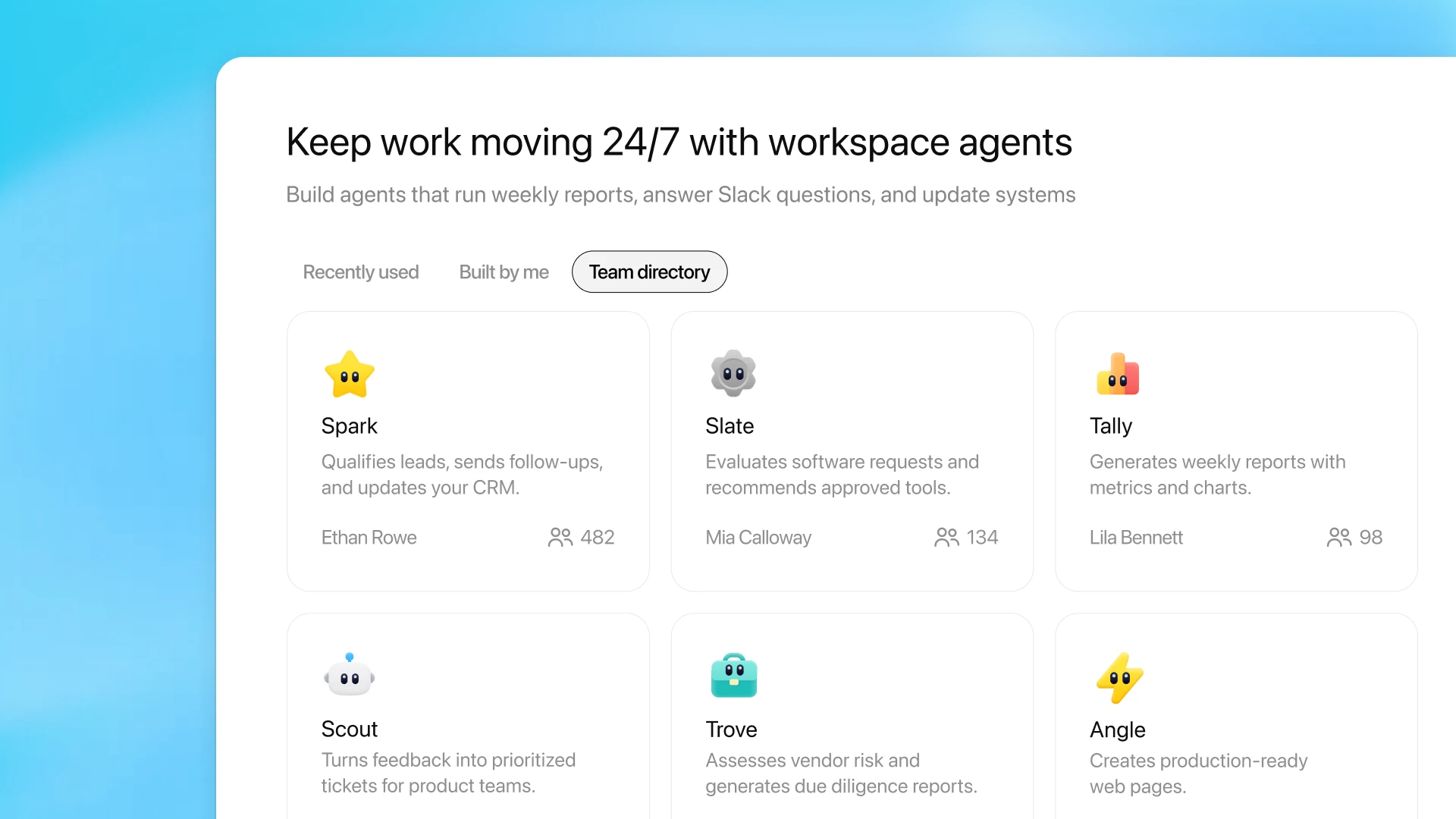
Workspace Agents - OpenAI's new Codex-powered team agents for shared multi-step workflows in ChatGPT and Slack

MolmoWeb - Ai2's open-source web browsing agent that navigates sites using screenshots

Gemini Enterprise Agent Platform - Google's successor to Vertex AI and platform for building, scaling, and governing enterprise agents across 200+ models

Get access to all our AI courses, hundreds of real-world AI use cases, live expert-led workshops, an exclusive network of AI early adopters, and more.
Get unlimited access to all of our current & upcoming industry-specific AI courses for the duration of your subscription.
To keep up with the rapid pace of AI, our team publishes AI implementation guides daily. Our library contains 300+ practical use cases to automate real-world work.
Join weekly, live, interactive sessions with industry leaders who are at the forefront of AI for hands-on implementation guidance and exclusive insights.
Network with an exclusive community of AI-first professionals who are working smarter with AI. Learn how early adopters are using AI in their work and businesses.