Full-stack product prototypes
Generate interfaces, APIs, data models, authentication, and payments in one visible, editable codebase.
Independent tool overview
Orchids 1.0 is an active AI development workspace for generating web apps, mobile apps, extensions, bots, games, agents, and other software from chat. It combines a coding agent, full IDE, browser, terminal, GitHub sync, integrations, deployment, checkpoints, and support for existing ChatGPT, Claude, Gemini, GitHub Copilot, or direct API credentials. Paid plans run from $25 to $200 monthly, with annual rates from $21 to $168 per month.

Overview
Orchids 1.0 expanded the product from an AI website builder into a broader app-building environment. A project can use common web, mobile, backend, or scripting stacks, and the generated code stays visible in an integrated VS Code-style editor instead of being hidden behind a proprietary visual builder.
The workspace includes an agent, preview browser, terminal, element-level visual editing, imports, GitHub synchronization, checkpoints, deployment, analytics, and guided setup for databases, authentication, and payments. Orchids says generated projects can be exported and deployed on external infrastructure, which reduces platform lock-in but does not remove the need for engineering review.
Orchids Agent-1 became the platform's newer default agent in March 2026, so 1.0 is best understood as the current product generation rather than the latest agent model name. The other defining feature is model flexibility: paid desktop users can connect supported consumer AI subscriptions or their own API keys, while Orchids plans also include monthly platform credits.
Use cases
The strongest fit depends on the job you need the product to complete, not the size of its feature list.
Generate interfaces, APIs, data models, authentication, and payments in one visible, editable codebase.
Prototype web apps, mobile apps, browser extensions, Slack bots, command-line tools, games, or AI agents without committing to one framework.
Inspect and change files in the built-in editor and terminal, sync with GitHub, or export the project into a normal engineering workflow.
Reuse supported ChatGPT, Claude Code, Gemini, or GitHub Copilot access on eligible paid desktop plans.
Click an interface element, describe a focused change, preview it, and roll back through checkpoints when a revision fails.
Capabilities
Orchids is designed to generate websites, full-stack web apps, mobile apps, games, bots, extensions, agents, and scripts across common languages and frameworks.
The March 2026 agent update is now the default coding agent for GPT and Claude models; Orchids describes it as more capable and less credit-intensive than its prior default.
Connect supported ChatGPT, Claude Code, Gemini, or GitHub Copilot subscriptions, or supply a model-provider API key instead of relying only on bundled Orchids credits.
View and edit the generated source in a VS Code-style editor, run commands, inspect files, and make manual changes without leaving the workspace.
Select a rendered UI element and describe the exact design, copy, or component change the agent should apply.
Prompt the agent to connect databases or authentication providers such as Supabase, Neon, or Firebase and payment systems such as Stripe, Polar, or RevenueCat.
Import local or GitHub projects and work from Lovable, v0, Replit, or Bolt; synchronize changes with GitHub and keep the generated source.
Test inside the built-in browser, publish from the workspace, and create rollback points tied to prior messages.
Process
Step 1
Specify the platform, framework, data model, auth roles, integrations, responsive behavior, and the user flows that must pass.
Step 2
Decide whether to use included Orchids credits, an eligible existing AI subscription, or a provider API key, then set separate budget limits for each service.
Step 3
Build one end-to-end path before requesting the entire product, so architecture, styling, and data decisions can be corrected early.
Step 4
Review dependencies, server boundaries, secrets, validation, authorization, error handling, migrations, and generated tests in the editor or GitHub.
Step 5
Save a stable point before large changes, use select-to-edit for focused UI work, and roll back when an agent revision introduces regressions.
Step 6
Run unit, integration, accessibility, security, payment, and device tests in the target environment before connecting real users or production data.
Step 7
Move source to your repository, configure secrets directly in the target host, review infrastructure, and keep a documented path to operate without Orchids.
Cost
Orchids uses monthly platform credits. Annual billing reduces the displayed monthly rate. Credits are roughly related to generated English words, but prompt size, source context, code complexity, and model choice also affect consumption. Using a subscription or API key can shift model usage away from Orchids credits, but external provider fees and eligibility still apply.
Free entry available; allowance not publicly itemized
The current site offers a free start and desktop download, but the pricing guide documents four paid production plans rather than a durable free-plan allowance.
$25 monthly or $21/month billed annually
Entry paid plan for individual builders and smaller project portfolios.
$50 monthly or $42/month billed annually
Higher credit allowance with unlimited projects.
$99 monthly or $83/month billed annually
Larger monthly allowance for heavier development usage.
$200 monthly or $168/month billed annually
Largest published self-serve credit package.
Pricing checked . Check current pricing at the source ↗
Assessment
Compare
The right alternative depends on the specific output, workflow, controls and budget your project requires.
Coding
Choose Lovable for a more established chat-to-web-app workflow focused on fast full-stack product creation.
Explore Lovable →Coding
Consider Bolt for browser-based JavaScript app generation with an immediate development environment.
Explore Bolt.new →Coding
Use Replit Agent 4 when integrated hosting, collaborative cloud development, and Replit's broader deployment platform matter most.
Explore Replit Agent 4 →Questions
Orchids 1.0 is an AI app-building workspace that generates and edits software through chat while exposing the source code in an integrated editor and terminal.
Yes. Orchids 1.0 remains the active product generation, although the platform introduced a newer default coding agent called Orchids Agent-1 in March 2026.
Monthly plans are Pro $25, Premium $50, Ultra $99, and Max $200. Annual billing lowers the displayed monthly rates to $21, $42, $83, and $168 respectively.
Orchids supports selected ChatGPT, Claude Code, Gemini, and GitHub Copilot subscriptions on eligible paid desktop plans, as well as direct provider API keys. Exact provider eligibility and external usage limits still apply.
Not necessarily. It can reduce consumption of bundled model credits, but Orchids plan eligibility and the connected provider's subscription or API charges remain separate.
The platform targets websites, full-stack web apps, mobile apps, games, bots, browser extensions, command-line tools, and AI agents across common languages and frameworks. Results vary by stack and complexity.
Yes. Orchids promotes visible, editable source code, GitHub synchronization, imports, and deployment outside the platform so teams can continue development in normal tools.
They can be useful production starting points, but generated code still needs human review, tests, security hardening, accessibility checks, infrastructure configuration, and release validation.
Bottom line
Orchids 1.0 is most differentiated when a builder wants the speed of chat-based generation without giving up the source tree, terminal, framework choice, or external model access. Pro is the sensible evaluation tier, and BYO AI can improve flexibility, but buyers should measure total cost across Orchids and model providers. Treat the first output as a working codebase to review—not proof that a complex app is secure, maintainable, or production-ready.
Oz - Warp's cloud platform for orchestrating hundreds of coding agents in parallel
M2.5 - Minimax's new open-source frontier model with powerful coding capabilities
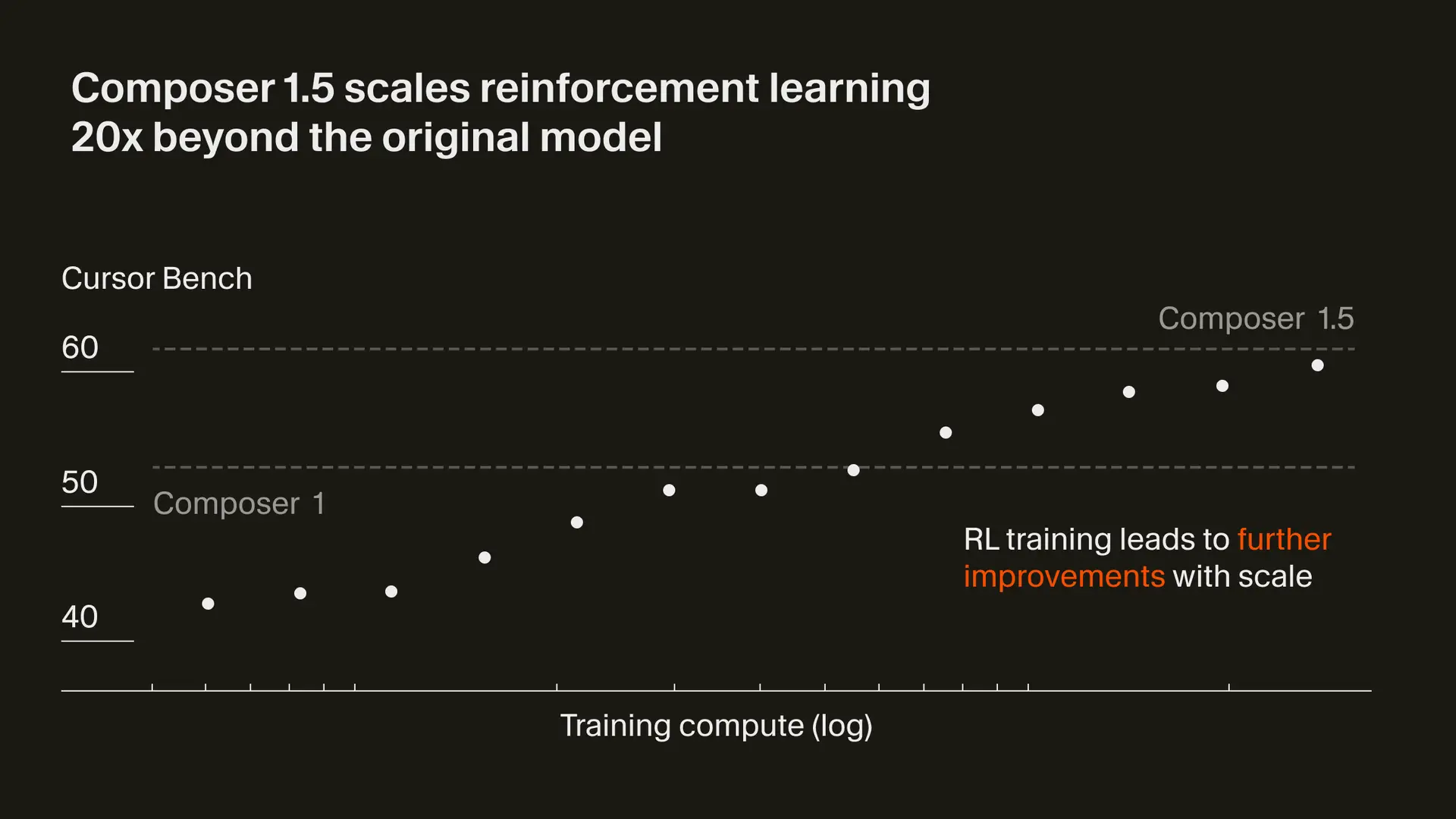
Composer 1.5 - Cursor's updated in-house agentic coding model with increased performance and speed

GPT 5.3 Codex Spark - OpenAI’s ultra-fast model for real-time coding

Get access to all our AI courses, hundreds of real-world AI use cases, live expert-led workshops, an exclusive network of AI early adopters, and more.
Get unlimited access to all of our current & upcoming industry-specific AI courses for the duration of your subscription.
To keep up with the rapid pace of AI, our team publishes AI implementation guides daily. Our library contains 300+ practical use cases to automate real-world work.
Join weekly, live, interactive sessions with industry leaders who are at the forefront of AI for hands-on implementation guidance and exclusive insights.
Network with an exclusive community of AI-first professionals who are working smarter with AI. Learn how early adopters are using AI in their work and businesses.