Terminal-first development
Explore a repository, make multi-file changes, run tests and inspect diffs without moving into a separate chat application.
Independent tool overview
Mistral Vibe CLI is an open-source terminal coding agent that can inspect and edit repositories, run commands, use tools and continue sessions across local, editor and cloud interfaces.
Visit the official Mistral Vibe CLI site ↗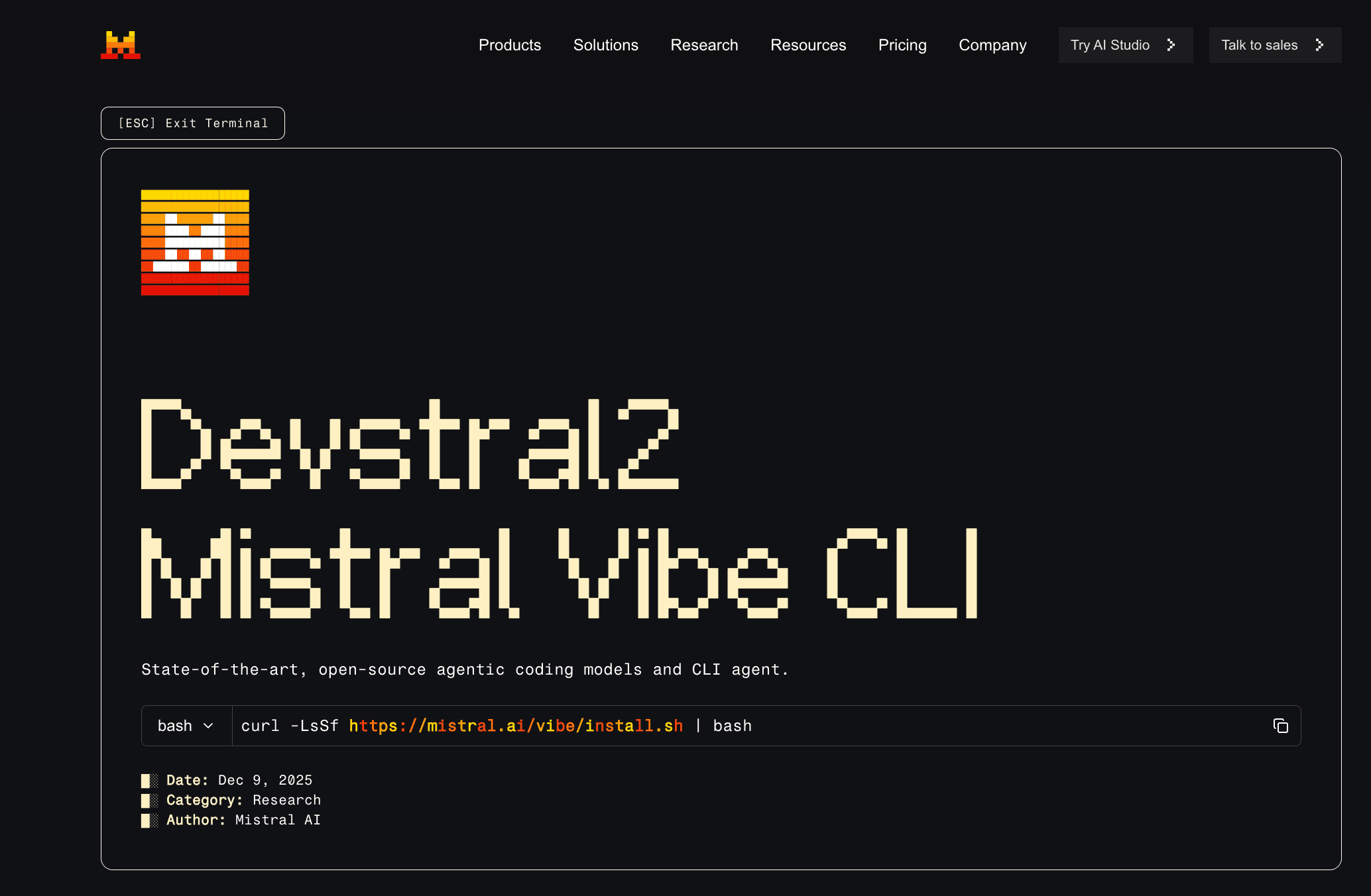
Overview
Mistral Vibe CLI provides an interactive coding agent inside the terminal for codebase exploration, multi-file changes, tests, command execution and scripted automation. It launched alongside Devstral 2, but the current Vibe product supports Mistral-hosted models, local models and OpenAI-compatible providers rather than being limited to one model.
The CLI is part of Mistral's wider Vibe Code product, which also runs on the web and in supported editors through Agent Client Protocol. A live session can be moved between the terminal and a remote coding environment with Teleport while retaining its history and approvals.
The software itself is available under Apache 2.0, but hosted inference and higher usage limits depend on a Mistral plan or pay-as-you-go API access. Teams should also review data controls: Free and Pro inputs and outputs may be used for training by default unless the user opts out, while Team and Enterprise data is not used for model training.
Use cases
The strongest fit depends on the job you need the product to complete, not the size of its feature list.
Explore a repository, make multi-file changes, run tests and inspect diffs without moving into a separate chat application.
Run the open-source agent against a local compatible model when data location, cost or offline access matters.
Connect the same agent to VS Code, JetBrains, Zed and other Agent Client Protocol clients.
Invoke Vibe non-interactively for repeatable repository tasks in scripts or CI, with explicit trust and permission configuration.
Capabilities
Reads project files, answers codebase questions, generates code and coordinates edits across multiple files.
Runs approved commands, tests and external tools, with per-tool permissions and boundaries for access outside the working directory.
Works with Mistral-hosted models, fully local models or an OpenAI-compatible API configured through profiles.
Connects external MCP tools, loads reusable instructions and scripts, and can coordinate specialized subagents for larger tasks.
Runs through Agent Client Protocol in compatible editors so developers can use Vibe beyond its native terminal interface.
Moves an active coding session between the terminal and cloud with Teleport while preserving conversation state and approvals.
Process
Step 1
Use Mistral's installer or install the Python package, then sign in or configure a hosted, local or compatible third-party API profile.
Step 2
Open the repository, inspect any project-level .vibe configuration and trust the folder only after reviewing its agents, MCP servers and permissions.
Step 3
Describe the desired outcome, relevant files and acceptance checks; reference files directly when the agent needs a precise starting point.
Step 4
Review proposed shell commands, file access and highlighted diffs instead of granting broad automatic permissions on sensitive machines.
Step 5
Run tests locally, continue interactively or teleport a longer task to the remote environment and review the resulting change before merging.
Cost
The Vibe CLI code is open source. Mistral-hosted usage is available with limited Free access, the $14.99 per month Pro plan, the $24.99 per user per month Team plan or custom Enterprise terms. Monthly API credits are shared across Vibe Code, Studio and API usage, and additional usage can be pay-as-you-go.
$0/month
For testing Vibe and limited coding sessions.
$14.99/month
For individual developers who want higher limits and all-day coding.
$24.99/user/month
For collaborative workspaces with organizational controls.
Custom
For private deployment, governance and model customization.
Pricing checked . Check current pricing at the source ↗
Assessment
Compare
The right alternative depends on the specific output, workflow, controls and budget your project requires.
Coding
Choose Codex for OpenAI's actively maintained local-and-cloud coding agent with strong parallel task orchestration.
Explore Codex →Coding
Choose Claude Code for Anthropic's terminal agent and deep integration with the Claude model family.
Explore Claude Code →Coding
Consider Gemini CLI for an open-source terminal agent with Google's Gemini models and a generous free entry point.
Explore Gemini CLI →Coding
Consider SWE-1.7 inside Devin when you want Cognition's current fast software-engineering model and managed agent environment.
Explore SWE-1.7 →Questions
It is Mistral's open-source terminal coding agent. It can read a project, edit files, run approved commands, call tools and work interactively or programmatically.
The CLI source is free under Apache 2.0, and Mistral offers limited hosted coding on its Free plan. Hosted inference beyond included usage, third-party APIs and local compute can create separate costs.
No. The current setup supports Mistral-hosted models, local models and OpenAI-compatible API providers configured through profiles.
Yes, when configured with a compatible model running locally. Features that require Mistral services, remote sessions or online connectors will still need network access.
For Free, Pro and Education accounts, Vibe inputs and outputs are used for training by default unless the user opts out. Team and Enterprise inputs and outputs are not used for model training.
It provides trusted-folder and per-tool permission controls, but it can read files, edit code and execute commands. Review repository-level .vibe configuration and avoid broad permissions on machines containing production credentials.
Bottom line
Mistral Vibe CLI is a compelling option for developers who value an open-source agent harness, provider choice and movement between terminal, editor and cloud. Its flexibility also increases operational responsibility: review project configuration, keep permissions narrow, choose the data plan deliberately and evaluate the selected model on your own codebase.
Visit Mistral Vibe CLI website ↗
Codex Max - OpenAI's new frontier agentic coding model
%20(1).png)
Devstral 2 - Mistral's next-gen family of coding-specific models

Antigravity - Google's new agentic development platform to build anything, orchestrate agents, and run parallel tasks across workspaces.

Codeium Windsurf: Provides ai-powered code suggestions, completions, and debugging tools for developers.

Get access to all our AI courses, hundreds of real-world AI use cases, live expert-led workshops, an exclusive network of AI early adopters, and more.
Get unlimited access to all of our current & upcoming industry-specific AI courses for the duration of your subscription.
To keep up with the rapid pace of AI, our team publishes AI implementation guides daily. Our library contains 300+ practical use cases to automate real-world work.
Join weekly, live, interactive sessions with industry leaders who are at the forefront of AI for hands-on implementation guidance and exclusive insights.
Network with an exclusive community of AI-first professionals who are working smarter with AI. Learn how early adopters are using AI in their work and businesses.