Repository-wide changes
Give Codex a goal that requires understanding and editing several connected files.
Independent tool overview
OpenAI Codex is an agentic software-development workspace that can inspect repositories, edit code, run commands, review changes, and handle longer coding tasks across desktop, web, CLI, IDE, and cloud environments.
Visit the official Codex site ↗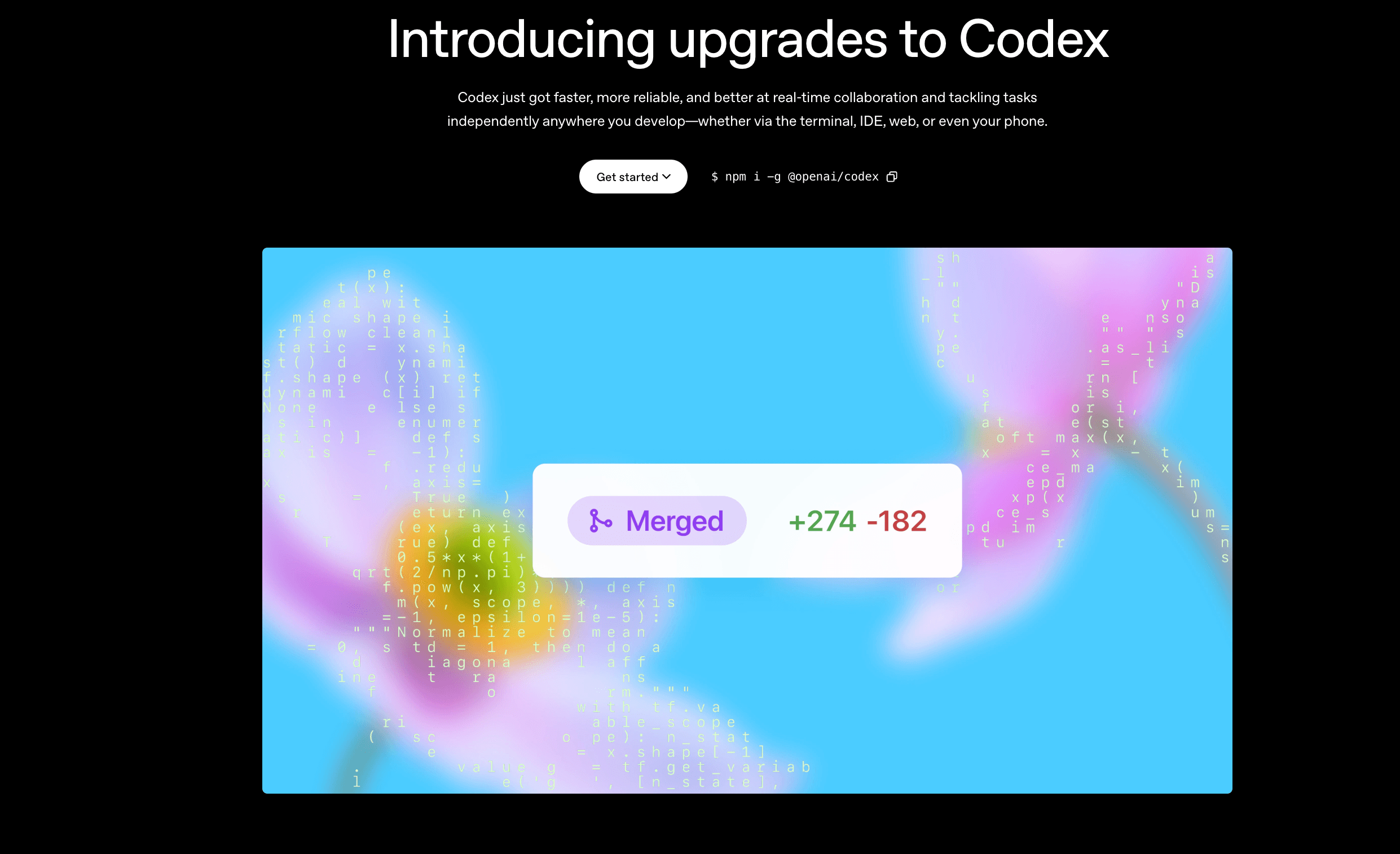
Overview
Codex is OpenAI's coding agent for taking software tasks from a plain-language request to a reviewed implementation. It can work in local repositories, use terminals and development tools, explain unfamiliar code, make coordinated changes across files, and verify the result.
The product spans the ChatGPT desktop app, web, Codex CLI, IDE extensions, and Codex cloud. That makes it useful both as an interactive pair programmer and as an agent for delegated tasks such as refactors, test fixes, code review, and repeatable engineering workflows.
Use cases
The strongest fit depends on the job you need the product to complete, not the size of its feature list.
Give Codex a goal that requires understanding and editing several connected files.
Trace failures, inspect runtime evidence, implement a fix, and run relevant checks.
Review local changes or connected pull requests for correctness, regressions, and maintainability.
Delegate bounded work to local or cloud environments while keeping the implementation tied to the repository.
Capabilities
Reads and edits project files, runs terminal commands, and works within configurable permission boundaries.
Available through the desktop app, web, CLI, IDE extension, and cloud workflows.
Supports isolated task work, including Git worktrees, so multiple changes can progress without sharing one working copy.
Includes code review, an integrated terminal, Git tooling, scheduled tasks, and repeatable actions.
Can be customized with AGENTS.md instructions, skills, plugins, MCP connections, hooks, and configuration files.
Offers an SDK, app server, GitHub Action, and non-interactive mode for scripted or continuous workflows.
Process
Step 1
Connect a local repository or choose an available cloud project and let Codex inspect its instructions and structure.
Step 2
Provide the goal, constraints, expected behavior, and any files or evidence that should guide the work.
Step 3
Follow the agent's progress, inspect the diff, and answer approval requests when an action needs permission.
Step 4
Ask Codex to run relevant tests and checks, then review the final changes before committing or opening a pull request.
Cost
Codex is included with current ChatGPT plans, with shared usage limits that vary by tier. API-key usage is metered separately by model tokens and does not include cloud-based integrations.
$0/month
Entry access for quick coding tasks.
$8/month
Designed for lightweight coding tasks.
$20/month
For focused coding sessions each week.
From $100/month
Higher Codex usage limits for frequent users.
$20/user/month
Team access for startups and growing businesses.
Usage-based
Metered model access for CLI, IDE, SDK, and automation.
Pricing checked . Check current pricing at the source ↗
Assessment
Compare
The right alternative depends on the specific output, workflow, controls and budget your project requires.
Coding
Choose Cursor for an AI-first code editor centered on inline editing and IDE-native assistance.
Explore Cursor 3 →Coding
Choose Claude Code for a terminal-first agentic coding workflow from Anthropic.
Explore Claude Code →Coding
Choose Antigravity for a Google-backed agentic development environment with strong parallel-agent workflows.
Explore Antigravity 2.0 →Questions
Codex is OpenAI's agentic software-development product. It can explore repositories, edit code, run tools, review changes, and carry out bounded engineering tasks across local and cloud environments.
Yes. OpenAI lists a Free plan with access for quick coding tasks. Paid ChatGPT plans provide different usage limits and capabilities.
Yes. Repository-level work is a core use case: Codex can inspect project structure and instructions, make multi-file changes, run commands, and verify results.
Yes. Codex is available on the web, through a CLI and IDE extension, and through cloud workflows in addition to the desktop app.
No. ChatGPT plans include Codex with plan-based usage limits. API-key mode is billed separately according to the models and tokens used.
Bottom line
Codex is one of the most complete choices for developers who want an agent to work across an actual repository rather than simply autocomplete code. Its range of local, cloud, CLI, IDE, review, and automation workflows is a major advantage, but teams should still treat its output like any engineering contribution: constrain permissions, review the diff, and verify before shipping.
Visit Codex website ↗
Jules Tools - A Command Line Companion for Google’s Async Coding Agent
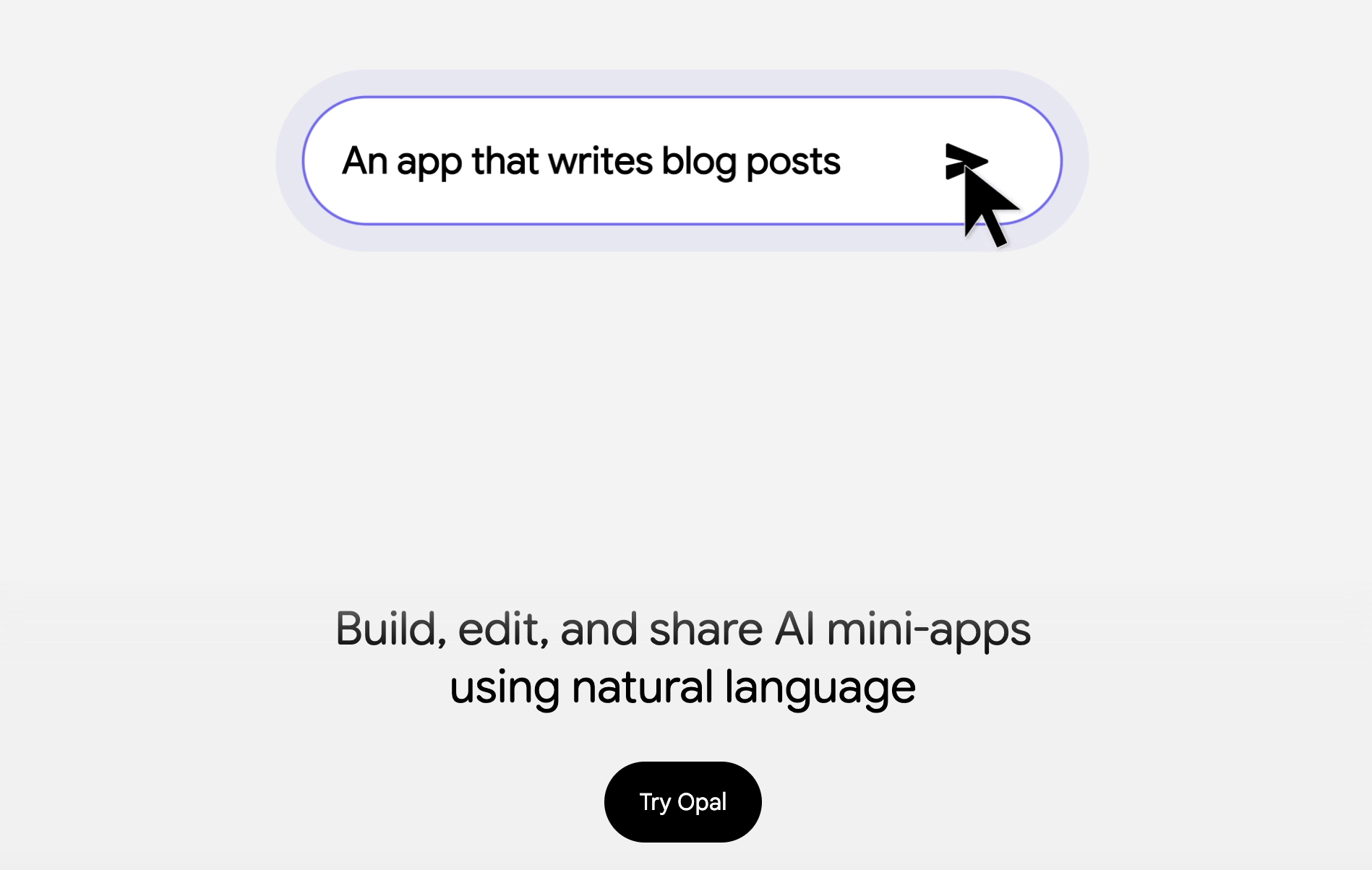
Opal - Build, edit, and share AI mini-apps using natural language
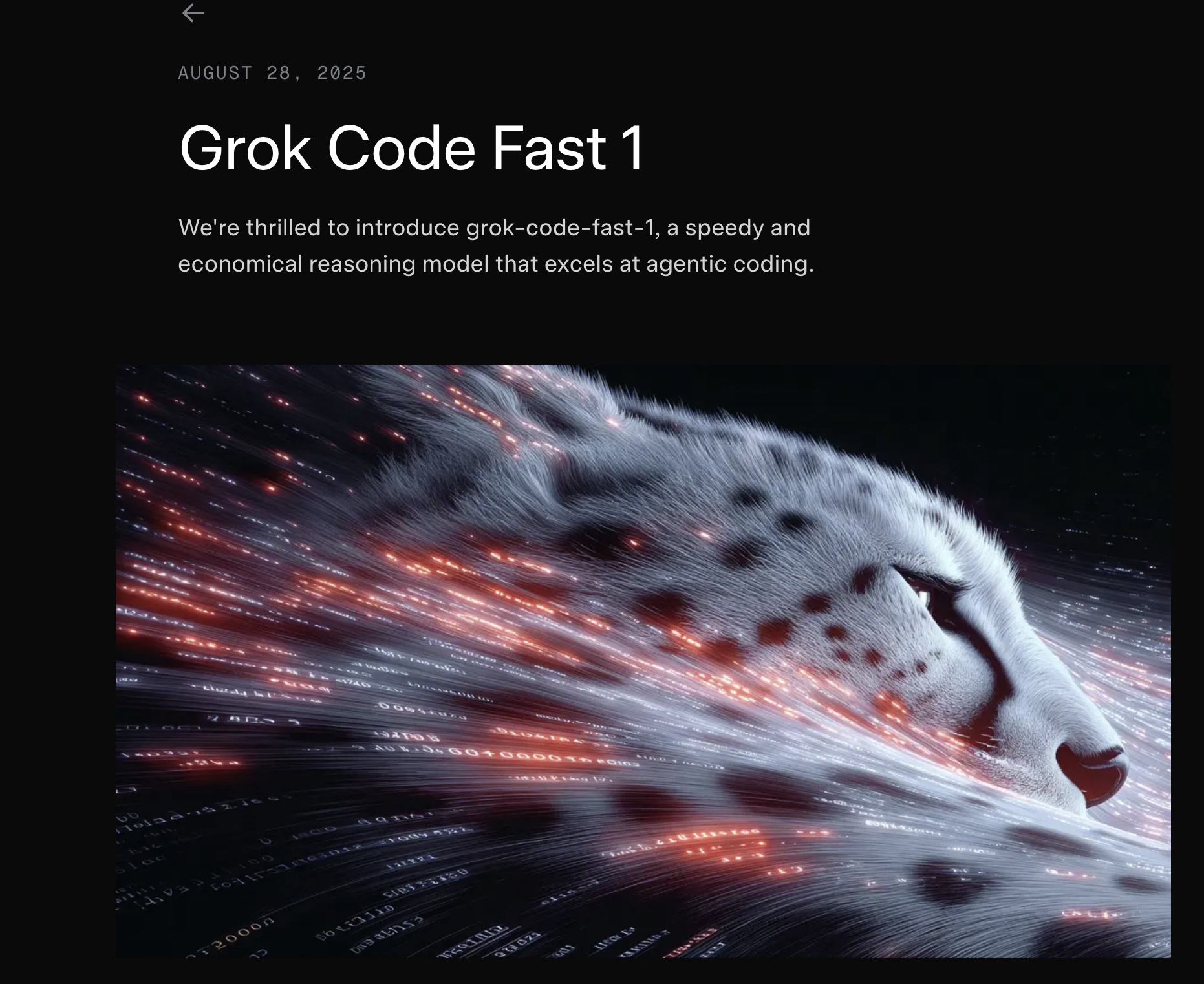
Grok Code Fast 1 - xAI’s new speedy, SOTA coding model

SWE-grep - Cognition's fast, agentic model specialized in highly parallel context retrieval

Get access to all our AI courses, hundreds of real-world AI use cases, live expert-led workshops, an exclusive network of AI early adopters, and more.
Get unlimited access to all of our current & upcoming industry-specific AI courses for the duration of your subscription.
To keep up with the rapid pace of AI, our team publishes AI implementation guides daily. Our library contains 300+ practical use cases to automate real-world work.
Join weekly, live, interactive sessions with industry leaders who are at the forefront of AI for hands-on implementation guidance and exclusive insights.
Network with an exclusive community of AI-first professionals who are working smarter with AI. Learn how early adopters are using AI in their work and businesses.