Multi-step software work
Delegate feature implementation, debugging, testing, and verification that spans source files, terminal commands, and a browser.
Independent tool overview
Google Antigravity is an agent-first platform for delegating coding and computer-based work across a desktop app, CLI, and IDE integrations.
Visit the official Antigravity site ↗
Overview
Google Antigravity began as an agentic development environment that could plan, edit code, run terminal commands, operate a browser, and verify its work. The current platform is broader: Antigravity 2.0 is a standalone desktop application for orchestrating agents, while Google also offers a CLI, IDE extensions, a dedicated IDE, and an SDK.
The product is built around tasks and reviewable Artifacts rather than a chat sidebar alone. Agents can create implementation plans, code diffs, diagrams, screenshots, and browser recordings, and users can leave feedback or require approval before work continues.
Antigravity is generally available for individuals on macOS, Windows, and Linux, with a free plan and higher quotas through Google AI subscriptions. Eligible organizations can access it through Gemini Enterprise with centralized governance, spend controls, and Google Cloud terms.
Use cases
The strongest fit depends on the job you need the product to complete, not the size of its feature list.
Delegate feature implementation, debugging, testing, and verification that spans source files, terminal commands, and a browser.
Run agents or subagents across multiple projects while reviewing their progress and deliverables from one task-oriented surface.
Let the browser agent exercise an interface and return screenshots or recordings that make its actions easier to inspect.
Use eligible Gemini Enterprise access when centralized identity, usage controls, audit logging, privacy terms, and governance are required.
Capabilities
A standalone, agent-first desktop app for synchronous conversations, asynchronous tasks, project management, and artifact review without requiring a built-in IDE.
Use the same agent from a terminal, the standalone Antigravity IDE, or official integrations for editors including Visual Studio Code, JetBrains products, Zed, Xcode, and Visual Studio.
Agents can work across projects and spawn specialized or general subagents that inherit the parent task's tool and permission boundaries.
Plans, diffs, diagrams, images, screenshots, and browser recordings summarize the work and provide concrete checkpoints for feedback or approval.
Agents can run commands, inspect applications, read web sources, automate browser actions, and record verification evidence.
MCP servers, skills, rules, plugins, hooks, sidecars, and the Python SDK can adapt Antigravity to a team's systems and development practices.
Schedule recurring agent messages and monitor or approve desktop sessions remotely through a browser.
Process
Step 1
Use Antigravity 2.0 for visual orchestration, the CLI for terminal-first work, or an IDE integration for agent assistance beside your editor.
Step 2
Give the agent only the folders, tools, websites, and credentials needed for the task, keeping default approval and workspace boundaries in place.
Step 3
Provide acceptance criteria, relevant commands, constraints, and expected evidence so the agent can plan and verify the full job.
Step 4
Inspect the implementation plan and approve sensitive terminal, browser, or file-system actions before allowing broader autonomy.
Step 5
Review diffs, screenshots, recordings, and test results, then leave targeted feedback or run an independent verification before merging or publishing.
Cost
Individuals can use Antigravity for free with basic weekly limits. Google AI Pro and Ultra subscriptions raise quotas, while eligible organizations can receive Antigravity through Gemini Enterprise or consumption-based Google Cloud access.
$0/month
Access the core Antigravity products without a subscription, subject to basic weekly agent limits.
$20/month
An individual plan with higher Antigravity limits for regular experimentation and development.
$100 or $200/month
Higher-capacity individual tiers intended for more frequent Antigravity use.
Google Cloud pricing
Eligible Gemini Enterprise customers can use Antigravity with organization-level administration and consumption controls.
Pricing checked . Check current pricing at the source ↗
Assessment
Compare
The right alternative depends on the specific output, workflow, controls and budget your project requires.
Coding
OpenAI's desktop agent workspace is a close alternative for running and reviewing multiple coding agents across projects.
Explore Codex App →Coding
A strong terminal-first coding agent for developers who prefer Anthropic's models and a mature command-line workflow.
Explore Claude Code →Coding
A popular AI code editor that is better suited to developers who want agent features tightly integrated with hands-on editing.
Explore Cursor →Questions
Google Antigravity is an agent platform for delegating multi-step computer and development work. Its current ecosystem includes the Antigravity 2.0 desktop app, a CLI, IDE integrations, a standalone IDE, and a Python SDK.
Yes. Google lists an individual plan at $0 per month with the core features and basic weekly agent limits. Google AI Pro and Ultra plans provide higher quotas, and eligible organizations can use Gemini Enterprise access.
Antigravity 2.0 is a standalone agent-first app with no built-in IDE, designed for orchestrating work across projects. The Antigravity IDE is a separate coding environment with editor features and an agent side panel. Google describes 2.0 as the future of the broader agent-management experience.
Yes. It supports parallel work across projects and subagents within a task. Subagents inherit the parent agent's configured tools and security permissions.
Yes. Its browser agent can open, read, and interact with Chrome, capture screenshots, and record actions for review. Google uses a separate browser profile and provides URL allowlists, denylists, and approval settings.
It includes project boundaries, command approvals, Strict Mode, browser controls, and optional terminal sandboxing, but no autonomous coding tool is risk-free. Keep permissions narrow, review plans and diffs, protect secrets, and independently test important changes.
Yes. Eligible Gemini Enterprise subscriptions include Antigravity access with Google Cloud terms, administrative controls, audit logging, data protections, and pooled usage. Availability depends on the subscription and rollout.
Bottom line
Google Antigravity has evolved from an experimental agentic IDE into a broad agent platform with unusually strong coverage across desktop, terminal, editor, and enterprise workflows. It is especially attractive to teams invested in Gemini and Google Cloud, but its power comes with operational risk: use project boundaries, approvals, sandboxing, and artifact review before granting agents wide access.
Visit Antigravity website ↗
Code Arena - LM Arena's evaluation platform for testing models in isolated environments
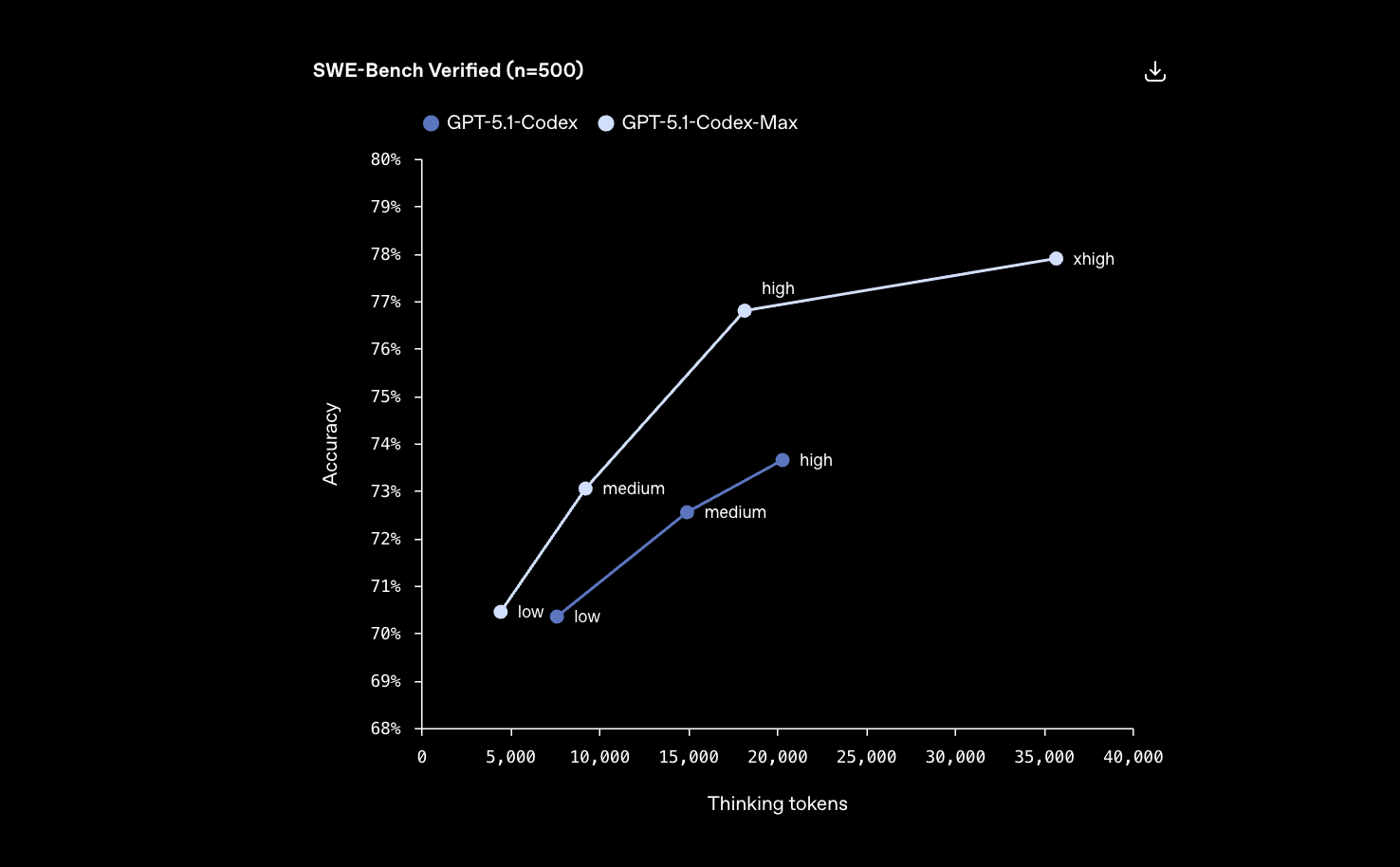
Codex Max - OpenAI's new frontier agentic coding model
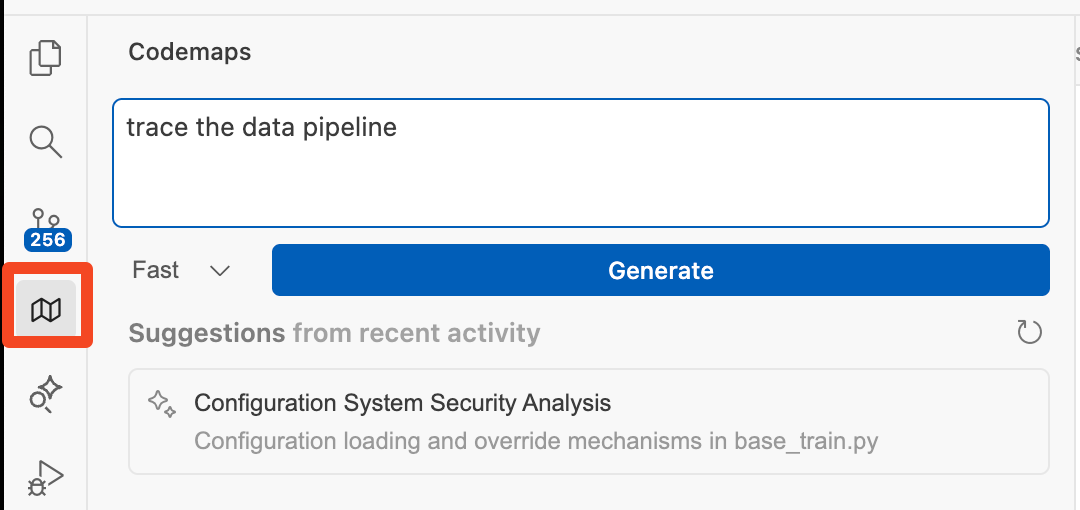
Codemaps - AI code mapping tool to help engineers quickly understand and navigate codebases
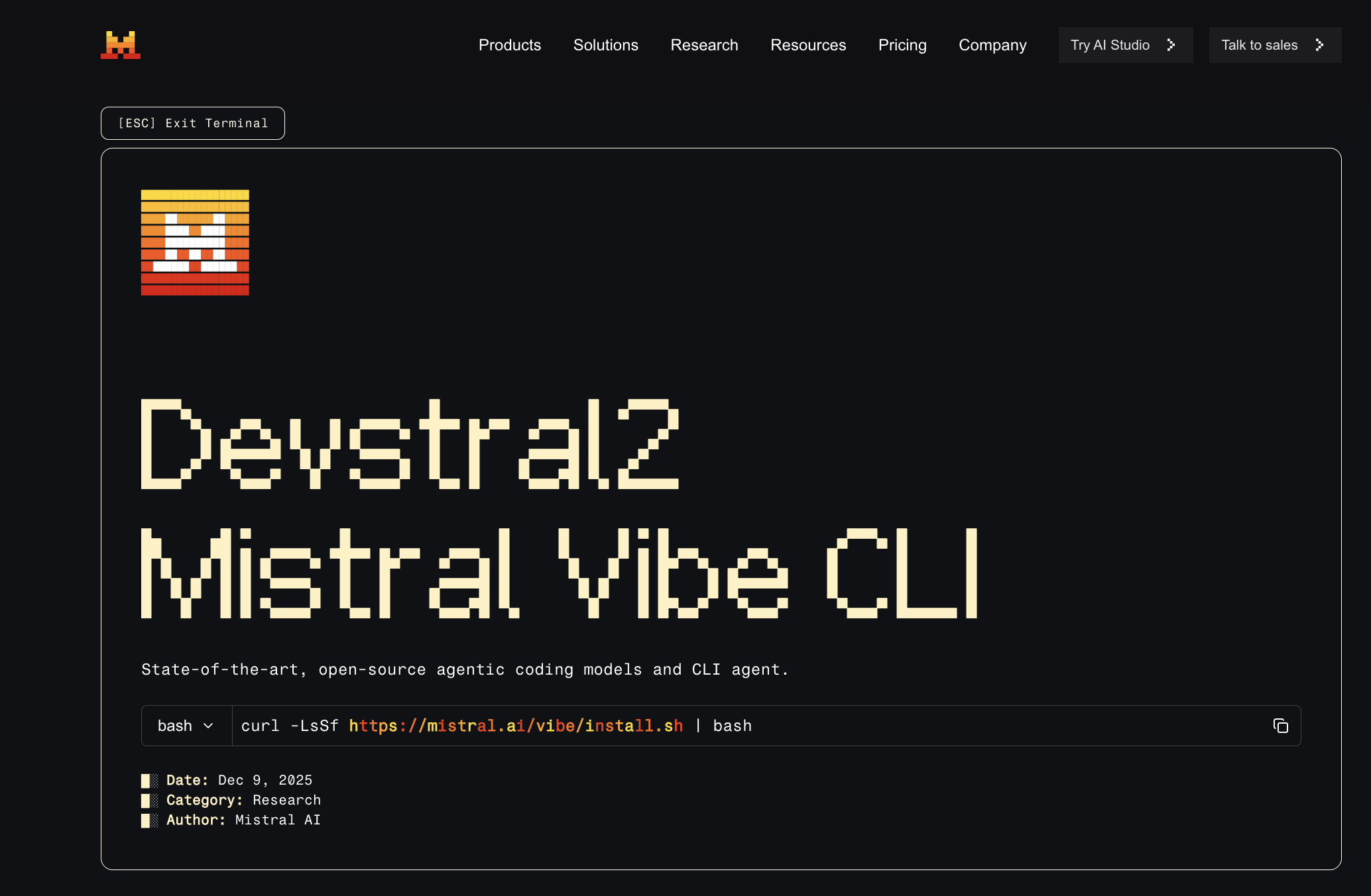
Mistral Vibe CLI - Mistral's new open-source CLI coding assistant powered by its Devstral models

Get access to all our AI courses, hundreds of real-world AI use cases, live expert-led workshops, an exclusive network of AI early adopters, and more.
Get unlimited access to all of our current & upcoming industry-specific AI courses for the duration of your subscription.
To keep up with the rapid pace of AI, our team publishes AI implementation guides daily. Our library contains 300+ practical use cases to automate real-world work.
Join weekly, live, interactive sessions with industry leaders who are at the forefront of AI for hands-on implementation guidance and exclusive insights.
Network with an exclusive community of AI-first professionals who are working smarter with AI. Learn how early adopters are using AI in their work and businesses.