Operations teams
Synchronize records and route approvals between the apps already used every day.
Independent tool overview
Visual automation platform for connecting apps, routing data, and building AI-assisted workflows.
Visit the official Make site ↗
Overview
Make organizes automations as visual scenarios. A scenario starts from a schedule or app event and runs connected modules that search, transform, branch, and write data across services. This makes it useful when a process spans several systems and the team needs to see each step and mapping rather than maintain integration code.
Its AI Agent tools can choose modules, existing scenarios, and MCP tools, while conventional scenarios remain deterministic. For production use, the practical work is defining the trigger, permissions, error path, and credit budget. The attractive canvas does not remove the need to inspect execution history and avoid duplicate writes.
Use cases
The strongest fit depends on the job you need the product to complete, not the size of its feature list.
Synchronize records and route approvals between the apps already used every day.
Move leads, forms, and campaign events through a repeatable enrichment and follow-up flow.
Combine no-code modules with branching, transformations, APIs, and agent tools when needed.
Capabilities
Connect triggers and actions on a canvas with field mapping, filters, routers, and scheduling controls.
The official pricing page lists more than 3,000 supported apps, with modules for common read and write operations.
Give an agent modules, scenarios, or MCP servers as tools so it can choose actions for a bounded task.
Define reusable subscenarios that can return structured results to a parent automation or agent.
Use logs, scheduling, and plan-specific controls to review failures and tune throughput.
Process
Step 1
Choose a clear trigger and one successful outcome, such as a new qualified form submission creating a CRM task.
Step 2
Authorize the relevant apps and map only needed fields into modules, filters, and branch routes.
Step 3
Run success, missing-field, duplicate, and permission-error examples; inspect each module’s input and output.
Step 4
Turn on the scenario, watch credit consumption and errors, and revise mappings when upstream schemas change.
Cost
Make meters most scenario module actions in credits; AI provider features can use more. Its live page shows Free at 1,000 credits per month and paid Core, Pro, Teams, and Enterprise plans.
$0/month
For learning and light scheduled scenarios.
From $12 / $21 per month at 10,000 credits
For active scenarios and faster execution controls.
Teams $38/month at 10,000 credits; Enterprise custom
Adds collaboration or negotiated scale.
Pricing checked . Check current pricing at the source ↗
Assessment
Compare
The right alternative depends on the specific output, workflow, controls and budget your project requires.
Business Operations
Choose for a broad library of simpler cross-app automations.
Explore Zapier →Business Operations
Choose when self-hosting and code-level control are priorities.
Explore n8n →Business Operations
Choose for an open-source automation core and alternative cloud credit model.
Explore Activepieces →Questions
It is an automated workflow of triggers and modules that move or transform information between applications.
Yes. Its Agent scenario can be given modules, subscenarios, and MCP servers as tools; access and use should be scoped to the job.
Yes. The official page lists 1,000 monthly credits and a 15-minute minimum interval for scheduled runs.
Count the modules that run per event, expected event volume, retries, and any AI actions, then compare that total with the monthly credit allowance.
Bottom line
Make suits teams whose operations cross many apps and whose builders want to understand the whole flow visually. Start with a bounded process, test retries and duplicate events, and size credits from actual module executions before moving a critical workflow.
Visit Make website ↗
Build and publish business agents with knowledge sources, connected tools and managed workflows in Microsoft Copilot Studio.
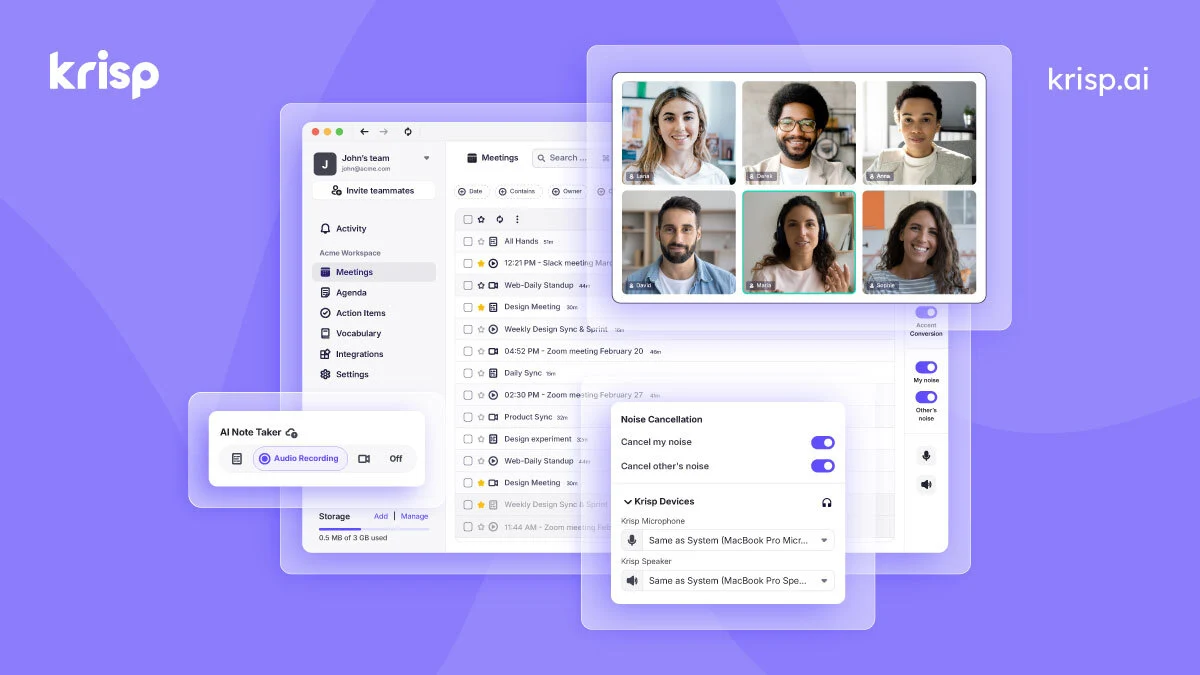
Improve meeting audio and capture transcripts, summaries and action items with Krisp’s desktop and meeting-assistant tools.
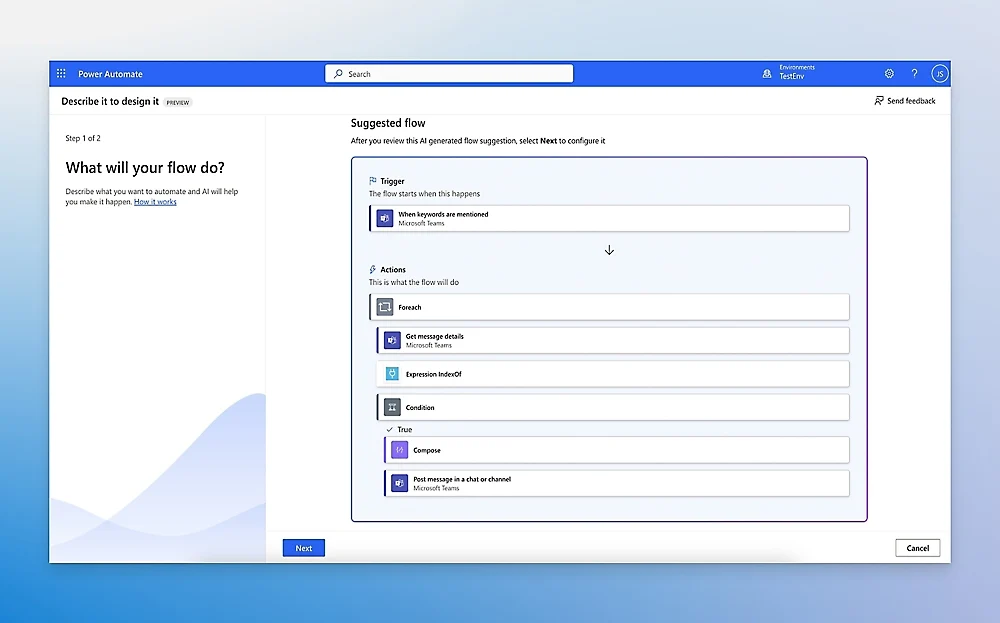
Microsoft cloud-flow and robotic-process automation platform.

Moonshot AI assistant for chat, web research, files, presentations, and agent tasks.

Get access to all our AI courses, hundreds of real-world AI use cases, live expert-led workshops, an exclusive network of AI early adopters, and more.
Get unlimited access to all of our current & upcoming industry-specific AI courses for the duration of your subscription.
To keep up with the rapid pace of AI, our team publishes AI implementation guides daily. Our library contains 300+ practical use cases to automate real-world work.
Join weekly, live, interactive sessions with industry leaders who are at the forefront of AI for hands-on implementation guidance and exclusive insights.
Network with an exclusive community of AI-first professionals who are working smarter with AI. Learn how early adopters are using AI in their work and businesses.