Operations teams
Create assistance for repeatable questions and tasks using approved business information.
Independent tool overview
Microsoft Copilot Studio is a graphical environment for creating agents that answer questions, use connected tools and carry out business workflows.
Visit the official Microsoft Copilot Studio site ↗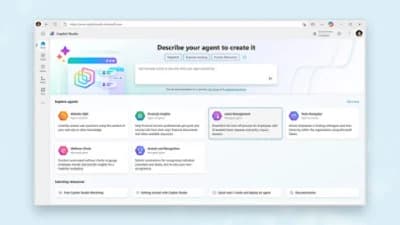
Overview
Copilot Studio helps teams combine organizational knowledge, conversational instructions and actions into an agent. It is suited to internal assistance and repeatable business processes, particularly where Microsoft identity, collaboration and data systems already form part of the operating environment.
An agent can retrieve information and perform actions through configured connections. Those capabilities depend on the permissions, authentication and channels chosen by the builder. A working answer in the test panel does not by itself confirm that a published agent can access the same information for every user.
Use cases
The strongest fit depends on the job you need the product to complete, not the size of its feature list.
Create assistance for repeatable questions and tasks using approved business information.
Evaluate agents within an existing identity and governance environment.
Combine conversational access with actions in connected business systems.
Capabilities
Connect relevant organizational sources so the agent can answer within the intended subject area.
Configure actions and connectors that let an agent do work beyond generating a reply.
Combine steps and decisions into a process that can be tested and maintained.
Make agents available through supported channels such as Microsoft collaboration tools and websites.
Choose how users sign in and what connected resources the agent can access.
Process
Step 1
Choose an audience, a knowledge scope and the specific actions the agent should perform.
Step 2
Add knowledge and tools with the permissions required for that job.
Step 3
Check wrong questions, missing data and action failures as well as successful conversations.
Step 4
Release to the intended channel, verify access as an end user and track credit consumption.
Cost
The standalone product offers prepaid Copilot Credit packs and pay-as-you-go billing. A pack contains 25,000 credits for $200 per month. Credit consumption depends on the action; a credit is not the same as a user message.
$200/month
Includes 25,000 Copilot Credits.
Metered consumption
Requires an Azure subscription.
License-dependent
Certain agent use is included under Microsoft 365 Copilot conditions.
Pricing checked . Check current pricing at the source ↗
Assessment
Compare
The right alternative depends on the specific output, workflow, controls and budget your project requires.
Business Operations
Consider Gumloop for visual AI workflows across business applications.
Explore Gumloop →Business Operations
Consider n8n for technical workflow automation and deployment flexibility.
Explore n8n →Agents
Consider Zapier Agents for agents built around the Zapier application ecosystem.
Explore Zapier Agents →Questions
No. Copilot Studio is used to build and manage agents; the consumer and workplace chat products are separate experiences.
Microsoft says the trial supports building and testing but does not allow publishing.
No. Actions consume different quantities of Copilot Credits, so estimate the actual workflow.
Saved draft changes need to be published before the published agent uses them.
Bottom line
Copilot Studio belongs on the shortlist for teams that need governed agents connected to Microsoft and other business systems. Pilot a real workflow and measure permissions, answer quality and credit use before expanding.
Visit Microsoft Copilot Studio website ↗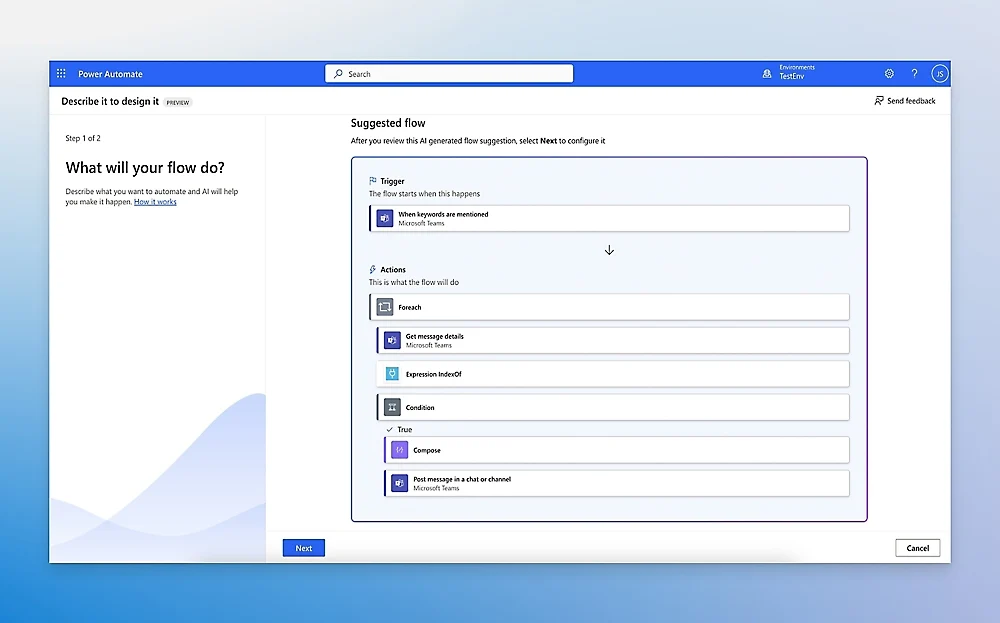
Microsoft cloud-flow and robotic-process automation platform.
Visual automation platform for connecting apps, routing data, and building AI-assisted workflows.

Alibaba’s Qwen Chat assistant for conversational reasoning, retrieval, and multimodal tasks.
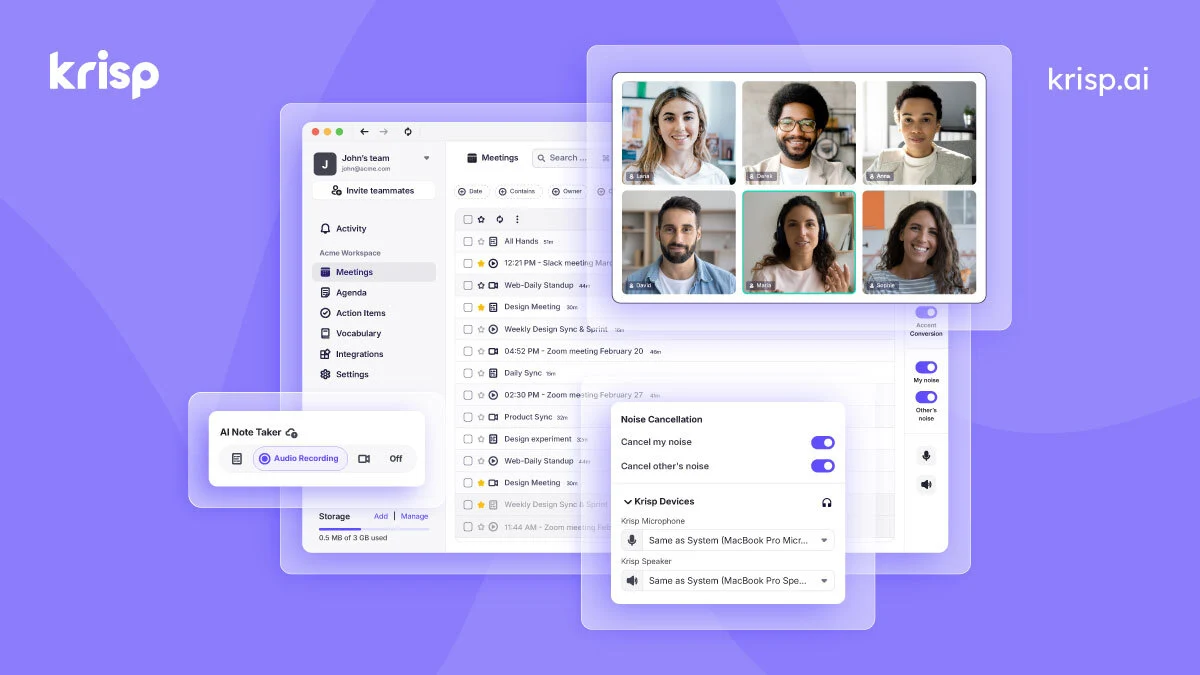
Improve meeting audio and capture transcripts, summaries and action items with Krisp’s desktop and meeting-assistant tools.

Get access to all our AI courses, hundreds of real-world AI use cases, live expert-led workshops, an exclusive network of AI early adopters, and more.
Get unlimited access to all of our current & upcoming industry-specific AI courses for the duration of your subscription.
To keep up with the rapid pace of AI, our team publishes AI implementation guides daily. Our library contains 300+ practical use cases to automate real-world work.
Join weekly, live, interactive sessions with industry leaders who are at the forefront of AI for hands-on implementation guidance and exclusive insights.
Network with an exclusive community of AI-first professionals who are working smarter with AI. Learn how early adopters are using AI in their work and businesses.