Microsoft 365 teams
Organizations that want AI assistance inside Word, Excel, PowerPoint, Outlook, Teams and other Microsoft workflows.
Independent tool overview
Microsoft Copilot is Microsoft's family of AI assistants for web chat and work inside Microsoft 365 apps, with business plans that ground responses in organizational data and permissions.
Visit the official Microsoft Copilot site ↗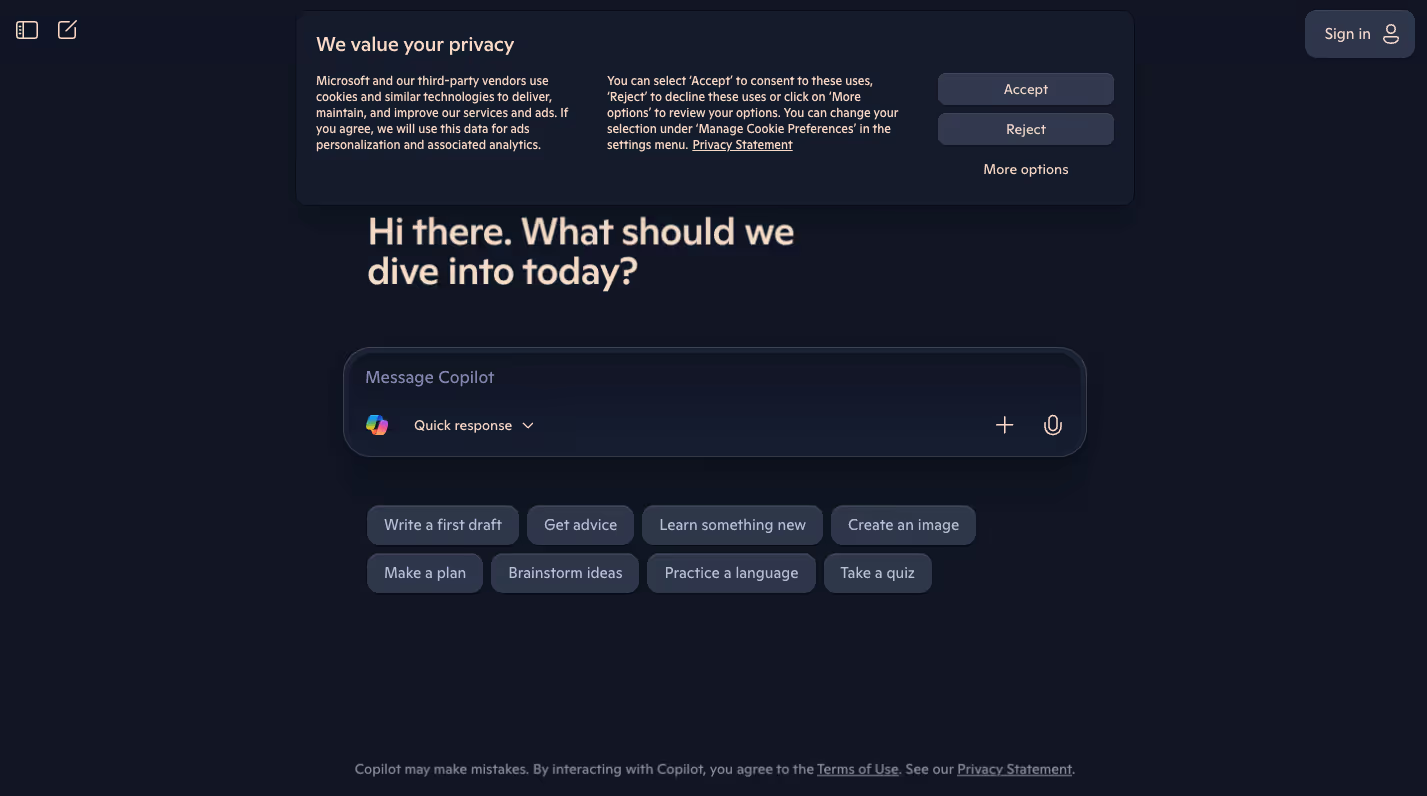
Overview
Microsoft Copilot is Microsoft's family of AI assistants for web chat and work inside Microsoft 365 apps, with business plans that ground responses in organizational data and permissions.
The name covers more than one product: consumer Copilot, Copilot Chat for eligible work accounts, and paid Microsoft 365 Copilot subscriptions. Buyers should identify which version they need because included data access, agents, governance and licensing requirements differ substantially.
Use cases
The strongest fit depends on the job you need the product to complete, not the size of its feature list.
Organizations that want AI assistance inside Word, Excel, PowerPoint, Outlook, Teams and other Microsoft workflows.
Employees who need responses grounded in permitted work content and managed through existing Microsoft identity controls.
Individuals using the consumer Copilot experience for web questions, drafting, images and everyday assistance.
Capabilities
Brings drafting, summarization and analysis into familiar productivity applications on eligible plans.
Can use organizational context subject to the user's permissions and the capabilities of the licensed product.
Supports task-specific assistants and agent experiences within Microsoft's business ecosystem.
Offers a general Copilot experience outside a paid Microsoft 365 business license.
Paid business offerings integrate with Microsoft identity, administration, compliance and security capabilities.
Process
Step 1
Determine whether the task needs consumer Copilot, included Copilot Chat or a paid Microsoft 365 Copilot license.
Step 2
Use Copilot in the relevant Microsoft app and confirm that the user has permission to the files, messages or meetings involved.
Step 3
Verify summaries, calculations, citations and generated content before sending or changing business records.
Cost
Consumer and eligible business chat access can be free or included, while Microsoft 365 Copilot Business is sold per user and requires a qualifying Microsoft 365 plan. Promotions can change, so use the official calculator before purchase.
Free access available
General-purpose Copilot experiences for individuals.
Included for eligible accounts
Secure work chat with capabilities determined by the account and license.
From $21/user/month
Paid work assistant integrated across Microsoft 365 for organizations up to the stated seat limit.
Pricing checked . Check current pricing at the source ↗
Assessment
Compare
The right alternative depends on the specific output, workflow, controls and budget your project requires.
Business Operations
Choose ChatGPT for a broad standalone assistant with its own projects, tools and individual subscription options.
Explore ChatGPT →Project Management
Choose Claude for long-document analysis and a standalone conversational workspace outside Microsoft 365.
Explore Claude →Project Management
Choose Notion AI when the team's source of truth already lives in Notion pages and databases.
Explore Notion AI →Questions
Microsoft Copilot is Microsoft's family of AI assistants for web chat and work inside Microsoft 365 apps, with business plans that ground responses in organizational data and permissions.
Consumer and eligible business chat access can be free or included, while Microsoft 365 Copilot Business is sold per user and requires a qualifying Microsoft 365 plan. Promotions can change, so use the official calculator before purchase.
Microsoft Copilot is best suited to organizations already working in microsoft 365.
Copilot branding spans several products, making features and pricing easy to confuse.
Use the official product and pricing links in the sources below. Pricing and product availability can change after this page's 2026-08-28 review date.
Bottom line
Microsoft Copilot is easiest to justify when a team already relies on Microsoft 365 and can benefit from in-app context and governance. Individuals or mixed-tool organizations should compare standalone assistants before adding another per-seat license.
Visit Microsoft Copilot website ↗
Shopify SimGym - Simulate buyer behavior with AI shoppers and gain the confidence of high traffic brands before launch.

Mistral OCR 3 - Mistral's new SOTA AI model for extracting text and images from documents

HunyuanOCR - Tencent's SOTA open-source visual understanding model
DeepSeek OCR 2 - DeepSeek's upgraded model for reading and extracting text from documents that tops benchmarks while being much more efficient with tokens.

Get access to all our AI courses, hundreds of real-world AI use cases, live expert-led workshops, an exclusive network of AI early adopters, and more.
Get unlimited access to all of our current & upcoming industry-specific AI courses for the duration of your subscription.
To keep up with the rapid pace of AI, our team publishes AI implementation guides daily. Our library contains 300+ practical use cases to automate real-world work.
Join weekly, live, interactive sessions with industry leaders who are at the forefront of AI for hands-on implementation guidance and exclusive insights.
Network with an exclusive community of AI-first professionals who are working smarter with AI. Learn how early adopters are using AI in their work and businesses.