Knowledge workers
Read long files and turn a research question into a working brief or presentation.
Independent tool overview
Moonshot AI assistant for chat, web research, files, presentations, and agent tasks.
Visit the official Kimi site ↗
Overview
Kimi is Moonshot’s consumer and work assistant at Kimi.com and in its app. It combines conversational questions with web search, thinking modes, file reading, research, and production of documents or slides. The product is a service that uses Kimi models; individual K2 and K3 model releases are separate entries.
The official help center describes a General Agent that plans and executes tasks including websites, presentations, research, documents, and spreadsheets. Its model switch and membership credits change what is available. A buyer should check the model, task mode, file limits, and credit cost in the account before depending on a long project.
Use cases
The strongest fit depends on the job you need the product to complete, not the size of its feature list.
Read long files and turn a research question into a working brief or presentation.
Ask follow-up questions on source materials and compare web findings.
Try delegated document, slide, or website tasks in a single assistant interface.
Capabilities
The help center lists K2.6, K3, and K3 Swarm choices for different chat and agent demands.
Kimi can decide when to search the web for current context and present traceable results.
Upload PDFs, Word, Excel, PPT, images, text, and supported videos for questions or transformation.
Delegates multi-step tasks such as website building, Deep Research, spreadsheet processing, and slide creation.
Kimi PPT can take several input formats and export an editable PPT file.
Process
Step 1
Use basic chat for a question or an Agent/Deep Research/PPT entry point for a longer deliverable.
Step 2
Upload only the needed files, define the audience and desired output, and state what sources should be trusted.
Step 3
Check citations, calculations, slide claims, and any generated artifacts against original documents.
Step 4
Review membership credits and file limits before repeating large or parallel tasks.
Cost
Kimi offers credit-based memberships. The official help center lists Andante, Moderato, Allegretto, and Allegro in yuan; local checkout price and free entitlements can vary, so the account billing page is the final source for a specific region.
Account access; current free allowance varies
Use basic assistant functions subject to account limits.
Andante ¥49, Moderato ¥99, Allegretto ¥199, Allegro ¥699/month
Increasing agent-credit pools and parallel capability.
Pricing checked . Check current pricing at the source ↗
Assessment
Compare
The right alternative depends on the specific output, workflow, controls and budget your project requires.
Business Operations
Choose for a broad general-purpose assistant and tool ecosystem.
Explore ChatGPT →Project Management
Choose for document-oriented chat and long-form drafting.
Explore Claude →Data Analysis
Choose when citation-led web research is the main activity.
Explore Perplexity →Questions
This listing covers the Kimi assistant. K2 and K3 are models used through Kimi and other access channels.
Yes. Its help center lists PDF, Office files, images, text, and supported video, subject to file-count and size limits.
Yes. Kimi PPT accepts prompts and source files and can export an editable PowerPoint draft.
Several products draw from a shared credit pool; inspect the account usage detail for the task and model you use.
Bottom line
Kimi is worth trying when one assistant must move from questions to research, file analysis, and editable outputs. Keep the original sources close and verify credit consumption in the account before committing a team workflow.
Visit Kimi website ↗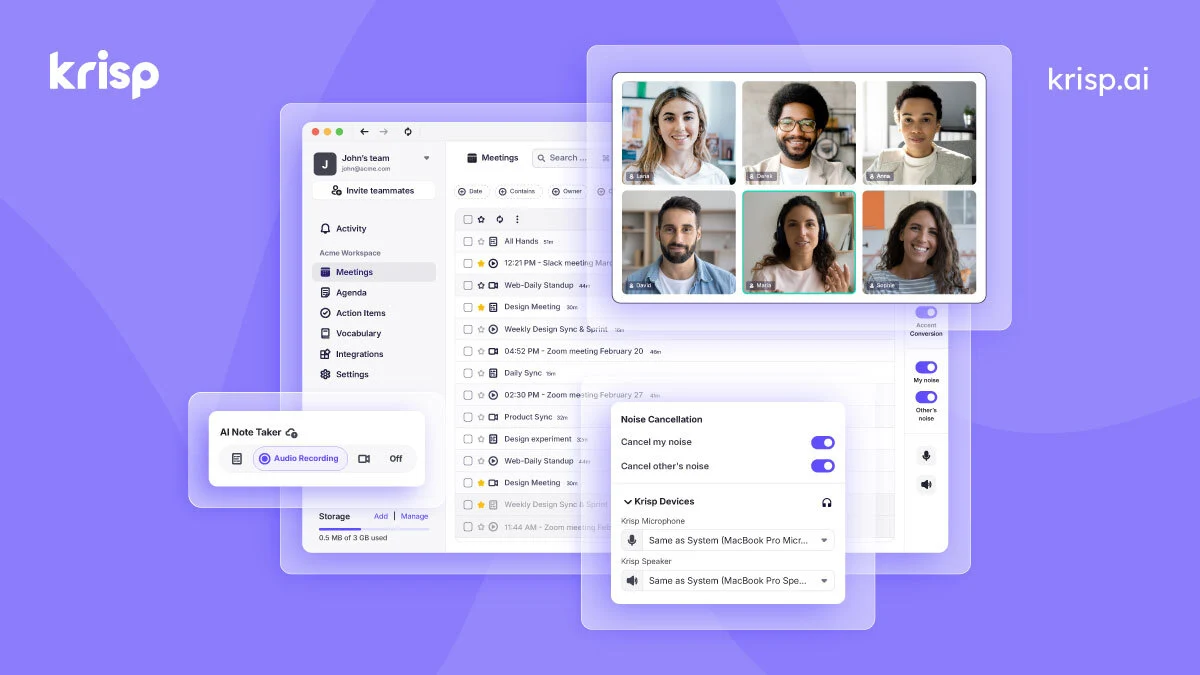
Improve meeting audio and capture transcripts, summaries and action items with Krisp’s desktop and meeting-assistant tools.
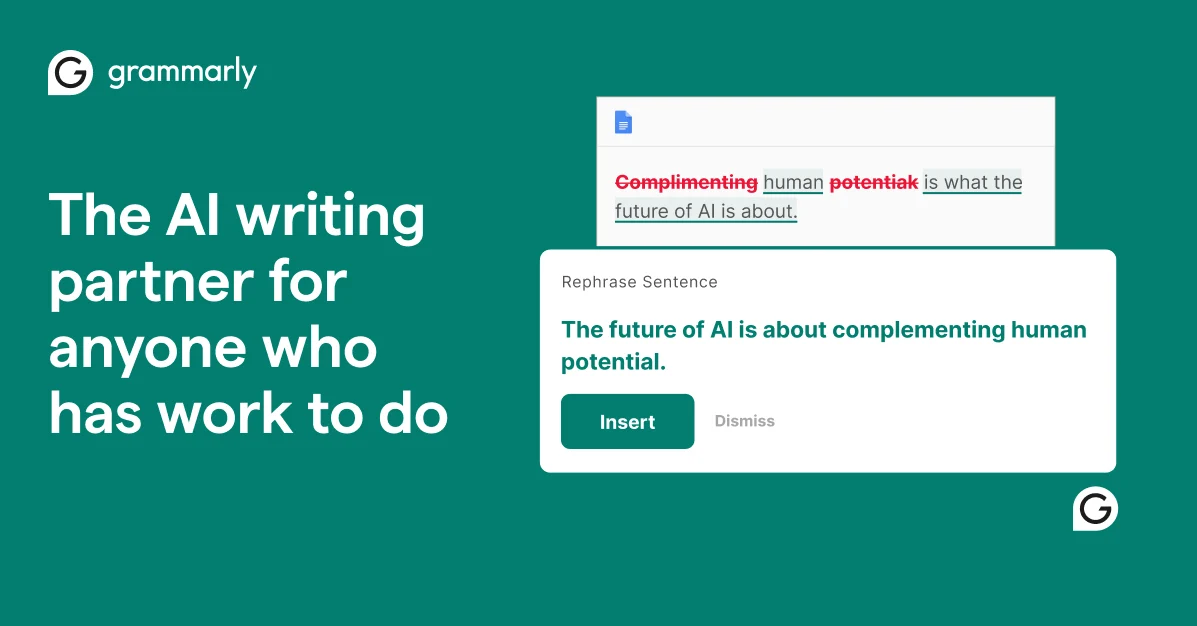
Writing assistance for spelling, clarity, tone and AI rewrites across apps.

Visual automation platform for connecting apps, routing data, and building AI-assisted workflows.

Enterprise search, assistant, and agents grounded in connected workplace knowledge.

Get access to all our AI courses, hundreds of real-world AI use cases, live expert-led workshops, an exclusive network of AI early adopters, and more.
Get unlimited access to all of our current & upcoming industry-specific AI courses for the duration of your subscription.
To keep up with the rapid pace of AI, our team publishes AI implementation guides daily. Our library contains 300+ practical use cases to automate real-world work.
Join weekly, live, interactive sessions with industry leaders who are at the forefront of AI for hands-on implementation guidance and exclusive insights.
Network with an exclusive community of AI-first professionals who are working smarter with AI. Learn how early adopters are using AI in their work and businesses.