Apple-based presenters
Useful for teams that want polished slide design and presentation controls across Apple devices.
Independent tool overview
Keynote is Apple's presentation application for creating, animating, collaborating on, and delivering slide decks. It is not a dedicated generative AI product, but it is a practical production layer for AI-generated outlines, copy, charts, images, and speaker notes.
Visit the official Keynote site ↗
Overview
Presentation assistants can produce a useful first draft, but the final deck still needs layout, hierarchy, source checking, brand treatment, animation, and rehearsal. Keynote provides those deterministic controls across Mac, iPad, iPhone, and iCloud-supported browser workflows.
The relationship to AI is supporting rather than native. Users must supply the model or generated assets, and they remain responsible for evidence, permissions, accessibility, and whether the deck exports correctly for its audience.
Use cases
The strongest fit depends on the job you need the product to complete, not the size of its feature list.
Useful for teams that want polished slide design and presentation controls across Apple devices.
Fits workflows where an assistant creates an outline or draft and a human completes the visual narrative.
Capabilities
Starts from themes and supports text, images, charts, shapes, audio, and video.
Adds object animation, transitions, narration, and presenter controls.
Supports shared editing and Keynote for iCloud browser workflows.
Process
Step 1
Use verified research and AI assistance to draft an audience-specific outline and evidence list.
Step 2
Build slides in Keynote, replacing generic output with clear hierarchy, charts, media, and citations.
Step 3
Check accessibility, timing, presenter notes, fonts, and exported playback on the target setup.
Cost
Keynote access is tied to Apple's current app and device distribution; no separate reliable numeric price was present in the reviewed support pages.
See current Apple distribution terms
Keynote access is tied to Apple's current app and device distribution; no separate reliable numeric price was present in the reviewed support pages.
Pricing checked . Check current pricing at the source ↗
Assessment
Compare
The right alternative depends on the specific output, workflow, controls and budget your project requires.
Design
Adobe Firefly is an enriched alternative for direct generative image and media creation.
Explore Adobe Firefly →Design
Canva AI is an enriched alternative for faster, template-led visual production.
Explore Canva AI →Questions
No. Keynote is a presentation production tool, included because it is a common place to refine and deliver AI-generated presentation material.
Use AI for research and drafting, then use Keynote to build the visual hierarchy, verify evidence, rehearse, and export.
Keynote access is tied to Apple's current app and device distribution; no separate reliable numeric price was present in the reviewed support pages.
Bottom line
Keynote is a relevant supporting tool for AI-assisted presentations on Apple platforms. Users wanting prompt-to-deck generation should pair it with or choose a dedicated AI presentation product.
Visit Keynote website ↗
Open-source local-first AI design tool that turns interface references into editable design systems and implementation-ready assets.
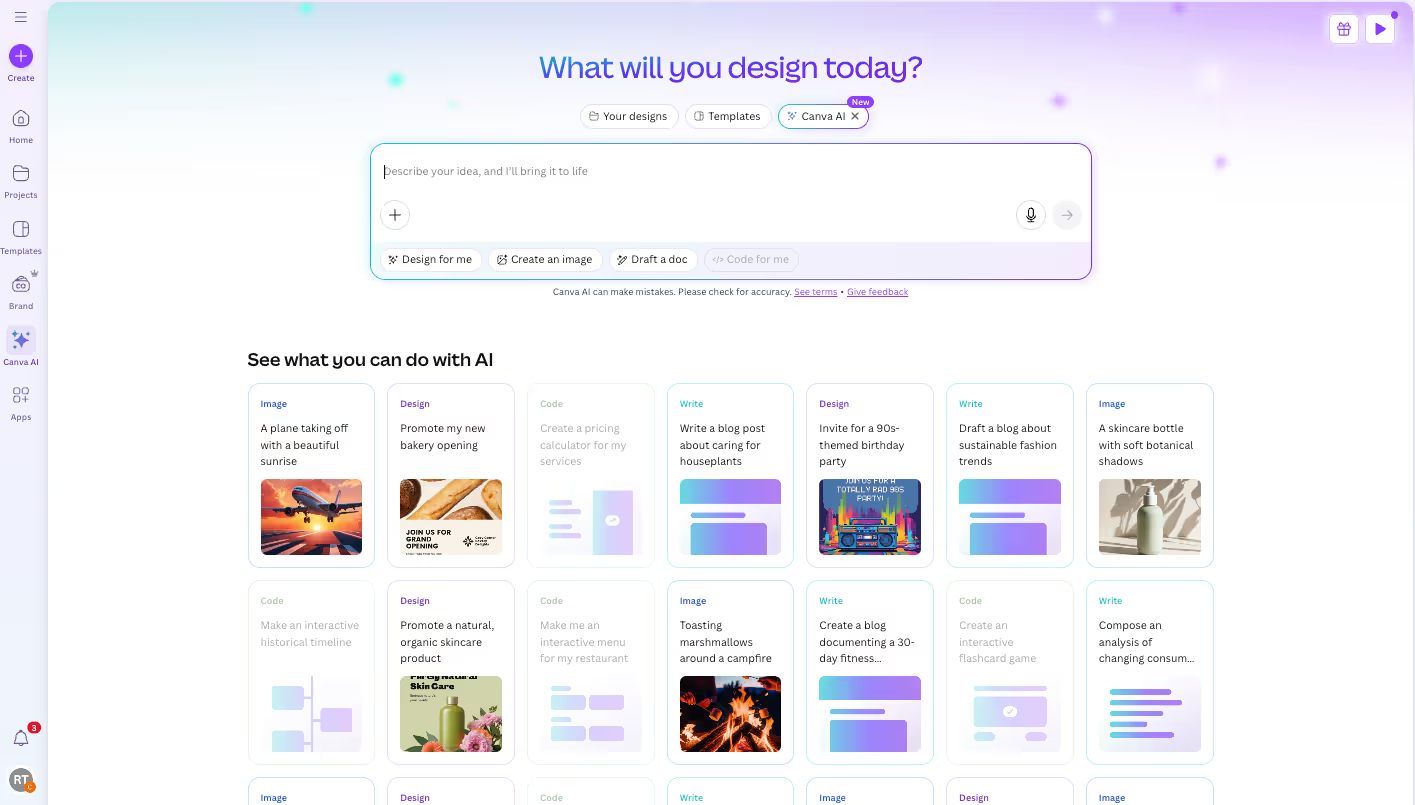
Turn flat images into editable Canva designs with separate text, object, and background layers.

Adobe image editor with Firefly-powered generation, partner models, and AI-assisted selection, retouching, and compositing.

Connect an MCP-compatible AI client to Blender's Python API for natural-language scene exploration and editing.

Get access to all our AI courses, hundreds of real-world AI use cases, live expert-led workshops, an exclusive network of AI early adopters, and more.
Get unlimited access to all of our current & upcoming industry-specific AI courses for the duration of your subscription.
To keep up with the rapid pace of AI, our team publishes AI implementation guides daily. Our library contains 300+ practical use cases to automate real-world work.
Join weekly, live, interactive sessions with industry leaders who are at the forefront of AI for hands-on implementation guidance and exclusive insights.
Network with an exclusive community of AI-first professionals who are working smarter with AI. Learn how early adopters are using AI in their work and businesses.