Marketing asset reuse
Teams adapting a flat campaign image into new sizes, colors, text, and formats.
Independent tool overview
Canva Magic Layers uses Canva's Design Model to decompose a flat JPG or PNG into editable text, objects, and background layers inside the Canva editor.
Visit the official Canva Magic Layers site ↗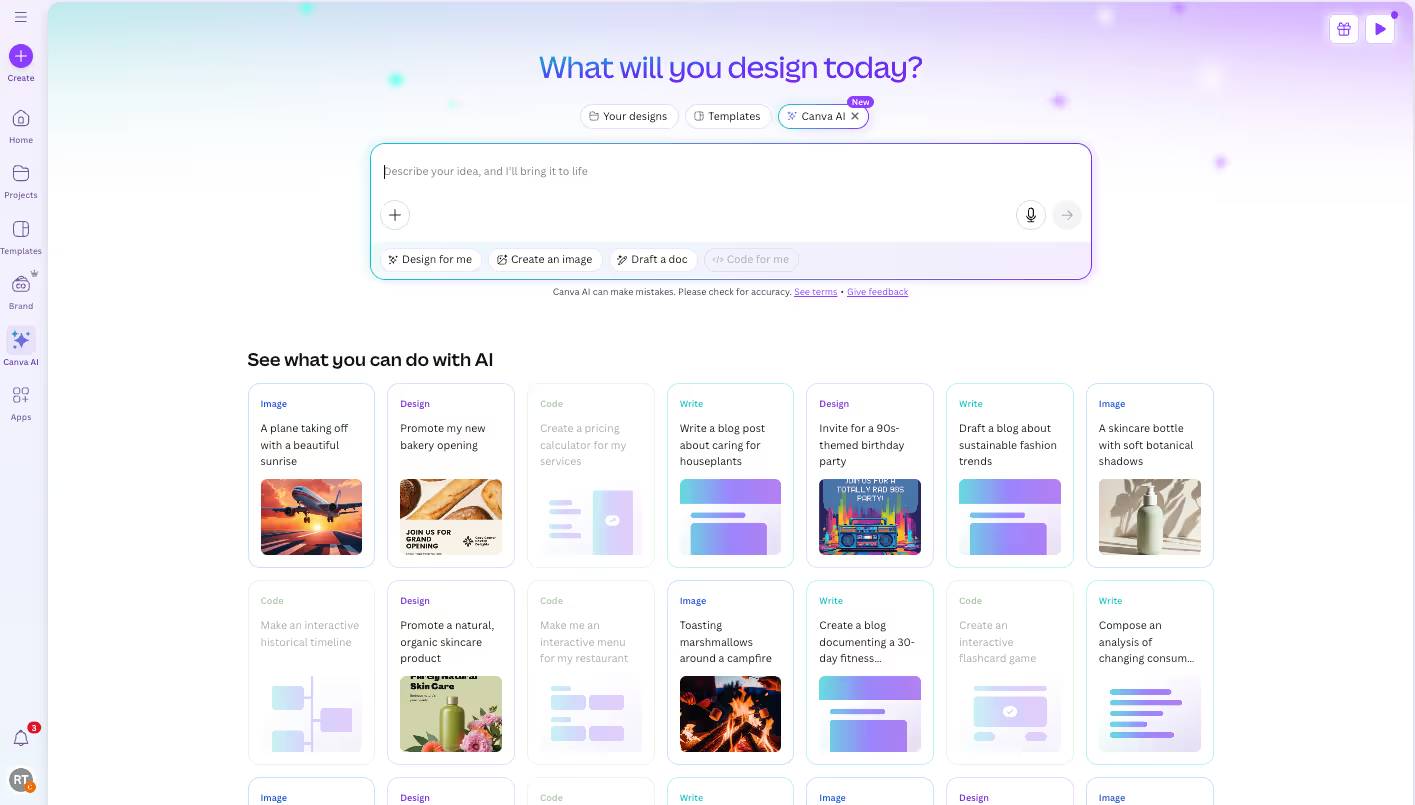
Overview
Magic Layers addresses the gap between generating a finished-looking image and editing its individual parts. It interprets the whole composition, restores editable text where possible, separates visual elements, and preserves the layout as a Canva design.
The feature works best on graphic designs, illustrations, and stylized visuals. Canva documents limits for photorealistic images, file types, dimensions, licensed images, and multi-page documents, so it is not a universal substitute for original layered source files.
Use cases
The strongest fit depends on the job you need the product to complete, not the size of its feature list.
Teams adapting a flat campaign image into new sizes, colors, text, and formats.
Creators who want to edit generated text and objects instead of repeatedly prompting for a new image.
Capabilities
Identifies foreground objects and rebuilds them as individually selectable elements.
Attempts to restore image text as live text boxes for direct editing.
Keeps the original composition while allowing elements to be moved, resized, replaced, or deleted.
Process
Step 1
Upload or select a supported single-page JPG or PNG in Canva.
Step 2
Process the image from the homepage or editor and inspect the generated layers.
Step 3
Correct text and separation errors, edit the composition, and export or share the final design.
Cost
Canva does not publish a standalone Magic Layers price in the reviewed official pages. Access uses Canva's product plans and AI credits, and availability or limits can vary by account and rollout.
No separate price verified
Canva does not publish a standalone Magic Layers price in the reviewed official pages. Access uses Canva's product plans and AI credits, and availability or limits can vary by account and rollout.
Pricing checked . Check current pricing at the source ↗
Assessment
Compare
The right alternative depends on the specific output, workflow, controls and budget your project requires.
Design
Choose Canva AI for the broader creative suite that contains design-generation and editing tools.
Explore Canva AI →Project Management
Choose Claude when the workflow starts with analysis or document creation rather than a design editor.
Explore Claude →Questions
Canva Magic Layers uses Canva's Design Model to decompose a flat JPG or PNG into editable text, objects, and background layers inside the Canva editor.
Teams adapting a flat campaign image into new sizes, colors, text, and formats. Creators who want to edit generated text and objects instead of repeatedly prompting for a new image.
Canva does not publish a standalone Magic Layers price in the reviewed official pages. Access uses Canva's product plans and AI credits, and availability or limits can vary by account and rollout.
Bottom line
Magic Layers is worth a separate listing because it solves a specific, recurring post-generation problem. It is strongest on clean graphic assets, while demanding images still require manual cleanup or the original source file.
Visit Canva Magic Layers website ↗
Apple presentation application used to refine and deliver AI-generated outlines, copy, charts, images, and speaker material.

Connect an MCP-compatible AI client to Blender's Python API for natural-language scene exploration and editing.
Open-source local-first AI design tool that turns interface references into editable design systems and implementation-ready assets.

Free, open-source 3D creation suite used to build and refine assets around generative 3D, image, and video workflows.

Get access to all our AI courses, hundreds of real-world AI use cases, live expert-led workshops, an exclusive network of AI early adopters, and more.
Get unlimited access to all of our current & upcoming industry-specific AI courses for the duration of your subscription.
To keep up with the rapid pace of AI, our team publishes AI implementation guides daily. Our library contains 300+ practical use cases to automate real-world work.
Join weekly, live, interactive sessions with industry leaders who are at the forefront of AI for hands-on implementation guidance and exclusive insights.
Network with an exclusive community of AI-first professionals who are working smarter with AI. Learn how early adopters are using AI in their work and businesses.