Professional image editors
Useful for creators who need generative speed plus layer-level control and established retouching tools.
Independent tool overview
Adobe Photoshop combines professional image editing with native generative and assistive AI features. Adobe's current materials describe Firefly-powered tools and supported partner models for creating, extending, selecting, retouching, and compositing images.
Visit the official Photoshop site ↗
Overview
Photoshop's advantage is editable control after generation. A user can create or replace content, then work with layers, masks, selections, color, typography, and retouching instead of accepting a flattened model output.
Model choice, generative credits, commercial terms, content credentials, and availability can vary. Teams still need to review artifacts, likeness, trademarks, licensing, accessibility, and brand standards before publishing.
Use cases
The strongest fit depends on the job you need the product to complete, not the size of its feature list.
Useful for creators who need generative speed plus layer-level control and established retouching tools.
Fits campaign assets that require resizing, variations, compositing, and brand review across channels.
Capabilities
Creates, replaces, or extends image content through prompt-driven tools.
Speeds subject isolation, background work, retouching, and other repetitive editing tasks.
Generated results can be refined with masks, layers, typography, color, and compositing tools.
Process
Step 1
Choose an owned or licensed image and define the required edit, output size, and usage.
Step 2
Apply the smallest AI operation that solves the task and keep editable layers where possible.
Step 3
Zoom in for artifacts, verify identity and rights, check brand and accessibility, then export the required formats.
Cost
Photoshop is sold through Adobe plans; generative credits, partner-model access, and customer-type pricing can vary.
See Adobe's current plan pricing
Photoshop is sold through Adobe plans; generative credits, partner-model access, and customer-type pricing can vary.
Pricing checked . Check current pricing at the source ↗
Assessment
Compare
The right alternative depends on the specific output, workflow, controls and budget your project requires.
Design
Adobe Firefly is an enriched alternative for direct generative image and media creation.
Explore Adobe Firefly →Design
Canva AI is an enriched alternative for faster, template-led visual production.
Explore Canva AI →Questions
Yes. Photoshop includes native AI-powered creation and editing tools, many powered by Adobe Firefly and selected partner models.
Use AI for a specific creation or editing step, preserve editable layers, then inspect the image carefully before delivery.
Photoshop is sold through Adobe plans; generative credits, partner-model access, and customer-type pricing can vary.
Bottom line
Photoshop is a leading choice when AI generation must remain editable and production-ready. Simpler generators may be faster for low-control ideation.
Visit Photoshop website ↗
Website publishing platform with an AI agent that can build and help manage WordPress.com sites.
Open-source local-first AI design tool that turns interface references into editable design systems and implementation-ready assets.
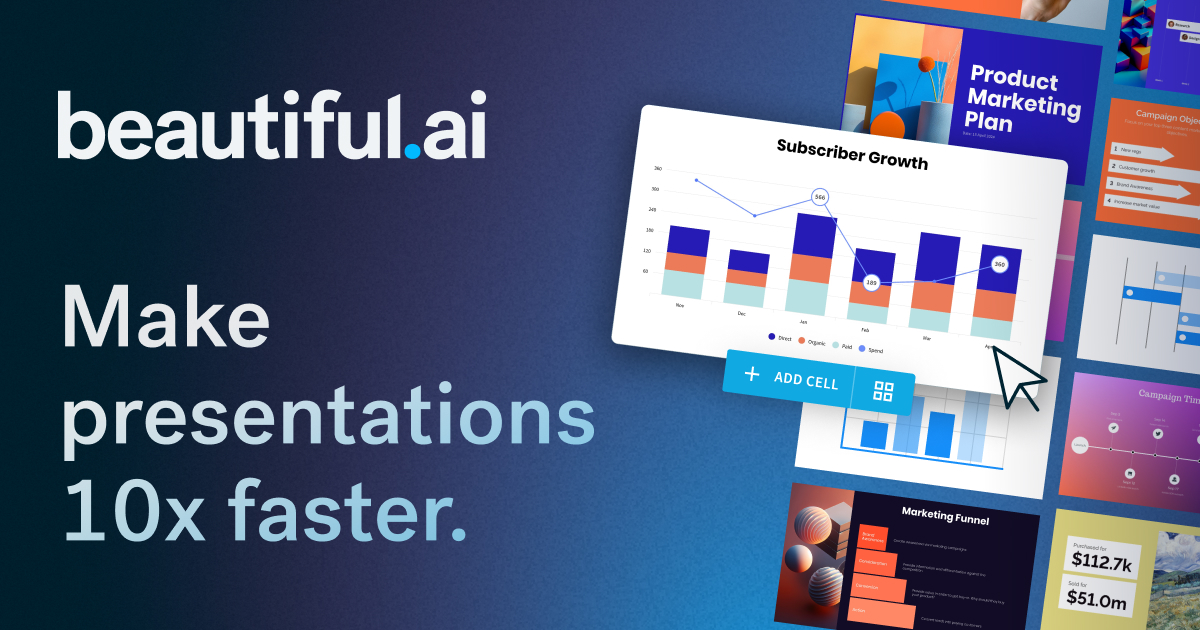
AI presentation builder with responsive Smart Slide layouts.

Apple presentation application used to refine and deliver AI-generated outlines, copy, charts, images, and speaker material.

Get access to all our AI courses, hundreds of real-world AI use cases, live expert-led workshops, an exclusive network of AI early adopters, and more.
Get unlimited access to all of our current & upcoming industry-specific AI courses for the duration of your subscription.
To keep up with the rapid pace of AI, our team publishes AI implementation guides daily. Our library contains 300+ practical use cases to automate real-world work.
Join weekly, live, interactive sessions with industry leaders who are at the forefront of AI for hands-on implementation guidance and exclusive insights.
Network with an exclusive community of AI-first professionals who are working smarter with AI. Learn how early adopters are using AI in their work and businesses.