3D workflow exploration
Blender users who want a natural-language interface for understanding or manipulating scenes.
Independent tool overview
Blender MCP is an official Blender Lab project that connects MCP-compatible AI clients to Blender through an add-on and standalone server.
Visit the official Blender MCP site ↗
Overview
The integration gives a language model access to Blender's Python API so users can inspect scenes, explore complex setups, and perform supported operations through natural-language requests. It requires Blender, an add-on, an MCP client, and the server itself.
Blender explicitly warns that the server executes model-generated code without guards protecting against file deletion or data exfiltration. It should be evaluated in a virtual machine or environment without sensitive data, especially before using an internet-connected model client.
Use cases
The strongest fit depends on the job you need the product to complete, not the size of its feature list.
Blender users who want a natural-language interface for understanding or manipulating scenes.
Developers experimenting with agent-driven Blender operations in an isolated environment.
Capabilities
Connects model requests to Blender's bpy API through the integration.
Works with compatible LLM clients through a standard MCP server.
Uses a Blender Lab add-on and release packaging rather than an undocumented browser workaround.
Process
Step 1
Use a virtual machine or non-sensitive system as Blender recommends.
Step 2
Install Blender 5.1+, the add-on, an MCP client, and the MCP server package.
Step 3
Start the server, connect the client, and review every generated operation and scene change.
Cost
Blender MCP is presented as an open-source Blender Lab integration with no separate product price. Users still need Blender-compatible hardware and may incur costs for the model client or inference service they connect.
No separate price verified
Blender MCP is presented as an open-source Blender Lab integration with no separate product price. Users still need Blender-compatible hardware and may incur costs for the model client or inference service they connect.
Pricing checked . Check current pricing at the source ↗
Assessment
Compare
The right alternative depends on the specific output, workflow, controls and budget your project requires.
Design
Choose Canva AI for the broader creative suite that contains design-generation and editing tools.
Explore Canva AI →Project Management
Choose Claude when the workflow starts with analysis or document creation rather than a design editor.
Explore Claude →Questions
Blender MCP is an official Blender Lab project that connects MCP-compatible AI clients to Blender through an add-on and standalone server.
Blender users who want a natural-language interface for understanding or manipulating scenes. Developers experimenting with agent-driven Blender operations in an isolated environment.
Blender MCP is presented as an open-source Blender Lab integration with no separate product price. Users still need Blender-compatible hardware and may incur costs for the model client or inference service they connect.
Bottom line
Blender MCP is a meaningful tool for supervised 3D experimentation, but its own security warning should define the setup. Run it only in an isolated environment and treat generated code as untrusted until reviewed.
Visit Blender MCP website ↗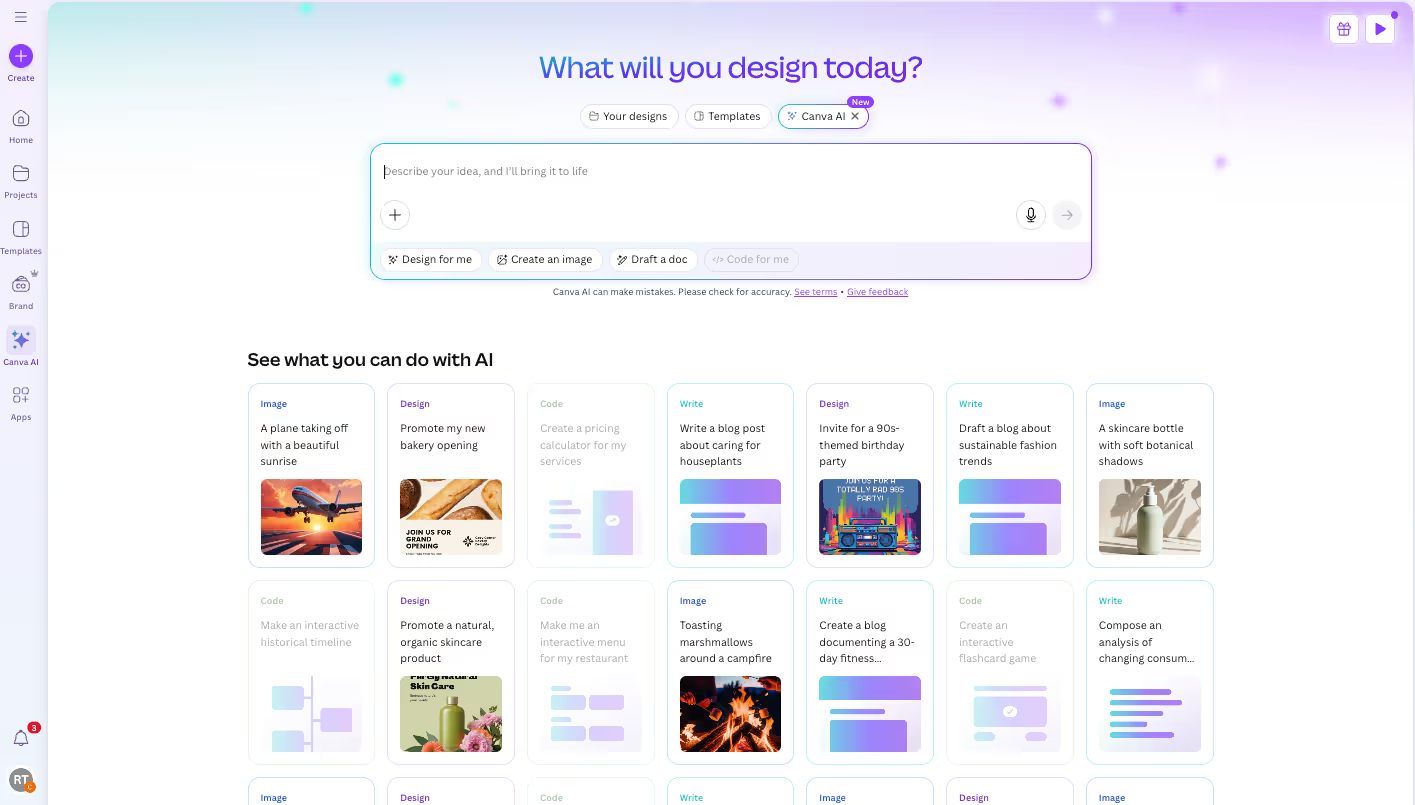
Turn flat images into editable Canva designs with separate text, object, and background layers.

Free, open-source 3D creation suite used to build and refine assets around generative 3D, image, and video workflows.

Apple presentation application used to refine and deliver AI-generated outlines, copy, charts, images, and speaker material.

Dora: AI-powered 3D website generator and editor.

Get access to all our AI courses, hundreds of real-world AI use cases, live expert-led workshops, an exclusive network of AI early adopters, and more.
Get unlimited access to all of our current & upcoming industry-specific AI courses for the duration of your subscription.
To keep up with the rapid pace of AI, our team publishes AI implementation guides daily. Our library contains 300+ practical use cases to automate real-world work.
Join weekly, live, interactive sessions with industry leaders who are at the forefront of AI for hands-on implementation guidance and exclusive insights.
Network with an exclusive community of AI-first professionals who are working smarter with AI. Learn how early adopters are using AI in their work and businesses.