Marketing and social graphics
Create posters, banners, thumbnails, UGC concepts, and campaign variations where layout and legible text matter.
Independent tool overview
Grok Imagine Image 2.0 is SpaceXAI's current high-quality image model for generation and editing. It stands out for typography, layout, localized edits, multi-reference composition, smart resizing, and a production API priced by image, resolution, and quality.
Visit the official Grok Imagine Image 2.0 site ↗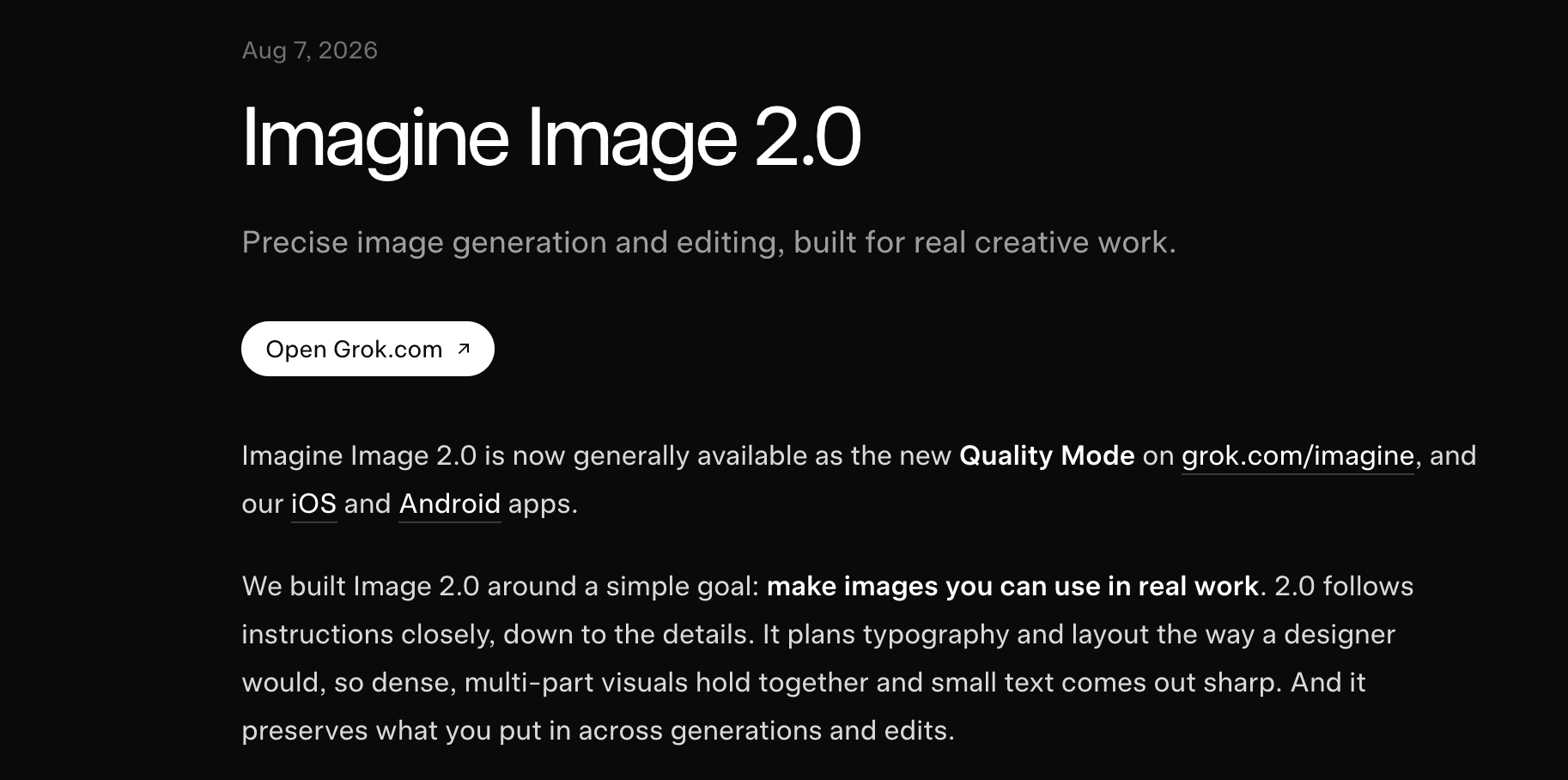
Overview
Grok Imagine Image 2.0 is the image model behind the new Quality Mode in Grok Imagine on the web, iOS, and Android. Developers can call the same named model through the Imagine API as grok-imagine-image-2.0.
The release focuses on usable creative assets rather than one-shot novelty. SpaceXAI says the model plans typography and layout, follows detailed instructions, preserves supplied elements across edits, and handles photography, graphic design, and illustration.
Consumer tools include a magic wand for localized edits, segmentation for selecting exact regions, transparent-background removal, smart resize, and templates for common work such as product shots, headshots, collages, icons, game assets, UGC images, and merchandise.
Multi-reference limits differ by surface. The Grok Imagine product launch advertises up to five source images in one generation, while the current API documentation supports up to three source images in one edit. Teams automating the workflow should design around the API limit rather than the consumer interface claim.
The model can accelerate design production, but it does not replace review. Verify small text, numbers, logos, product details, likenesses, composition, brand rules, and source-image rights before publishing. Obtain consent for recognizable people and avoid deceptive or non-consensual synthetic media.
Use cases
The strongest fit depends on the job you need the product to complete, not the size of its feature list.
Create posters, banners, thumbnails, UGC concepts, and campaign variations where layout and legible text matter.
Build product scenes, color variations, transparent cutouts, and multiple aspect-ratio treatments from reference assets.
Change a selected region, remove a background, restyle an image, or iterate without intentionally rebuilding the whole composition.
Use templates and references for characters, props, sprites, icons, and visually consistent world-building assets.
Generate or edit images through official Python, JavaScript, REST, OpenAI-compatible, Vercel AI SDK, Responses API, and batch workflows.
Capabilities
Generate photography, design, or illustration from detailed prompts, with particular emphasis on instruction following, typography, and dense layouts.
The consumer magic wand and segmentation tools target a selected area while attempting to preserve the rest of the image.
Combine subjects, transfer styles, or compose scenes from references. The consumer product advertises five inputs; the API currently documents three.
Choose a new aspect ratio and let the model fill the expanded frame rather than merely stretching or cropping the original.
Export a selected subject on transparency for use in layouts, product pages, presentations, or downstream editing tools.
Ready-made starting points cover photo edits, product color changes, editorial posters, collages, headshots, e-commerce, UGC, icons, sprites, props, emoji, merchandise, and more.
The model is designed to preserve subjects, props, locations, and style across repeated generations and edits, though final consistency still requires review.
The API exposes 1K and 2K output with Low and Medium quality levels, priced separately.
Use direct generation and editing endpoints for explicit control, or expose the image_generation tool to a Grok chat model for agent-selected generation and editing.
Process
Step 1
Use Grok Imagine for hands-on editing and templates, or the API when repeatability, programmatic scale, and explicit resolution controls matter.
Step 2
Use high-quality reference images you have permission to use. Remove confidential data and document consent for recognizable people.
Step 3
Specify subject, composition, camera or illustration style, exact text, hierarchy, palette, aspect ratio, exclusions, and the details that must remain unchanged.
Step 4
Use region selection or a clear edit instruction, then chain outputs one step at a time instead of asking the model to make many unrelated changes at once.
Step 5
Explore with 1K Low or the consumer preview workflow, then move the selected direction to 2K or Medium quality.
Step 6
Inspect typography at full size, count objects, compare products and faces to references, check edges and transparency, and confirm the asset works in its final crop.
Step 7
Retain prompts, source files, model ID, settings, consent, cost, edit history, and the required attribution or synthetic-media disclosure with the final asset.
Cost
Consumers can start free within limits or use paid SuperGrok plans with a shared weekly allowance across Grok products. The API is separate usage-based billing: each input image and each generated output is charged, with output price determined by resolution and quality.
$0/month
Limited consumer access to Grok features, including image generation, on the web and mobile apps.
$30/month
Paid consumer plan with higher limits across Chat, Imagine, Voice, and Build, including image and video generation.
$100/month
Higher-usage consumer tier with priority access and increased capacity across Grok products.
$0.04–$0.06/output image
Programmatic generation or editing at 1K resolution, plus $0.01 for each image supplied as input.
$0.06–$0.08/output image
Higher-resolution programmatic output, with the same per-input-image charge.
Pricing checked . Check current pricing at the source ↗
Assessment
Compare
The right alternative depends on the specific output, workflow, controls and budget your project requires.
Design
Choose ChatGPT Images 2.0 for a conversational OpenAI workflow with strong iterative image generation, editing, reasoning, and text rendering.
Explore ChatGPT Images 2.0 →Content Creator
Choose Nano Banana 2 for Google's fast image generation and editing workflow, especially when Gemini or Google tooling already anchors the stack.
Explore Nano Banana 2 →Design
Choose Reve 2.1 for native 4K output and element-level visual editing when resolution and layout control are the priority.
Explore Reve 2.1 →Content Creator
Choose Krea when real-time ideation, enhancement, multi-model access, and a broader visual creation workspace matter more than a single API model.
Explore Krea →Questions
It is SpaceXAI's current high-quality image generation and editing model. Consumers access it as Quality Mode in Grok Imagine, and developers use the model ID grok-imagine-image-2.0 through the Imagine API.
As of August 28, 2026, each input image costs $0.01. Output is $0.04 for 1K Low, $0.06 for 2K Low or 1K Medium, and $0.08 for 2K Medium.
Yes. It supports natural-language edits, multi-turn editing, style transfer, localized consumer edits, background removal, smart resize, and multi-image composition.
The Grok Imagine launch says the consumer product accepts up to five input images in one generation. The current API documentation supports up to three source images in one edit.
Typography and layout are headline strengths of the model, including small and dense text. Important copy still needs to be checked carefully at full resolution before publication.
The model's current API pricing exposes 1K and 2K output at Low or Medium quality, with many supported aspect ratios from square and portrait to banners and cinematic widescreen.
Yes for consumer Grok image and video generation. SpaceXAI says there is no setting to remove the Grok watermark and prohibits obscuring provenance signals.
The consumer FAQ says users own their inputs and outputs and may use outputs commercially. That does not eliminate third-party rights, consent, trademark, or source-asset obligations, and SpaceXAI asks for Grok attribution under its brand guidelines.
Consumer prompts, uploads, and interactions may be used for training unless the user opts out. SpaceXAI says Private Chat content is not used for training. Business and enterprise data follows separate terms.
No. Grok Imagine is the broader consumer and API media product that includes image and video workflows. Image 2.0 is a specific image generation and editing model within that product.
Bottom line
Grok Imagine Image 2.0 is a compelling option for teams that need polished graphic assets, iterative edits, and unusually strong text handling without assembling several separate tools. The consumer templates are the easiest entry point; the API is better for repeatable production and makes cost straightforward. Test it with your hardest brand copy and reference-preservation cases, then budget input-image charges and human QA before scaling.
Visit Grok Imagine Image 2.0 website ↗
Replit Design - Replit's new creative suite for bringing ideas to life
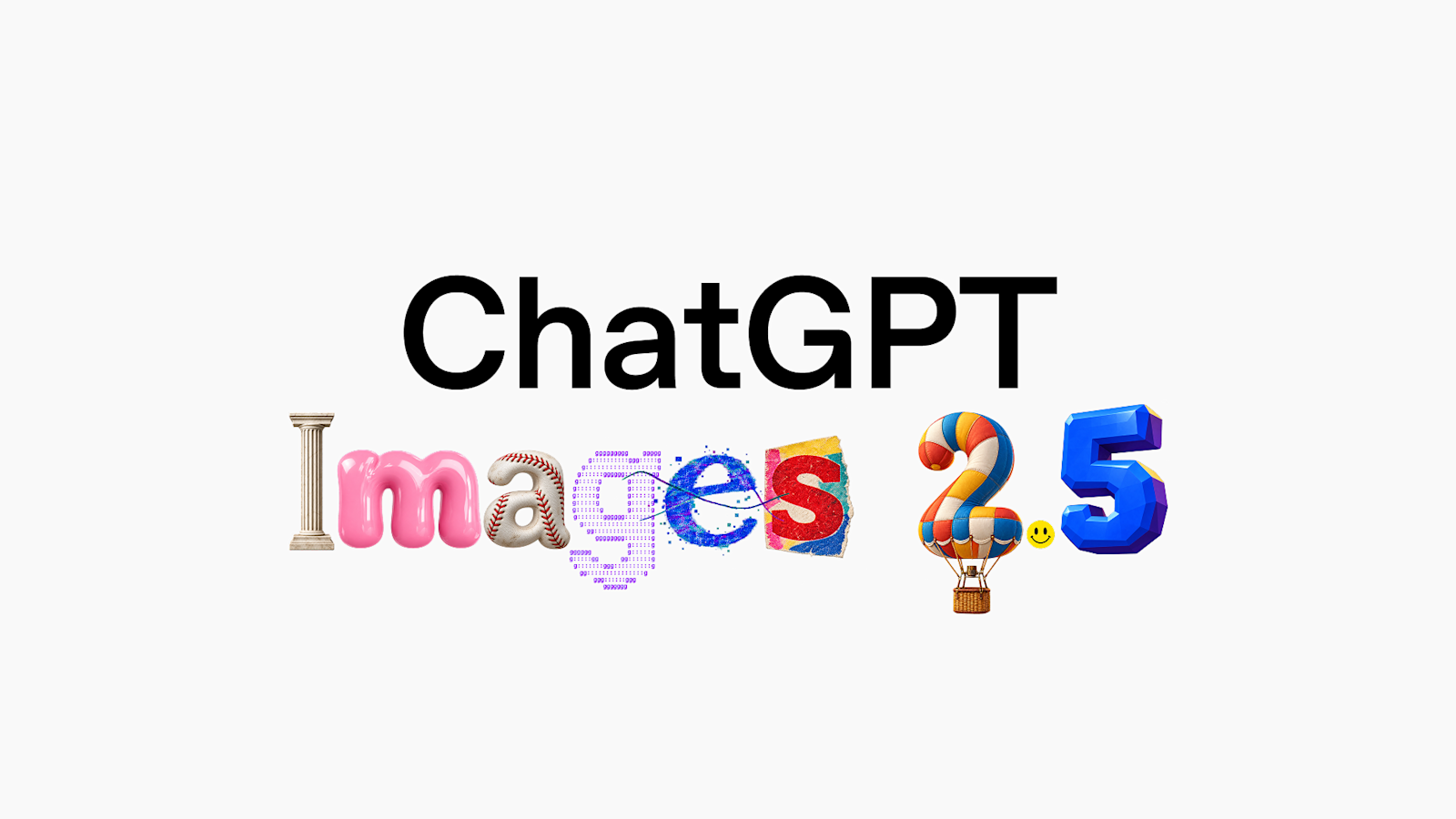
OpenAI's new SOTA AI image model
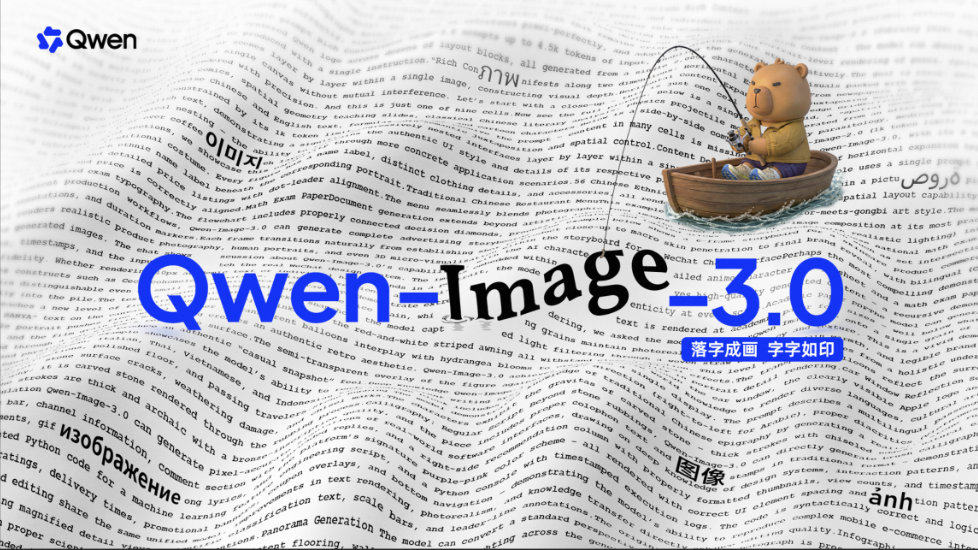
Qwen-Image-3.0 - Alibaba’s new image model with strong text rendering and long prompt adherence
Quiver's new AI model for generating and animating vector graphics

Get access to all our AI courses, hundreds of real-world AI use cases, live expert-led workshops, an exclusive network of AI early adopters, and more.
Get unlimited access to all of our current & upcoming industry-specific AI courses for the duration of your subscription.
To keep up with the rapid pace of AI, our team publishes AI implementation guides daily. Our library contains 300+ practical use cases to automate real-world work.
Join weekly, live, interactive sessions with industry leaders who are at the forefront of AI for hands-on implementation guidance and exclusive insights.
Network with an exclusive community of AI-first professionals who are working smarter with AI. Learn how early adopters are using AI in their work and businesses.