Founders exploring a product
Generate several interface directions, establish a visual language and turn the selected concept into a functional Replit project.
Independent tool overview
Replit Design is an AI creative canvas for generating and refining app and website concepts, then continuing into a working Replit project without a separate design-to-code handoff.
Visit the official Replit Design site ↗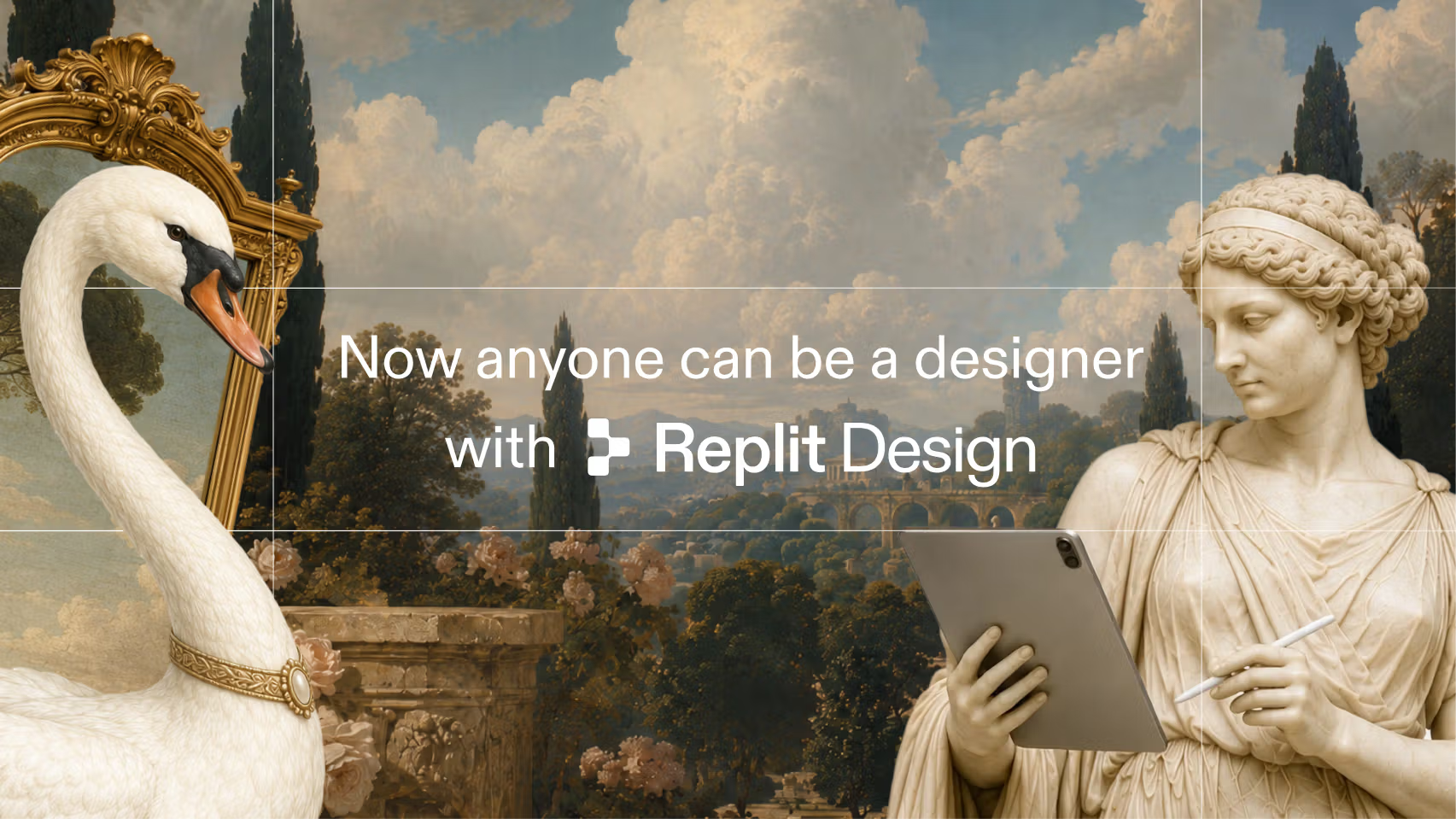
Overview
Replit Design is the successor to Replit Canvas and focuses on visual exploration before or alongside application development. Users can start from a prompt, URL, Figma file, screenshot or design system and develop interface directions with AI-suggested variations.
Its most distinctive feature is proximity to Replit's software builder. A front-end design can become a Replit app where Agent adds real data, authentication, forms and backend logic, reducing the normal gap between a clickable concept and editable implementation.
The speed is valuable for ideation, but visual polish does not prove that a design is usable, original, accessible or technically complete. Teams should validate interaction states, content, brand rights, responsive behavior and converted code before treating a concept as launch-ready.
Use cases
The strongest fit depends on the job you need the product to complete, not the size of its feature list.
Generate several interface directions, establish a visual language and turn the selected concept into a functional Replit project.
Draft branded landing pages and campaign concepts quickly before a designer or developer completes production review.
Use AI for variations and inspiration while keeping a direct path into an editable application rather than preparing a separate static handoff.
Capabilities
Suggests visual variations and next directions throughout the canvas so users can explore alternatives without rewriting every prompt.
Begins from a new prompt or imports context from a live URL, Figma design, screenshot or existing design system.
Lets users introduce templates during the process as ingredients rather than limiting them to a single starting layout.
Provides in-product access to a large, regularly updated library of real interface references for moodboarding and pattern discovery.
Applies an uploaded or newly created system across screens to keep colors, typography and components more consistent.
Replit says Design can use leading model families including Claude, GPT, Gemini, Kimi and GLM, subject to current plan access and routing.
Moves a front-end concept into Replit's app environment so Agent can add real backend behavior, data and integrations.
Process
Step 1
Document the user, primary task, brand constraints, required screens, content hierarchy and accessibility standard before generating visuals.
Step 2
Start with a prompt, import or design system, using third-party interfaces for pattern research rather than direct imitation.
Step 3
Compare several directions and interaction states, then choose intentionally instead of accepting the first attractive result.
Step 4
Move the selected design into an app only after confirming navigation, responsive intent, component rules and the real functionality required.
Step 5
Review converted code, keyboard and screen-reader behavior, contrast, empty and error states, content accuracy, performance, security and mobile layouts.
Cost
Replit does not list a separate standalone Replit Design subscription. Access and AI usage sit within the broader Replit plans and their shared credits, which also cover Agent and cloud services.
$0
Free access for exploring Replit Design and the broader Replit creation workflow within daily Agent limits.
$25/month or $20/month billed annually
For personal projects and simple apps that need more AI and collaboration capacity.
$100/month or $95/month billed annually
For commercial work that needs more credits, collaborators and access to Replit's most capable models.
Custom
For organizations that need centralized identity, privacy, source-control and security policy.
Pricing checked . Check current pricing at the source ↗
Assessment
Compare
The right alternative depends on the specific output, workflow, controls and budget your project requires.
Design
Consider v0 for AI-generated React-oriented interfaces and application foundations with a strong component-code workflow.
Explore Vercel v0 →Design
Consider Relume for structured marketing-site sitemaps, wireframes and exports to Figma, Webflow or React.
Explore Relume →Design
Consider Dora for visually expressive websites with animation and 3D-oriented creative controls.
Explore Dora →Questions
Replit Design is an AI creative canvas for developing app and website concepts, applying brand systems and moving selected designs into Replit's app-building environment.
Replit describes Design as the next evolution of Canvas. Existing Canvas projects were carried into the newer product.
The current product page offers starting flows for a URL, Figma design, screenshot or design system in addition to a new prompt.
Designs begin as front-end concepts. Converting one to a Replit app opens the path for Agent to add real authentication, data, forms, integrations and backend logic.
Replit says Design is available to every user, and Starter includes free daily Agent credits. More usage and broader build features are governed by the paid Replit plans.
There is no separately listed Design subscription as of August 31, 2026. Replit Core costs $25 monthly or $20 per month billed annually, and entry-level Pro costs $100 monthly or $95 per month billed annually.
It can replace some early concept and design-to-app work, especially for teams committed to Replit. Figma remains better suited to many mature collaborative design, component-library and specialist prototyping workflows.
Treat them as design and implementation drafts. Review originality, content, responsive behavior, accessibility, code, security, data handling and every interactive state before launch.
Bottom line
Replit Design is compelling for people who want visual ideation to flow directly into a real application without rebuilding the concept elsewhere. Its value is greatest when the team also wants Replit for implementation; experienced design review and production QA remain essential.
Visit Replit Design website ↗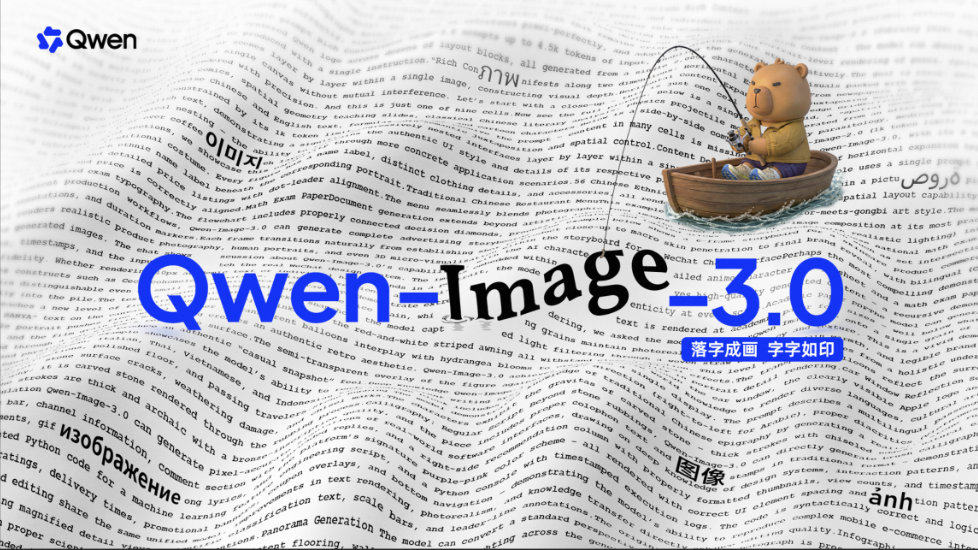
Qwen-Image-3.0 - Alibaba’s new image model with strong text rendering and long prompt adherence
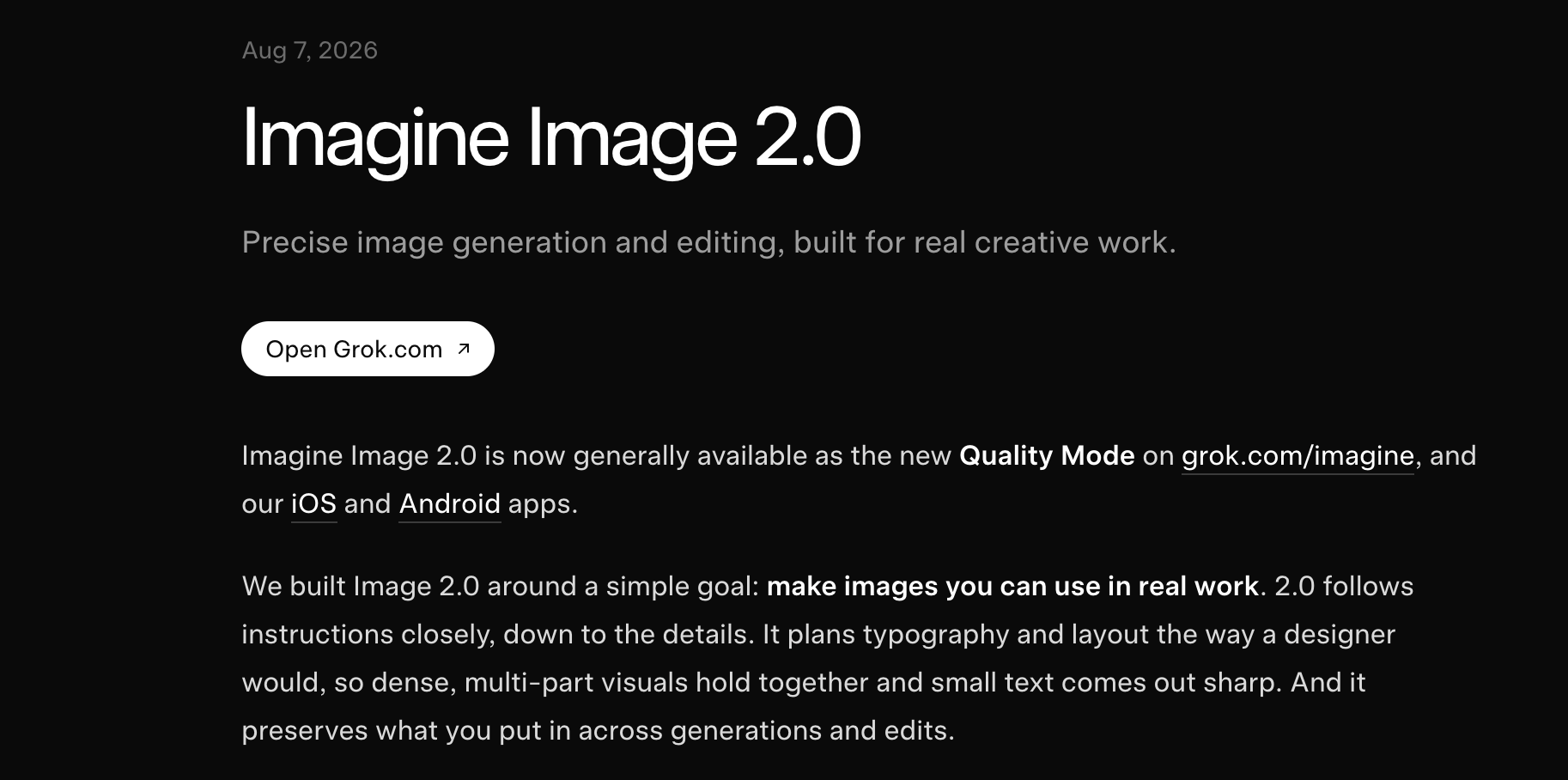
Grok Imagine Image 2.0 - xAI's upgraded image model with strong editing, text rendering, and overall quality

Reve API - Native-4K image generation with element-level editing control
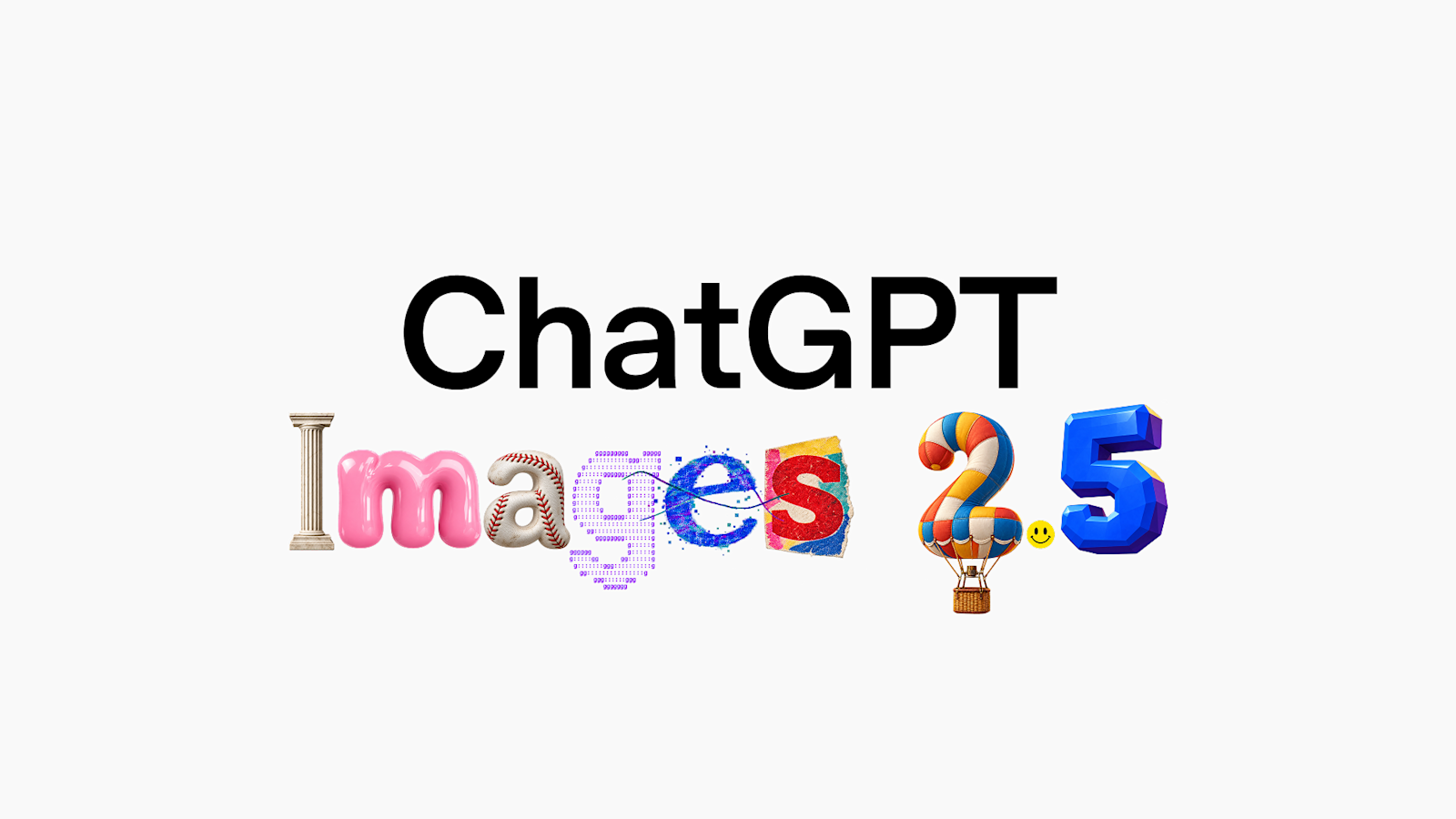
OpenAI's new SOTA AI image model

Get access to all our AI courses, hundreds of real-world AI use cases, live expert-led workshops, an exclusive network of AI early adopters, and more.
Get unlimited access to all of our current & upcoming industry-specific AI courses for the duration of your subscription.
To keep up with the rapid pace of AI, our team publishes AI implementation guides daily. Our library contains 300+ practical use cases to automate real-world work.
Join weekly, live, interactive sessions with industry leaders who are at the forefront of AI for hands-on implementation guidance and exclusive insights.
Network with an exclusive community of AI-first professionals who are working smarter with AI. Learn how early adopters are using AI in their work and businesses.