Brand and product designers
Create editable illustrations, icons and diagrams that can be refined in a vector editor.
Independent tool overview
Arrow 2 is QuiverAI’s generally available vector model for creating, editing, vectorizing and animating SVG assets. It aims to make vector generation faster and more controllable while keeping output editable. Quiver separates its balanced Arrow 2 model from the more resource-intensive Arrow 2 Telos option.
Visit the official Arrow 2.0 site ↗
Overview
Many image generators produce pixels that are awkward to resize or restyle. Arrow 2 is oriented around SVG paths and groups instead. Quiver says the release improves geometry by using fewer, cleaner control points and improves composition through spacing and alignment decisions. That makes it a plausible fit for interface icons, illustrations, diagrams and brand assets where a designer needs an editable file after generation rather than a fixed raster image.
The model combines several related jobs. A team can create an SVG from text, use a reference image to carry a palette and visual language into variations, convert a raster sketch into vector paths, edit an existing SVG, or animate its existing groups into a web-ready micro-animation. Quiver’s launch examples include line drawings, annotated diagrams and logo-like motion. These are vendor demonstrations; production output still needs review for path quality, accessibility, file size, brand consistency and compatibility with the target design tool or browser.
Arrow 2 is the standard model when speed and cost per asset matter. Quiver positions Arrow 2 Telos for harder briefs with more refinement. The distinction is commercially important: the app’s weekly included usage and the API Platform’s token-priced balance are separate. A buyer evaluating batch production should estimate token usage on representative prompts and account for revision rounds, not infer cost from a single attractive sample. Quiver also flags an October 16 retirement for older Arrow 1.x endpoints, so existing integrations should check migration instructions.
Use cases
The strongest fit depends on the job you need the product to complete, not the size of its feature list.
Create editable illustrations, icons and diagrams that can be refined in a vector editor.
Animate structured SVG groups for UI motion and loading states.
Integrate vector generation and editing through the API rather than relying on raster conversion.
Learn by doing
Explore the latest step-by-step AI guides from The Rundown University.
Capabilities
Translate a written brief into structured vector artwork.
Convert a sketch or raster reference into editable SVG paths.
Revise a vector asset while retaining an editable vector workflow.
Animate shapes and groups already present in the asset for lightweight web motion.
Process
Step 1
Describe the asset, use case, constraints and any source reference.
Step 2
Use Arrow 2 in the app or the appropriate API operation to produce SVG output.
Step 3
Inspect paths, alignment and motion, then edit or export the asset in the required format.
Cost
Quiver lists Go, Basic and Pro app plans and separate token-based Arrow 2 API pricing. App weekly usage is not the API prepaid balance.
$8/month
Entry app plan for personal projects and experiments.
$20/month
Regular design-work plan with more included usage.
$40/month
Higher included use for professional designers.
Input $4 / output $20 per 1M tokens
Token-priced model access through Quiver’s separate API Platform.
Pricing checked . Check current pricing at the source ↗
Assessment
Compare
The right alternative depends on the specific output, workflow, controls and budget your project requires.
Design
Compare with the earlier QuiverAI Arrow listing while planning an upgrade to Arrow 2.
Explore QuiverAI Arrow 1.0 →Design
Consider Recraft for a broader design-generation workflow if editable SVG is not the only output needed.
Explore Recraft →Questions
No. Quiver also lists SVG editing, image-to-SVG vectorization and SVG animation operations.
Quiver positions Arrow 2 as the faster balanced option and Telos for more demanding creative briefs with higher usage.
No. Quiver’s documentation distinguishes weekly app usage from the API Platform prepaid balance.
Bottom line
Arrow 2 is a strong candidate when editable vector assets are the deliverable rather than an incidental export. Its breadth can simplify a sketch-to-SVG-to-animation workflow. Trial it on real brand materials and inspect the resulting paths in the editor and browser, especially for dense technical diagrams or complex motion. Teams building at volume should model token and revision costs before treating app subscription prices as an API budget.
Visit Arrow 2.0 website ↗
OpenAI's new SOTA AI image model
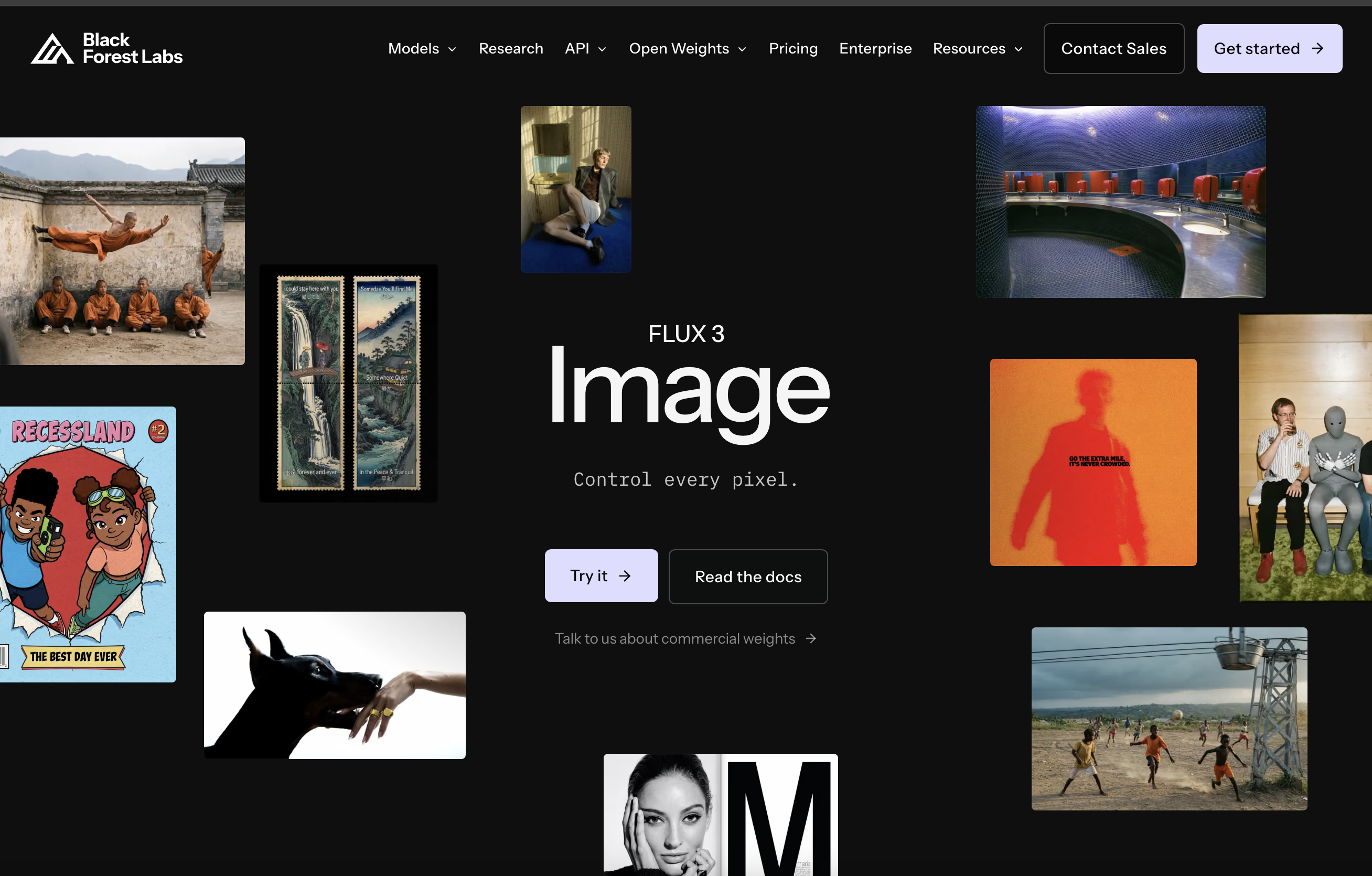
Black Forest Labs' image model with box-by-box layout control
Grok Imagine Image 2.0 - xAI's upgraded image model with strong editing, text rendering, and overall quality

Generate images with Stability AI’s Stable Diffusion model family using local workflows or hosted inference.

Get access to all our AI courses, hundreds of real-world AI use cases, live expert-led workshops, an exclusive network of AI early adopters, and more.
Get unlimited access to all of our current & upcoming industry-specific AI courses for the duration of your subscription.
To keep up with the rapid pace of AI, our team publishes AI implementation guides daily. Our library contains 300+ practical use cases to automate real-world work.
Join weekly, live, interactive sessions with industry leaders who are at the forefront of AI for hands-on implementation guidance and exclusive insights.
Network with an exclusive community of AI-first professionals who are working smarter with AI. Learn how early adopters are using AI in their work and businesses.


