Internal communications
Turn updates, onboarding or process explanations into shareable short videos.
Independent tool overview
Google Vids helps teams turn Slides, recordings, templates and Gemini-assisted storyboards into editable work videos.
Visit the official Google Vids site ↗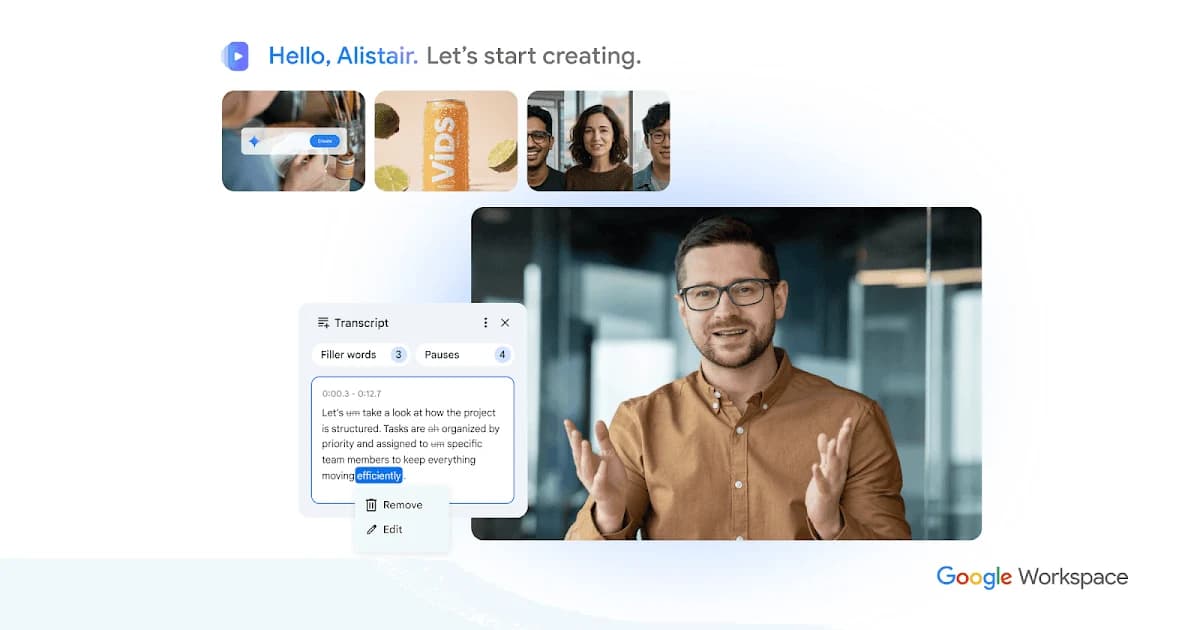
Overview
Google Vids is a browser-based video editor in the Workspace family. Users can begin with a blank project, a template, a Slides presentation or recorded material, then organize scenes, narration and media. The product page emphasizes screen recording, AI avatars, voiceovers and collaborative editing for training, sales and internal updates.
Availability is layered. Google advertises some AI avatar and voiceover experimentation at no cost on desktop, but Workspace plan and Gemini-feature eligibility govern many creation options. The general Workspace pricing page bundles Vids into broader business plans. A buyer should check the exact account, country, administrator policy and feature list before assuming every AI option is included. Test the viewer experience outside the editing team as well.
Use cases
The strongest fit depends on the job you need the product to complete, not the size of its feature list.
Turn updates, onboarding or process explanations into shareable short videos.
Convert a Slides pitch into a narrated or avatar-led video for review.
Record screen walkthroughs and reuse media or templates with collaborators.
Capabilities
Converts Google Slides content into a Vids project with imported notes as scripts.
Captures camera, voice or screen material for a video.
Helps plan or generate elements when the account is eligible.
Adds presenter or narrated elements subject to current availability.
Lets Workspace users edit and share video projects under account permissions.
Process
Step 1
Confirm the account’s Workspace edition and Gemini/Vids feature availability.
Step 2
Start from Slides, a template, recording or blank project and order scenes.
Step 3
Add voice, captions, media or avatar clips, then verify facts and accessibility.
Step 4
Test viewing permissions and final playback for the intended audience.
Cost
Google Vids is included or enabled through eligible Google Workspace editions and certain free experiments, rather than a simple standalone public monthly Vids price. Google Workspace plans have separate per-user prices and trials. Check the feature availability help page for the exact account and edition.
Feature-limited
Google advertises some AI avatar and voiceover experimentation at no cost on desktop.
Plan-dependent per user
Eligible business editions include Vids capabilities.
Custom agreement
Organization controls and entitlements depend on contract.
Pricing checked . Check current pricing at the source ↗
Assessment
Compare
The right alternative depends on the specific output, workflow, controls and budget your project requires.
Content Creator
Choose a more avatar-centered prompt-to-video workflow.
Explore HeyGen Video Agent →Marketing
Choose a dedicated training-video platform with enterprise avatar controls.
Explore Synthesia →Content Creator
Choose transcript-based editing for recorded interviews and spoken footage.
Explore Descript →Questions
Google currently advertises selected avatar and voiceover access at no cost, but full Vids and Gemini features depend on Workspace eligibility and account limits.
Yes. Google’s help guide describes importing a Slides presentation as scenes with speaker notes as scripts.
Yes. Vids includes a recording studio for screen and other recordings.
Some experiments may be available broadly, but many product and AI entitlements are tied to eligible Workspace editions. Check Google’s availability guide.
Bottom line
Google Vids is attractive for organizations already working in Slides and Drive, especially for short internal explainers. Test a real account’s entitlement and a complete export before choosing it for a production workflow. The most important checks are script accuracy, editability and audience access.
Visit Google Vids website ↗
AI avatar video creation and translation platform.
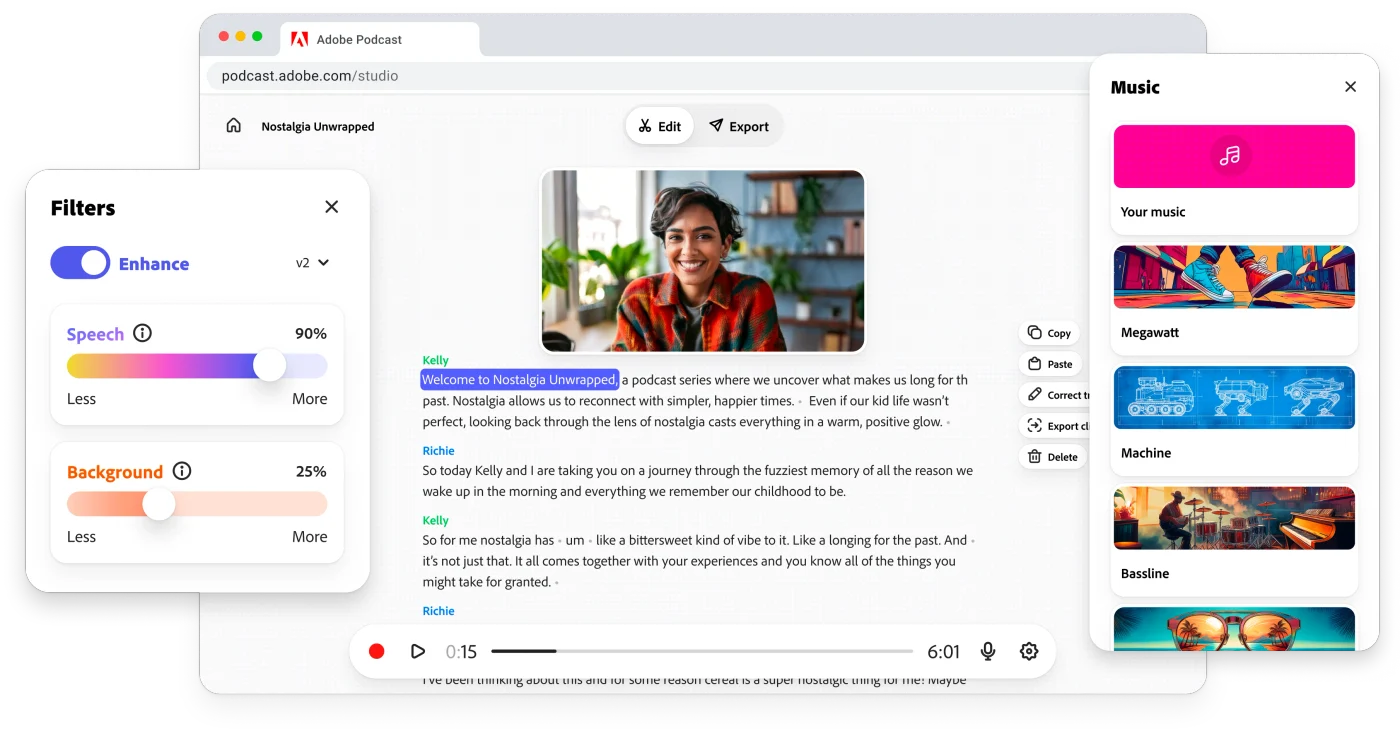
Record, edit and enhance spoken-word audio in the browser with Adobe Podcast Studio and Enhance Speech.
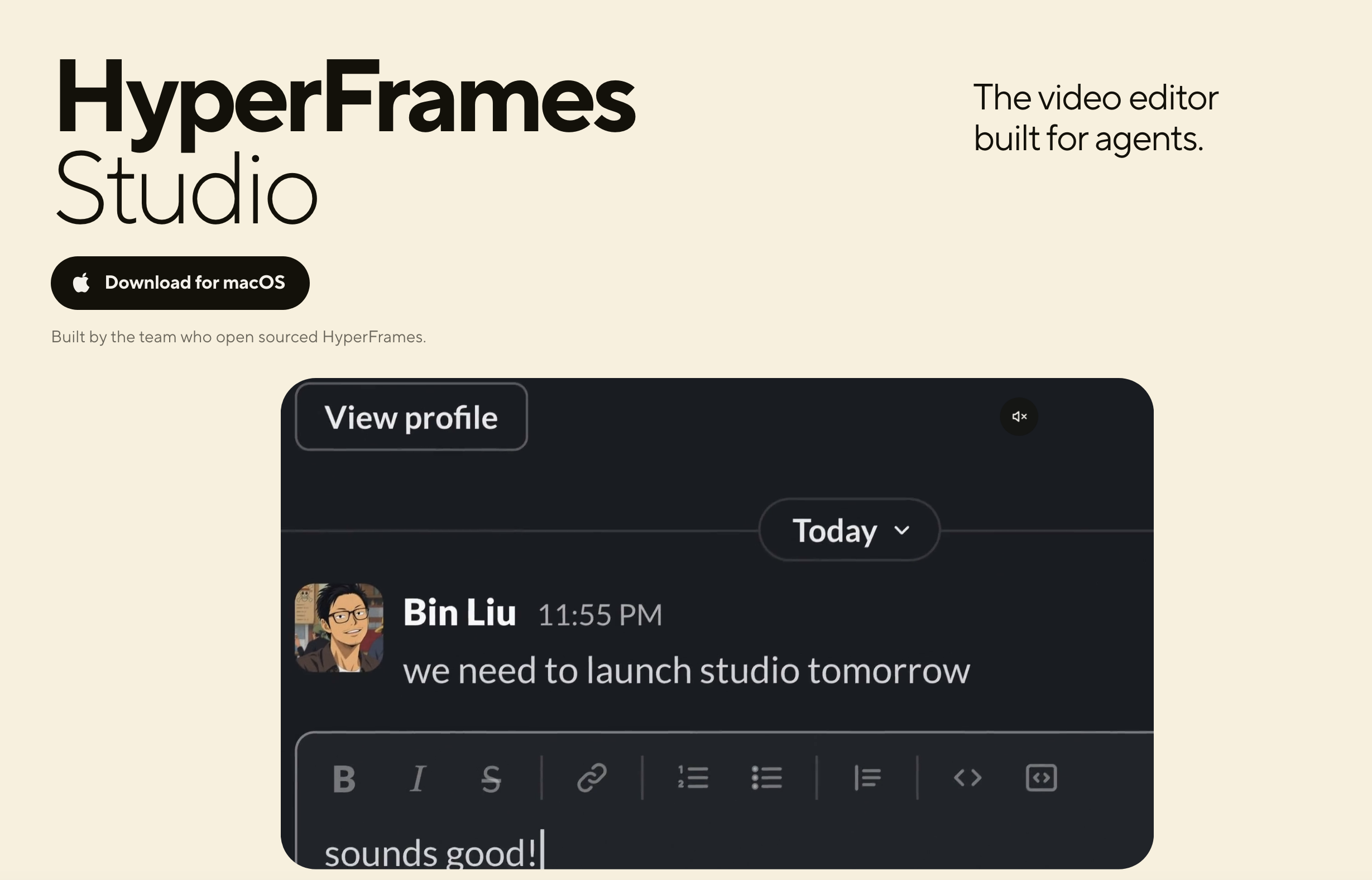
Agent-run video editor with draw-to-edit frames and templates

Create websites effortlessly with instant page loads.

Get access to all our AI courses, hundreds of real-world AI use cases, live expert-led workshops, an exclusive network of AI early adopters, and more.
Get unlimited access to all of our current & upcoming industry-specific AI courses for the duration of your subscription.
To keep up with the rapid pace of AI, our team publishes AI implementation guides daily. Our library contains 300+ practical use cases to automate real-world work.
Join weekly, live, interactive sessions with industry leaders who are at the forefront of AI for hands-on implementation guidance and exclusive insights.
Network with an exclusive community of AI-first professionals who are working smarter with AI. Learn how early adopters are using AI in their work and businesses.